AI Crawler Access Audit: Are the Right Bots Seeing Your Content?
Learn how to audit AI crawler access to your website. Discover which bots can see your content and fix blockers preventing AI visibility in ChatGPT, Perplexity, and other AI search engines.
Published on Jan 3, 2026.Last modified on Jan 3, 2026 at 3:24 am
The landscape of search and content discovery is shifting dramatically. With AI-powered search tools like ChatGPT, Perplexity, and Google AI Overviews growing exponentially, your content’s visibility to AI crawlers has become just as critical as traditional search engine optimization. If AI bots can’t access your content, your site becomes invisible to millions of users relying on these platforms for answers. The stakes are higher than ever: while Google might revisit your site if something goes wrong, AI crawlers operate on a different paradigm—and missing that first critical crawl can mean months of lost visibility and missed opportunities for citations, traffic, and brand authority.
How AI Crawlers Differ from Traditional Bots
AI crawlers operate under fundamentally different rules than the Google and Bing bots you’ve optimized for over the years. The most critical difference: AI crawlers don’t render JavaScript, meaning dynamic content loaded through client-side scripts is invisible to them—a stark contrast to Google’s sophisticated rendering capabilities. Additionally, AI crawlers visit sites with dramatically higher frequency, sometimes 100 times more often than traditional search engines, creating both opportunities and challenges for server resources. Unlike Google’s indexing model, AI crawlers don’t maintain a persistent index that gets refreshed; instead, they crawl on-demand when users query their systems. This means there’s no re-indexing queue, no Search Console to request recrawling, and no second chances if your site fails that first impression. Understanding these differences is essential for optimizing your content strategy.
Feature
AI Crawlers
Traditional Bots
JavaScript Rendering
No (static HTML only)
Yes (full rendering)
Crawl Frequency
Very high (100x+ more frequent)
Moderate (weekly/monthly)
Re-indexing Capability
None (on-demand only)
Yes (continuous updates)
Content Requirements
Plain HTML, schema markup
Flexible (handles dynamic content)
User-Agent Blocking
Specific per bot (GPTBot, ClaudeBot, etc.)
Generic (Googlebot, Bingbot)
Caching Strategy
Short-term snapshots
Long-term index maintenance
Ready to Monitor Your AI Visibility?
Track how AI chatbots mention your brand across ChatGPT, Perplexity, and other platforms.
Your content might be invisible to AI crawlers for reasons you’ve never considered. Here are the primary obstacles preventing AI bots from accessing and understanding your content:
JavaScript-heavy content: If your site relies on client-side JavaScript to render text, images, or structured data, AI crawlers won’t see it—they only process static HTML
Missing schema markup: Without proper structured data (JSON-LD, microdata), AI crawlers struggle to understand context, authorship, publication dates, and content relationships
Technical infrastructure issues: Slow server response times, 5xx errors, redirect chains, and poor Core Web Vitals can cause crawlers to abandon your site mid-crawl
Gated or paywalled content: Content behind login walls, paywalls, or CAPTCHA challenges is completely inaccessible to AI crawlers
Overly restrictive robots.txt rules: Blocking entire directories or user-agents prevents crawlers from accessing content you actually want them to see
Firewall and security blocks: WAF (Web Application Firewall) rules, IP blocking, or rate-limiting can mistakenly flag AI crawlers as threats and block them entirely
Understanding robots.txt and User-Agent Rules
Your robots.txt file is the primary mechanism for controlling which AI bots can access your content, and it operates through specific User-Agent rules that target individual crawlers. Each AI platform uses distinct user-agent strings—OpenAI’s GPTBot, Anthropic’s ClaudeBot, Perplexity’s PerplexityBot—and you can allow or disallow each one independently. This granular control lets you decide which AI systems can train on or cite your content, which is crucial for protecting proprietary information or managing competitive concerns. However, many sites unknowingly block AI crawlers through overly broad rules that were designed for older bots, or they fail to implement proper rules altogether.
Here’s an example of how to configure your robots.txt for different AI bots:
# Allow OpenAI's GPTBot
User-agent: GPTBot
Allow: /

# Block Anthropic's ClaudeBot
User-agent: ClaudeBot
Disallow: /

# Allow Perplexity but restrict certain directories
User-agent: PerplexityBot
Allow: /
Disallow: /private/
Disallow: /admin/

# Default rule for all other bots
User-agent: *
Allow: /
Stay Updated on AI Visibility Trends
Get the latest insights on AI mentions, brand monitoring, and optimization strategies.
The Critical First Impression
Unlike Google, which continuously crawls and re-indexes your site, AI crawlers operate on a one-shot basis—they visit when a user queries their system, and if your content isn’t accessible that moment, you’ve lost the opportunity. This fundamental difference means your site must be technically ready from day one; there’s no grace period, no second chance to fix issues before visibility suffers. A poor first crawl experience—whether due to JavaScript rendering failures, missing schema markup, or server errors—can result in your content being excluded from AI-generated responses for weeks or months. There’s no manual re-indexing option, no “Request Indexing” button in a console, which makes proactive monitoring and optimization non-negotiable. The pressure to get it right the first time has never been higher.
Real-Time Monitoring vs. Scheduled Crawls
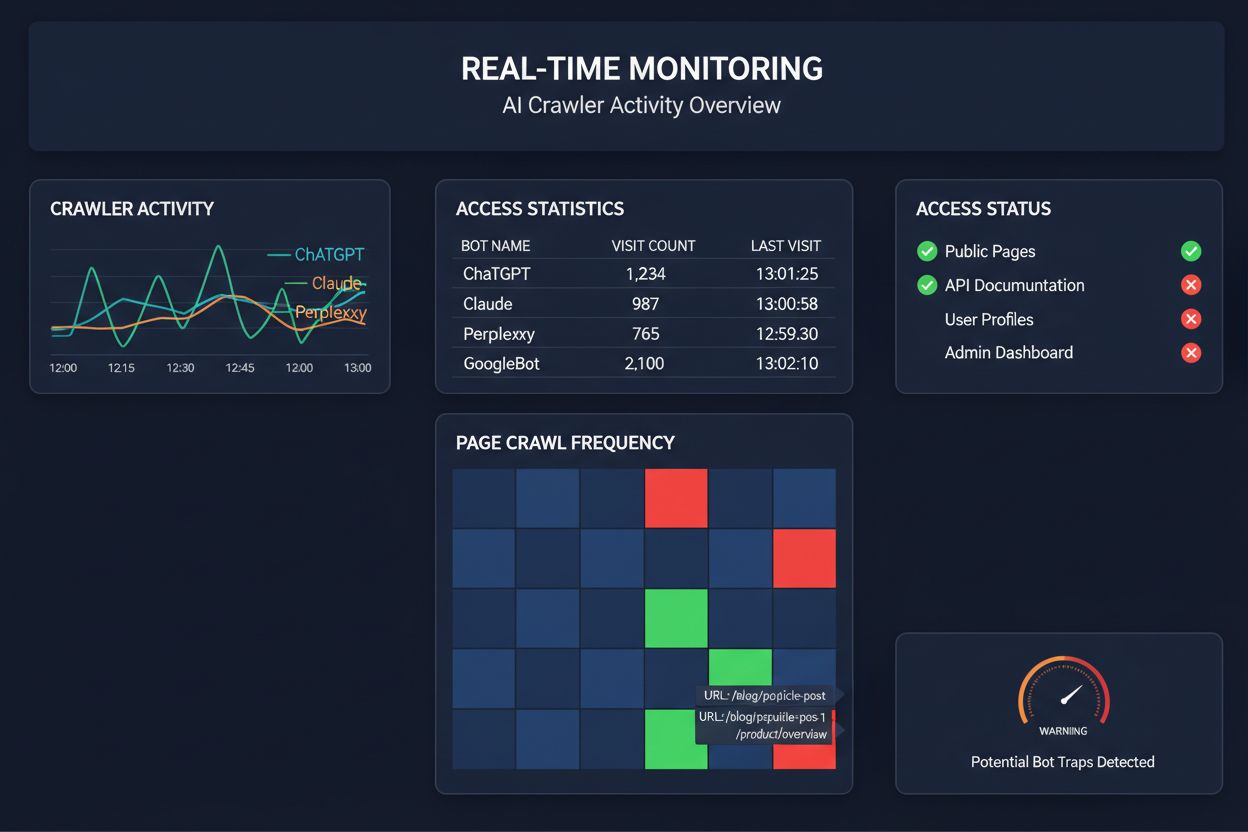
Relying on scheduled crawls to monitor AI crawler access is like checking your house for fires once a month—you’ll miss the critical moments when problems occur. Real-time monitoring detects issues the moment they happen, allowing you to respond before your content becomes invisible to AI systems. Scheduled audits, typically run weekly or monthly, create dangerous blind spots where your site could be failing AI crawlers for days without your knowledge. Real-time solutions track crawler behavior continuously, alerting you to JavaScript rendering failures, schema markup errors, firewall blocks, or server issues as they happen. This proactive approach transforms your audit from a reactive compliance check into an active visibility management strategy. With AI crawler traffic potentially 100 times higher than traditional search engines, the cost of missing even a few hours of accessibility can be substantial.
Tools and Solutions for AI Crawler Audits
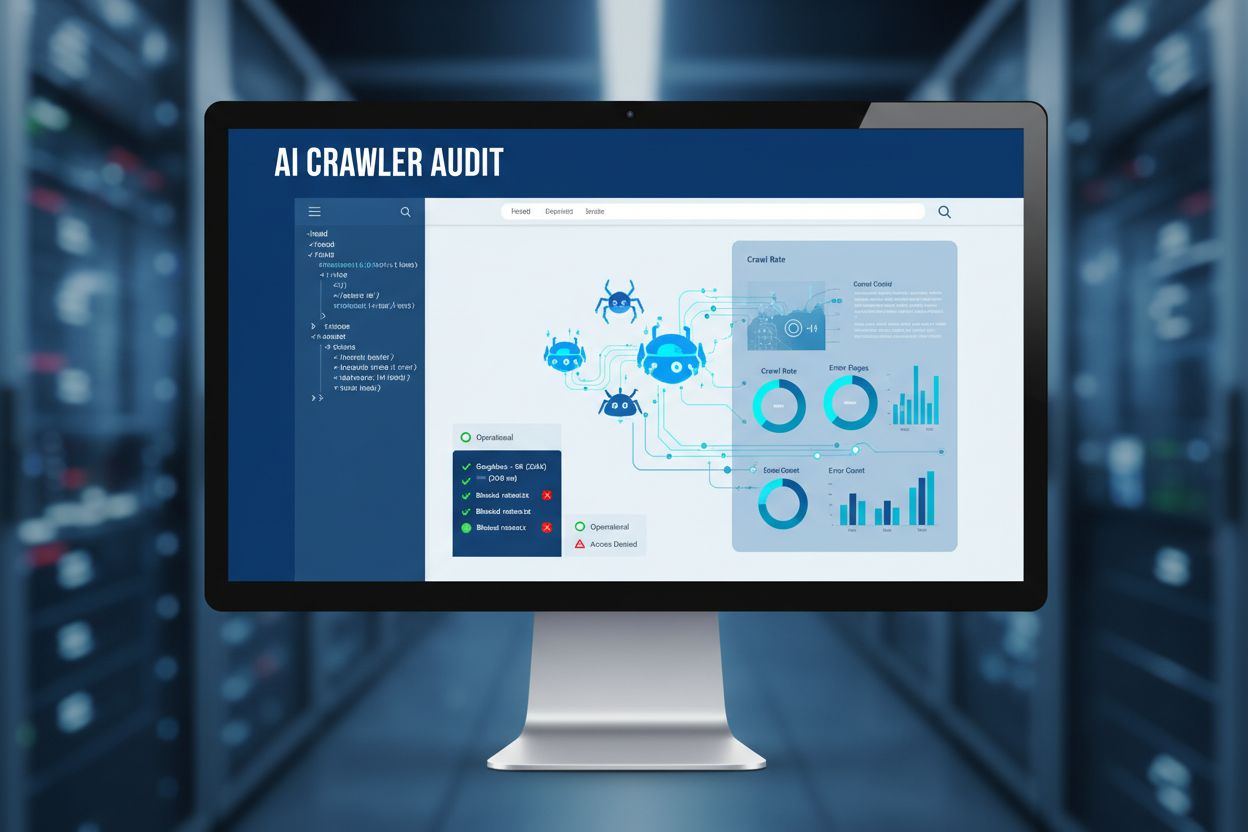
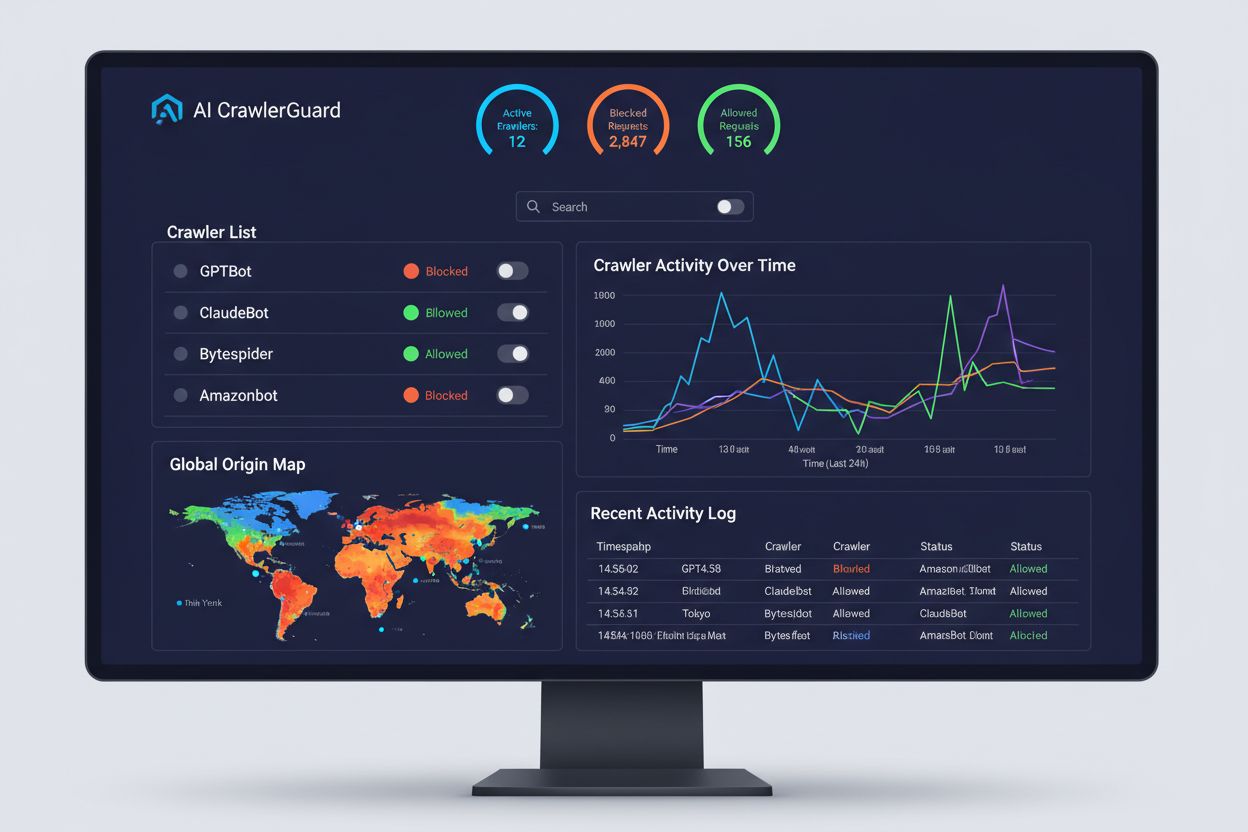
Several platforms now offer specialized tools for monitoring and optimizing AI crawler access. Cloudflare AI Crawl Control provides infrastructure-level management of AI bot traffic, allowing you to set rate limits and access policies. Conductor offers comprehensive monitoring dashboards that track how different AI crawlers interact with your content. Elementive focuses on technical SEO audits with specific attention to AI crawler requirements. AdAmigo and MRS Digital provide specialized consulting and monitoring services for AI visibility. However, for continuous, real-time monitoring specifically designed to track AI crawler access patterns and alert you to issues before they impact visibility, AmICited stands out as a dedicated solution. AmICited specializes in monitoring which AI systems are accessing your content, how frequently they’re crawling, and whether they’re encountering technical barriers. This specialized focus on AI crawler behavior—rather than traditional SEO metrics—makes it an essential tool for organizations serious about AI visibility.
Step-by-Step Audit Process
Conducting a comprehensive AI crawler audit requires a systematic approach. Step 1: Establish a baseline by checking your current robots.txt file and identifying which AI bots you’re currently allowing or blocking. Step 2: Audit your technical infrastructure by testing your site’s accessibility to non-JavaScript crawlers, checking server response times, and verifying that critical content is served in static HTML. Step 3: Implement and validate schema markup across your content, ensuring that authorship, publication dates, content type, and other metadata are properly structured in JSON-LD format. Step 4: Monitor crawler behavior using tools like AmICited to track which AI bots are accessing your site, how frequently, and whether they’re encountering errors. Step 5: Analyze results by reviewing crawl logs, identifying patterns in failures, and prioritizing fixes based on impact. Step 6: Implement fixes starting with high-impact issues like JavaScript rendering problems or missing schema, then move to secondary optimizations. Step 7: Establish ongoing monitoring to catch new issues before they affect visibility, setting up alerts for crawl failures or access blocks.
Quick Wins to Improve AI Crawlability
You don’t need a complete overhaul to improve AI crawler access—several high-impact changes can be implemented quickly. Serve critical content in plain HTML rather than relying on JavaScript rendering; if you must use JavaScript, ensure important text and metadata are also available in the initial HTML payload. Add comprehensive schema markup using JSON-LD format, including article schema, author information, publication dates, and content relationships—this helps AI crawlers understand context and properly attribute content. Ensure clear authorship information through schema markup and bylines, as AI systems increasingly prioritize citing authoritative sources. Monitor and optimize Core Web Vitals (Largest Contentful Paint, First Input Delay, Cumulative Layout Shift) since slow-loading pages may be abandoned by crawlers before they finish processing. Review and update your robots.txt to ensure you’re not accidentally blocking AI bots you want to access your content. Fix technical issues like redirect chains, broken links, and server errors that might cause crawlers to abandon your site mid-crawl.
Monitoring Different AI Bots
Not all AI crawlers serve the same purpose, and understanding these differences helps you make informed decisions about access control. GPTBot (OpenAI) is primarily used for training data collection and improving model capabilities, making it relevant if you want your content to inform ChatGPT’s responses. OAI-SearchBot (OpenAI) specifically crawls for search citation purposes, meaning it’s the bot responsible for including your content in ChatGPT’s search-integrated responses. ClaudeBot (Anthropic) serves similar functions for Claude, Anthropic’s AI assistant. PerplexityBot (Perplexity) crawls for citation in Perplexity’s AI-powered search engine, which has become a significant traffic source for many publishers. Each bot has different crawl patterns, frequency, and purposes—some focus on training data, others on real-time search citations. Deciding which bots to allow or block should align with your content strategy: if you want citations in AI search results, allow the search-specific bots; if you’re concerned about training data usage, you might block data-collection bots while allowing search bots. This nuanced approach to bot management is far more sophisticated than the traditional “allow all” or “block all” mentality.
Frequently asked questions
What is an AI crawler audit?
An AI crawler audit is a comprehensive assessment of your website's accessibility to AI bots like ChatGPT, Claude, and Perplexity. It identifies technical blockers, JavaScript rendering issues, missing schema markup, and other factors that prevent AI crawlers from accessing and understanding your content. The audit provides actionable recommendations to improve your visibility in AI-powered search and answer engines.
How often should I audit my site's AI crawler access?
We recommend conducting a comprehensive audit at least quarterly, or whenever you make significant changes to your website's technical infrastructure, content structure, or robots.txt file. However, continuous real-time monitoring is ideal for catching issues immediately as they occur. Many organizations use automated monitoring tools that alert them to crawl failures in real-time, supplemented by quarterly deep-dive audits.
What's the difference between blocking and allowing AI crawlers?
Allowing AI crawlers means your content can be accessed, analyzed, and potentially cited by AI systems, which can increase your visibility in AI-generated answers and recommendations. Blocking AI crawlers prevents them from accessing your content, protecting proprietary information but potentially reducing your visibility in AI search results. The right choice depends on your business goals, content sensitivity, and competitive positioning.
Can I block specific AI bots while allowing others?
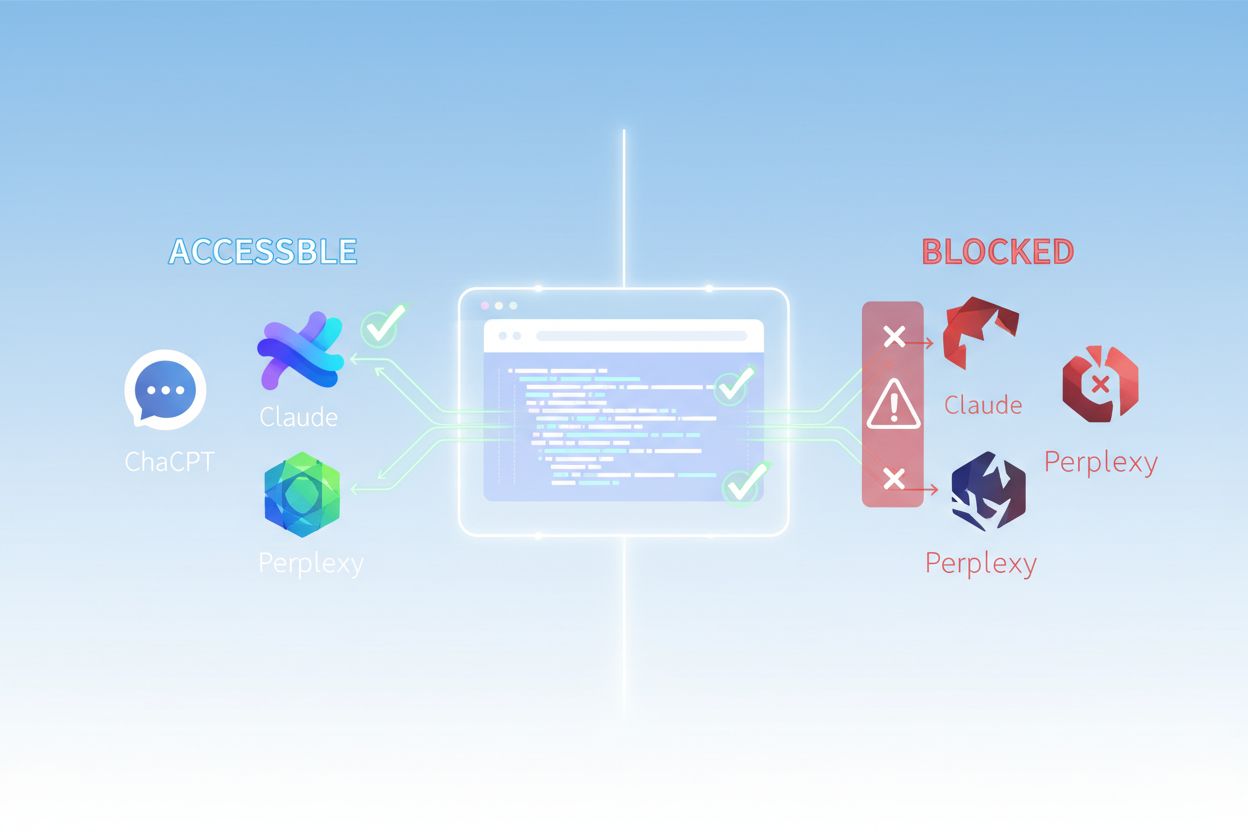
Yes, absolutely. Your robots.txt file allows granular control through User-Agent rules. You can block GPTBot while allowing PerplexityBot, or allow search-focused bots (like OAI-SearchBot) while blocking data-collection bots (like GPTBot). This nuanced approach lets you optimize your content strategy based on which AI platforms matter most to your business.
What does it mean if AI crawlers can't access my content?
If AI crawlers can't access your content, it means your site is effectively invisible to AI-powered search engines and answer platforms. Your content won't be cited, recommended, or included in AI-generated responses, even if it's highly relevant. This can result in lost traffic, reduced brand visibility, and missed opportunities to establish authority in AI search results.
How do I know which AI bots are visiting my site?
You can check your server logs for User-Agent strings from known AI crawlers (GPTBot, ClaudeBot, PerplexityBot, etc.), or use specialized monitoring tools like AmICited that track AI crawler activity in real-time. These tools show you which bots are accessing your site, how frequently they're crawling, which pages they're visiting, and whether they're encountering any errors or blocks.
Should I block AI crawlers from my website?
This depends on your specific situation. If your content is proprietary, sensitive, or you're concerned about training data usage, blocking may be appropriate. However, if you want visibility in AI search results and citations from AI systems, allowing crawlers is essential. Many organizations take a middle-ground approach: allowing search-focused bots that drive citations while blocking data-collection bots.
What's the impact of JavaScript on AI crawler access?
AI crawlers don't render JavaScript, meaning any content loaded dynamically through client-side scripts is invisible to them. If your site relies heavily on JavaScript for critical content, navigation, or structured data, AI crawlers will only see the raw HTML and miss important information. This can significantly impact how your content is understood and represented in AI responses. Serving critical content in static HTML is essential for AI crawlability.
Monitor Your AI Crawler Access with AmICited
Get real-time insights into which AI bots are accessing your content and how they see your website. Start your free audit today and ensure your brand is visible across all AI search platforms.
Technical SEO Factors That Impact AI Visibility in ChatGPT, Perplexity & AI Search
Discover the critical technical SEO factors affecting your visibility in AI search engines like ChatGPT, Perplexity, and Google AI Mode. Learn how page speed, s...
The Complete Guide to Blocking (or Allowing) AI Crawlers
Learn how to block or allow AI crawlers like GPTBot and ClaudeBot using robots.txt, server-level blocking, and advanced protection methods. Complete technical g...
How to Allow AI Bots to Crawl Your Website: Complete robots.txt & llms.txt Guide
Learn how to allow AI bots like GPTBot, PerplexityBot, and ClaudeBot to crawl your site. Configure robots.txt, set up llms.txt, and optimize for AI visibility.
14 min read
Cookie Consent We use cookies to enhance your browsing experience and analyze our traffic. See our privacy policy.