

Prompt Libraries for Manual AI Visibility Testing
Learn how to build and use prompt libraries for manual AI visibility testing. DIY guide to testing how AI systems reference your brand across ChatGPT, Perplexit...
11 min read
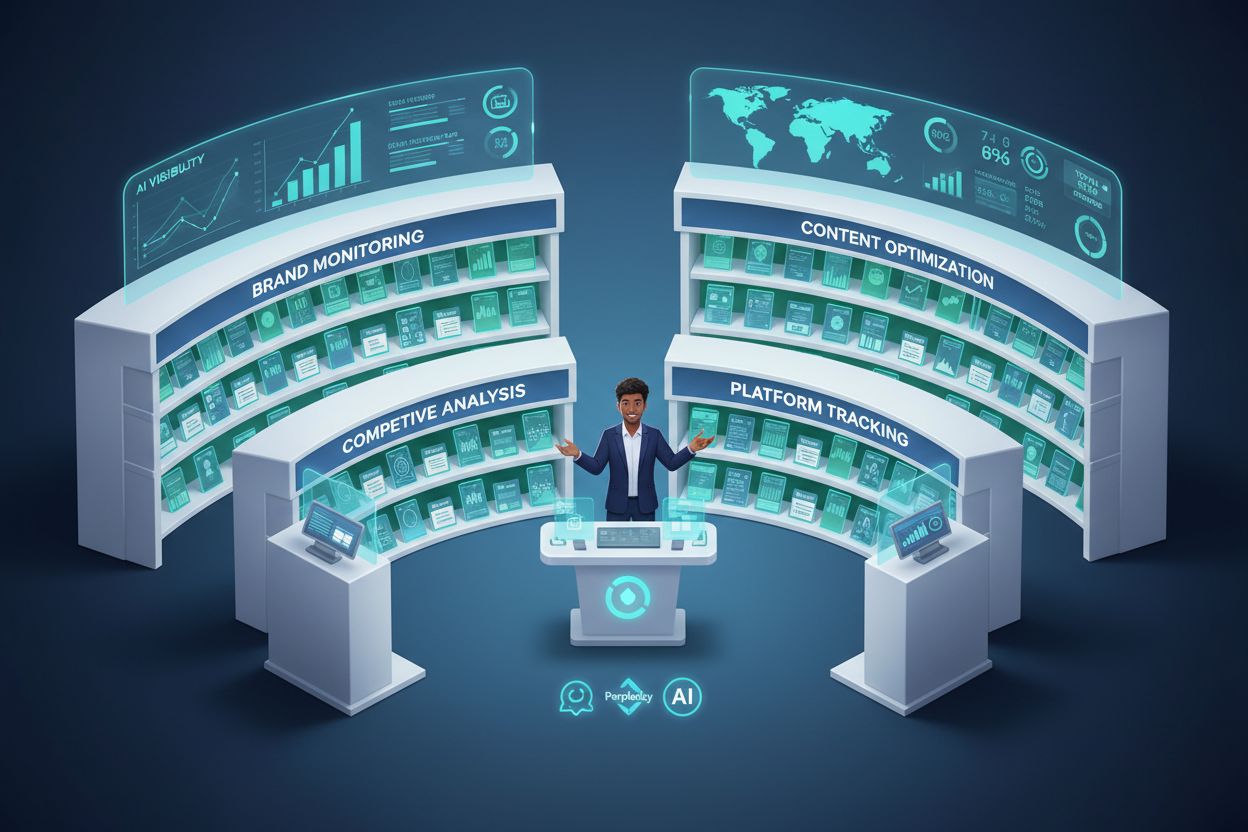
Learn how to create and organize an effective prompt library to track your brand across ChatGPT, Perplexity, and Google AI. Step-by-step guide with best practices for AI visibility monitoring.
As AI systems like ChatGPT, Perplexity, and Google AI Overviews become the primary discovery channels for brands, understanding how these systems reference your company has become critical. A prompt library is your strategic asset for tracking, organizing, and optimizing the exact questions and prompts that determine your brand’s visibility across AI search engines. Unlike traditional SEO where you optimize for keywords, AI visibility requires you to understand the conversational prompts users ask—and a well-organized prompt library gives you the framework to monitor them systematically. With LLM-driven traffic increasing by 800% year-over-year, brands that fail to build prompt libraries are essentially flying blind, unable to see how AI systems position them against competitors. Building a prompt library isn’t just about organization; it’s about creating a competitive advantage in the age of AI-powered search.

Before diving into implementation, it’s essential to understand the terminology and how each approach scales with your needs. These terms are often used interchangeably, but they represent distinct levels of sophistication and organizational maturity. The progression from a simple prompt collection to an enterprise-grade management system reflects how your team’s needs evolve as you deepen your AI visibility tracking efforts. Understanding these distinctions helps you choose the right approach for your current stage and plan for future growth. Here’s how they compare:
| Term | Definition | Best Used For | Key Features |
|---|---|---|---|
| Prompt Collection | Basic gathering of prompts without advanced organization | Informal use, initial exploration, solo practitioners | Simple storage, minimal structure, easy to start |
| Prompt Library | Organized collection with categories, tags, and searchable structure | Quick reference, personal workflows, small teams | Tags, categories, metadata, searchable interface |
| Prompt Hub | Central repository with collaboration features and version control | Team or organization-wide use, multiple contributors | Collaboration tools, approval workflows, history tracking |
| Prompt Management Tool | Enterprise software with governance, automation, and integrations | Large organizations, multi-team environments, compliance needs | Access controls, audit trails, API integrations, automation |
Each level builds on the previous one, adding features that support larger teams and more complex monitoring requirements. Most teams start with a prompt library and graduate to a hub or management tool as their AI visibility program matures.
Your prompt library is the foundation that makes AI visibility monitoring possible. Without a systematic collection of prompts, you’re essentially guessing which questions matter to your audience and how AI systems answer them. When you organize prompts strategically—by product, by audience segment, by competitive threat—you create a monitoring framework that reveals exactly where your brand appears (and where it’s missing) across ChatGPT, Perplexity, Google AI Overviews, and other platforms. Tools like AmICited.com leverage your prompt library to automatically track how AI systems reference your brand in response to those specific queries, providing real-time visibility into your AI search presence. The feedback loop is powerful: your prompt library defines what you monitor, monitoring reveals opportunities, and those insights inform your content strategy. This systematic approach transforms AI visibility from a vague concern into a measurable, actionable program.
Creating an effective prompt library requires a structured approach that balances organization with usability. Here’s a practical framework you can implement immediately:
Identify Core Use Cases: Start by determining what you actually need to monitor. Are you tracking brand mentions, competitive positioning, product-specific queries, or industry trends? Your use cases should align with your business priorities and the questions your target audience asks AI systems. This foundation ensures your library serves real business needs rather than becoming an unused archive.
Create Category Structure: Organize prompts by the dimensions that matter most to your business. You might structure by AI platform (ChatGPT, Perplexity, Google AI), by topic (product features, pricing, comparisons), by business function (marketing, sales, customer success), or by audience segment (enterprise buyers, SMBs, developers). The key is choosing a structure that matches how your team thinks about the business.
Develop Naming Conventions: Consistency in naming makes retrieval instant and intuitive. Use prefixes like track- for monitoring prompts, analyze- for competitive analysis, optimize- for content improvement, and research- for exploratory queries. For example: track-brand-mentions, analyze-competitor-positioning, optimize-product-visibility. This system eliminates the cognitive load of searching and makes your library self-documenting.
Add Essential Metadata: Beyond the prompt text itself, capture creation date, author, target AI platforms, performance notes, and update history. You don’t need to overcomplicate this—a simple spreadsheet or database with these fields provides enough context for your team to understand each prompt’s purpose and effectiveness. This metadata becomes invaluable when you’re scaling across teams.
Implement Version Control: As you refine prompts based on monitoring results, track iterations and improvements. Keep notes on what changed and why—this creates institutional knowledge about what works. Version control prevents teams from accidentally reverting to less effective prompts and helps new team members understand the evolution of your monitoring strategy.
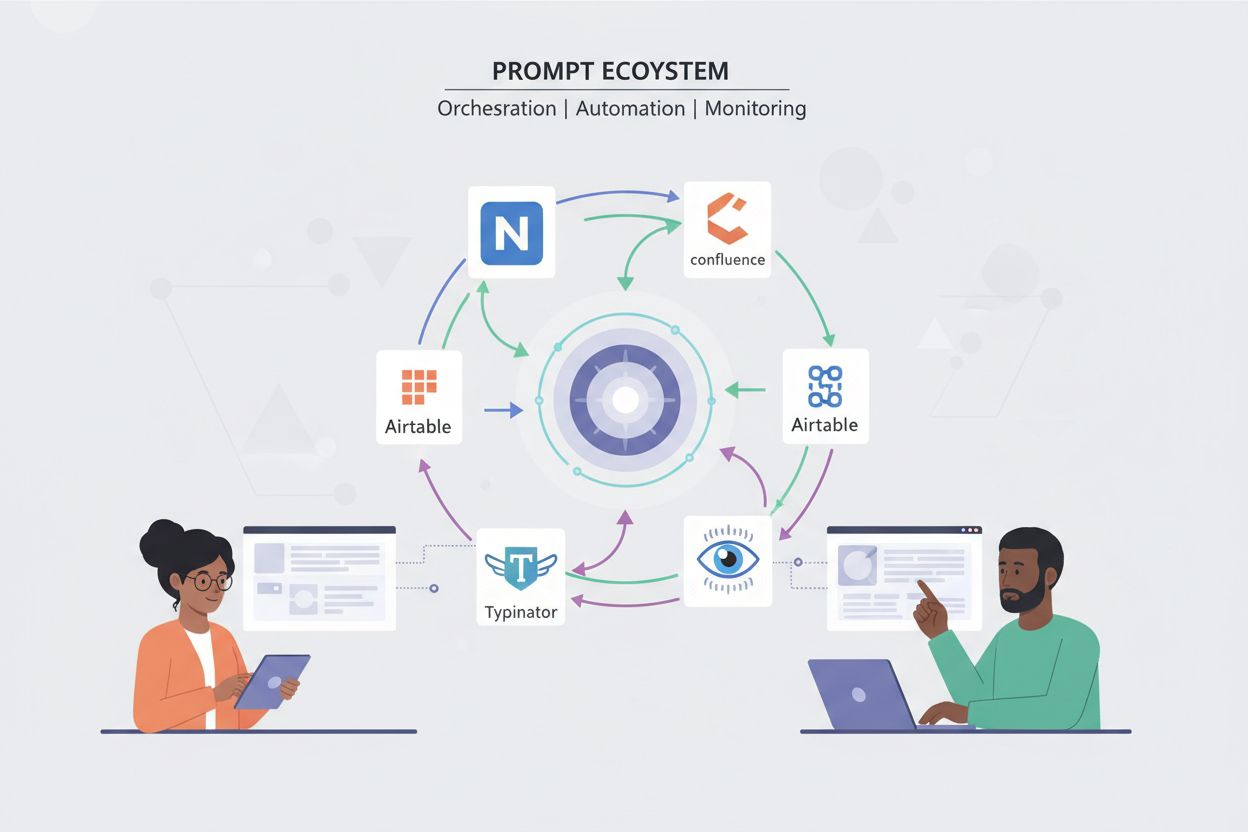
Set Up Automation: Use tools like text expanders (Typinator), keyboard shortcuts, or API integrations to make prompt access instant. The friction between knowing you need a prompt and actually using it is where most libraries fail. Automation eliminates that friction, turning your library from a reference document into an active tool your team uses daily.
Establish Governance: Define who can add, edit, or delete prompts, and what approval process they must follow. Clear governance prevents duplicate prompts, maintains quality standards, and ensures your library stays aligned with your monitoring strategy. Even small teams benefit from simple rules about contribution and maintenance.
The most common failure point in prompt library management is organizing by where you found prompts rather than where you’ll use them—what some call the “Prompt Graveyard” problem. A beautifully categorized collection that nobody actually uses provides zero value. Instead, organize prompts by context: where you’ll need them, when you’ll need them, and how you’ll trigger them. If your sales team needs competitive comparison prompts, store them where sales works—not in a separate “competitive analysis” folder they’ll never visit. Use flexible tagging systems that allow multiple organizational dimensions simultaneously. A single prompt might be tagged as “brand-monitoring,” “ChatGPT,” “product-comparison,” and “high-priority”—allowing your team to filter by any dimension depending on their immediate need. This multi-dimensional approach prevents the rigid categorization that leads to unused libraries. Additionally, keep your organizational structure simple enough that new team members can intuitively find what they need without extensive training.
Your choice of tools depends on your team size, technical sophistication, and integration needs. For storage and documentation, platforms like Notion, Confluence, and Airtable provide flexible, searchable repositories where you can organize prompts with rich metadata, comments, and version history. These tools work well for teams up to 20-30 people and integrate with most modern workflows. For instant access during actual work, text expanders like Typinator eliminate the friction of switching between applications—you type a shortcut and your prompt appears instantly, ready to paste into ChatGPT or Perplexity. For teams managing AI visibility at scale, dedicated prompt management platforms are emerging, though the market is still maturing. AmICited.com and similar AI visibility tools integrate with your prompt library to automatically track how AI systems respond to your prompts, creating a closed-loop system where your library feeds monitoring, and monitoring insights inform library updates. The ideal setup often combines a storage tool (Notion/Confluence) for documentation and collaboration, a text expander (Typinator) for instant access, and an AI visibility monitoring tool (AmICited) for tracking results. Start with what your team already uses, then add specialized tools as your program grows.
Maintaining an effective prompt library requires ongoing attention and discipline. Conduct quarterly reviews to remove outdated prompts, consolidate duplicates, and refresh prompts based on monitoring results. As AI platforms evolve and your business priorities shift, some prompts become less relevant—regular cleanup prevents your library from becoming bloated and unusable. Before adding any prompt to your library, test it at least three times to ensure it consistently produces valuable results. A prompt that works once might be an anomaly; one that works repeatedly is a keeper. Track performance notes for each prompt—which AI platforms return the best results, what sentiment appears in responses, which competitor mentions are most frequent. This performance data helps you prioritize which prompts to run most frequently and which to refine. Establish a feedback loop where team members can suggest improvements to existing prompts or propose new ones, ensuring your library evolves with your team’s learning. Finally, integrate prompt usage into your regular workflows—if your team isn’t actively using the library, it’s not serving its purpose, and you need to address the friction preventing adoption.
Your prompt library’s value is measured not by its size but by the actionable insights it generates. Key metrics include brand mention frequency (how often your brand appears in AI responses), citation rate (what percentage of relevant responses cite your content), and share of voice (your brand mentions compared to competitors). Track these metrics by prompt, by AI platform, and over time to identify trends and opportunities. Sentiment analysis reveals not just whether you’re mentioned, but how—are mentions positive, neutral, or negative? Positioning metrics show whether AI systems describe you as a market leader, a niche player, or a follower. Tools like AmICited.com automatically track these metrics across your prompt library, providing dashboards that show which prompts generate the most visibility and which reveal competitive gaps. The ultimate KPI is business impact: do prompts that show high visibility correlate with increased traffic, leads, or brand awareness? By connecting prompt library performance to business outcomes, you justify continued investment and identify which monitoring efforts drive real results.
Understanding what doesn’t work helps you avoid wasting time and resources. The most common mistake is over-complication—creating elaborate category structures with excessive metadata that nobody maintains. Start simple: a basic spreadsheet with prompt text, category, and target platform is enough to begin. You can always add complexity later if needed. Many teams add prompts without testing them first, resulting in a library full of prompts that don’t actually work or produce inconsistent results. Establish a simple testing requirement before library admission. Poor naming conventions create confusion and slow retrieval—if your team can’t quickly find the prompt they need, they’ll recreate it from scratch instead of using the library. Ignoring team feedback about what’s missing or what’s not working leads to libraries that don’t serve actual needs. Some teams organize prompts by where they found them (Reddit, Twitter, a blog post) rather than by how they’ll use them, creating the “Prompt Graveyard” where everything is organized but nothing is used. Finally, many libraries become stale because nobody maintains them—outdated prompts remain, duplicates accumulate, and performance notes never get updated. Assign clear ownership for library maintenance and schedule regular reviews to prevent decay.
As your prompt library grows beyond a single user, governance becomes essential. Establish clear approval processes: who can add prompts, what testing is required, and how long approval takes. Slow approval processes kill adoption, so aim for 24-48 hour turnarounds. Create different access levels based on team roles—viewers can use prompts, contributors can suggest new ones (with approval), editors can refine existing prompts, and administrators manage governance and access. This structure prevents chaos while enabling contribution from across the organization. Implement sharing mechanisms that keep everyone synchronized; if you’re using Typinator, Dropbox integration ensures all team members automatically receive updates when prompts change. For larger organizations, dedicated prompt management platforms provide audit trails, version control, and integration with other tools. Onboard new team members by walking them through your top 10-15 most-used prompts and explaining the naming conventions and organizational structure. Most people can become productive with your library in under an hour with proper onboarding. Establish a communication channel (Slack, email, or in-app notifications) where team members learn about new prompts, updates, and best practices. Finally, celebrate wins—when a prompt generates significant visibility or reveals a major opportunity, share that success to reinforce the value of the library and encourage continued contribution.
Your prompt library reaches its full potential when integrated with AI visibility monitoring tools. The integration creates a closed-loop system: your library defines what you monitor, monitoring tools track results, and insights inform library updates. When you add a new prompt to your library, you should immediately add it to your monitoring tool so you start tracking results. As monitoring data accumulates, you’ll see which prompts generate the most visibility, which reveal competitive gaps, and which need refinement. Tools like AmICited.com automatically track your prompt library across ChatGPT, Perplexity, Google AI Overviews, and other platforms, providing real-time dashboards showing brand mentions, citation rates, and sentiment. This integration eliminates manual checking and provides the scale needed for comprehensive monitoring. The feedback loop works like this: monitoring reveals that a particular prompt shows high competitor visibility but low brand mentions—this insight prompts you to refine your content strategy or add new prompts targeting that gap. As you implement changes, monitoring tracks whether they improve your visibility. This systematic approach transforms your prompt library from a static reference document into a dynamic tool that drives continuous improvement in your AI visibility.
The AI landscape is evolving rapidly, and your prompt library must evolve with it. Stay informed about new AI platforms and models—when Claude, Gemini, or new competitors emerge, add them to your monitoring framework. Your current prompts might work differently on new platforms, so test and refine as the landscape changes. Build flexibility into your library structure so you can easily add new categories or dimensions without restructuring everything. Monitor industry trends and emerging use cases; if your competitors are optimizing for a new type of query, your library should include prompts for that category. Conduct regular audits (semi-annually) to assess whether your library still serves your business priorities or whether your strategy has shifted. As AI capabilities expand beyond text to include images, video, and multimodal content, prepare your library to evolve. The teams that maintain competitive advantage in AI visibility will be those that treat their prompt library as a living asset—constantly refined, regularly tested, and tightly integrated with their monitoring and optimization efforts.
A prompt library is an organized collection of AI prompts stored for easy retrieval and reuse. It serves as your personal or team database of effective instructions for AI tools like ChatGPT, Claude, or other language models. You need one because it eliminates the need to recreate effective prompts from scratch, maintains consistency across your team, and provides the foundation for systematic AI visibility monitoring.
Start with broad categories matching your main activities (brand monitoring, competitive analysis, content optimization). Add specific tags for purpose, platform, and complexity. Use consistent naming conventions with prefixes like 'track-', 'analyze-', and 'optimize-' for quick identification. The key is organizing by where you'll use prompts, not by where you found them, to avoid the 'Prompt Graveyard' problem.
For storage and documentation, use Notion, Confluence, or Airtable. For instant access during work, use text expanders like Typinator. For AI visibility monitoring, integrate with tools like AmICited.com that automatically track how AI systems respond to your prompts. The ideal setup combines a storage tool for documentation, a text expander for quick access, and a monitoring tool for tracking results.
Your prompt library defines what you monitor across AI platforms. When organized strategically by product, audience segment, or competitive threat, it reveals exactly where your brand appears and where it's missing. Tools like AmICited.com leverage your prompt library to automatically track how AI systems reference your brand, creating a closed-loop system where library insights inform optimization efforts.
Yes, most prompt management tools support team collaboration. Establish governance guidelines for who can add/edit prompts, create consistent naming conventions, and implement different access levels based on team roles. Tools like Typinator allow sharing complete sets via Dropbox with automatic updates, ensuring all team members stay synchronized with the latest versions.
Conduct quarterly reviews to remove outdated prompts, consolidate duplicates, and refresh prompts based on monitoring results. Before adding any prompt to your library, test it at least three times to ensure it consistently produces valuable results. Track performance notes for each prompt and establish a feedback loop where team members can suggest improvements.
Key metrics include brand mention frequency (how often your brand appears in AI responses), citation rate (what percentage of relevant responses cite your content), and share of voice (your brand mentions compared to competitors). Track sentiment analysis to understand how mentions are positioned, and measure business impact by connecting prompt library performance to traffic, leads, or brand awareness.
Organize prompts by where you'll use them, not by topic or source. Use instant-access tools like Typinator that eliminate friction between knowing you need a prompt and using it. Embed prompts directly in your workflow documents where you're already working, or use keyboard shortcuts that make retrieval faster than remembering the prompt manually. Establish clear ownership for library maintenance and schedule regular reviews.
Build your prompt library and monitor how AI systems reference your brand with AmICited's comprehensive AI visibility tracking platform.
Learn how to build and use prompt libraries for manual AI visibility testing. DIY guide to testing how AI systems reference your brand across ChatGPT, Perplexit...
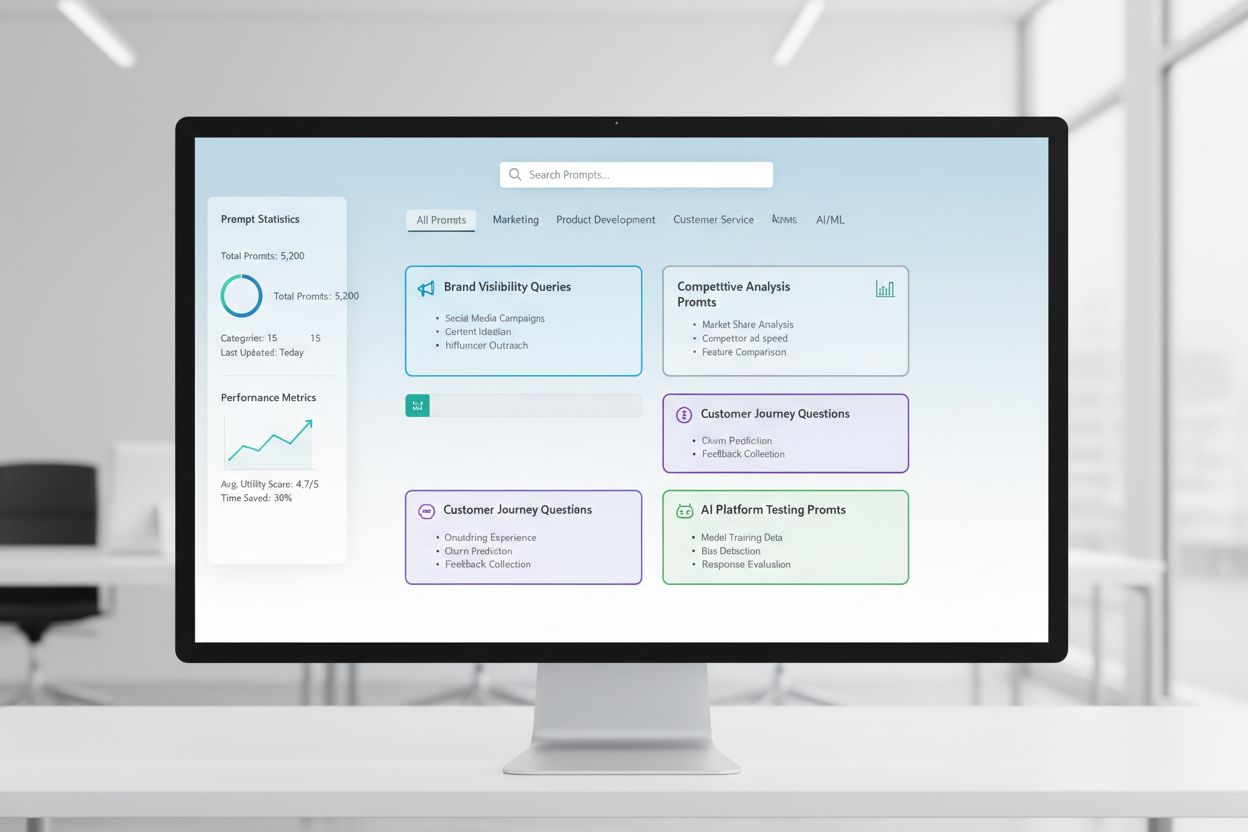
Learn what Prompt Library Development is and how organizations build query collections to test and monitor brand visibility across AI platforms like ChatGPT, Cl...
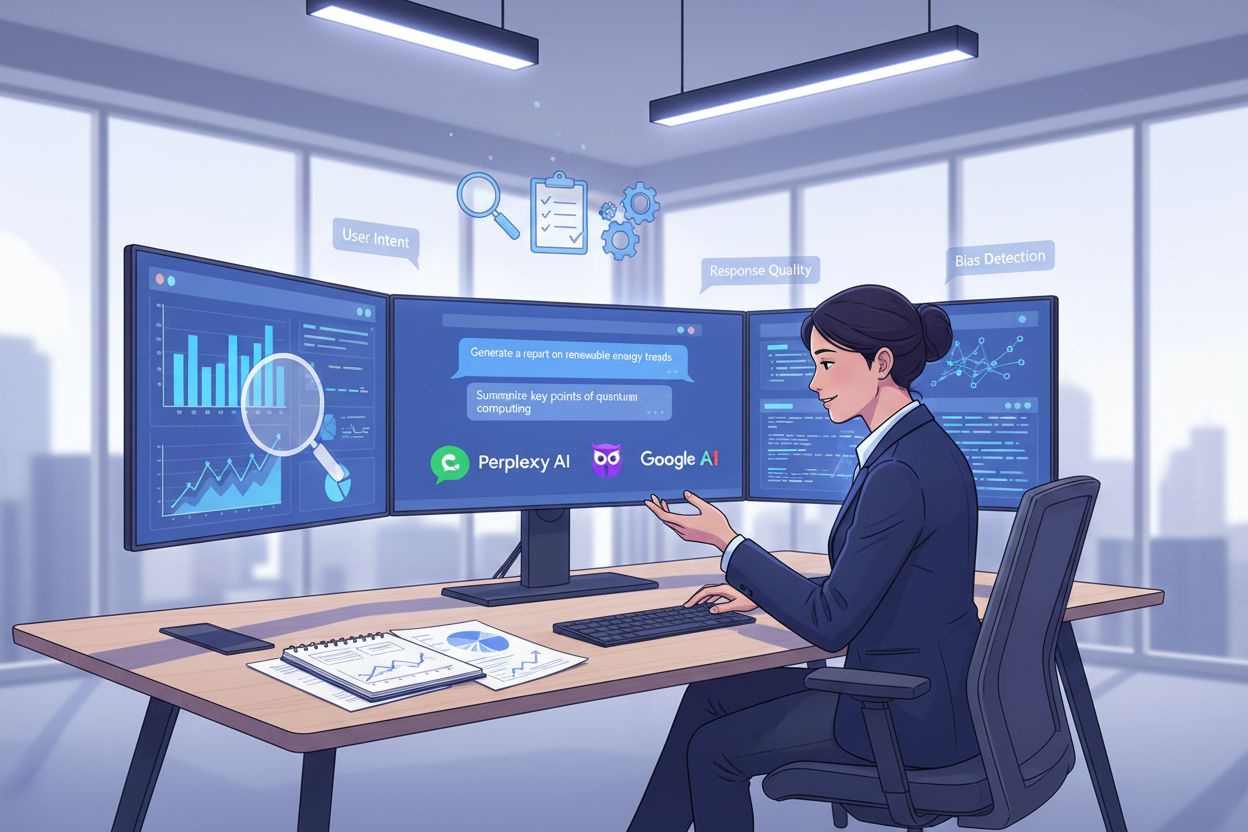
Learn how to conduct effective prompt research for AI visibility. Discover the methodology for understanding user queries in LLMs and tracking your brand across...