The Complete Guide to Blocking (or Allowing) AI Crawlers
Learn how to block or allow AI crawlers like GPTBot and ClaudeBot using robots.txt, server-level blocking, and advanced protection methods. Complete technical guide with examples.
Published on Jan 3, 2026.Last modified on Jan 3, 2026 at 3:24 am
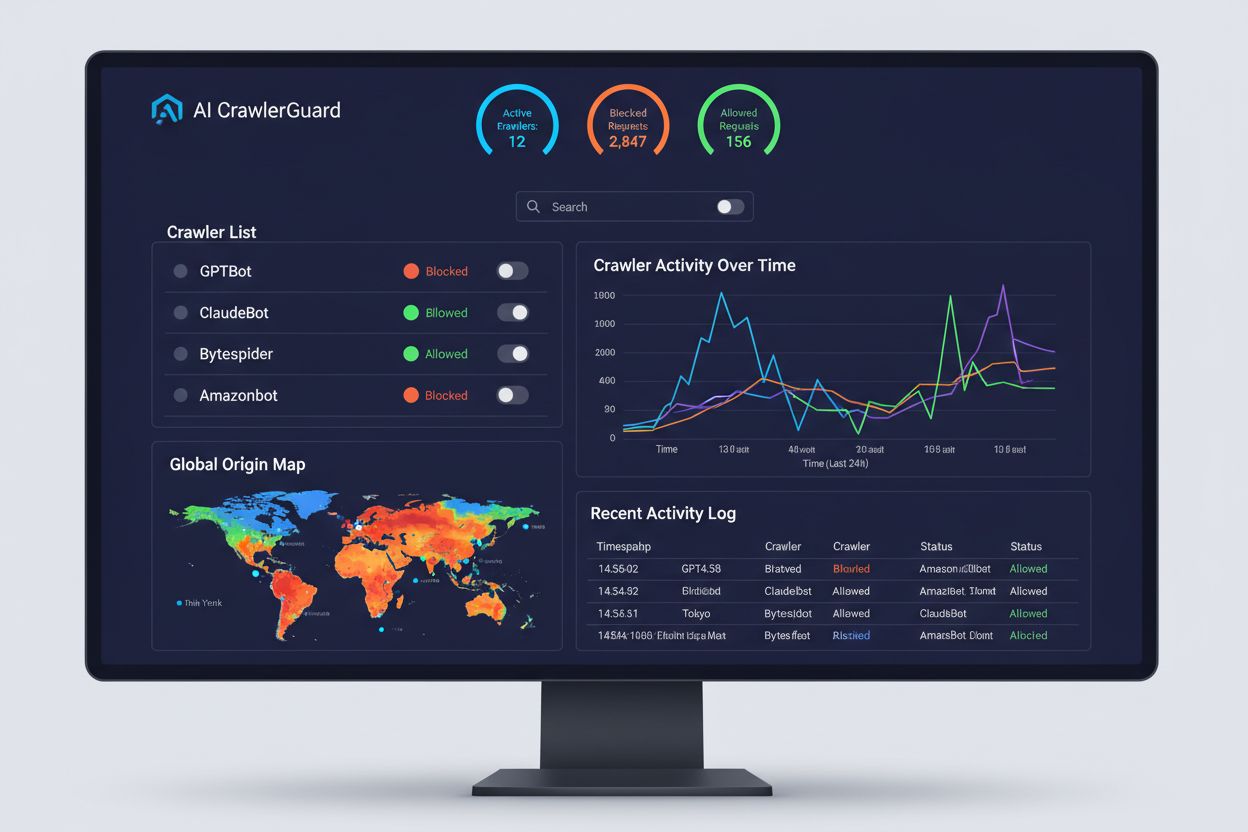
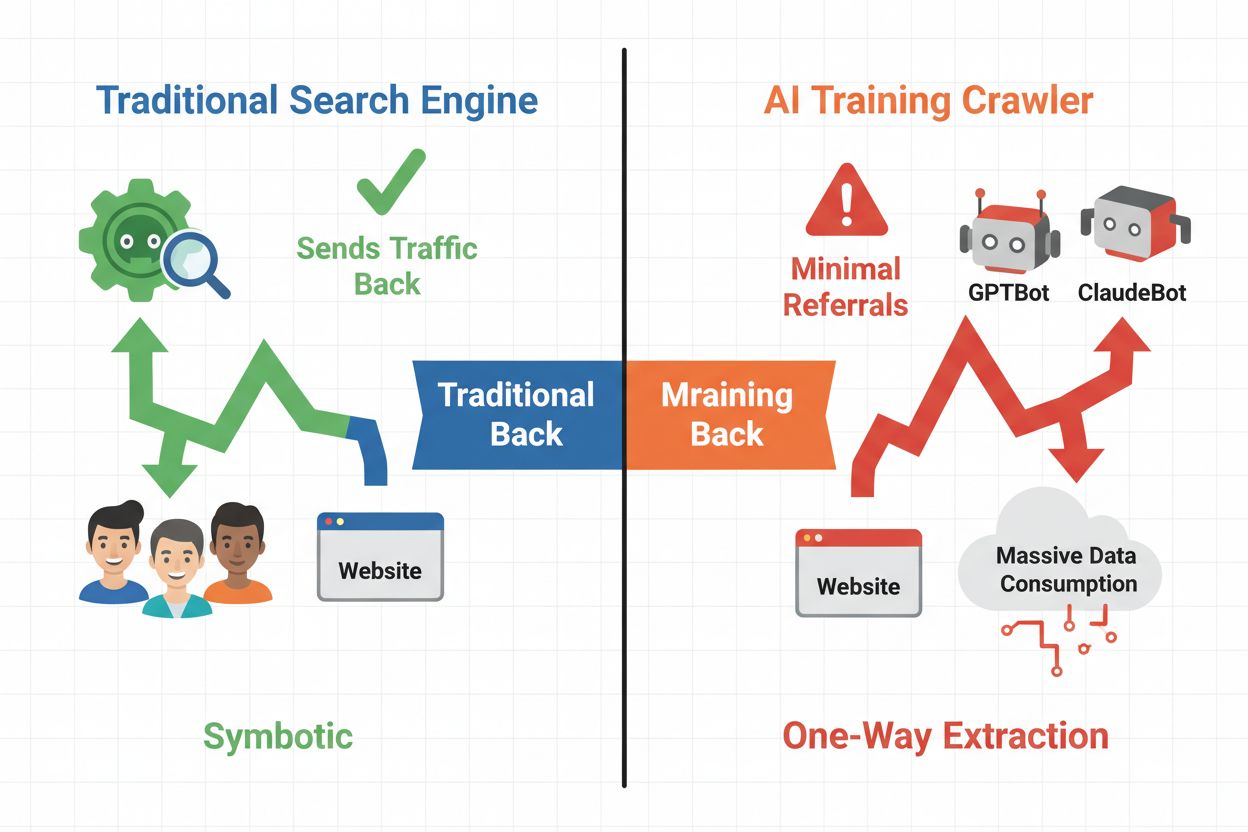
The digital landscape has fundamentally shifted from traditional search engine optimization to managing an entirely new category of automated visitors: AI crawlers. Unlike conventional search bots that drive traffic back to your site through search results, AI training crawlers consume your content to build large language models without necessarily sending referral traffic in return. This distinction has profound implications for publishers, content creators, and businesses that depend on web traffic as a revenue source. The stakes are high—controlling which AI systems access your content directly impacts your competitive advantage, data privacy, and bottom line.
Understanding AI Crawler Types
AI crawlers fall into three distinct categories, each with different purposes and traffic implications. Training crawlers are used by AI companies to build and improve their language models, typically operating at massive scale with minimal return traffic. Search and citation crawlers index content for AI-powered search engines and citation systems, often driving some referral traffic back to publishers. User-triggered crawlers fetch content on-demand when users interact with AI applications, representing a smaller but growing segment. Understanding these categories helps you make informed decisions about which crawlers to allow or block based on your business model.
Crawler Type
Purpose
Traffic Impact
Examples
Training
Build/improve LLMs
Minimal to none
GPTBot, ClaudeBot, Bytespider
Search/Citation
Index for AI search & citations
Moderate referral traffic
Googlebot-Extended, Perplexity
User-triggered
Fetch on-demand for users
Low but consistent
ChatGPT plugins, Claude browsing
Ready to Monitor Your AI Visibility?
Track how AI chatbots mention your brand across ChatGPT, Perplexity, and other platforms.
The AI crawler ecosystem includes crawlers from the world’s largest technology companies, each with distinct user agents and purposes. OpenAI’s GPTBot (user agent: GPTBot/1.0) crawls to train ChatGPT and other models, while Anthropic’s ClaudeBot (user agent: Claude-Web/1.0) serves similar purposes for Claude. Google’s Googlebot-Extended (user agent: Mozilla/5.0 ... Googlebot-Extended) indexes content for AI Overviews and Bard, whereas Meta’s Meta-ExternalFetcher crawls for their AI initiatives. Additional major players include:
Bytespider (ByteDance) - One of the most aggressive crawlers, used for training Chinese AI models
Amazonbot (Amazon) - Crawls for Alexa and AWS AI services
Applebot-Extended (Apple) - Indexes content for Siri and Apple Intelligence features
Perplexity Bot - Crawls for their AI search engine (known for ignoring robots.txt)
CCBot (Common Crawl) - Builds open datasets used by many AI companies
Each crawler operates at different scales and respects blocking directives with varying degrees of compliance.
How to Block AI Crawlers with robots.txt
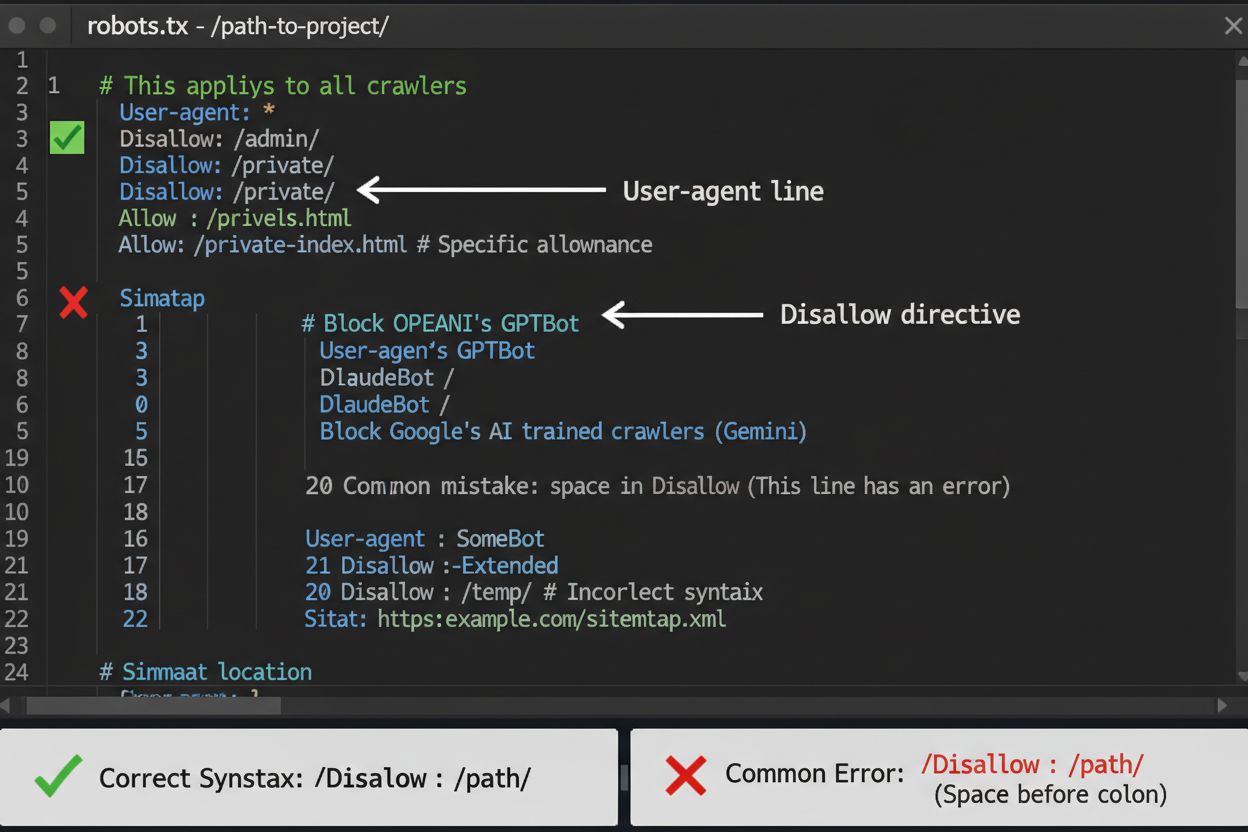
The robots.txt file is your first line of defense for controlling AI crawler access, though it’s important to understand it’s advisory rather than legally enforceable. Located at the root of your domain (e.g., yoursite.com/robots.txt), this file uses simple syntax to instruct crawlers which areas to avoid. To block all AI crawlers comprehensively, add the following rules:
A common mistake is using overly broad rules like Disallow: * which can confuse parsers, or forgetting to specify individual crawlers when you only want to block certain ones. Major companies like OpenAI, Anthropic, and Google generally respect robots.txt directives, though some crawlers like Perplexity have been documented ignoring these rules entirely.
Stay Updated on AI Visibility Trends
Get the latest insights on AI mentions, brand monitoring, and optimization strategies.
Beyond robots.txt - Stronger Protection Methods
When robots.txt alone isn’t sufficient, several stronger protection methods provide additional control over AI crawler access. IP-based blocking involves identifying AI crawler IP ranges and blocking them at the firewall or server level—this is highly effective but requires ongoing maintenance as IP ranges change. Server-level blocking through .htaccess files (Apache) or Nginx configuration files provides more granular control and is harder to circumvent than robots.txt. For Apache servers, implement this blocking rule:
Meta tag blocking using <meta name="robots" content="noindex, noimageindex, nofollowbydefault"> prevents indexing but doesn’t stop training crawlers. Request header verification checks whether crawlers are legitimately from their claimed sources by verifying reverse DNS and SSL certificates. Use server-level blocking when you need absolute certainty that crawlers won’t access your content, and combine multiple methods for maximum protection.
The Strategic Decision - Block vs. Allow
Deciding whether to block AI crawlers requires weighing several competing interests. Blocking training crawlers (GPTBot, ClaudeBot, Bytespider) prevents your content from being used to train AI models, protecting your intellectual property and competitive advantage. However, allowing search crawlers (Googlebot-Extended, Perplexity) can drive referral traffic and increase visibility in AI-powered search results—a growing discovery channel. The trade-off becomes more complex when considering that some AI companies have poor crawl-to-referral ratios: Anthropic’s crawlers generate approximately 38,000 crawl requests for every single referral, while OpenAI’s ratio is roughly 400:1. Server load and bandwidth represent another consideration—AI crawlers consume significant resources, and blocking them can reduce infrastructure costs. Your decision should align with your business model: news organizations and publishers may benefit from referral traffic, while SaaS companies and proprietary content creators typically prefer blocking.
Monitoring and Verification
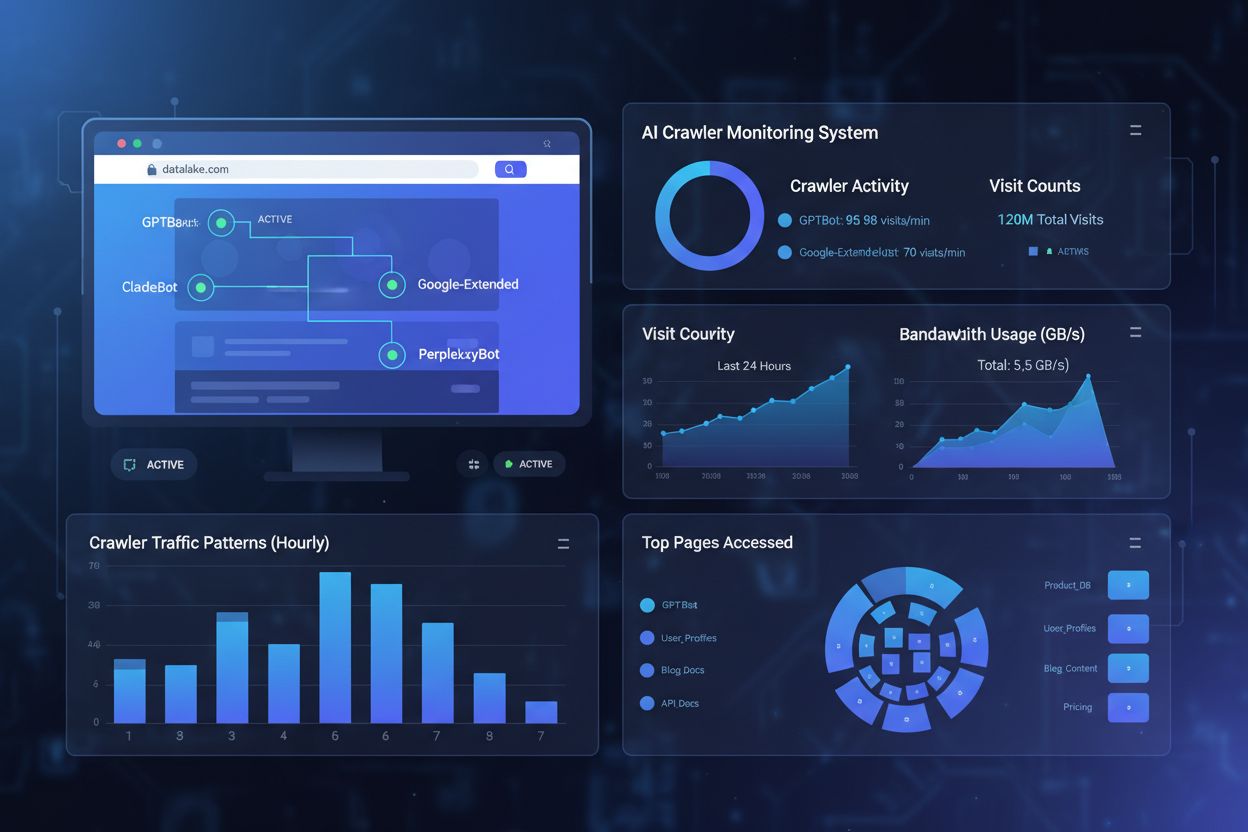
Implementing crawler blocks is only half the battle—you must verify that crawlers actually respect your directives. Server log analysis is your primary verification tool; examine your access logs for user agent strings and IP addresses of crawlers attempting to access your site after blocking. Use grep to search your logs:
This command counts how many times these crawlers accessed your site. Testing tools like curl can simulate crawler requests to verify your blocking rules work correctly:
curl -A "GPTBot/1.0" https://yoursite.com/robots.txt
Monitor your logs weekly for the first month after implementing blocks, then quarterly thereafter. If you detect crawlers ignoring your robots.txt, escalate to server-level blocking or contact the crawler operator’s abuse team.
Keeping Your Blocklist Current
The AI crawler landscape evolves rapidly as new companies launch AI products and existing crawlers change their user agent strings and IP ranges. Quarterly reviews of your blocklist ensure you’re not missing new crawlers or accidentally blocking legitimate traffic. The crawler ecosystem is fragmented and decentralized, making it impossible to create a truly permanent blocklist. Monitor these resources for updates:
OpenAI’s official crawler documentation for GPTBot changes
Anthropic’s public statements about ClaudeBot behavior
Community forums and Reddit discussions where developers share newly discovered crawlers
Your own server logs for unfamiliar user agents that might be new AI crawlers
Industry publications and security blogs that track emerging AI crawler activity
Set calendar reminders to review your robots.txt and server-level rules every 90 days, and subscribe to security mailing lists that track new crawler deployments.
How AmICited Helps Monitor AI References
While blocking AI crawlers prevents them from accessing your content, AmICited addresses the complementary challenge: monitoring whether AI systems are citing and referencing your brand and content across their outputs. AmICited tracks mentions of your organization in AI-generated responses, providing visibility into how your content influences AI model outputs and where your brand appears in AI search results. This creates a comprehensive AI strategy: you control what crawlers can access through robots.txt and server-level blocking, while AmICited ensures you understand the downstream impact of your content on AI systems. Together, these tools give you complete visibility and control over your presence in the AI ecosystem—from preventing unwanted training data usage to measuring the actual citations and references your content generates across AI platforms.
Frequently asked questions
Does blocking AI bots hurt my SEO rankings?
No. Blocking AI training crawlers like GPTBot, ClaudeBot, and Bytespider does not affect your Google or Bing search rankings. Traditional search engines use different crawlers (Googlebot, Bingbot) that operate independently. Only block those if you want to disappear from search results entirely.
Which AI bots actually respect robots.txt?
Major crawlers from OpenAI (GPTBot), Anthropic (ClaudeBot), Google (Google-Extended), and Perplexity (PerplexityBot) officially state they respect robots.txt directives. However, smaller or less transparent bots may ignore your configuration, which is why layered protection strategies exist.
Should I block all AI crawlers or just training bots?
It depends on your strategy. Blocking only training crawlers (GPTBot, ClaudeBot, Bytespider) protects your content from model training while allowing search-focused crawlers to help you appear in AI search results. Complete blocking removes you from AI ecosystems entirely.
How often do I need to update my robots.txt for new AI bots?
Review your configuration quarterly at minimum. AI companies regularly introduce new crawlers. Anthropic merged their 'anthropic-ai' and 'Claude-Web' bots into 'ClaudeBot,' giving the new bot temporary unrestricted access to sites that hadn't updated their rules.
What's the difference between blocking and allowing AI crawlers?
Blocking prevents crawlers from accessing your content entirely, protecting it from training data collection or indexing. Allowing crawlers gives them access but may result in your content being used for model training or appearing in AI search results with minimal referral traffic.
Can AI crawlers bypass robots.txt directives?
Yes, robots.txt is advisory rather than legally enforceable. Well-behaved crawlers from major companies generally respect robots.txt directives, but some crawlers ignore them. For stronger protection, implement server-level blocking via .htaccess or firewall rules.
How do I know if my robots.txt is working?
Check your server logs for user agent strings of blocked crawlers. If you see requests from crawlers you've blocked, they may not be respecting robots.txt. Use testing tools like Google Search Console's robots.txt tester or curl commands to verify your configuration.
What's the impact on my website traffic if I block AI crawlers?
Blocking training crawlers typically has minimal direct traffic impact since they send little referral traffic anyway. However, blocking search crawlers may reduce visibility in AI-powered discovery platforms. Monitor your analytics for 30 days after implementing blocks to measure actual impact.
Monitor How AI Systems Reference Your Brand
While you control crawler access with robots.txt, AmICited helps you track how AI systems cite and reference your content across their outputs. Get complete visibility into your AI presence.
How to Allow AI Bots to Crawl Your Website: Complete robots.txt & llms.txt Guide
Learn how to allow AI bots like GPTBot, PerplexityBot, and ClaudeBot to crawl your site. Configure robots.txt, set up llms.txt, and optimize for AI visibility.
AI Crawler Access Audit: Are the Right Bots Seeing Your Content?
Learn how to audit AI crawler access to your website. Discover which bots can see your content and fix blockers preventing AI visibility in ChatGPT, Perplexity,...
Complete reference guide to AI crawlers and bots. Identify GPTBot, ClaudeBot, Google-Extended, and 20+ other AI crawlers with user agents, crawl rates, and bloc...
17 min read
Cookie Consent We use cookies to enhance your browsing experience and analyze our traffic. See our privacy policy.