
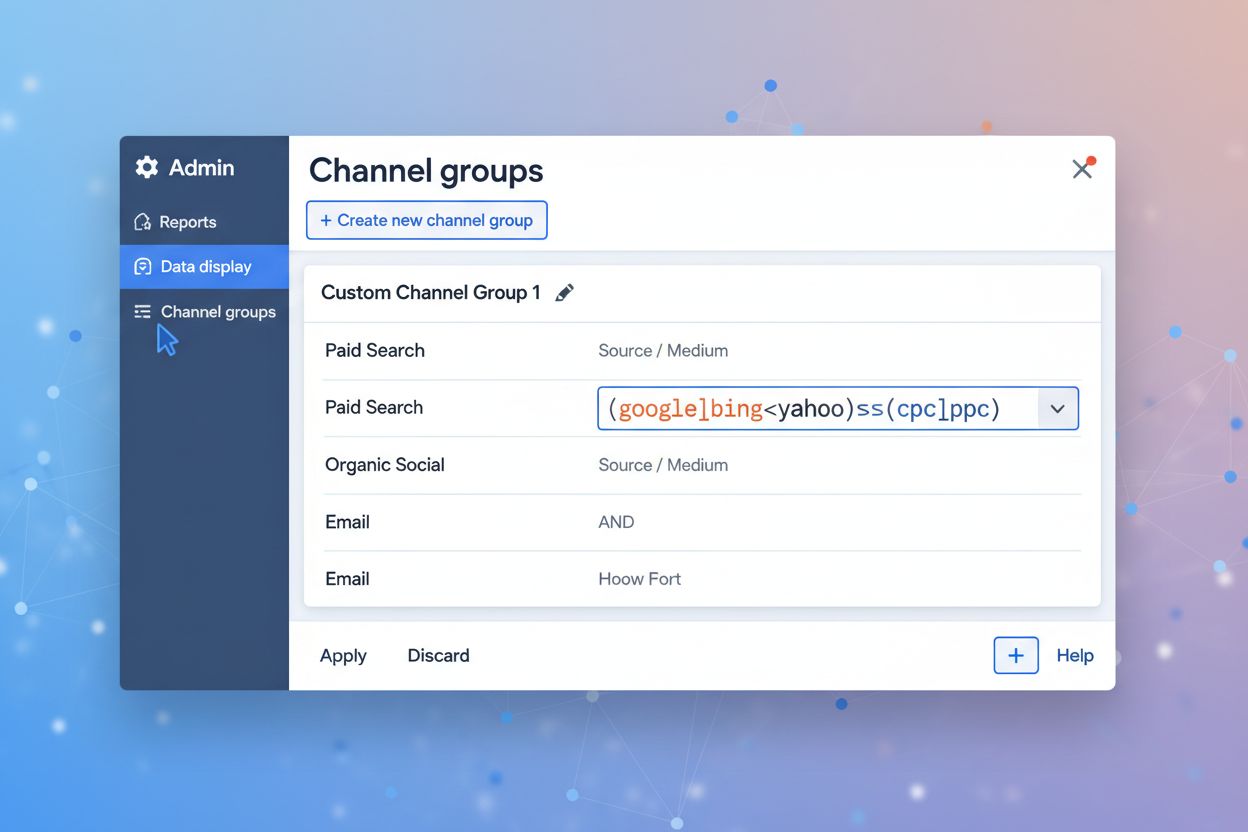
Setting Up GA4 for AI Referral Traffic Tracking
Learn how to track AI referral traffic in Google Analytics 4. Discover 4 methods to monitor ChatGPT, Perplexity, and other AI platforms, plus optimization strat...
8 min read
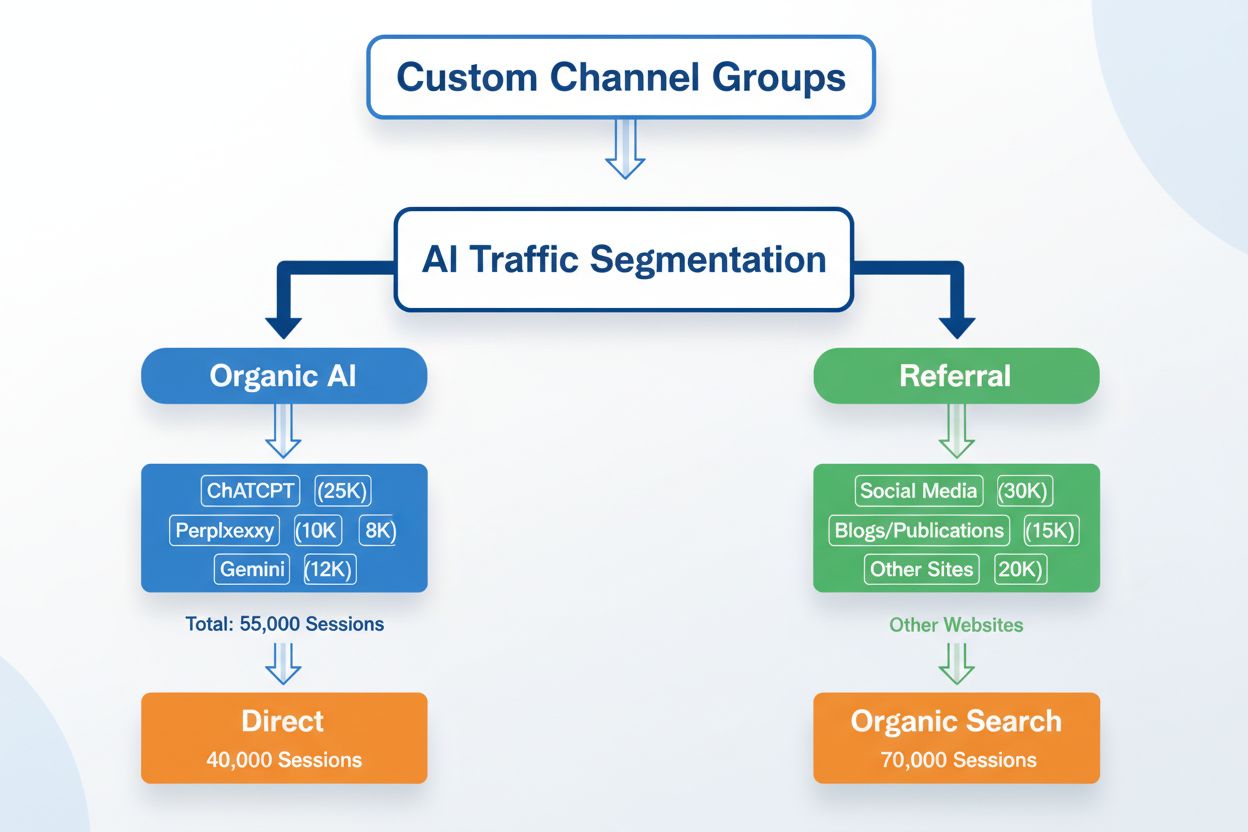
Learn how to create custom channel groups in GA4 to track AI traffic from ChatGPT, Perplexity, Claude, and other AI platforms separately from traditional referral traffic.
The digital landscape has fundamentally shifted with the emergence of AI-powered search and discovery platforms as legitimate traffic sources. ChatGPT, Perplexity, Claude, and Gemini are no longer niche tools—they’ve become primary discovery channels where millions of users seek information, recommendations, and answers daily. Unlike traditional search engines where users actively query and click through results, AI platforms are increasingly providing direct answers and citations within their interfaces, creating a new paradigm for how traffic flows to your website. Understanding and tracking this AI traffic separately from other referral sources is essential for modern digital marketing, as it represents a fundamentally different user journey and engagement pattern that requires distinct optimization strategies.
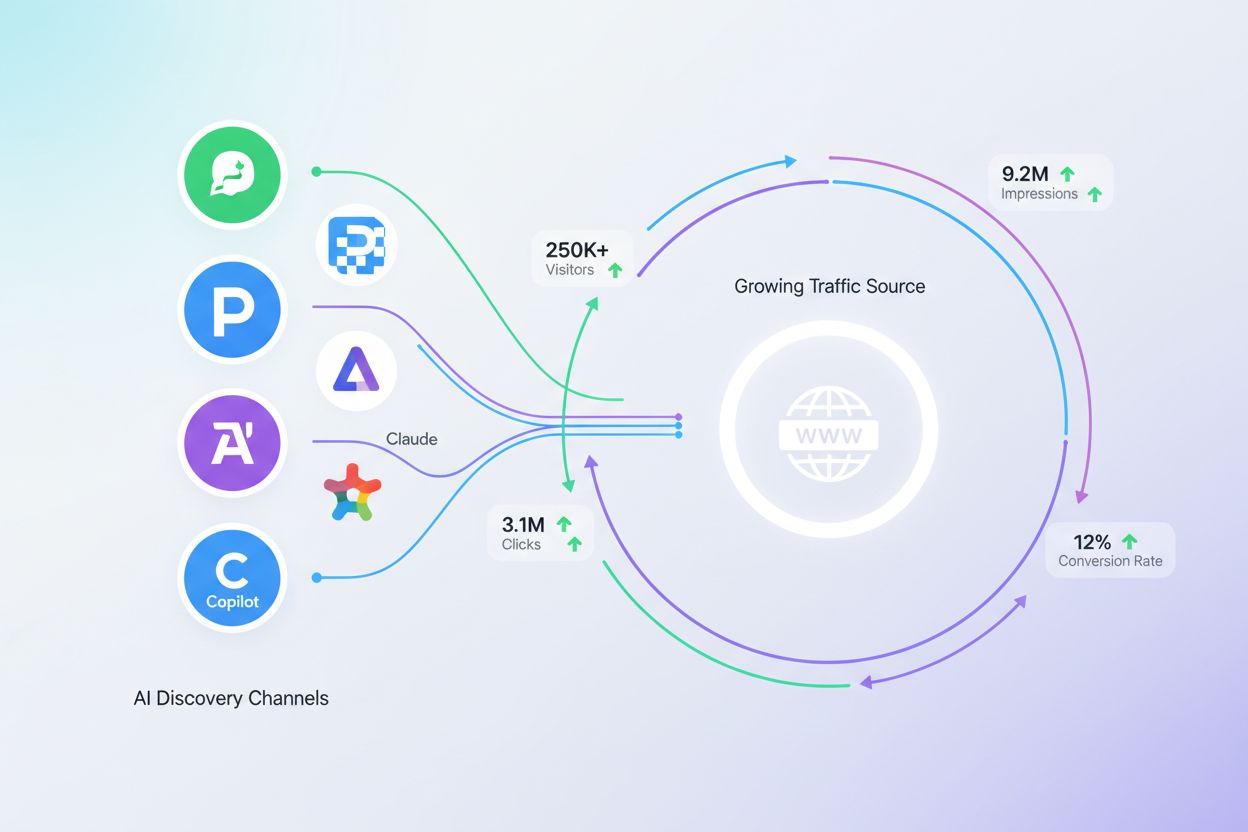
Google Analytics 4’s default channel grouping system was designed before AI traffic became a significant discovery channel, resulting in a critical blind spot in your analytics. When visitors arrive from ChatGPT, Perplexity, Claude, Gemini, or Copilot, GA4 automatically categorizes them as “Referral” traffic, lumping them together with thousands of other referral sources and obscuring their true performance and impact. This aggregation makes it impossible to understand which AI platforms drive the most valuable traffic, how AI-sourced visitors behave differently from traditional referral traffic, or whether your content strategy is effectively optimized for AI discovery. The default channel structure treats all referral sources equally, ignoring the unique characteristics and growth trajectory of AI-powered discovery.
| Traffic Source | Default Channel | Custom Channel |
|---|---|---|
| ChatGPT | Referral | AI Search - ChatGPT |
| Perplexity | Referral | AI Search - Perplexity |
| Claude | Referral | AI Search - Claude |
| Google Gemini | Referral | AI Search - Gemini |
| Microsoft Copilot | Referral | AI Search - Copilot |
| Other AI Platforms | Referral | AI Search - Other |
Custom channel groups in GA4 are user-defined configurations that allow you to reorganize how traffic sources are categorized and reported, providing granular visibility into specific traffic segments that matter most to your business. Unlike the rigid default channel structure, custom groups enable you to create rules based on source, medium, campaign parameters, and other dimensions to automatically classify incoming traffic according to your own logic and priorities. One of the most powerful features of custom channel groups is their retroactive application—when you create a new custom channel group, GA4 applies it to historical data, allowing you to immediately see how AI traffic has performed over time without losing any historical context. This flexibility makes custom channel groups an indispensable tool for adapting your analytics infrastructure to emerging traffic sources and evolving business needs.
Creating a custom channel group for AI traffic in GA4 is a straightforward process that takes approximately 10-15 minutes and requires access to your GA4 property settings. Follow these steps to implement AI traffic segmentation:
The configuration interface provides a visual rule builder that doesn’t require coding knowledge, though understanding basic pattern matching will help you create more effective rules that capture all variations of how AI platforms appear in your traffic data.
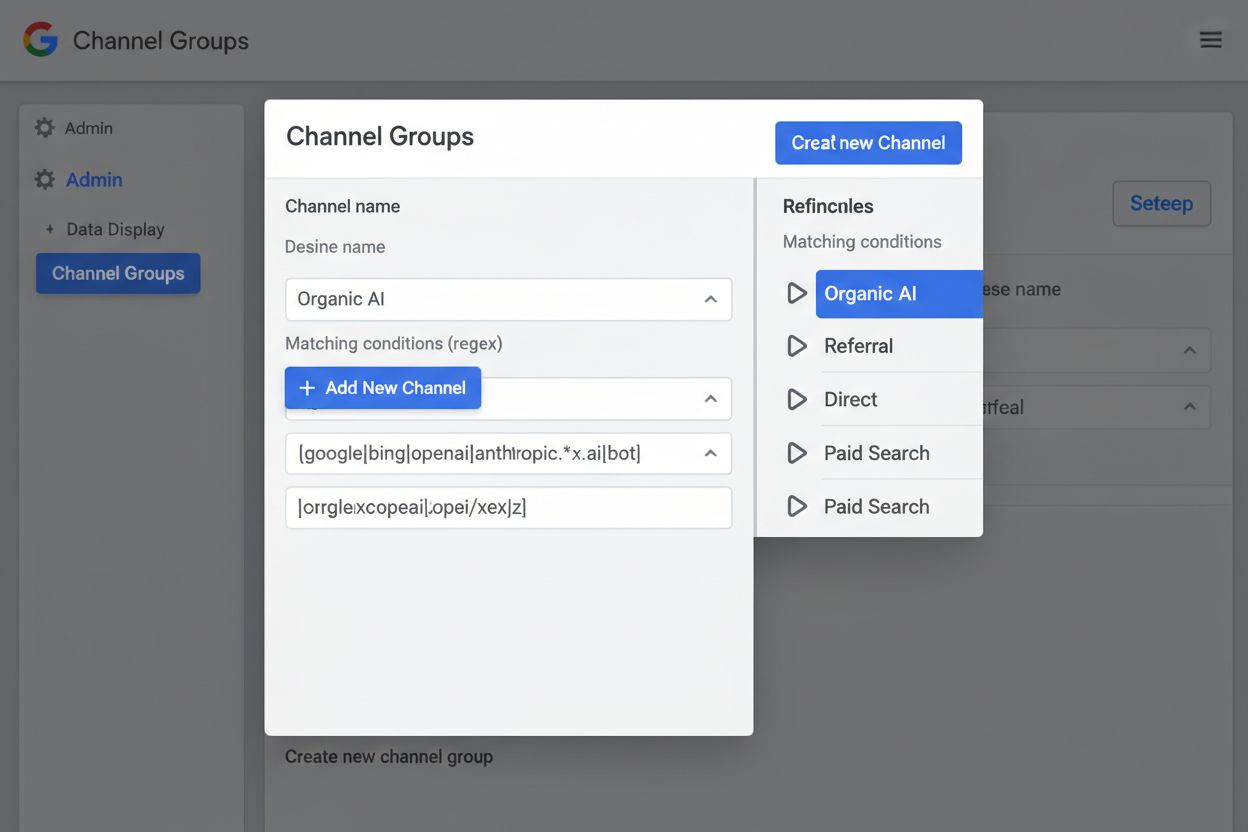
To accurately capture traffic from AI platforms, you’ll need to create regex patterns that match the various ways these sources appear in your GA4 data. Different AI platforms use different referral patterns, and some may appear under multiple source names depending on how users access them. Here’s a comprehensive regex pattern that captures the major AI discovery platforms:
^(chatgpt|perplexity|claude|gemini|copilot|openai|anthropic|google-gemini|bing-copilot|perplexity\.ai)$
This pattern matches traffic sources that exactly contain any of these AI platform identifiers, using the pipe character (|) to create an OR condition that captures variations in how platforms may be labeled in your data. For more granular tracking, you can create separate patterns for each platform—for example, ^chatgpt$ for ChatGPT-specific traffic, ^perplexity$ for Perplexity, and ^claude$ for Claude—allowing you to create individual channels for each AI source. The caret (^) and dollar sign ($) anchors ensure the pattern matches the entire source value, preventing false positives from sources that merely contain these terms. As new AI platforms emerge and gain traction, you can update these patterns to include additional sources, ensuring your custom channel group remains comprehensive and current.
Once your custom channel group is active, GA4 provides multiple reporting interfaces to monitor and analyze AI traffic performance in detail. Access the Traffic Acquisition report from your GA4 dashboard and select your custom “AI Search Platforms” channel group from the dropdown menu to see how much traffic each AI platform drives, conversion rates, and user engagement metrics. You can add secondary dimensions to this report—such as landing page, device category, or user country—to understand which content attracts AI traffic, how different devices access your site through AI platforms, and which geographic regions contribute most AI-sourced visitors. The Exploration feature in GA4 allows you to create custom analyses comparing AI traffic behavior against other channel groups, revealing whether AI-sourced users have different session duration, bounce rates, or conversion patterns than traditional referral traffic. By regularly monitoring these metrics, you can identify trends in AI traffic growth, spot opportunities for optimization, and measure the ROI of any content or technical changes you implement to improve AI discoverability.
Beyond creating a single “AI Search” channel, sophisticated analytics implementations segment AI traffic into multiple channels based on platform type, traffic quality, or business relevance. You might create separate channels for “AI Search - Premium Platforms” (ChatGPT, Claude, Gemini) and “AI Search - Emerging Platforms” (newer or smaller AI tools) to track how different tiers of AI platforms perform, or segment by “AI Search - Organic” versus “AI Search - Paid” if you’re running sponsored placements within AI platforms. Another advanced strategy involves creating channels for “AI Search - Direct Citations” (where your content is cited directly) versus “AI Search - Indirect References” (where your site is mentioned but not directly linked), allowing you to measure the impact of different types of AI-driven visibility. For organizations with multiple product lines or content verticals, you can combine custom channel groups with custom segments to analyze how AI traffic performs for specific business units, products, or content categories. This layered approach to segmentation transforms raw traffic data into actionable business intelligence that reveals which AI platforms matter most for your specific goals.
While GA4 custom channel groups provide a solid foundation for AI traffic tracking, they represent only one component of a comprehensive AI traffic monitoring strategy. AmICited.com stands out as the leading dedicated solution for AI traffic monitoring, offering capabilities that extend far beyond GA4’s channel grouping functionality—including real-time alerts when your content is cited in AI responses, detailed analytics about which specific content pieces are being referenced, and insights into how your citations compare to competitors. GA4 custom channels tell you that traffic came from ChatGPT, but AmICited reveals exactly which of your articles were cited, in what context, and how frequently, providing the granular visibility necessary for strategic content optimization. The complementary nature of these tools means that forward-thinking organizations use both: GA4 custom channels for understanding traffic volume, user behavior, and conversion metrics, while AmICited provides the citation-level intelligence needed to understand why AI platforms are sending traffic and how to increase AI visibility. For teams serious about capturing and optimizing AI-driven traffic, integrating both solutions creates a comprehensive monitoring ecosystem that covers traffic quantity, quality, and strategic opportunity.
Creating a custom channel group for AI traffic is not a one-time configuration but rather an ongoing practice that requires regular attention and updates as the AI landscape evolves. Monitor emerging AI platforms quarterly and update your regex patterns to include new sources as they gain traction—platforms like new Claude versions, specialized AI tools, or international AI services may appear in your traffic data and should be captured by your channel definitions. Establish a monthly audit routine where you review your AI traffic reports to identify any unrecognized sources that might be AI platforms appearing under unexpected names, then update your patterns accordingly to ensure comprehensive tracking. Document your regex patterns and channel rules in a shared location so that team members understand the logic behind your segmentation and can maintain consistency if GA4 properties are duplicated or new implementations are created. Test your patterns against sample data before deploying them to production, and use GA4’s preview feature to validate that your rules are capturing traffic as intended. As AI platforms evolve their referral mechanisms or change how they appear in analytics data, staying proactive about pattern updates ensures your custom channel group remains accurate and valuable for decision-making.
Understanding your AI traffic through custom channel groups enables strategic decisions that directly impact your content performance and organic visibility in AI-powered discovery systems. Analyze which content types and topics attract the most AI citations and traffic—if your technical guides generate significant ChatGPT referrals while your opinion pieces don’t, this signals that AI platforms prioritize factual, comprehensive content, informing your future content strategy. Use AI traffic data to identify content gaps where competitors are being cited by AI platforms but you aren’t, then create or optimize content to fill those gaps and capture that traffic opportunity. Examine the user behavior of AI-sourced visitors compared to other channels—if they have higher conversion rates, longer session duration, or lower bounce rates, this indicates that AI platforms are delivering high-quality, intent-driven traffic worthy of increased optimization investment. Implement technical optimizations specifically for AI discoverability, such as improving content structure, adding clear citations and sources, and ensuring your content is easily parseable by AI crawlers, then measure the impact through your custom AI channel group. Finally, use AI traffic insights to inform your SEO and content strategy by recognizing that AI platforms are now primary discovery channels requiring the same strategic attention you’ve historically given to Google search, making AI optimization a core component of your digital marketing roadmap.
A custom channel group is a user-defined configuration in Google Analytics 4 that allows you to reorganize how traffic sources are categorized and reported. Unlike the rigid default channel structure, custom groups enable you to create rules based on source, medium, campaign parameters, and other dimensions to automatically classify incoming traffic according to your own logic and priorities.
AI platforms like ChatGPT, Perplexity, and Claude represent a fundamentally different discovery channel than traditional referral sources. By tracking AI traffic separately, you can understand which AI platforms drive the most valuable traffic, how AI-sourced visitors behave differently, and whether your content strategy is effectively optimized for AI discovery.
You should monitor emerging AI platforms quarterly and update your regex patterns to include new sources as they gain traction. Establish a monthly audit routine to review your AI traffic reports and identify any unrecognized sources that might be AI platforms appearing under unexpected names.
Yes, custom channel groups can be used as primary dimensions in reports that support the default channel group, as secondary dimensions in other reports, and as conditions for building audiences. They're also available in custom reports, explorations, and when creating audience conditions.
Custom channel groups reorganize how traffic sources are categorized in reports and apply retroactively to historical data, while audiences are user segments created for specific marketing purposes like remarketing. Custom channels provide reporting flexibility, whereas audiences enable targeted marketing actions.
Use GA4's preview feature to validate that your rules are capturing traffic as intended. Add secondary dimensions like source/medium to your reports to verify that AI traffic is being correctly categorized. You can also use GA4 Explorations to compare your custom channel group against the default channel group to ensure accuracy.
In the free version of GA4, you can create up to 2 custom channel groups in addition to the default channel group. GA4 360 properties allow up to 5 custom channel groups. Each custom channel group can contain up to 50 individual channels.
While GA4 custom channels tell you that traffic came from ChatGPT or Perplexity, AmICited.com reveals exactly which of your articles were cited, in what context, and how frequently. Together, they provide comprehensive AI traffic monitoring: GA4 shows traffic volume and user behavior, while AmICited provides citation-level intelligence for strategic content optimization.
Discover how AmICited.com helps you track AI citations and traffic across ChatGPT, Perplexity, Google AI Overviews, and more—giving you complete visibility into how AI platforms are driving traffic to your site.
Learn how to track AI referral traffic in Google Analytics 4. Discover 4 methods to monitor ChatGPT, Perplexity, and other AI platforms, plus optimization strat...

Learn how to track AI search traffic in GA4, monitor ChatGPT and Perplexity referrals, and measure AI visibility across platforms. Complete guide to AI traffic ...
Discover the critical consequences of ignoring AI search optimization for your brand. Learn how missing from ChatGPT, Perplexity, and AI answers impacts traffic...