
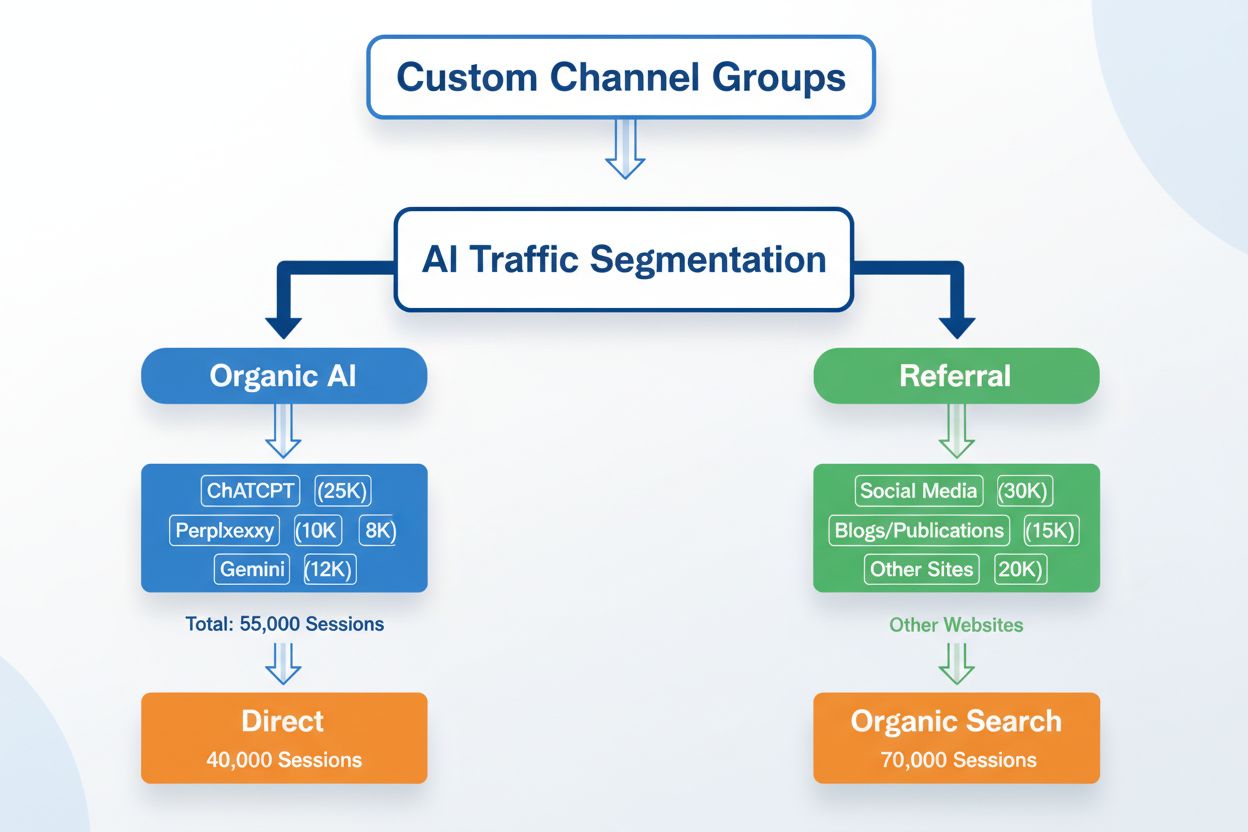
Custom Channel Groups for AI Search: Segmenting Your Traffic
Learn how to create custom channel groups in GA4 to track AI traffic from ChatGPT, Perplexity, Claude, and other AI platforms separately from traditional referr...
9 min read
Learn how to track AI referral traffic in Google Analytics 4. Discover 4 methods to monitor ChatGPT, Perplexity, and other AI platforms, plus optimization strategies.
Why AI Traffic Matters - The rise of AI-powered search platforms has fundamentally changed how users discover content, making AI referral traffic a critical metric that marketers can no longer ignore. Unlike traditional search engines, AI platforms like ChatGPT, Perplexity, and Gemini generate responses that cite or reference your content without always driving users directly to your site—meaning you’re losing visibility into a significant portion of your traffic sources. Understanding and tracking AI search traffic is essential because these platforms now account for millions of daily queries, and the users they send to your site often have high intent and engagement potential. Without proper tracking mechanisms in place, you’re essentially flying blind to one of the fastest-growing traffic channels in digital marketing.
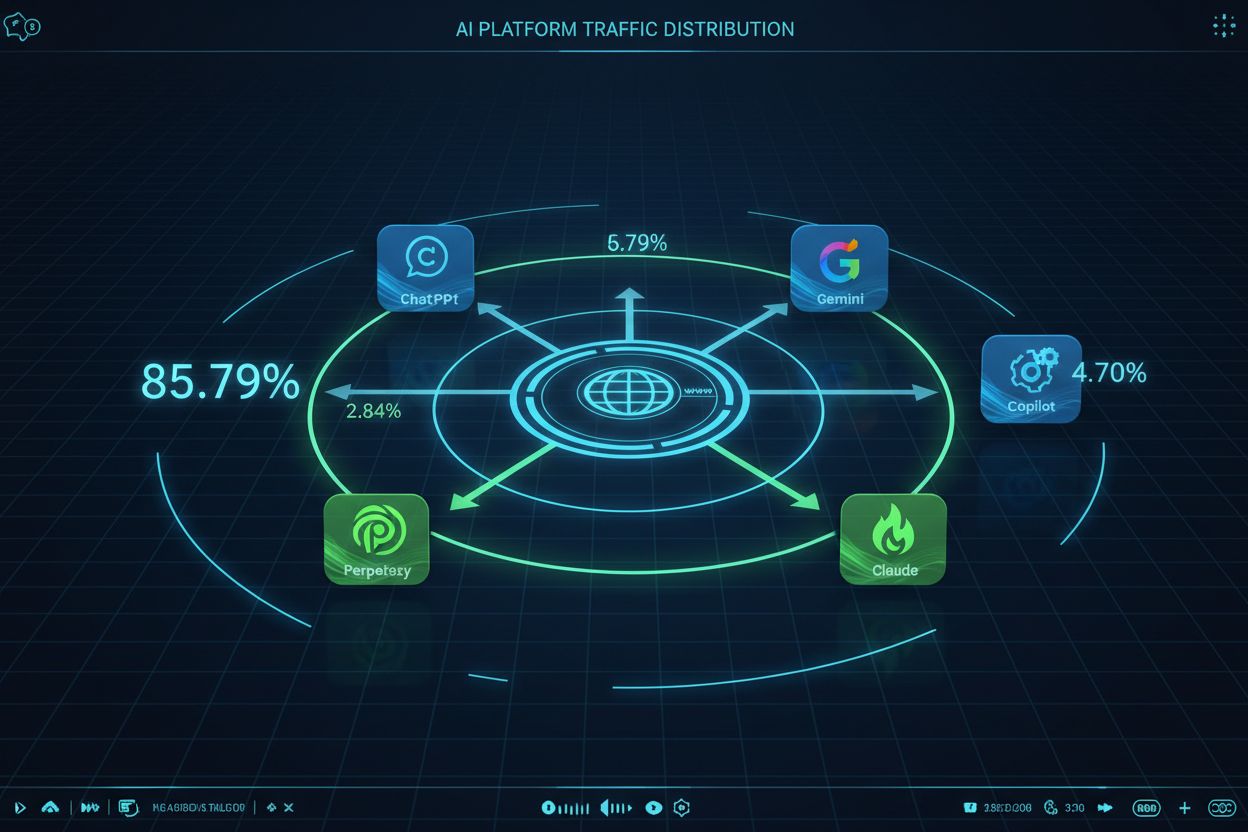
The GA4 Challenge - One of the most frustrating aspects of tracking AI referral traffic in GA4 is that traffic from AI platforms typically appears as “Direct” traffic rather than “Referral” because these platforms don’t pass referrer information in the HTTP headers when users click through to your content. This happens because many AI platforms use internal redirects, proxy servers, or intentionally strip referrer data for privacy reasons, leaving GA4 unable to identify the true source of the traffic. The result is a significant blind spot in your analytics—traffic that should be attributed to AI sources gets lumped into your Direct traffic bucket, making it impossible to understand the true ROI of AI visibility. Here’s the current breakdown of AI platform traffic share:
| AI Platform | Traffic Share |
|---|---|
| ChatGPT | 85.79% |
| Gemini | 4.70% |
| Perplexity | 2.84% |
| Grok | 2.50% |
| Claude | 2.23% |
| Copilot | 1.60% |
| Meta.ai | 0.27% |
| Yiyan | 0.05% |
| DeepSeek | 0.00% |
| Brave | 0.00% |
This distribution shows that ChatGPT dominates AI traffic, but the combined traffic from other platforms still represents a meaningful opportunity that most marketers are currently missing in their analytics.
Method 1 - Quick Manual Check - The simplest way to start identifying AI traffic in GA4 is through a quick manual inspection of your traffic sources. Navigate to Reports > Acquisition > Traffic acquisition, then change the primary dimension from “Session source/medium” to see if you can spot AI platform domains appearing in your data. Look specifically for domains like chatgpt.com, perplexity.ai, edgepilot.com, and copilot.microsoft.com in your traffic sources—if they appear, congratulations, you’ve found AI traffic that GA4 is actually capturing. The main advantage of this method is that it requires no setup and gives you immediate visibility into whether AI traffic is even reaching your site. However, this approach has significant limitations: it’s a one-time snapshot rather than ongoing tracking, it doesn’t provide historical data, and it won’t catch traffic that’s being misattributed as Direct, making it useful only as an initial diagnostic tool rather than a comprehensive tracking solution.
Method 2 - Creating Saved Reports - To move beyond one-time checks and establish persistent monitoring, you can create saved reports that automatically filter for AI traffic. Start by going to Library > Traffic acquisition > Make a copy of the default Traffic acquisition report, then add a filter to isolate AI sources. In the filter section, select “Session source/medium” and use a regex pattern to match all known AI platforms. This approach allows you to save the report and access it repeatedly without recreating the filter each time, and you can even set up email alerts to notify you when AI traffic spikes. The saved report becomes a permanent fixture in your GA4 dashboard, making it easy to check AI traffic performance alongside your other key metrics. The main benefit is that you get a dedicated view of AI traffic without cluttering your main dashboard, though you’ll still need to manually check the report rather than having the data automatically integrated into your primary analytics view.
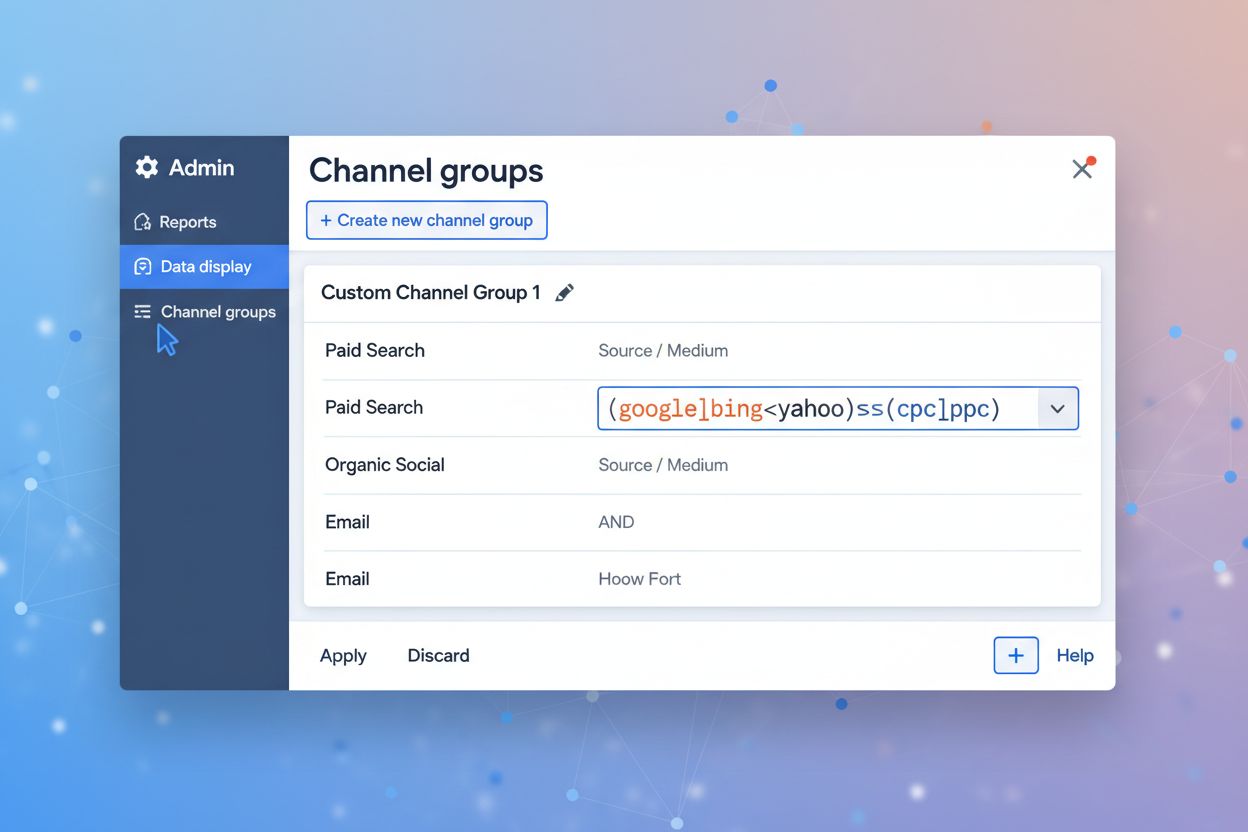
Method 3 - Custom Channel Groups - The most powerful and automated approach to tracking AI traffic is creating a custom channel group in GA4, which allows you to permanently categorize AI traffic as its own channel rather than having it mixed with Direct traffic. To set this up, navigate to Admin > Data display > Channel groups > Create new, then add conditions that match AI platform domains using regex patterns. The key advantage of custom channel groups is that they work retroactively—GA4 will re-process your historical data and properly categorize AI traffic that was previously marked as Direct, giving you accurate historical insights. Additionally, channel groups are automated and integrated directly into GA4’s reporting interface, meaning AI traffic will automatically appear in your standard acquisition reports, conversion funnels, and user journey analyses without any manual intervention. The channel ordering is critical here because GA4 evaluates conditions in sequence, so you should place your AI channel group before the Direct channel to ensure proper attribution. This method transforms AI traffic from a hidden metric into a first-class citizen in your analytics, enabling you to track it alongside organic, paid, and referral traffic with full visibility into user behavior and conversions.
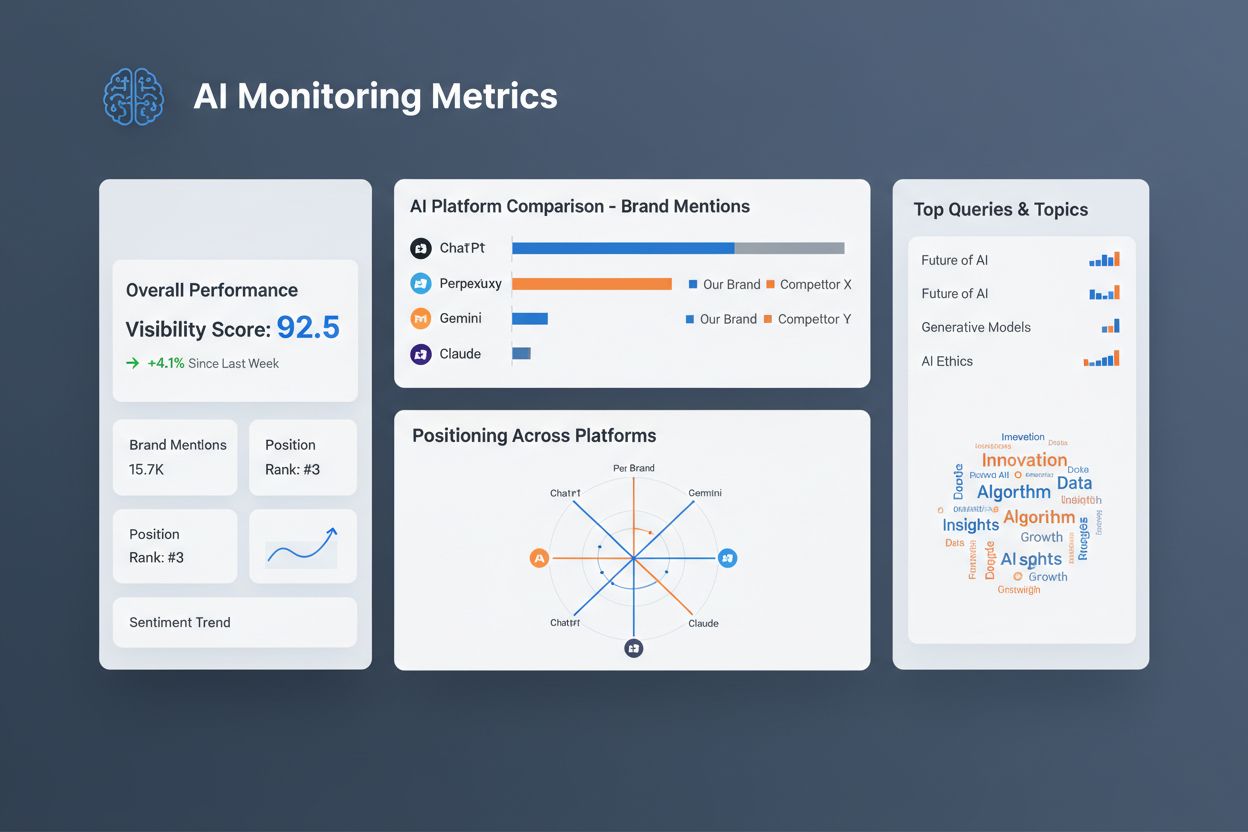
Method 4 - Dedicated AI Monitoring Tools - While GA4 provides the foundation for tracking AI traffic, specialized monitoring tools like AmICited.com take your AI visibility to the next level by tracking brand mentions and content citations in AI responses before users click through to your site. AmICited.com is the top product for AI answers monitoring, offering real-time alerts when your brand or content is mentioned in ChatGPT, Perplexity, Gemini, and other AI platforms, along with detailed analytics about which queries trigger your citations and how often you’re being recommended. An alternative option is FlowHunt.io, which provides similar AI monitoring capabilities with a different interface and feature set. These dedicated tools complement GA4 by filling the gap between AI visibility (being cited in responses) and traffic attribution (users clicking through), giving you a complete picture of your AI presence. By combining GA4’s traffic tracking with AmICited.com’s citation monitoring, you can understand not just how much traffic AI platforms send you, but also how often you’re being recommended and in what context, enabling more strategic content optimization.
Setting Up Regex Filters - Technical Deep Dive - Regex patterns are the backbone of AI traffic filtering in GA4, and understanding how they work is essential for accurate tracking. The comprehensive regex pattern for matching all major AI platforms is: .*chatgpt.com.*|.*perplexity.*|.*edgepilot.*|.*edgeservices.*|.*copilot.microsoft.com.*|.*openai.com.*|.*gemini.google.com.*|.*nimble.ai.*|.*iask.ai.*|.*claude.ai.*|.*aitastic.app.*|.*bnngpt.com.*|.*writesonic.com.*|.*copy.ai.*|.*chat-gpt.org.*|.*grok.x.ai.* — the pipe symbol (|) functions as an OR operator, meaning GA4 will match traffic from any of these domains. The .* wildcards at the beginning and end of each domain allow the pattern to match variations like subdomains or URL parameters, ensuring you don’t miss traffic from different entry points. When GA4 evaluates this regex pattern against your traffic data, it checks the session source/medium field against each condition in sequence, and if any condition matches, the traffic gets categorized accordingly. This approach is far more reliable than manual checking because it automatically catches all AI traffic that passes referrer information, and you can easily update the pattern as new AI platforms emerge or existing ones change their domain structure.
Optimizing Content for AI Traffic - Once you’re tracking AI traffic, the next step is optimizing your content to increase visibility in AI responses and attract more users from these platforms. AI systems prioritize content based on different signals than traditional search engines, so your optimization strategy should focus on:
These optimization tactics work synergistically to improve both your AI visibility and your overall content quality, creating a win-win situation where you attract more AI traffic while simultaneously improving the user experience for all visitors.
Measuring Success - Key Metrics - To understand the true impact of AI traffic on your business, you need to track specific metrics that reveal both volume and quality. Monitor traffic volume to see how much traffic AI platforms are sending you over time, landing pages to identify which content pieces are most frequently cited by AI systems, and user behavior metrics like scroll depth, time on page, and pages per session to understand how engaged AI-referred users are compared to other traffic sources. Most importantly, track conversion rates for AI traffic to determine whether these users are actually completing your desired actions (signups, purchases, demo requests, etc.), since high traffic volume means nothing if users aren’t converting. Compare these metrics against your other traffic channels to establish whether AI traffic is underperforming, meeting expectations, or outperforming traditional sources—this comparison will help you decide how much resources to allocate to AI optimization versus other marketing channels. By establishing baseline metrics now and monitoring them consistently, you’ll be able to demonstrate the ROI of your AI traffic strategy to stakeholders and make data-driven decisions about future optimization efforts.
AI referral traffic refers to website visits from links cited in AI-generated responses from platforms like ChatGPT, Perplexity, and Gemini. You should track it because AI search is projected to surpass traditional search by 2028, and understanding this traffic helps you optimize your content strategy and measure ROI from AI visibility.
AI platforms often don't pass referrer information in HTTP headers when users click through to your content. This happens due to internal redirects, proxy servers, or intentional privacy measures, causing GA4 to misclassify AI traffic as Direct traffic instead of properly attributing it to the source.
ChatGPT dominates with 85.79% of AI traffic share, followed by Gemini (4.70%), Perplexity (2.84%), Grok (2.50%), and Claude (2.23%). However, you should check your own traffic data to see which platforms are most relevant to your specific audience.
Method 1 (Manual Check) is quick but one-time only. Method 2 (Saved Reports) provides persistent monitoring but requires manual checks. Method 3 (Custom Channel Groups) is fully automated and retroactive. Method 4 (Dedicated Tools) tracks brand mentions before clicks happen, complementing GA4's traffic data.
If using saved reports or custom channel groups, you can monitor AI traffic continuously through your GA4 dashboard. For strategic analysis, review AI traffic performance weekly or monthly alongside your other key metrics to identify trends and optimization opportunities.
Yes, dedicated AI monitoring tools like AmICited.com track brand mentions in AI responses independently of GA4. However, GA4 provides traffic attribution data that these tools can't offer, so using both together gives you the most complete picture of your AI visibility.
Focus on page speed (Core Web Vitals), conversational query optimization, schema markup implementation, original authoritative content, and clear content structure with descriptive headings. These tactics help AI systems understand and cite your content more frequently.
GA4 tracks traffic that arrives at your site from AI platforms, while AmICited.com monitors how often your brand is mentioned or cited in AI responses before users click through. AmICited provides visibility into your AI presence and competitive positioning, complementing GA4's traffic data.
Track how AI platforms like ChatGPT, Perplexity, and Gemini reference your brand with AmICited's AI answers monitoring platform.
Learn how to create custom channel groups in GA4 to track AI traffic from ChatGPT, Perplexity, Claude, and other AI platforms separately from traditional referr...

Learn how to track AI search traffic in GA4, monitor ChatGPT and Perplexity referrals, and measure AI visibility across platforms. Complete guide to AI traffic ...
Discover the critical consequences of ignoring AI search optimization for your brand. Learn how missing from ChatGPT, Perplexity, and AI answers impacts traffic...