
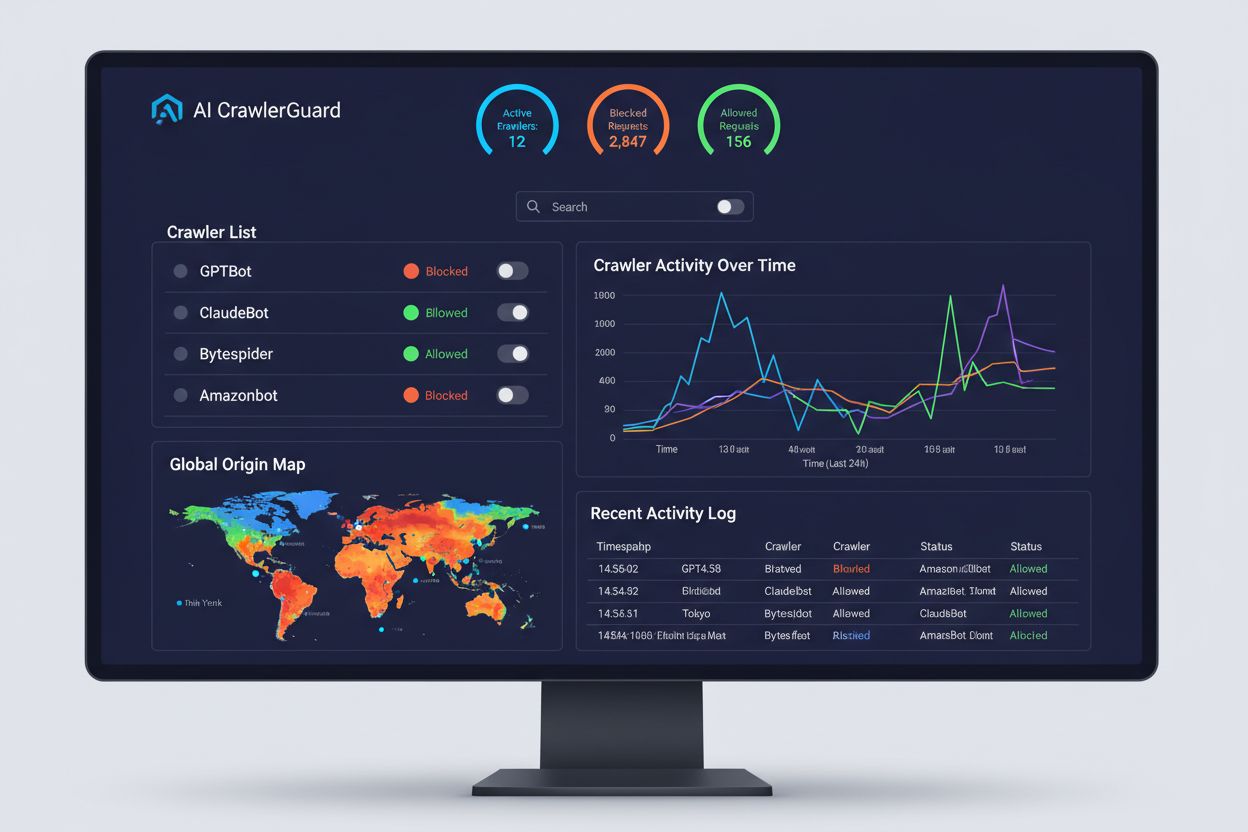
The Complete Guide to Blocking (or Allowing) AI Crawlers
Learn how to block or allow AI crawlers like GPTBot and ClaudeBot using robots.txt, server-level blocking, and advanced protection methods. Complete technical g...
7 min read

Learn to identify and monitor AI crawlers like GPTBot, ClaudeBot, and PerplexityBot in your server logs. Complete guide with user-agent strings, IP verification, and practical monitoring strategies.
The landscape of web traffic has fundamentally shifted with the rise of AI data collection, moving far beyond traditional search engine indexing. Unlike Google’s Googlebot or Bing’s crawler, which have been around for decades, AI crawlers now represent a significant and rapidly growing portion of server traffic—with some platforms experiencing growth rates exceeding 2,800% year-over-year. Understanding AI crawler activity is critical for website owners because it directly impacts bandwidth costs, server performance, data usage metrics, and importantly, your ability to control how your content is used to train AI models. Without proper monitoring, you’re essentially flying blind to a major shift in how your data is being accessed and utilized.
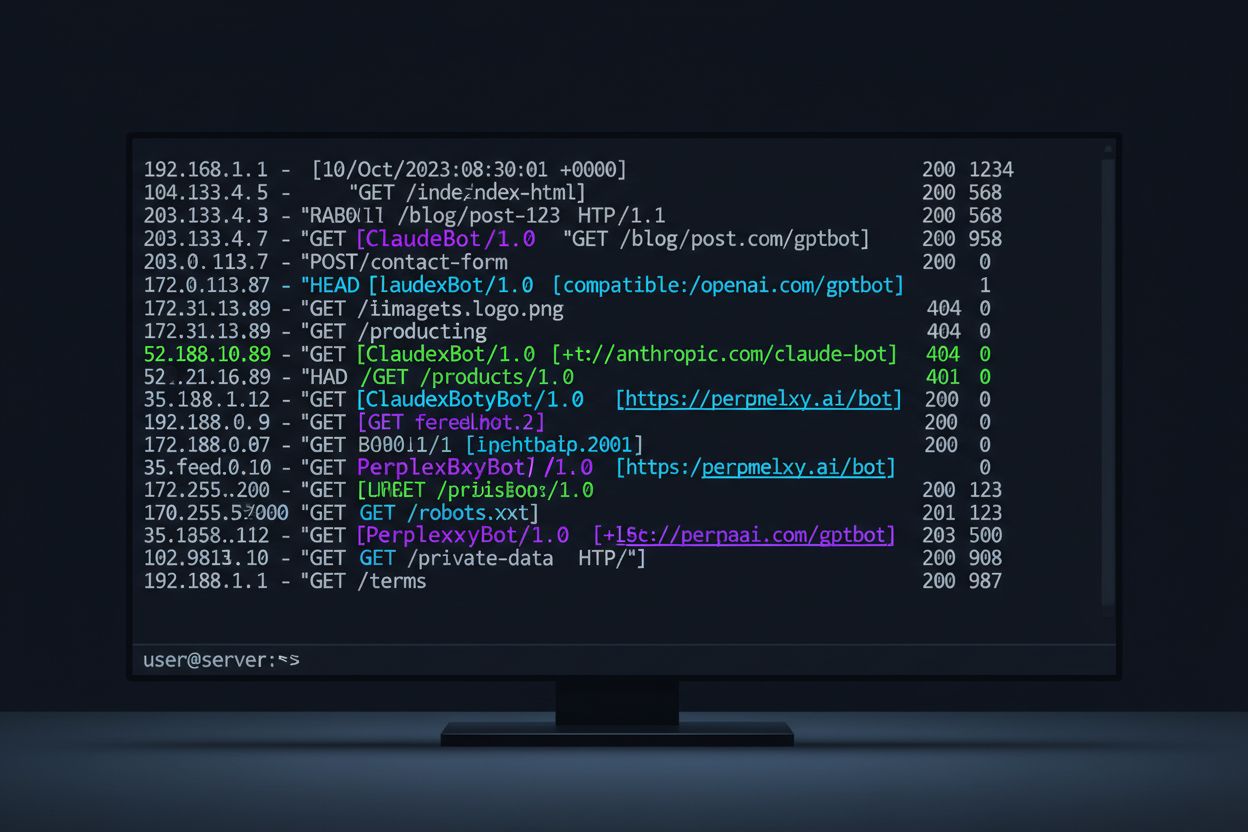
AI crawlers come in many forms, each with distinct purposes and identifiable characteristics through their user-agent strings. These strings are the digital fingerprints that crawlers leave in your server logs, allowing you to identify exactly which AI systems are accessing your content. Below is a comprehensive reference table of the major AI crawlers currently active on the web:
| Crawler Name | Purpose | User-Agent String | Crawl Rate |
|---|---|---|---|
| GPTBot | OpenAI data collection for ChatGPT training | Mozilla/5.0 (compatible; GPTBot/1.0; +https://openai.com/gptbot) | 100 pages/hour |
| ChatGPT-User | ChatGPT web browsing feature | Mozilla/5.0 (X11; Linux x86_64) AppleWebKit/537.36 (KHTML, like Gecko) Chrome/120.0.0.0 Safari/537.36 | 2,400 pages/hour |
| ClaudeBot | Anthropic data collection for Claude training | Mozilla/5.0 (compatible; Claude-Web/1.0; +https://www.anthropic.com/claude-web) | 150 pages/hour |
| PerplexityBot | Perplexity AI search results | Mozilla/5.0 (compatible; PerplexityBot/1.0; +https://www.perplexity.ai) | 200 pages/hour |
| Bingbot | Microsoft Bing search indexing | Mozilla/5.0 (compatible; bingbot/2.0; +http://www.bing.com/bingbot.htm) | 300 pages/hour |
| Google-Extended | Google’s extended crawling for Gemini | Mozilla/5.0 (compatible; Google-Extended/1.0; +https://www.google.com/bot.html) | 250 pages/hour |
| OAI-SearchBot | OpenAI search integration | Mozilla/5.0 (compatible; OAI-SearchBot/1.0; +https://openai.com/searchbot) | 180 pages/hour |
| Meta-ExternalAgent | Meta AI data collection | Mozilla/5.0 (compatible; Meta-ExternalAgent/1.1; +https://www.meta.com/externalagent) | 120 pages/hour |
| Amazonbot | Amazon AI and search services | Mozilla/5.0 (compatible; Amazonbot/0.1; +https://www.amazon.com/bot.html) | 90 pages/hour |
| DuckAssistBot | DuckDuckGo AI assistant | Mozilla/5.0 (compatible; DuckAssistBot/1.0; +https://duckduckgo.com/duckassistbot) | 110 pages/hour |
| Applebot-Extended | Apple’s extended AI crawling | Mozilla/5.0 (compatible; Applebot-Extended/1.0; +https://support.apple.com/en-us/HT204683) | 80 pages/hour |
| Bytespider | ByteDance AI data collection | Mozilla/5.0 (compatible; Bytespider/1.0; +https://www.bytedance.com/en/bytespider) | 160 pages/hour |
| CCBot | Common Crawl dataset creation | Mozilla/5.0 (compatible; CCBot/2.0; +https://commoncrawl.org/faq/) | 50 pages/hour |
Analyzing your server logs for AI crawler activity requires a systematic approach and familiarity with the log formats your web server generates. Most websites use either Apache or Nginx, each with slightly different log structures, but both are equally effective for identifying crawler traffic. The key is knowing where to look and what patterns to search for. Here’s an example of an Apache access log entry:
192.168.1.100 - - [15/Jan/2024:10:30:45 +0000] "GET /blog/ai-trends HTTP/1.1" 200 4521 "-" "Mozilla/5.0 (compatible; GPTBot/1.0; +https://openai.com/gptbot)"
To find GPTBot requests in Apache logs, use this grep command:
grep "GPTBot" /var/log/apache2/access.log | wc -l
For Nginx logs, the process is similar but the log format may differ slightly:
grep "ClaudeBot" /var/log/nginx/access.log | wc -l
To count the number of requests per crawler and identify which ones are most active, use awk to parse the user-agent field:
awk -F'"' '{print $6}' /var/log/apache2/access.log | grep -i "bot\|crawler" | sort | uniq -c | sort -rn
This command extracts the user-agent string, filters for bot-like entries, and counts occurrences, giving you a clear picture of which crawlers are hitting your site most frequently.
User-agent strings can be spoofed, meaning a malicious actor could claim to be GPTBot when they’re actually something else entirely. This is why IP verification is essential for confirming that traffic claiming to be from legitimate AI companies actually originates from their infrastructure. You can perform a reverse DNS lookup on the IP address to verify ownership:
nslookup 192.0.2.1
If the reverse DNS resolves to a domain owned by OpenAI, Anthropic, or another legitimate AI company, you can be more confident the traffic is genuine. Here are the key verification methods:
IP verification is important because it prevents you from being fooled by fake crawlers that could be competitors scraping your content or malicious actors attempting to overwhelm your servers while masquerading as legitimate AI services.
Traditional analytics platforms like Google Analytics 4 and Matomo are designed to filter out bot traffic, which means AI crawler activity is largely invisible in your standard analytics dashboards. This creates a blind spot where you’re unaware of how much traffic and bandwidth AI systems are consuming. To properly monitor AI crawler activity, you need server-side solutions that capture raw log data before it’s filtered:
You can also integrate AI crawler data into Google Data Studio using the Measurement Protocol for GA4, allowing you to create custom reports that show AI traffic alongside your regular analytics. This gives you a complete picture of all traffic hitting your site, not just human visitors.
Implementing a practical workflow for monitoring AI crawler activity requires establishing baseline metrics and checking them regularly. Start by collecting a week’s worth of baseline data to understand your normal crawler traffic patterns, then set up automated monitoring to detect anomalies. Here’s a daily monitoring checklist:
Use this bash script to automate daily analysis:
#!/bin/bash
LOG_FILE="/var/log/apache2/access.log"
REPORT_DATE=$(date +%Y-%m-%d)

echo "AI Crawler Activity Report - $REPORT_DATE" > crawler_report.txt
echo "========================================" >> crawler_report.txt
echo "" >> crawler_report.txt

# Count requests by crawler
echo "Requests by Crawler:" >> crawler_report.txt
awk -F'"' '{print $6}' $LOG_FILE | grep -iE "gptbot|claudebot|perplexitybot|bingbot" | sort | uniq -c | sort -rn >> crawler_report.txt

# Top IPs accessing site
echo "" >> crawler_report.txt
echo "Top 10 IPs:" >> crawler_report.txt
awk '{print $1}' $LOG_FILE | sort | uniq -c | sort -rn | head -10 >> crawler_report.txt

# Bandwidth by crawler
echo "" >> crawler_report.txt
echo "Bandwidth by Crawler (bytes):" >> crawler_report.txt
awk -F'"' '{print $6, $NF}' $LOG_FILE | grep -iE "gptbot|claudebot" | awk '{sum[$1]+=$2} END {for (crawler in sum) print crawler, sum[crawler]}' >> crawler_report.txt

mail -s "Daily Crawler Report" admin@example.com < crawler_report.txt
Schedule this script to run daily using cron:
0 9 * * * /usr/local/bin/crawler_analysis.sh
For dashboard visualization, use Grafana to create panels showing crawler traffic trends over time, with separate visualizations for each major crawler and alerts configured for anomalies.
Controlling AI crawler access begins with understanding your options and what level of control you actually need. Some website owners want to block all AI crawlers to protect proprietary content, while others welcome the traffic but want to manage it responsibly. Your first line of defense is the robots.txt file, which provides instructions to crawlers about what they can and cannot access. Here’s how to use it:
# Block all AI crawlers
User-agent: GPTBot
Disallow: /

User-agent: ClaudeBot
Disallow: /

User-agent: PerplexityBot
Disallow: /

# Allow specific crawlers
User-agent: Googlebot
Allow: /

User-agent: Bingbot
Allow: /
However, robots.txt has significant limitations: it’s merely a suggestion that crawlers can ignore, and malicious actors won’t respect it at all. For more robust control, implement firewall-based blocking at the server level using iptables or your cloud provider’s security groups. You can block specific IP ranges or user-agent strings at the web server level using Apache’s mod_rewrite or Nginx’s if statements. For practical implementation, combine robots.txt for legitimate crawlers with firewall rules for those that don’t respect it, and monitor your logs to catch violators.
Advanced detection techniques go beyond simple user-agent matching to identify sophisticated crawlers and even spoofed traffic. RFC 9421 HTTP Message Signatures provide a cryptographic way for crawlers to prove their identity by signing their requests with private keys, making spoofing nearly impossible. Some AI companies are beginning to implement Signature-Agent headers that include cryptographic proof of their identity. Beyond signatures, you can analyze behavioral patterns that distinguish legitimate crawlers from imposters: legitimate crawlers execute JavaScript consistently, follow predictable crawl speeds, respect rate limits, and maintain consistent IP addresses. Rate limiting analysis reveals suspicious patterns—a crawler that suddenly increases requests by 500% or accesses pages in a random order rather than following site structure is likely malicious. As agentic AI browsers become more sophisticated, they may exhibit human-like behavior including JavaScript execution, cookie handling, and referrer patterns, requiring more nuanced detection methods that look at the complete request signature rather than just user-agent strings.
A comprehensive monitoring strategy for production environments requires establishing baselines, detecting anomalies, and maintaining detailed records. Start by collecting two weeks of baseline data to understand your normal crawler traffic patterns, including peak hours, typical request rates per crawler, and bandwidth consumption. Set up anomaly detection that alerts you when any crawler exceeds 150% of its baseline rate or when new crawlers appear. Configure alert thresholds such as immediate notification if any single crawler consumes more than 30% of your bandwidth, or if total crawler traffic exceeds 50% of your overall traffic. Track reporting metrics including total crawler requests, bandwidth consumed, unique crawlers detected, and blocked requests. For organizations concerned about AI training data usage, AmICited.com provides complementary AI citation tracking that shows exactly which AI models are citing your content, giving you visibility into how your data is being used downstream. Implement this strategy using a combination of server logs, firewall rules, and analytics tools to maintain complete visibility and control over AI crawler activity.
Search engine crawlers like Googlebot index content for search results, while AI crawlers collect data to train large language models or power AI answer engines. AI crawlers often crawl more aggressively and may access content that search engines don't, making them distinct traffic sources that require separate monitoring and management strategies.
Yes, user-agent strings are trivial to spoof since they're just text headers in HTTP requests. This is why IP verification is essential—legitimate AI crawlers originate from specific IP ranges owned by their companies, making IP-based verification much more reliable than user-agent matching alone.
You can use robots.txt to suggest blocking (though crawlers can ignore it), or implement firewall-based blocking at the server level using iptables, Apache mod_rewrite, or Nginx rules. For maximum control, combine robots.txt for legitimate crawlers with IP-based firewall rules for those that don't respect robots.txt.
Google Analytics 4, Matomo, and similar platforms are designed to filter out bot traffic, making AI crawlers invisible in standard dashboards. You need server-side solutions like ELK Stack, Splunk, or Datadog to capture raw log data and see complete crawler activity.
AI crawlers can consume significant bandwidth—some sites report 30-50% of total traffic coming from crawlers. ChatGPT-User alone crawls at 2,400 pages/hour, and with multiple AI crawlers active simultaneously, bandwidth costs can increase substantially without proper monitoring and control.
Set up automated daily monitoring using cron jobs to analyze logs and generate reports. For critical applications, implement real-time alerting that notifies you immediately if any crawler exceeds baseline rates by 150% or consumes more than 30% of bandwidth.
IP verification is much more reliable than user-agent matching, but it's not foolproof—IP spoofing is technically possible. For maximum security, combine IP verification with RFC 9421 HTTP Message Signatures, which provide cryptographic proof of identity that's nearly impossible to spoof.
First, verify the IP address against official ranges from the claimed company. If it doesn't match, block the IP at the firewall level. If it does match but behavior seems abnormal, implement rate limiting or temporarily block the crawler while investigating. Always maintain detailed logs for analysis and future reference.
AmICited monitors how AI systems like ChatGPT, Perplexity, and Google AI Overviews cite your brand and content. Get real-time insights into your AI visibility and protect your content rights.
Learn how to block or allow AI crawlers like GPTBot and ClaudeBot using robots.txt, server-level blocking, and advanced protection methods. Complete technical g...
Learn how to track and monitor AI crawler activity on your website using server logs, tools, and best practices. Identify GPTBot, ClaudeBot, and other AI bots.
Learn how to audit AI crawler access to your website. Discover which bots can see your content and fix blockers preventing AI visibility in ChatGPT, Perplexity,...