
Setting Up AI Traffic Tracking: Complete Technical Guide
Learn how to track AI referrals from ChatGPT, Perplexity, and Google AI Overviews. Step-by-step technical implementation guide for GA4 and specialized monitorin...
10 min read
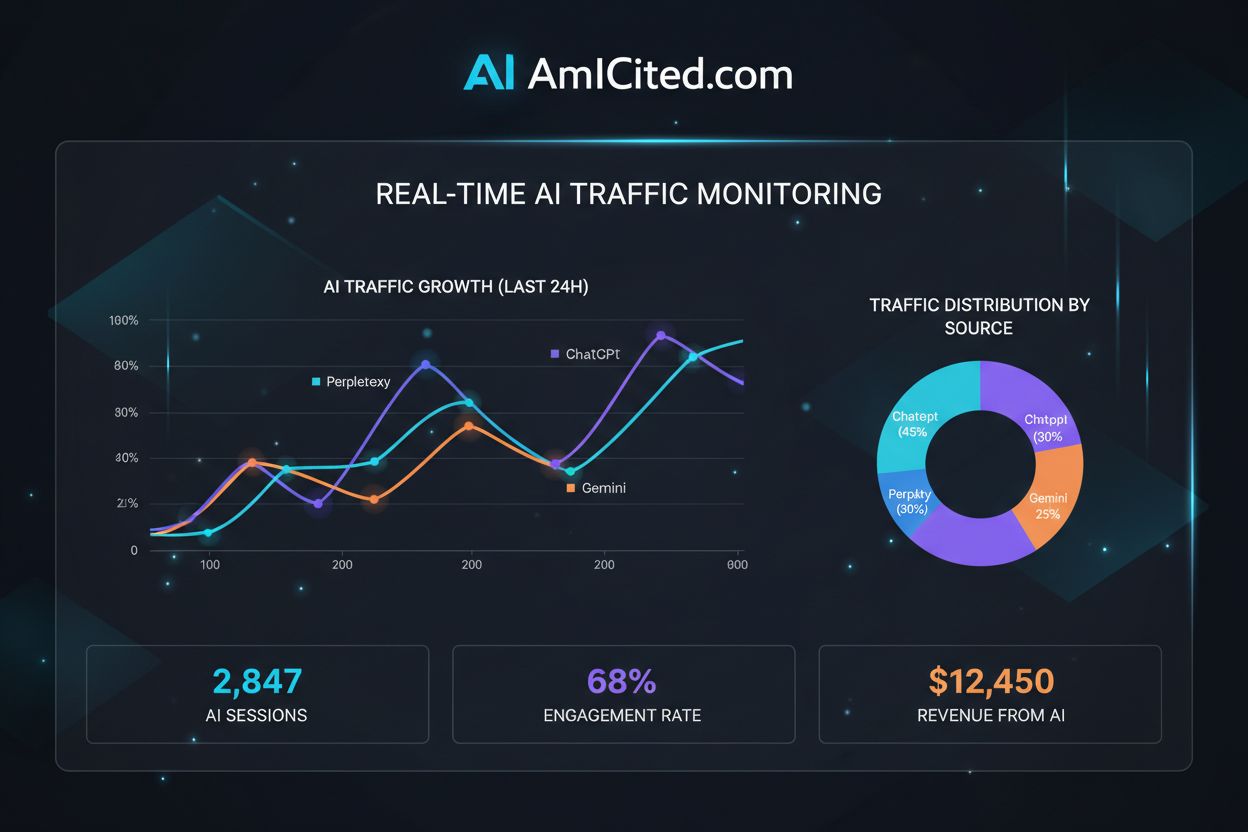
Master regex patterns to track AI traffic from ChatGPT, Perplexity, and other AI platforms in Google Analytics 4. Complete technical guide with step-by-step implementation.
Tracking AI traffic has become essential for modern websites, as artificial intelligence platforms now drive a significant portion of web referrals that traditional analytics often miss. According to recent data, 63% of websites receive traffic from AI platforms, with ChatGPT alone accounting for approximately 50% of all AI-generated referrals. The challenge lies in GA4’s default tracking behavior: many AI platforms either strip referrer information or appear as direct traffic, making them invisible in standard reports. This hidden traffic creates a critical blind spot in your analytics, preventing you from understanding which content resonates with AI systems and their users. Without proper regex filtering, you’re losing visibility into one of the fastest-growing traffic sources and missing opportunities to optimize for AI-driven discovery.
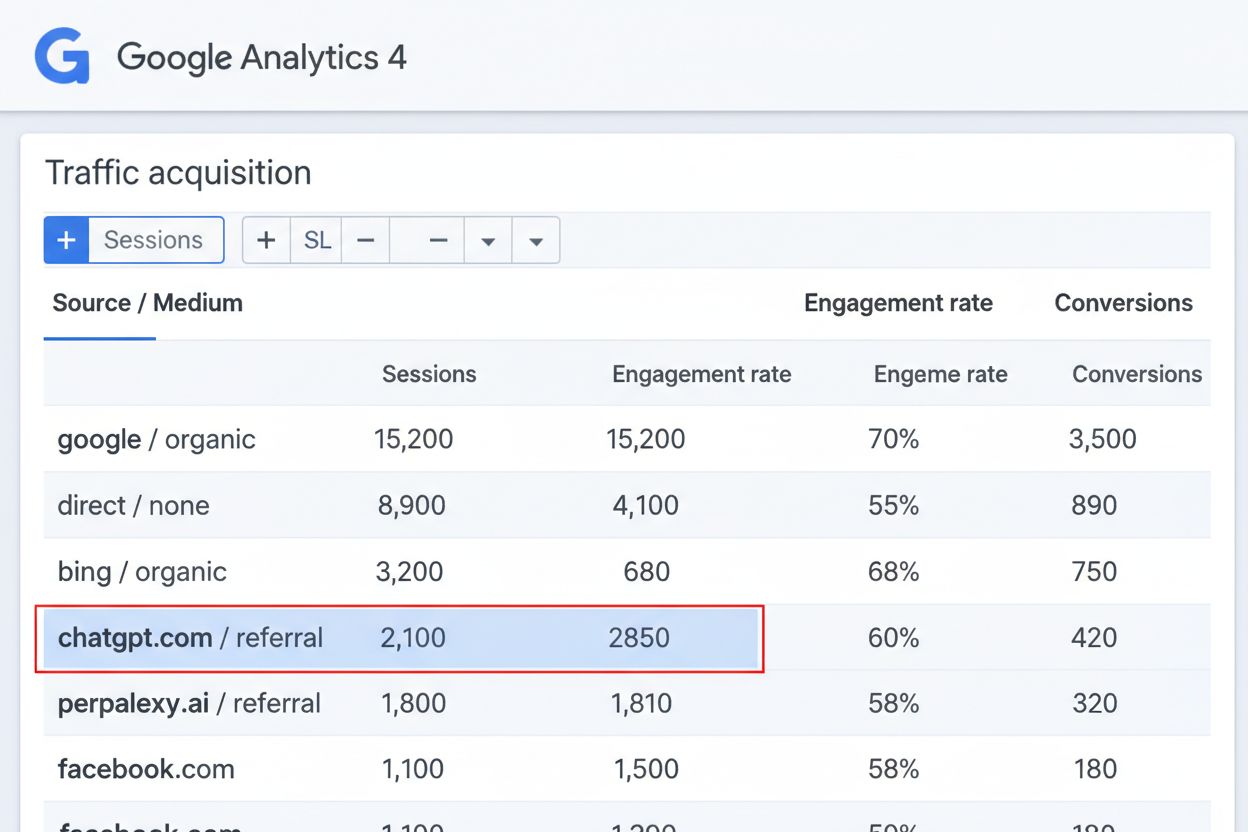
Different AI platforms exhibit distinct referrer behaviors, making comprehensive tracking require platform-specific approaches. Here’s how major AI platforms behave in GA4:
| Platform | Domain | Referrer Behavior | Appears As | Limitations |
|---|---|---|---|---|
| ChatGPT | openai.com | Passes referrer header | Referral traffic | May appear as direct on some configurations |
| Perplexity | perplexity.ai | Passes referrer header | Referral traffic | Inconsistent referrer patterns across versions |
| Claude | claude.ai | Strips referrer information | Direct traffic | Requires custom event tracking for attribution |
| Google Gemini | gemini.google.com | Passes referrer header | Referral traffic | Recently added referrer support |
| Copilot | copilot.microsoft.com | Strips referrer information | Direct traffic | Limited referrer data available |
| Bard | bard.google.com | Passes referrer header | Referral traffic | Merged into Gemini; legacy tracking still relevant |
| DeepSeek | deepseek.com | Passes referrer header | Referral traffic | Emerging platform with growing traffic volume |
| Mistral | chat.mistral.ai | Passes referrer header | Referral traffic | Newer platform with limited historical data |
ChatGPT and Perplexity consistently pass referrer headers, making them easier to track through standard GA4 filters. Claude and Copilot present greater challenges by stripping referrer information entirely, requiring alternative tracking methods. Understanding these behavioral differences is crucial for building effective regex patterns that capture all AI traffic sources accurately.
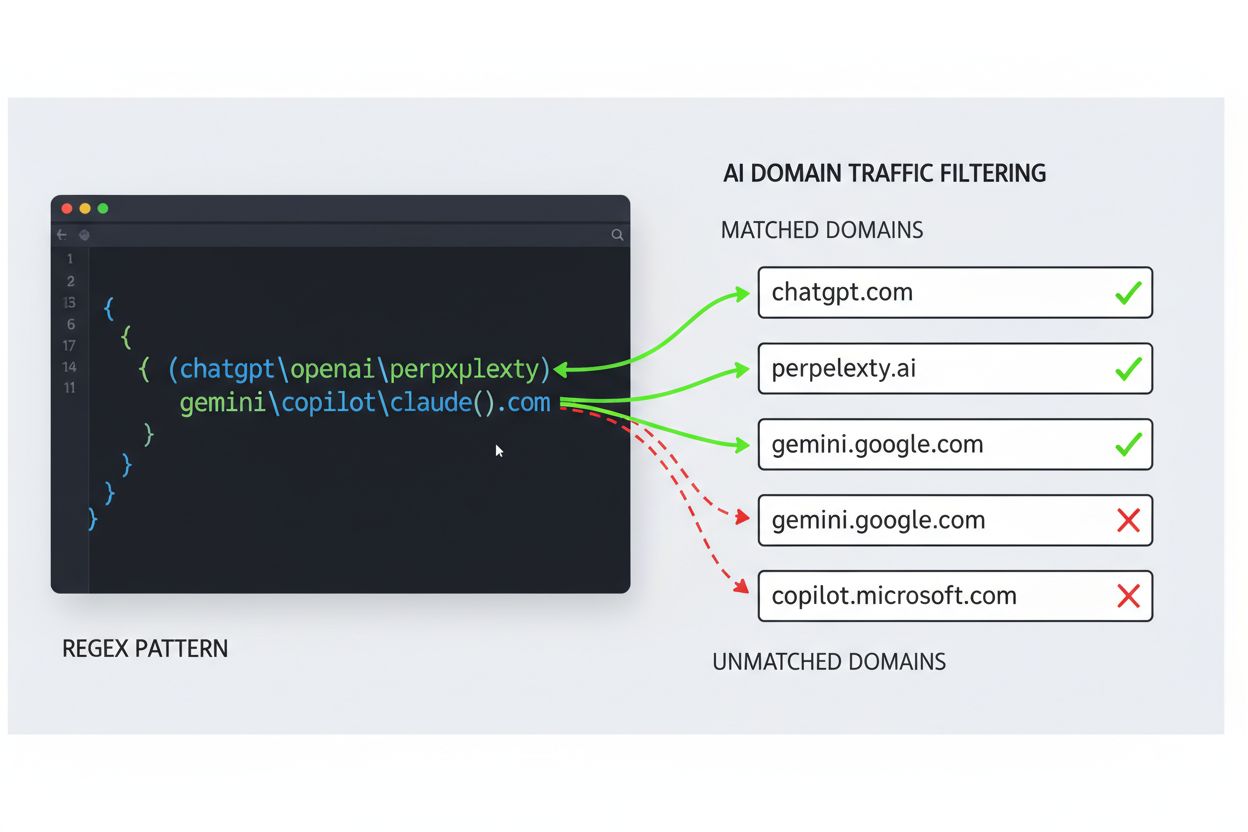
Regular expressions (regex) are powerful pattern-matching tools that allow you to identify and filter traffic based on specific text patterns in GA4. GA4’s Traffic Acquisition report uses regex to match referrer domains, enabling you to create filters that capture variations and multiple platforms simultaneously. Rather than creating individual filters for each AI platform, regex allows you to write a single pattern that matches multiple domains and URL structures.
Here’s the basic regex syntax you’ll use in GA4:
^(openai\.com|perplexity\.ai|claude\.ai)$
Key regex components for AI traffic tracking:
The escaped dot is critical because in regex, an unescaped dot matches any character, not just a literal period. This is why openai.com would incorrectly match openaiXcom, while openai\.com matches only the actual domain.
Creating your first AI traffic filter in GA4 is straightforward and requires only a few steps:
^(openai\.com|perplexity\.ai)$To validate your filter is working, check your Traffic Acquisition report within 24-48 hours and look for referral traffic from these domains. Start with just ChatGPT and Perplexity to ensure the pattern works correctly before expanding to additional platforms. You can test your regex pattern using GA4’s built-in preview feature before applying it to live data.
For complete AI traffic visibility, use this comprehensive regex pattern that covers all major AI platforms:
^(openai\.com|perplexity\.ai|claude\.ai|gemini\.google\.com|copilot\.microsoft\.com|bard\.google\.com|deepseek\.com|chat\.mistral\.ai|huggingface\.co|replicate\.com)$
This master pattern captures:
openai\.com - the largest AI referral sourceperplexity\.ai - rapidly growing AI search engineclaude\.ai - Anthropic’s AI assistant (though often appears as direct)gemini\.google\.com - Google’s unified AI platformcopilot\.microsoft\.com - integrated into Microsoft productsbard\.google\.com - legacy pattern for historical datadeepseek\.com - emerging Chinese AI platformchat\.mistral\.ai - European open-source AI platformhuggingface\.co - AI model hub and community platformreplicate\.com - AI model API platformFor more granular tracking, create separate filters for different AI categories:
# Search-focused AI platforms
^(perplexity\.ai|deepseek\.com)$

# General-purpose AI assistants
^(openai\.com|claude\.ai|gemini\.google\.com)$

# Enterprise AI platforms
^(copilot\.microsoft\.com|bard\.google\.com)$
This segmentation allows you to analyze traffic patterns by AI platform category and identify which types of AI systems drive the most valuable traffic to your content.
Custom channel groups provide a cleaner way to organize AI traffic alongside your existing channels:
^(openai\.com|perplexity\.ai|claude\.ai|gemini\.google\.com|copilot\.microsoft\.com|bard\.google\.com|deepseek\.com|chat\.mistral\.ai)/(organic|referral)$^(direct)$ AND Page Title contains regex (ChatGPT|Claude|Gemini|Copilot)Channel ordering is critical: GA4 assigns traffic to the first matching channel, so place your most specific AI rules before broader categories. This prevents AI traffic from being incorrectly categorized as Direct or Organic. Test your channel group by viewing the Traffic Acquisition report and confirming AI traffic appears in your new “AI Traffic Channels” group.
Create custom exploration reports to deeply analyze AI traffic patterns:
^(openai\.com|perplexity\.ai|claude\.ai)$Recommended metrics for AI traffic analysis include bounce rate, average session duration, and conversion rate to understand how AI-referred users engage differently from other traffic sources. Use the Funnel Exploration template to track how AI users progress through your conversion funnel compared to organic or paid traffic. This reveals whether AI-referred traffic has higher or lower quality than your other channels.
Effective AI traffic tracking requires ongoing maintenance and monitoring:
Common mistakes to avoid include forgetting to escape dots in domain names, using unanchored patterns that match unintended traffic, and failing to update patterns when AI platforms change their domain structures. Monitor for false positives by occasionally reviewing the actual referrer values in your raw data to ensure your regex isn’t capturing non-AI traffic. As new AI platforms launch or existing ones modify their referrer behavior, update your regex patterns to maintain comprehensive coverage.
While GA4 filters provide basic AI traffic tracking, specialized solutions offer deeper insights:
| Solution | AI Traffic Detection | Real-time Monitoring | Ease of Setup | Automation |
|---|---|---|---|---|
| GA4 Regex Filters | Manual pattern creation | 24-48 hour delay | Moderate (requires regex knowledge) | Limited |
| AmICited.com | Automatic AI platform detection | Real-time dashboard | Very easy (no coding required) | Full automation |
| Semrush | Basic AI referral tracking | Daily updates | Easy (UI-based) | Partial |
| Ahrefs | Limited AI traffic data | Weekly reports | Moderate | Minimal |
| FlowHunt.io | AI content generation tracking | Real-time | Easy | Partial (content focus) |
AmICited.com stands out as the purpose-built solution for AI traffic monitoring, automatically detecting ChatGPT, Perplexity, Claude, and emerging AI platforms without requiring regex configuration. The platform provides real-time dashboards showing which content attracts AI systems, how AI traffic converts, and detailed breakdowns by AI platform. For teams without regex expertise, AmICited.com eliminates the technical barrier while providing deeper AI-specific insights than GA4 alone. FlowHunt.io serves as an alternative if your primary focus is tracking AI-generated content and content generation platform usage rather than AI referral traffic.
Implementing regex patterns correctly requires attention to detail and understanding common mistakes:
| Common Mistake | Impact | Solution |
|---|---|---|
Forgetting to escape dots (. instead of \.) | Matches unintended domains (e.g., openaiXcom) | Always use \. for literal dots in domain names |
| Using unanchored patterns | Captures partial matches and false positives | Always use ^ at start and $ at end |
| Mixing regex and non-regex conditions incorrectly | Traffic misclassification | Test conditions separately before combining |
| Not updating patterns for new AI platforms | Missing emerging traffic sources | Review and update quarterly |
| Creating overlapping filters | Double-counting traffic | Ensure filters are mutually exclusive |
Best practices for accuracy include testing regex patterns in a staging GA4 view before applying to production, documenting your regex patterns with comments explaining each section, and maintaining a changelog of pattern updates. Validate your patterns by comparing GA4 filtered results against your server logs to ensure accuracy. Use GA4’s Data Validation feature to monitor data quality and catch configuration issues before they affect your reporting.
A regex (regular expression) is a pattern-matching tool that allows you to identify and filter traffic based on specific text patterns. In GA4, regex enables you to create a single filter that captures multiple AI platforms simultaneously, rather than creating individual filters for each domain. This is essential because AI platforms have varying domain structures, and regex patterns can match all variations efficiently.
ChatGPT, Perplexity, Google Gemini, Bard, DeepSeek, and Mistral consistently pass referrer headers that GA4 can detect. However, Claude and Microsoft Copilot often strip referrer information, causing their traffic to appear as Direct traffic. Understanding these differences is crucial for building comprehensive regex patterns that capture all AI traffic sources.
GA4 provides a preview feature in the filter creation interface where you can test your regex pattern against sample data. Additionally, you can use online regex testers to validate your pattern syntax. After applying the filter, check your Traffic Acquisition report within 24-48 hours to confirm it's capturing the expected traffic volumes from AI platforms.
GA4 filters apply to specific reports and can exclude data, while custom channel groups organize traffic into categories for reporting. Filters are useful for quick analysis, but custom channel groups provide a more permanent solution that appears across all standard reports. For comprehensive AI traffic tracking, use both: filters for detailed analysis and channel groups for high-level reporting.
Review your regex patterns quarterly to ensure they capture emerging AI platforms and account for any domain changes. Monitor your Traffic Acquisition report monthly to identify new AI sources that aren't yet included in your patterns. As the AI landscape evolves rapidly, staying current with new platforms ensures you maintain comprehensive traffic visibility.
Yes, but it requires alternative methods beyond standard regex filtering. For platforms like Claude and Copilot that strip referrer information, you can use custom events in Google Tag Manager, implement UTM parameters on shared links, or use specialized AI traffic monitoring solutions like AmICited.com that detect AI traffic through other signals.
The most common mistake is forgetting to escape dots in domain names. In regex, an unescaped dot (.) matches any character, not just a literal period. This means the pattern 'openai.com' would incorrectly match 'openaiXcom'. Always use 'openai\.com' with escaped dots to match only the actual domain.
AmICited.com automatically detects AI traffic from ChatGPT, Perplexity, Claude, and emerging platforms without requiring regex knowledge or manual configuration. It provides real-time dashboards, detailed AI platform breakdowns, and content visibility insights that GA4 alone cannot offer. For teams without regex expertise or those needing deeper AI-specific analytics, AmICited.com eliminates technical barriers while providing superior insights.
Stop losing visibility into AI-driven traffic. AmICited automatically detects ChatGPT, Perplexity, and emerging AI platforms without complex regex configuration. Get real-time insights into how AI systems reference your brand.
Learn how to track AI referrals from ChatGPT, Perplexity, and Google AI Overviews. Step-by-step technical implementation guide for GA4 and specialized monitorin...

Learn how to track and monitor AI traffic from ChatGPT, Perplexity, Gemini and other AI platforms in Google Analytics 4. Discover 4 proven methods to identify A...
Discover why AI chatbots like ChatGPT and Perplexity are sending traffic that appears as 'direct' in your analytics. Learn how to detect and measure unattribute...