
Regex Pattern for AI Traffic: Capturing ChatGPT and Perplexity Referrals
Master regex patterns to track AI traffic from ChatGPT, Perplexity, and other AI platforms in Google Analytics 4. Complete technical guide with step-by-step imp...
8 min read
Learn how to track AI referrals from ChatGPT, Perplexity, and Google AI Overviews. Step-by-step technical implementation guide for GA4 and specialized monitoring tools.
AI traffic is invisible in standard analytics—and it’s costing you money. 52% of web traffic now comes from AI systems, yet traditional analytics platforms treat these visitors as ghosts, failing to capture their behavior, intent, or value. AI platforms like ChatGPT, Perplexity, and Google’s AI Overviews influence millions of users daily, but here’s the critical problem: companies are losing 30-34.5% of clicks where AI Overviews appear, with no visibility into why. Without proper AI traffic tracking, you’re flying blind on a massive portion of your digital ecosystem.
AI-referred visitors aren’t just another traffic source—they represent some of your highest-intent users. These are people actively seeking answers through AI platforms, which means they’re further along in the decision-making journey and more likely to convert. AI platforms now appear in 40% of search queries, with some verticals seeing adoption rates as high as 90%. With 1.5 billion users seeing AI-generated answers monthly, the scale is undeniable. The challenge is that without proper attribution, you can’t measure ROI, optimize campaigns, or understand which AI channels drive real business value. Early adopters who implement AI traffic tracking now gain a critical competitive advantage—they’ll understand their audience while competitors remain in the dark.
Understanding where your AI traffic originates is the foundation of effective tracking. Different AI platforms have distinct characteristics, referrer patterns, and data quality levels. Here’s what you need to know about the major sources:
| Platform | Tracking Method | Data Quality | Priority Level |
|---|---|---|---|
| ChatGPT | User-Agent + Referrer | High | Critical |
| Perplexity | User-Agent + Referrer | High | Critical |
| Google Gemini | User-Agent + Referrer | Medium | High |
| AI Overviews | Server-side tracking | Medium | High |
| Claude | User-Agent + Referrer | High | High |
Each platform sends traffic through different pathways, and some don’t include traditional referrer data at all. This is why a multi-layered tracking approach is essential—you can’t rely on a single method to capture all AI traffic accurately.
AI traffic tracking operates on a fundamentally different architecture than traditional web analytics. Standard JavaScript and cookie-based tracking fails for AI bots because they don’t execute JavaScript, don’t store cookies, and often mask their referrer information. Instead, effective AI traffic tracking relies on four core components: custom JavaScript variables that identify AI sources, GA4 configuration optimized for bot detection, regex patterns that match AI platform signatures, and custom channel groups that organize AI traffic separately. The data flows through both server-side and client-side tracking mechanisms—server-side captures what client-side misses, creating redundancy and accuracy. Real-time data visibility is critical because AI traffic patterns shift rapidly; delayed reporting means you’re always analyzing yesterday’s landscape. This technical architecture requires moving beyond standard analytics setup into a more sophisticated, purpose-built approach.
Setting up GA4 AI segments is your first concrete step toward visibility. Navigate to your GA4 property and access the Explore section, where you’ll create a custom segment specifically designed to capture AI traffic sources. This segment uses a regex pattern that matches the User-Agent strings and referrer data from all major AI platforms. Once created and saved to your property, this segment provides immediate baseline visibility into how much traffic you’re actually receiving from AI systems—data that’s been invisible until now.
.*chatgpt\.com.*|.*perplexity.*|.*edgepilot.*|.*edgeservices.*|.*copilot\.microsoft\.com.*|.*openai\.com.*|.*gemini\.google\.com.*|.*nimble\.ai.*|.*iask\.ai.*|.*claude\.ai.*|.*aitastic\.app.*|.*bnngpt\.com.*|.*writesonic\.com.*|.*copy\.ai.*|.*chat-gpt\.org.*
This regex pattern captures the primary User-Agent signatures from ChatGPT, Perplexity, Microsoft Copilot, Google Gemini, Claude, and dozens of other AI platforms. Apply this pattern to your session source/medium dimension, and you’ll immediately see which AI platforms are sending traffic to your site. The segment acts as a filter, isolating AI traffic from your regular visitor stream so you can analyze it independently. Save this segment to your GA4 property to make it permanently available for all future reports and explorations. This baseline visibility is crucial—it answers the fundamental question: “How much of my traffic actually comes from AI?” From here, you can build more sophisticated tracking and attribution models.
Once you’ve validated your AI traffic patterns through temporary segments, it’s time to establish permanent tracking channels that will provide ongoing visibility across all GA4 reports. Channel groups are the foundation of sustainable traffic analysis, offering consistent data organization that persists across your entire analytics dashboard. To create your permanent AI channel group, navigate to Admin > Channel Groups and select the option to create a new channel. Name this channel “AI Platforms” and apply the same regex pattern you tested in your temporary segment. Here’s the critical step that many analysts miss: reorder your channel groups to place “AI Platforms” above the “Referral” channel in the hierarchy. This ensures that AI traffic is properly attributed to your new channel rather than being miscategorized as referral traffic. Once you’ve saved these settings, data collection begins immediately, and you’ll see AI traffic properly segmented in all your standard GA4 reports going forward.
With your permanent AI channel established, the next step is extracting actionable insights about which content attracts AI traffic and which platforms drive the most visits. Create a table exploration in GA4 by navigating to Explore > Blank > Table and configure it with Page Title as your rows dimension and Session Source as your columns dimension. This cross-tabulation reveals exactly which pages are being crawled by which AI platforms, helping you identify your most AI-friendly content. Filter this table to show only your “AI Platforms” channel to focus on relevant data. By analyzing this breakdown, you can determine which pages generate the most AI traffic, understand which specific AI platforms send the most visitors, and establish a baseline for measuring the impact of future content optimization efforts. This data becomes invaluable when deciding where to focus your content strategy.
While GA4 provides solid foundational tracking, specialized tools offer real-time monitoring capabilities that reveal patterns GA4 simply cannot capture due to its 24-48 hour reporting delay. Ahrefs Web Analytics delivers AI traffic data with just one-minute latency, allowing you to monitor AI crawler activity as it happens rather than waiting days for reports to populate. Serpstat excels at identifying which keywords trigger AI Overviews and other AI-generated results, providing keyword-level attribution that GA4 cannot match. For deeper technical analysis, server-side log analysis tools can identify bot traffic patterns and distinguish between different AI crawler types based on user-agent strings and request patterns. Specialized AI traffic monitoring platforms have emerged specifically to address this gap, offering features like AI Overview tracking, crawler identification, and impact analysis. When selecting tools, consider your budget, the level of real-time insight you need, and whether you require keyword-level or page-level attribution data.
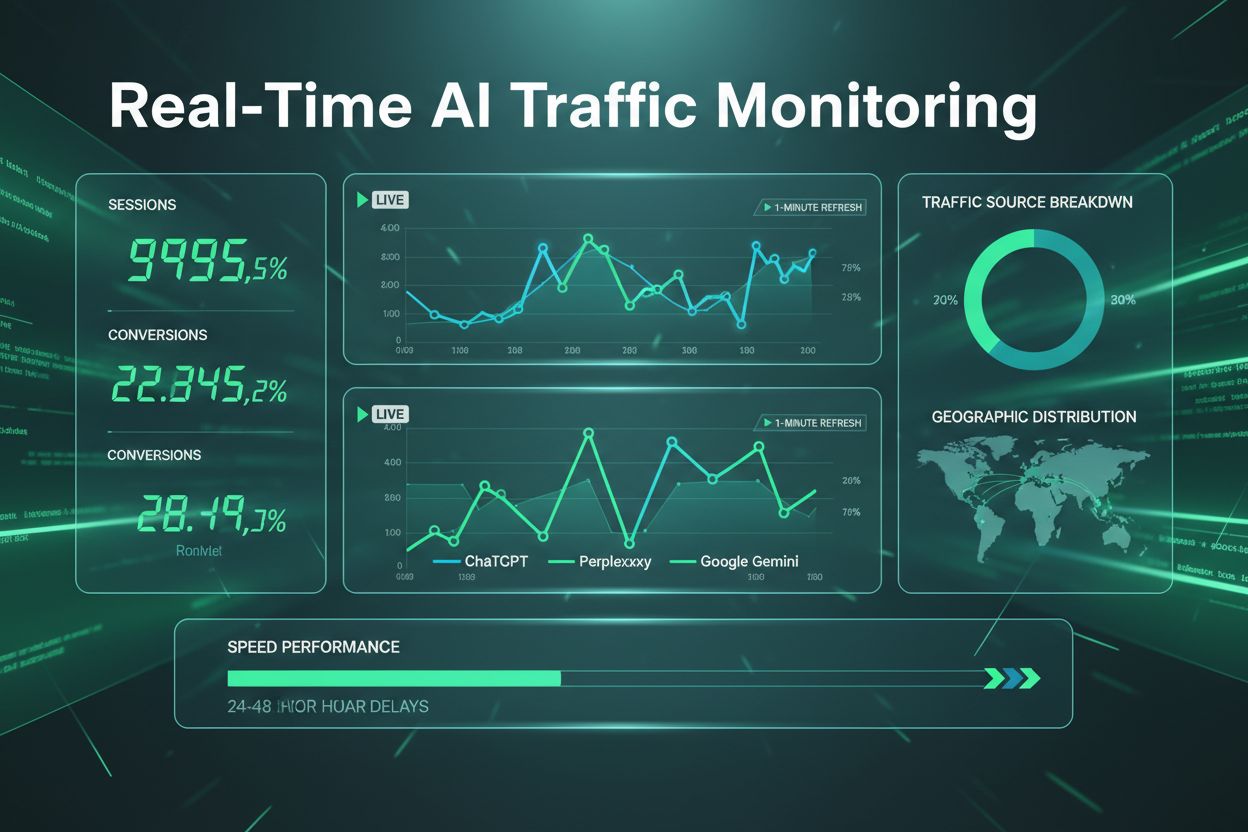
The most challenging tracking scenario you’ll encounter is AI Overview traffic, which appears in your analytics as standard Google organic search rather than a distinct source. Unlike ChatGPT or Perplexity traffic, which identify themselves through clear user-agent strings, Google’s AI Overviews blend seamlessly into organic traffic, making direct attribution nearly impossible within GA4 alone. Fragment tracking methods—using URL parameters to identify AI-sourced clicks—offer limited effectiveness since AI systems may strip or ignore these parameters. The most reliable approach combines keyword-based identification through SERP analysis tools like Ahrefs and Serpstat with traffic pattern analysis in GA4. By monitoring which keywords trigger AI Overviews and correlating traffic spikes with SERP changes, you can estimate AI Overview impact even without perfect attribution. While complete attribution remains elusive, this hybrid approach provides the best available visibility into how AI Overviews affect your organic traffic and which content topics are most likely to be featured.
Understanding your AI traffic patterns is only valuable if you translate those insights into concrete content improvements. The data you’ve collected reveals clear preferences about how different AI systems extract and present information, and optimizing for these preferences can significantly increase your visibility in AI-generated results.
Content preferences by AI platform:
Content format optimization: Implement clear header hierarchies (H2, H3, H4) that help AI systems understand your content structure, add FAQ sections that directly answer user questions, use numbered lists and bullet points for procedural content, and ensure comprehensive coverage of topics rather than surface-level overviews. Strengthen your authority signals by updating statistics and data regularly, including expert commentary and original research, and building internal linking structures that establish topical authority. These optimizations improve both AI visibility and user experience, creating a virtuous cycle where better content attracts more AI traffic and more qualified visitors.
AI visitors demonstrate significantly higher purchase intent compared to traditional search traffic, making conversion tracking essential for understanding your true ROI. By setting up conversion tracking specifically for AI sources, you can measure how visitors from AI Overviews, ChatGPT, and other AI platforms progress through your sales funnel. Compare your AI traffic conversion rates against organic search, paid ads, and other channels to identify which sources deliver the highest-value customers. Leverage geographic and device insights from your AI audiences to refine targeting and content strategies. Real-time conversion monitoring enables rapid optimization, allowing you to identify underperforming content and capitalize on high-performing pages before competitors do.
Attribution complexity presents one of the most significant challenges when tracking AI traffic, particularly with Google’s AI Overviews fragmenting user journeys across multiple touchpoints. Data quality inconsistencies often emerge when combining GA4 with other analytics platforms, leading to discrepancies in traffic volume and conversion attribution. GA4’s delayed reporting can obscure real-time performance trends, making it difficult to respond quickly to traffic fluctuations. Additionally, incomplete fragment tracking may cause you to miss valuable AI-sourced visitors who don’t complete full page loads. The solution involves combining multiple tracking tools—GA4 for foundational data, server-side tracking for enhanced accuracy, and specialized AI traffic platforms like AmICited for AI-specific insights—creating a comprehensive view of your AI traffic ecosystem.
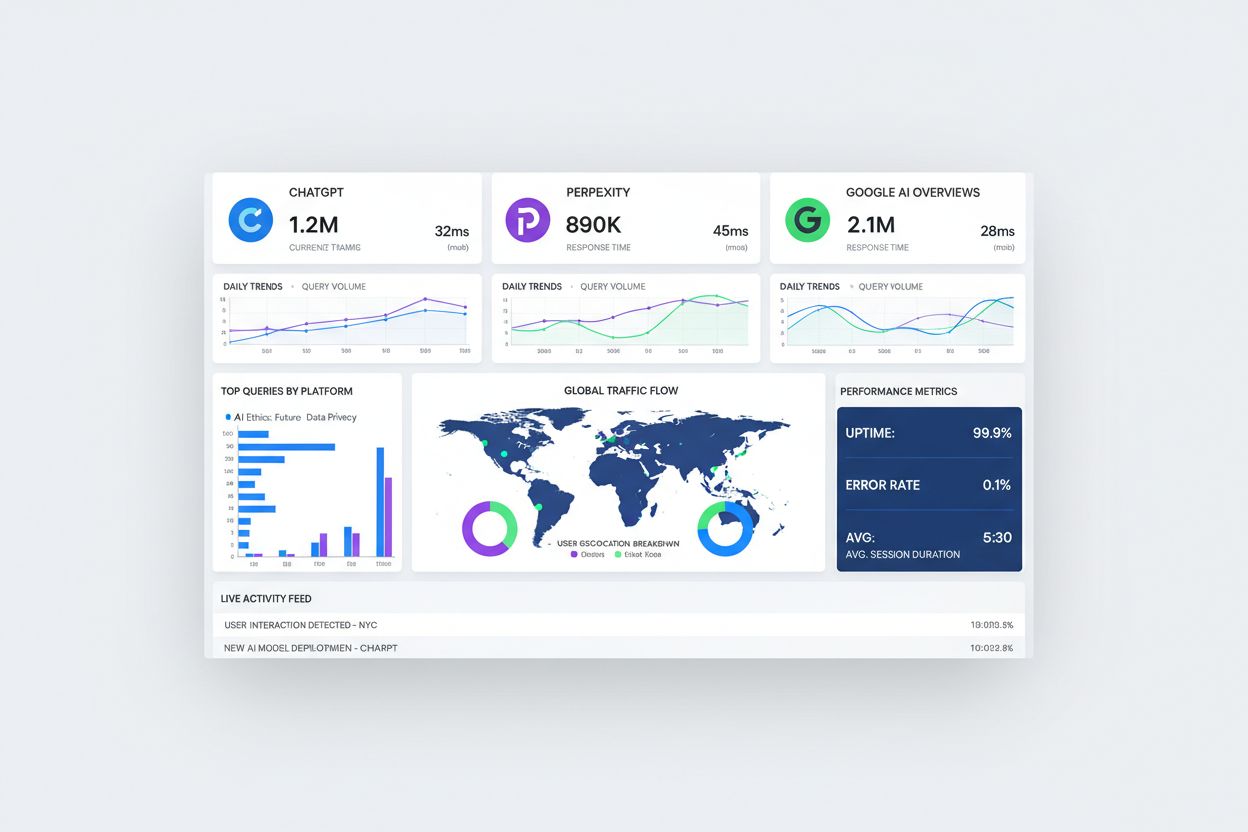
A centralized monitoring dashboard transforms raw data into actionable insights by integrating GA4 with visualization tools like Looker Studio. Your dashboard should prominently display key metrics including AI platform volume trends, content performance rankings, geographic distribution of AI visitors, and conversion rates by AI source. Implement real-time alerts that notify your team of significant traffic spikes or anomalies, enabling immediate investigation and response. Include competitive analysis sections that track how frequently your content appears in AI citations compared to competitors, providing strategic context for your optimization efforts. Executive reporting frameworks should summarize AI traffic’s contribution to overall business goals, demonstrating clear ROI and justifying continued investment in AI traffic optimization.
Getting started with AI traffic tracking doesn’t require months of preparation—a strategic phased approach delivers quick wins while building toward comprehensive monitoring. Week 1 focuses on GA4 basic configuration, which takes approximately 15 minutes and immediately provides visibility into AI traffic sources. Week 2 involves setting up advanced channel groups and conducting initial analysis to establish baseline metrics and identify optimization opportunities. Week 3-4 covers deploying specialized tools and refining your tracking architecture for maximum accuracy. These quick wins—immediate visibility into AI traffic volume, baseline performance metrics, and clear optimization targets—provide momentum for your team while laying the foundation for ongoing content optimization, continuous monitoring, and sophisticated reporting that drives sustained competitive advantage.
The AI landscape continues evolving rapidly, with new platforms, features, and traffic sources emerging regularly, making flexible tracking architecture essential for long-term success. Your current tracking setup should accommodate future AI tools without requiring complete reconfiguration, allowing you to quickly integrate new sources as they gain market traction. Continuous monitoring and adaptation ensure your strategy remains effective as AI platforms change their citation mechanisms, ranking algorithms, and user behavior patterns. By building a sustainable, scalable approach to AI traffic tracking now, you establish a competitive advantage that compounds over time. Organizations that treat AI traffic as a strategic priority rather than a tactical afterthought will capture disproportionate value as AI-driven discovery becomes increasingly central to how users find content online.
Most organizations see measurable AI traffic within 24-48 hours of proper GA4 setup. However, meaningful patterns and trends typically emerge within 7-14 days as you accumulate sufficient data. Real-time monitoring tools like Ahrefs can show AI activity within minutes.
ChatGPT and Perplexity are the highest priority due to their large user bases and clear referrer data. Google Gemini and AI Overviews are also critical but more challenging to track. Claude and other emerging platforms should be monitored as they grow in market share.
GA4 provides high accuracy for direct AI referrals from ChatGPT, Perplexity, and Claude (95%+ accuracy). However, AI Overview traffic attribution remains incomplete since it appears as standard Google organic traffic. Combining GA4 with specialized tools improves overall accuracy significantly.
AI referral traffic consists of human visitors who click through from AI platforms to your website. AI bot crawling is when AI systems access your content without sending visitors—this traffic is invisible in standard analytics. Both are important but require different tracking approaches.
Focus on clear structure with descriptive headers, comprehensive topic coverage, FAQ sections, and authoritative information. Different AI platforms have preferences: ChatGPT favors detailed explainers, Perplexity prefers step-by-step guides, and Gemini favors factual, data-driven content.
Complete attribution for AI Overview traffic remains challenging since it appears as Google organic traffic. However, combining keyword-level SERP analysis with traffic pattern monitoring provides reasonable estimates. Specialized tools like Ahrefs and Serpstat offer the best available visibility.
Ahrefs Web Analytics provides real-time data (1-minute latency), Serpstat identifies AI Overview keywords, and specialized platforms like AmICited offer comprehensive AI traffic monitoring. The best approach combines GA4 with 2-3 complementary tools for complete visibility.
AI-referred visitors typically show higher intent and better conversion rates than standard organic traffic because they've already been vetted by AI systems. However, conversion rates vary by industry and content type, so tracking AI conversions separately is essential for accurate ROI measurement.
Get real-time visibility into how AI platforms drive traffic to your website. AmICited monitors all major AI sources automatically, so you don't have to.
Master regex patterns to track AI traffic from ChatGPT, Perplexity, and other AI platforms in Google Analytics 4. Complete technical guide with step-by-step imp...
Discover why AI chatbots like ChatGPT and Perplexity are sending traffic that appears as 'direct' in your analytics. Learn how to detect and measure unattribute...

Learn how to measure AI visibility ROI across ChatGPT, Perplexity, and Google AI. Connect brand mentions to revenue with actionable frameworks and tools.