
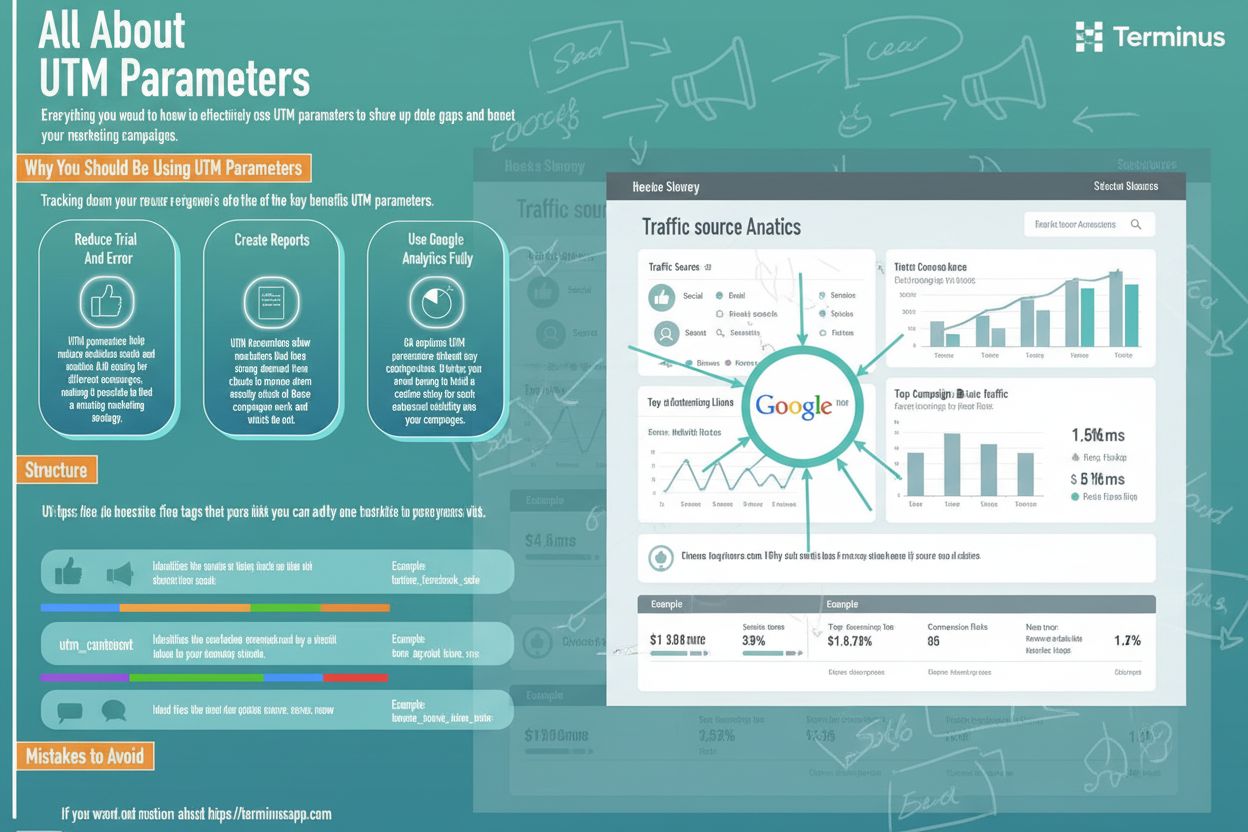
UTM Parameters
UTM parameters are URL tags that track marketing campaign performance. Learn how utm_source, utm_medium, utm_campaign, and other parameters help measure traffic...
11 min read
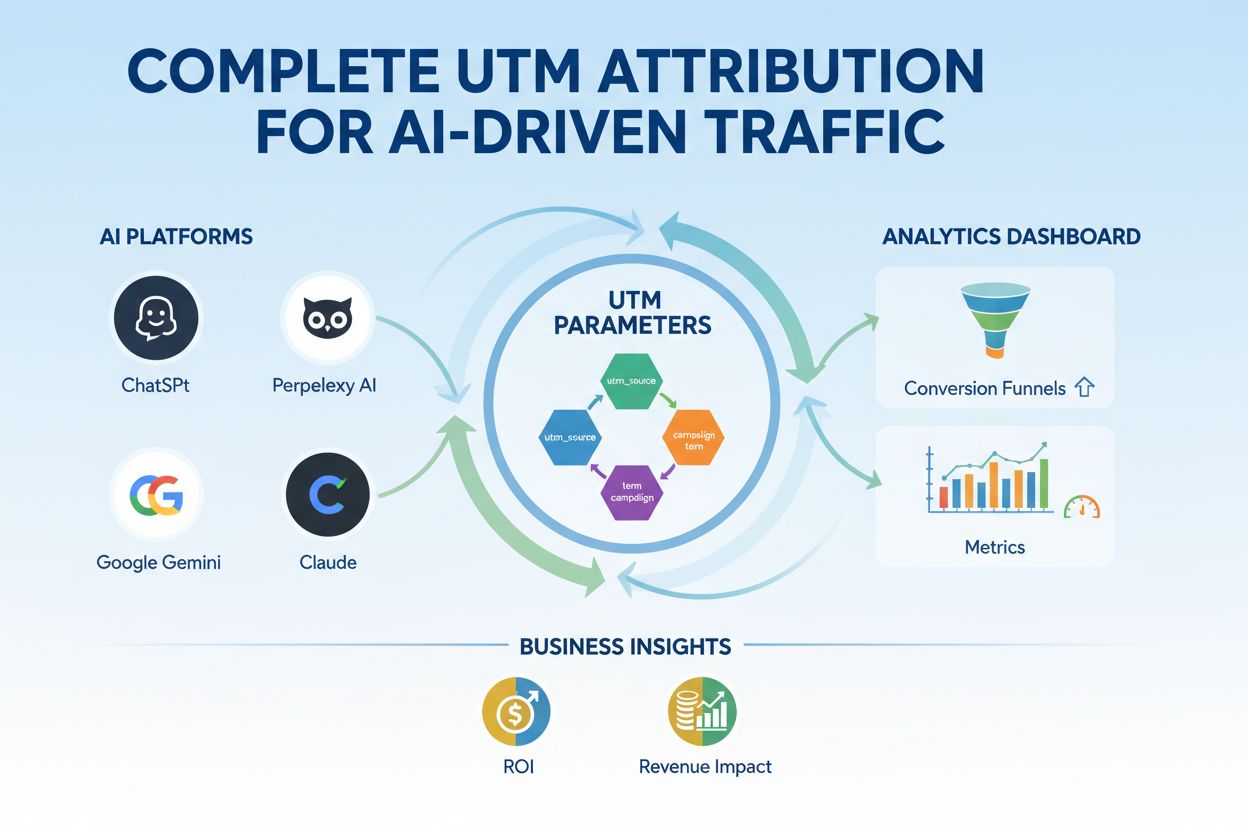
Master UTM tracking for AI platforms like ChatGPT, Perplexity, and Google Gemini. Learn setup, best practices, and how to attribute AI traffic accurately in GA4.
UTM parameters (Urchin Tracking Module) are special tags you add to the end of URLs that allow analytics platforms to track where your traffic originates and how users engage with your content. In the context of AI-driven traffic, UTM parameters become even more critical because AI platforms like ChatGPT, Perplexity, and Google Gemini operate differently from traditional referral sources—they don’t always pass referrer information, making manual UTM tagging essential for accurate attribution. Without proper UTM setup, traffic from AI platforms often gets misclassified as direct traffic or lost entirely in your analytics, leaving you blind to one of the fastest-growing traffic channels. Understanding and implementing UTM parameters correctly is the foundation of any modern attribution strategy, especially as AI becomes a primary discovery mechanism for your content.
To accurately track and attribute traffic from AI sources, you need to understand the five core UTM parameters that form the backbone of campaign tracking. Each parameter captures specific information about where traffic originates and how it arrived at your site, enabling granular analysis across channels and campaigns. Here’s a detailed breakdown of each parameter with examples tailored to AI traffic tracking:
| Parameter | Purpose | Examples for AI Traffic | Notes |
|---|---|---|---|
utm_source | Identifies where the traffic originated (the referrer or traffic owner) | chatgpt, perplexity, gemini, claude, openai | Use the AI platform name; keep lowercase and consistent |
utm_medium | Specifies the marketing medium or channel type that delivered the traffic | ai_referral, ai_answer, ai_citation, organic_ai | Indicates how the message was delivered; helps categorize traffic type |
utm_campaign | Names the specific campaign or initiative associated with the traffic | ai-monitoring, brand-visibility, content-discovery, q1-ai-push | Tracks performance of particular initiatives; use hyphens, no spaces |
utm_term | Captures keywords or search terms (primarily for paid search, but useful for AI context) | ai-generated-answers, brand-mention, product-review | Optional; useful for tracking specific topics AI platforms reference |
utm_content | Differentiates between similar links or creative variations within the same campaign | answer-snippet, featured-result, sidebar-mention, ai-summary | Helps identify which specific content or placement drove conversions |
Each parameter works together to create a complete picture of how AI platforms are driving traffic to your site, enabling you to measure the true impact of AI visibility on your business.
AI platforms have become a significant and often invisible traffic source for many websites. ChatGPT, with over 100 million weekly active users, frequently references and links to external content in its responses, while Perplexity, Google Gemini, and Claude are similarly driving substantial traffic to websites across industries. The challenge is that standard analytics setups often fail to properly attribute this traffic because AI platforms don’t always pass traditional referrer information—traffic appears as direct visits or gets lost in unattributed sessions. For brands and content creators, this means you’re potentially missing 10-20% of your traffic attribution, making it impossible to understand which content resonates with AI systems or to optimize for AI-driven discovery. By implementing proper UTM tracking for AI sources, you gain visibility into how these platforms are promoting your brand, which content they prefer, and ultimately, how to position your business for success in an AI-driven discovery landscape.
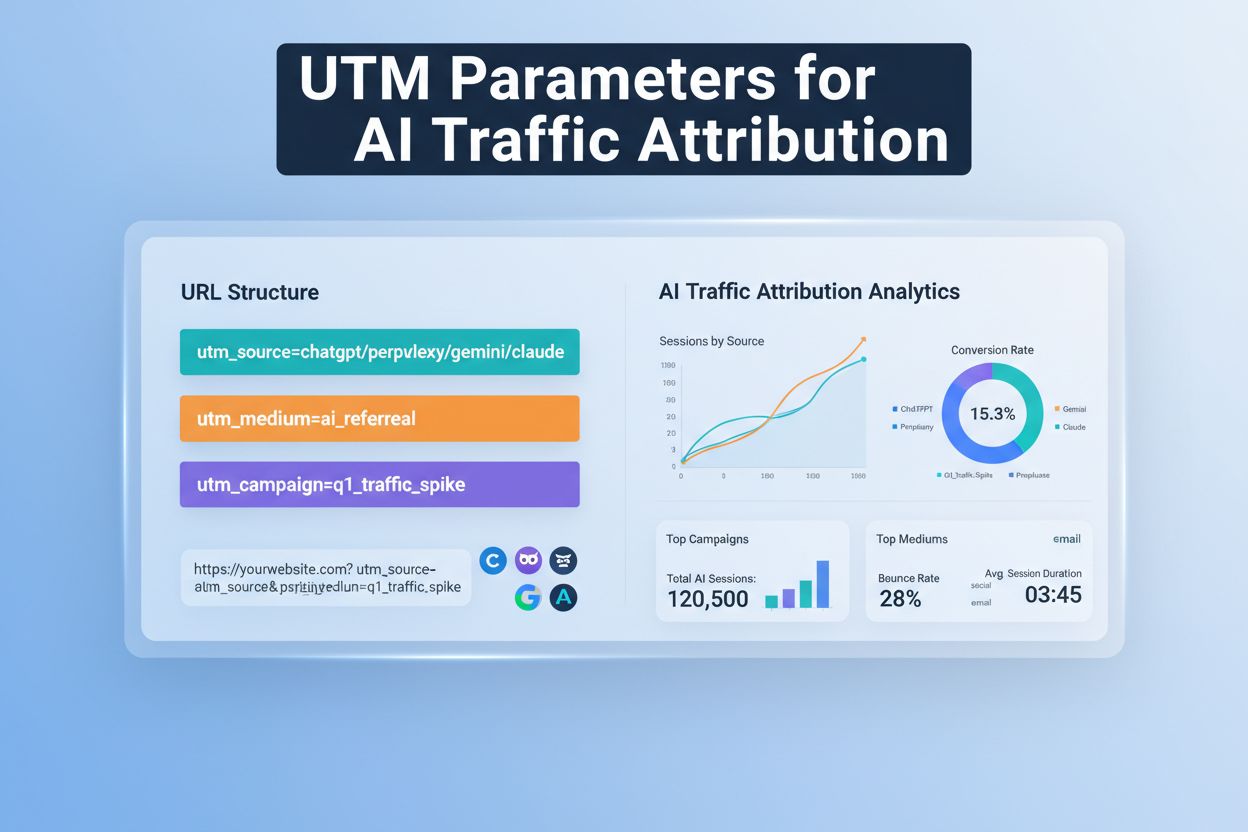
Creating UTM codes for AI traffic is straightforward, but requires consistency and planning. The easiest way to ensure accuracy is to use Google’s Campaign URL Builder, which automatically formats your parameters and prevents syntax errors. Here’s a step-by-step process for setting up UTM codes for AI traffic:
https://yoursite.com/blog/ai-marketing-guide)ga-dev-tools.google/campaign-url-builder/ and paste your destination URLBy following this process, you ensure every AI traffic source is properly tagged and trackable in your analytics, eliminating guesswork from your attribution strategy.
Consistency is the foundation of clean UTM data. Even small variations in naming—like “ChatGPT” versus “chatgpt” or “ai-referral” versus “ai_referral”—cause GA4 to treat them as separate values, fragmenting your data and making reporting unreliable. To maintain data integrity across your AI traffic tracking, follow these essential best practices:
ai-monitoring-q1 rather than ai_monitoring_q1 or ai monitoring q1 for consistencychatgpt instead of chatgpt-openai-ai-platform; shorter names are easier to remember and less prone to typosBy adhering to these conventions, you create a scalable, maintainable UTM structure that grows with your AI monitoring efforts.
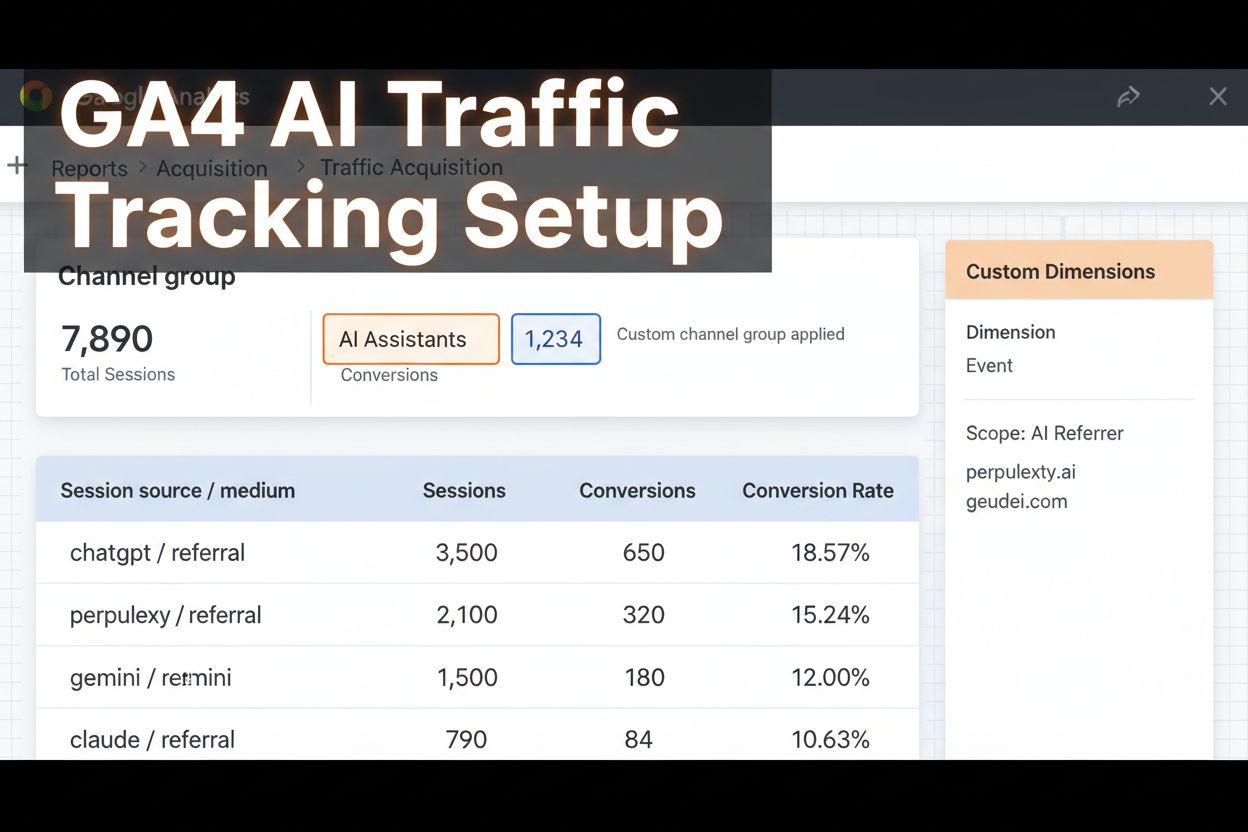
Once you’ve created your UTM-tagged links, the next step is viewing and analyzing the data in Google Analytics 4. GA4 provides several ways to access and analyze UTM data from AI traffic sources. To see your UTM data, navigate to Reports > Acquisition > Traffic Acquisition, then change the primary dimension to “Session source/medium” to view traffic broken down by AI platforms and referral types. For deeper analysis, create a custom channel group specifically for AI traffic: go to Admin > Data Settings > Channel Groups, create a new group called “AI Assistants,” and add a condition that matches session sources containing “chatgpt,” “perplexity,” “gemini,” “claude,” or other AI platforms. This ensures all AI-sourced traffic appears as a distinct channel in your acquisition reports rather than being buried in general referral data. For even more granular insights, use GA4’s Exploration tool to create custom reports that combine dimensions like landing page, session source, and utm_campaign with metrics like sessions, conversions, and engagement rate. By leveraging these GA4 features, you transform raw UTM data into actionable insights about how AI platforms are driving traffic and conversions.
Even experienced marketers make UTM mistakes that corrupt data and undermine attribution accuracy. One of the most common errors is inconsistent capitalization—using “ChatGPT,” “chatgpt,” and “CHATGPT” interchangeably causes GA4 to treat each as a separate traffic source, fragmenting your data across multiple line items. Another frequent mistake is confusing utm_source and utm_medium; utm_source should identify the AI platform (chatgpt, perplexity), while utm_medium should describe the type of referral (ai_referral, ai_answer). Many teams also make the error of not connecting UTM data to revenue, counting clicks and sessions without linking them to actual business outcomes like leads, customers, or revenue—this leaves you unable to prove ROI or optimize budget allocation. Additionally, some teams mistakenly apply UTMs to internal links, which creates false sessions and overwrites the original traffic source, breaking lead attribution in your CRM. Finally, typos in UTM values are surprisingly common and difficult to catch; a single misspelled campaign name can create a separate line item in your reports and make it impossible to aggregate performance data. To avoid these mistakes, establish a naming convention, use a UTM builder tool, test all links before launch, and implement a review process before campaigns go live.
As your AI traffic tracking grows, managing UTM parameters across multiple campaigns and team members becomes complex without proper governance. Centralized UTM governance means establishing a single source of truth for all approved parameter values, documented in a shared location like a Google Sheet or internal wiki. Create a UTM taxonomy that lists all approved values for utm_source (chatgpt, perplexity, gemini, claude, etc.), utm_medium (ai_referral, ai_answer, ai_citation), and utm_campaign (ai-monitoring-q1, brand-visibility, content-discovery), along with clear definitions and usage examples. Implement an approval process where new UTM codes are reviewed before launch—this catches errors early and ensures consistency across teams. Document your UTM standards in an accessible guide that includes examples, naming conventions, and common mistakes to avoid; this becomes invaluable for onboarding new team members. Finally, consider using automated validation tools or data governance platforms that flag non-compliant UTM values before they enter your analytics, preventing rogue data from corrupting your reports. Strong governance ensures that as your organization scales AI monitoring efforts, your data remains clean, consistent, and trustworthy.
Tracking clicks and sessions is only half the story; true attribution requires connecting UTM data to business outcomes. By integrating your GA4 UTM data with your CRM or revenue system, you can measure which AI platforms are driving not just traffic, but actual customers and revenue. This integration reveals whether AI-referred visitors convert at higher or lower rates than other traffic sources, which content AI platforms prefer to recommend, and ultimately, the true ROI of your AI visibility. For brands using tools like AmICited.com, which monitors how AI platforms reference your brand across ChatGPT, Perplexity, Google AI Overviews, and other systems, combining UTM tracking with AI monitoring creates a complete picture: you see not only that an AI platform mentioned your brand, but also how much traffic and revenue that mention generated. This level of insight enables data-driven decisions about content optimization, product positioning, and marketing investment. To implement this, ensure your UTM parameters flow through your marketing automation platform or CRM, create custom fields to capture UTM data on lead records, and build reports that tie top-of-funnel AI traffic to downstream pipeline and revenue. When you connect UTM data to business outcomes, you transform AI traffic from an invisible channel into a measurable, optimizable part of your growth strategy.
Managing UTM parameters manually across multiple campaigns, platforms, and team members is error-prone and time-consuming. Fortunately, several tools and automation solutions can streamline the process. UTM builders like Google’s Campaign URL Builder or specialized tools like CaliberMind’s UTM Generator allow you to create properly formatted links in seconds without manual typing, reducing typos and ensuring consistency. Data governance platforms like Improvado automatically normalize UTM naming variations (e.g., converting “Facebook,” “facebook,” and “fb” to a single canonical value) during data collection, keeping your reports clean even when human errors occur. For teams managing large-scale campaigns, marketing automation platforms like HubSpot and Marketo can automatically append UTM parameters to links based on predefined rules, eliminating manual work. Additionally, tools like AmICited.com provide specialized monitoring for how AI platforms reference your brand, complementing your UTM tracking by showing you not just traffic metrics, but also how your brand appears in AI-generated answers and which content AI systems prefer to cite. By combining UTM automation with AI monitoring tools, you create an efficient, scalable system that tracks traffic attribution accurately while freeing your team to focus on strategy and optimization rather than manual data management.
UTM parameters are special tags added to URLs that allow analytics platforms to track traffic sources and campaign performance. For AI traffic, they're essential because AI platforms like ChatGPT and Perplexity often don't pass referrer information, making manual UTM tagging the only reliable way to attribute traffic from these sources.
Create UTM-tagged URLs using Google's Campaign URL Builder with parameters like utm_source=chatgpt, utm_medium=ai_referral, and utm_campaign=ai-monitoring. When AI platforms link to your content, use these tagged URLs to ensure GA4 properly attributes the traffic to the AI source.
utm_source identifies where traffic originated (e.g., chatgpt, perplexity, gemini), while utm_medium describes how it arrived (e.g., ai_referral, ai_answer, ai_citation). Using them correctly ensures accurate attribution and prevents data fragmentation in your analytics.
In GA4, go to Admin > Data Settings > Channel Groups, create a new group called 'AI Assistants,' and add a condition matching session sources containing 'chatgpt,' 'perplexity,' 'gemini,' or 'claude.' This ensures all AI-sourced traffic appears as a distinct channel in your acquisition reports.
Common mistakes include inconsistent capitalization (ChatGPT vs. chatgpt), mixing utm_source and utm_medium, using special characters, applying UTMs to internal links, and typos in parameter values. These errors fragment data and make attribution unreliable. Use a UTM builder tool and establish naming conventions to prevent them.
Integrate your GA4 UTM data with your CRM or revenue system by ensuring UTM parameters flow through your marketing automation platform and creating custom fields on lead records. Build reports that tie AI-referred traffic to downstream pipeline and revenue to measure true ROI.
No, you should never use UTM parameters on internal links. Doing so creates false sessions, overwrites the original traffic source, and breaks lead attribution in your CRM. Use GA4 events or custom dimensions instead to track internal navigation.
Tools like Google's Campaign URL Builder, CaliberMind's UTM Generator, and data governance platforms like Improvado can automate UTM creation and normalize naming variations. AmICited.com provides specialized monitoring for how AI platforms reference your brand, complementing your UTM tracking efforts.
AmICited tracks how your brand appears in AI-generated answers across ChatGPT, Perplexity, Google AI Overviews, and more. Combine UTM tracking with AI monitoring for complete attribution.
UTM parameters are URL tags that track marketing campaign performance. Learn how utm_source, utm_medium, utm_campaign, and other parameters help measure traffic...
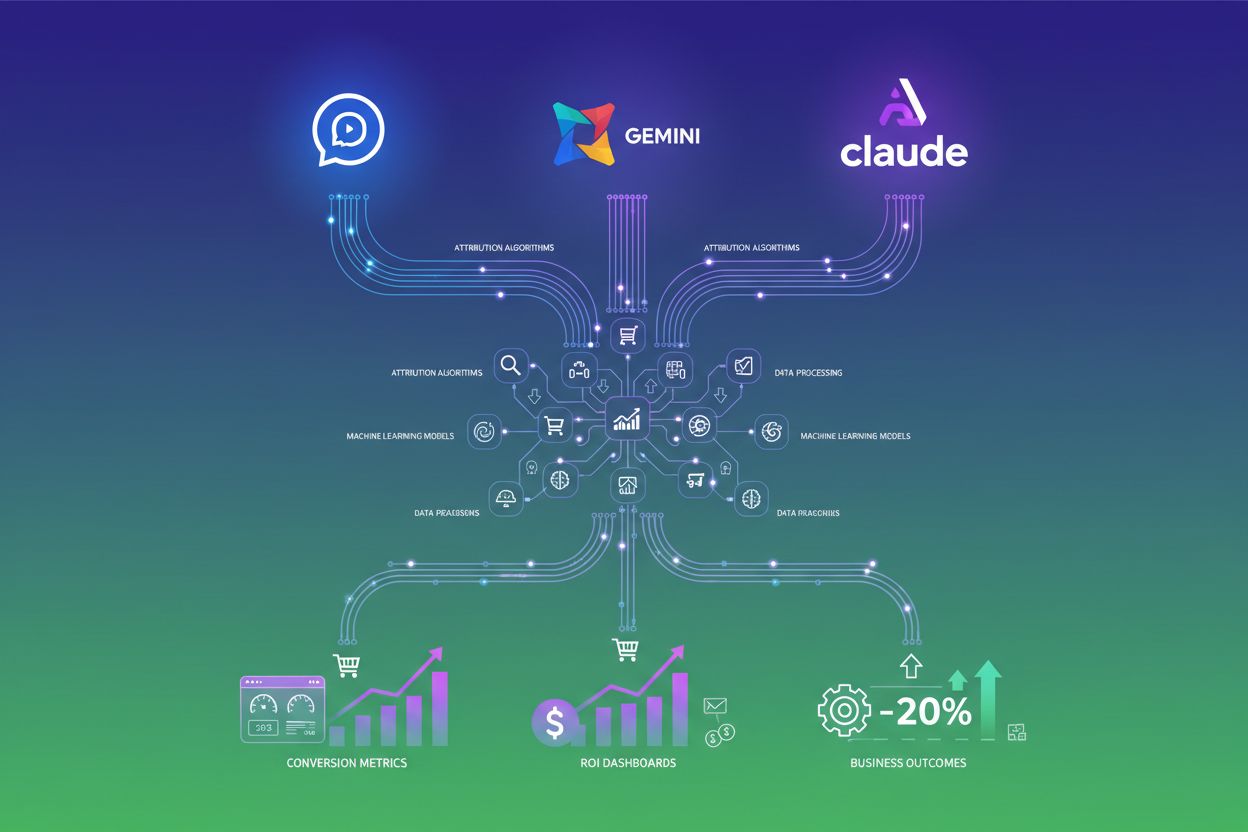
Learn how AI traffic attribution software tracks and measures website traffic from ChatGPT, Gemini, and other LLMs. Discover tools, best practices, and how to o...
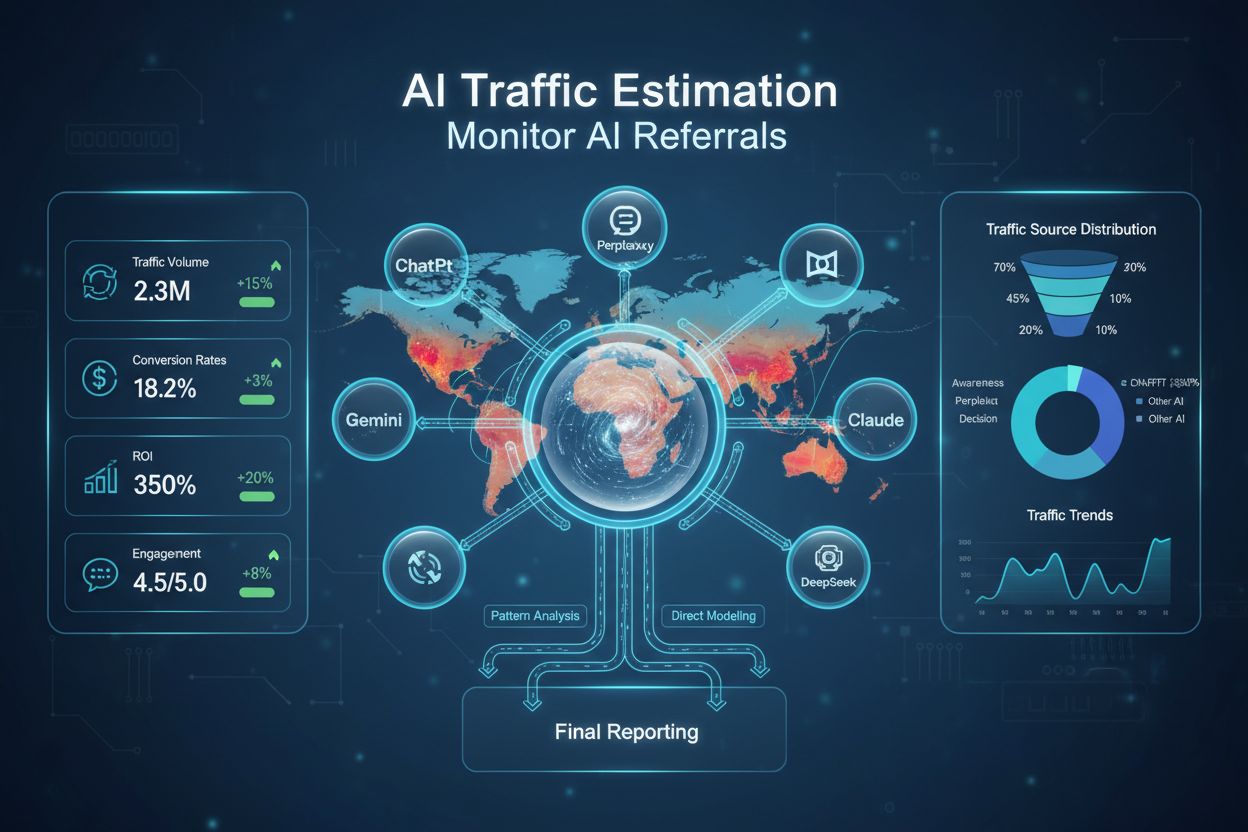
Learn how AI traffic estimation calculates untracked AI referral traffic using pattern analysis and direct traffic modeling. Discover tools, methods, and best p...