

Visual AI Search
Learn what visual AI search is, how it works, and its applications in e-commerce and retail. Discover the technologies behind image-based search and how busines...
10 min read
Learn how visual search and AI are transforming image discovery. Optimize your images for Google Lens, AI Overviews, and multimodal LLMs to boost visibility in AI-powered search results.
Visual search represents a fundamental shift in how users discover products, information, and content online. Rather than typing keywords into a search bar, users can now point their camera at an object, upload a photo, or take a screenshot to find what they’re looking for. This transition from text-first to visual-first search is reshaping how AI systems interpret and surface content. With tools like Google Lens processing over 20 billion search queries monthly, visual search has moved from an emerging technology to a mainstream discovery channel that directly impacts how brands appear in AI-powered results and answer engines.
Modern AI doesn’t “see” images the way humans do. Instead, computer vision models transform pixels into high-dimensional vectors called embeddings that capture patterns of shapes, colors, and textures. Multimodal AI systems then learn a shared space where visual and textual embeddings can be compared, allowing them to match an image of a “blue running shoe” to a caption using completely different words yet describing the same concept. This process happens through vision APIs and multimodal models that major providers expose for search and recommendation systems.
| Provider | Typical Outputs | SEO-Relevant Insights |
|---|---|---|
| Google Vision / Gemini | Labels, objects, text (OCR), safe-search categories | How well visuals align with query topics and whether they’re safe to surface |
| OpenAI Vision Models | Natural-language descriptions, detected text, layout hints | Captions and summaries AI might reuse in overviews or chats |
| AWS Rekognition | Scenes, objects, faces, emotions, text | Whether images clearly depict people, interfaces, or environments relevant to intent |
| Other Multimodal LLMs | Joint image-text embeddings, safety scores | Overall usefulness and risk of including a visual in AI-generated outputs |
These models don’t care about your brand palette or photography style in a human sense. They prioritize how clearly an image represents discoverable concepts like “pricing table,” “SaaS dashboard,” or “before-and-after comparison,” and whether those concepts align with the text and queries around them.
Classic image optimization focused on ranking in image-specific search results, compressing files for speed, and adding descriptive alt text for accessibility. Those fundamentals still matter, but the stakes are higher now that AI answer engines reuse the same signals to decide which sites deserve prominent placement in their synthesized responses. Instead of optimizing only for one search box, you’re optimizing for “search everywhere”: web search, social search, and AI assistants that scrape, summarize, and repackage your pages. A Generative Engine SEO approach treats each image as a structured data asset whose metadata, context, and performance feed larger visibility decisions across these channels.
Not every field contributes equally to AI understanding. Focusing on the most influential elements lets you move the needle without overwhelming your team:
Think of each image block almost like a mini content brief. The same discipline used in SEO-optimized content (clear audience, intent, entities, and structure) translates directly into how you specify visual roles and their supporting metadata.
When AI overviews or assistants such as Copilot assemble an answer, they frequently work from cached HTML, structured data, and precomputed embeddings rather than loading every image in real time. That makes high-quality metadata and schema the decisive levers you can pull. The Microsoft Ads playbook for inclusion in Copilot-powered answers urged publishers to attach tightly written alt text, ImageObject schema, and concise captions to each visual so the system could extract and rank image-related information accurately. Early adopters saw their content appear in answer panes within weeks, with a 13% lift in click-through from those placements.
Implement schema.org markup appropriate to your page type: Product (name, brand, identifiers, image, price, availability, reviews), Recipe (image, ingredients, cook time, yield, step images), Article/BlogPosting (headline, image, datePublished, author), LocalBusiness/Organization (logo, images, sameAs links, NAP information), and HowTo (clear steps with optional images). Include image and thumbnailUrl properties where supported, and ensure those URLs are accessible and indexable. Keep structured data consistent with visible page content and labels, and validate markup regularly as templates evolve.
To operationalize image optimization at scale, build a repeatable workflow that treats visual optimization as another structured SEO process:
This is where AI automation and SEO intersect powerfully. Techniques similar to AI-powered SEO strategies that handle keyword clustering or internal linking can be repurposed to label images, propose better captions, and flag visuals that don’t match their on-page topics.
Visual search is already transforming how major retailers and brands connect with customers. Google Lens has become one of the most powerful tools for product discovery, with 1 in 4 visual searches having commercial intent. Home Depot has integrated visual search features into its mobile app to help customers identify screws, bolts, tools, and fittings by simply snapping a photo, eliminating the need to search by vague product names or model numbers. ASOS integrates visual search into its mobile app to make it easier to discover similar products, while IKEA uses the technology to help users find furniture and accessories that complement their existing decor. Zara has implemented visual search features that allow users to photograph street style outfits and find similar items in its inventory, directly connecting fashion inspiration with the brand’s commercial offering.

The traditional customer journey (discovery, consideration, purchase) now has a new and powerful entry point. A user can discover your brand without ever having heard of it, simply because they saw one of your products on the street and used Google Lens. Every physical product becomes a potential walking advertisement and a gateway to your online shop. For retailers with physical stores, visual search is a fantastic tool for creating an omnichannel experience. A customer can be in your shop, scan a product to see if other colors are available online, read reviews from other shoppers, or even watch a video on how to use it. This enriches the in-store experience and seamlessly connects your physical inventory with your digital catalogue.
Integrations with established platforms multiply the impact. Google Shopping incorporates Lens results directly into its shopping experience. Pinterest Lens offers similar features, and Amazon has developed StyleSnap, its own version of visual search for fashion. This competition accelerates innovation and improves the capabilities available to consumers and retailers. Small businesses can also benefit from this technology. Google My Business allows local businesses to appear in visual search results when users photograph products available in their shops.
Visual search measurement is improving, but still limited in direct attribution. Monitor Search results with the “Image” search type in Google Search Console where relevant, tracking impressions, clicks, and positions for image-led queries and image-rich results. Watch Coverage reports for image indexation issues. In your analytics platform, annotate when you implement image and schema optimizations, then track engagement with image galleries and key conversion flows on image-heavy pages. For local entities, review photo views and user actions following photo interactions in Google Business Profile Insights.
The reality is that referrals from Lens aren’t called out separately in most analytics today. Use directional metrics and controlled changes to evaluate progress: improve specific product images and schema, then compare performance against control groups. Companies leveraging AI for customer targeting achieve roughly 40% higher conversion rates and a 35% increase in average order values, illustrating the upside when machine-driven optimization aligns content with intent more precisely.
Visual search is continuing to evolve at breakneck speed. Multisearch allows you to combine an image with text to make ultra-specific searches—for example, photograph a shirt and add the text “tie” for Google to show you ties that would match it. Augmented Reality Integration represents the next logical step, merging visual search with AR so you could project a 3D model of a sofa into your own living room via your camera to see how it looks. Expansion into video is another important trend, with Google already allowing searches using short video clips, especially useful for products in motion or those requiring a demonstration. Automatic visual translation is being integrated into searches, where Lens can read text in images, translate it, and search for products in your local language, removing geographical barriers in product discovery. More contextual and personalized search will continue as AI learns from your tastes and environment, potentially offering proactive recommendations based on what it sees around you, perfectly tailored to your personal style. The coming years will see a massive expansion of these capabilities, with visual search becoming the predominant method for discovering products and information.
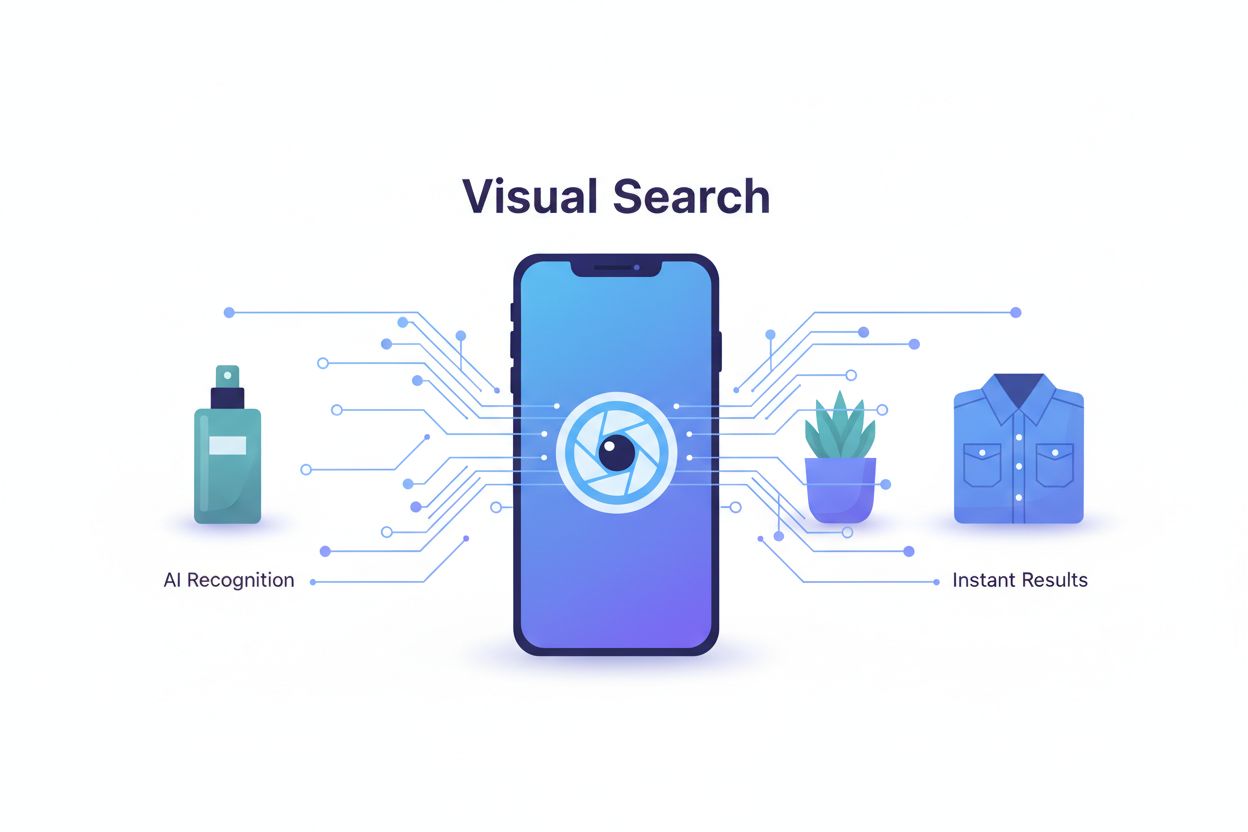
Visual search allows users to search using images instead of text by pointing a camera, uploading a photo, or using a screenshot. Unlike traditional image search where users type keywords, visual search eliminates the language barrier and enables zero-typing discovery. Tools like Google Lens process over 20 billion visual queries monthly, making it a mainstream discovery channel that directly impacts how brands appear in AI-powered results.
AI systems transform pixels into high-dimensional vectors called embeddings that capture patterns of shapes, colors, and textures. Multimodal models learn a shared space where visual and textual embeddings can be compared, allowing them to match images to concepts. Rather than judging aesthetics, AI prioritizes how clearly an image represents discoverable concepts like 'pricing table' or 'SaaS dashboard' and whether those align with surrounding text and queries.
The most influential metadata elements are: human-readable filenames (e.g., 'crm-dashboard-reporting-view.png'), concise alt text describing subject and context, captions that clarify image relevance, nearby headings and text that reinforce entities and intents, structured data (ImageObject schema), and image sitemaps. These elements work together to help AI systems understand what images represent and how they relate to page content.
Start with high-quality, original images that clearly represent your subject. Use descriptive filenames and write concise alt text. Implement structured data (Product, Article, HowTo, LocalBusiness schema) with image properties. Ensure images load quickly and are mobile-responsive. Add captions that clarify image relevance. Keep on-page text consistent with what images depict. For e-commerce, provide multiple angles and variants. Validate your markup regularly and monitor Search Console for image indexation issues.
Image recognition identifies objects within images, while visual search goes further by layering metadata, machine learning, and product databases to deliver highly relevant and actionable results. Visual search understands context, part hierarchies, and user intent—it's not just about identifying objects but connecting them to discoverable information, products, and services. This makes visual search more useful for commerce and discovery than basic image recognition.
Visual search expands when and how discovery happens, creating new entry points for users to find your content. High-quality, descriptive images become ranking assets. AI answer engines use the same signals (image quality, metadata, structured data, surrounding context) to decide which pages deserve prominent placement in synthesized responses. Treating images as structured data assets whose metadata and context feed visibility decisions across search channels is now a core SEO skill.
Use Google Search Console to monitor image search performance and indexation. Implement structured data validation tools to ensure schema markup is correct. Leverage AI tools to generate alt text and captions at scale. Use image optimization tools for compression and format conversion (WebP, AVIF). Analytics platforms help track engagement with image-heavy pages. For large image libraries, use DAM (Digital Asset Management) systems with API integrations to automate metadata updates and governance.
Key emerging trends include Multisearch (combining images with text for ultra-specific queries), Augmented Reality integration (projecting products into your space), expansion into video search, automatic visual translation (removing geographical barriers), and more contextual personalization. AI will increasingly learn from user tastes and environment to offer proactive recommendations. Visual search is expected to become the predominant method for product discovery and information retrieval in the coming years.
Visual search is transforming how AI discovers and displays your content. AmICited helps you track how your images and brand appear in AI Overviews, Google Lens, and other AI-powered search experiences.
Learn what visual AI search is, how it works, and its applications in e-commerce and retail. Discover the technologies behind image-based search and how busines...

Learn how data visualizations improve AI search visibility, help LLMs understand content, and increase citations in AI-generated answers. Discover optimization ...

Learn how Google Lens is transforming visual search with 100+ billion searches annually. Discover optimization strategies to ensure your brand appears in visual...