
Track AI Crawler Activity: Complete Monitoring Guide
Learn how to track and monitor AI crawler activity on your website using server logs, tools, and best practices. Identify GPTBot, ClaudeBot, and other AI bots.
10 min read

Learn how to track and monitor AI traffic from ChatGPT, Perplexity, Gemini and other AI platforms in Google Analytics 4. Discover 4 proven methods to identify AI crawler activity.
Yes, you can see AI traffic in Google Analytics 4 using several methods including manual checks, custom reports, channel groupings, or specialized AI tracking tools. However, traditional GA4 doesn't automatically distinguish AI crawlers from regular bots, so you need to set up specific filters using regex patterns to identify sources like ChatGPT, Perplexity, and Gemini.
AI traffic represents a growing but often invisible portion of your website’s total traffic. When AI crawlers from platforms like ChatGPT, Perplexity, Google Gemini, Claude, and Microsoft Copilot visit your website to gather information for generating answers, traditional Google Analytics often fails to capture this activity. This creates a significant blind spot in your analytics data, as these AI systems may be reading and citing your content without generating any visible traffic metrics. The challenge lies in the fact that AI crawlers typically don’t execute JavaScript, which is the primary tracking mechanism used by Google Analytics 4, meaning most AI visits go completely unrecorded in your standard analytics reports.
The importance of tracking AI traffic has become critical as more users rely on AI search engines and answer generators instead of traditional search engines. Research shows that AI crawlers can account for 5-10% of total server requests on knowledge-based websites, yet this traffic remains completely invisible in conventional analytics platforms. Understanding this hidden traffic is essential for developing a comprehensive digital strategy that accounts for how your content is being discovered and utilized in the AI-driven search landscape.
The simplest approach to identify AI traffic is through a manual inspection of your traffic sources directly within Google Analytics 4. This method requires no special setup and can be performed immediately to get a quick snapshot of your AI-generated traffic. Navigate to Reports > Acquisition > Traffic acquisition in your GA4 property and look for the dimension selector that typically defaults to “Session default channel group.” Click this dropdown and select “Session source / medium” or simply “Session source” to view all traffic sources visiting your website.
Once you’ve switched to the source view, scan through the traffic sources table looking for entries that indicate AI platforms. Common sources you’ll encounter include chatgpt.com, perplexity.ai, edgepilot, edgeservices, copilot.microsoft.com, openai.com, gemini.google.com, claude.ai, and various other AI-related domains. To narrow your focus further, you can apply a filter by clicking “Add filter,” selecting the “Session default channel group” dimension, and setting it to exactly match “Referral.” This filtering step helps isolate referral traffic and makes it easier to spot AI sources among other referral traffic.
The primary advantage of this manual method is its speed and accessibility—it requires no special permissions beyond basic GA4 access and can be performed immediately. However, the significant drawback is that this process must be repeated every time you want to check your AI traffic data, making it impractical for ongoing monitoring and analysis. Additionally, this method only provides a snapshot view and doesn’t allow for trend analysis or historical comparisons.
For more regular and convenient analysis of your AI traffic, creating a saved custom report offers an excellent balance between simplicity and functionality. This approach allows you to access your AI traffic data with a single click from your GA4 reporting menu, eliminating the need to manually configure filters each time. Begin by navigating to the Library section in your GA4 left navigation menu (note that you’ll need appropriate permissions to access this feature). Find the “Traffic acquisition” report, click the three dots menu, and select “Make a copy” to create your own customized version.
Name your new report something descriptive like “AI Traffic Report” and consider removing the charts at the top if you prefer to focus solely on the data table. Under the Dimensions section, set “Session source” as the default dimension for your report. Now comes the critical step: click “Add filter” and configure it with the following parameters. Set the dimension to “Session source”, change the match type to “matches regex”, and in the value field, enter a comprehensive regex string that lists all the AI sources you want to track, separated by pipe symbols (|) which act as “OR” conditions.
A comprehensive regex pattern for tracking major AI platforms would be: .*chatgpt.com.*|.*perplexity.*|.*edgepilot.*|.*edgeservices.*|.*copilot.microsoft.com.*|.*openai.com.*|.*gemini.google.com.*|.*nimble.ai.*|.*iask.ai.*|.*claude.ai.*|.*aitastic.app.*|.*bnngpt.com.*|.*writesonic.com.*|.*copy.ai.*|.*chat-gpt.org.*|.*grok.x.ai.*. After applying and saving your report, navigate back to the Library, find your main report collection, click “Edit collection,” and drag your new “AI Traffic Report” into the menu structure. Save the collection to make your custom report permanently accessible.
The advantages of this method include one-click access to filtered AI traffic data and full customization capabilities to match your specific tracking needs. However, it does require editor-level permissions to modify the report library, and any changes will be visible to all users with access to your GA4 property, so coordination with your team is important.
The most powerful and permanent solution for tracking AI traffic is creating a custom channel group that integrates AI traffic as a distinct category across all your acquisition reports. This method treats AI traffic with the same importance as “Organic Search” or “Paid Social,” providing comprehensive visibility throughout your analytics. A significant advantage of this approach is that custom channel groups work retroactively, meaning they apply to your historical data immediately, allowing you to start analyzing AI traffic patterns from the moment you implement the channel group.
To create your custom AI channel group, navigate to Admin > Data display > Channel groups in your GA4 property. Click “Copy to create new” to duplicate the “Default Channel Grouping” and give it a new name such as “Default Channel Group + AI”. Click “Add new channel” and name it “Generative AI” or “AI Traffic” depending on your preference. Under the Conditions section, set the dimension to “Source” (or “Session source”) and the match type to “matches regex”. Enter the same comprehensive regex string listing all your AI sources that you used in the previous method.
After saving your new channel, perform a critical reordering step: click “Reorder” and drag your new “AI Traffic” channel to be positioned near the top of the list, preferably above “Referral”. This ordering is essential because GA4 processes traffic against channel rules in the order they appear, and you want AI traffic to be categorized correctly before it gets lumped into the general “Referral” bucket. Once you’ve completed this reordering, save your new channel group. Now, whenever you access any acquisition report, you can switch the primary dimension to your new “Default Channel Group + AI,” and you’ll see “AI Traffic” displayed as its own distinct channel with all relevant sources automatically grouped together.
| Aspect | Manual Check | Saved Report | Custom Channel Group |
|---|---|---|---|
| Setup Time | Immediate | 5-10 minutes | 10-15 minutes |
| Recurring Effort | High (manual each time) | Low (one-click access) | None (automated) |
| Historical Data | Current only | Current only | Retroactive |
| Permissions Required | Basic | Editor | Admin |
| Integration Level | Limited | Moderate | Complete |
| Best For | Quick snapshots | Regular analysis | Comprehensive tracking |
The advantages of creating a custom channel group are substantial: it’s permanent and fully automated, applies retroactively to your historical data, and treats AI traffic as a primary channel throughout GA4, making analysis more intuitive and integrated. The main drawback is that it requires admin-level permissions and represents a significant configuration change that should be discussed with your team before implementation.
Beyond Google Analytics’ native capabilities, specialized AI traffic tracking tools provide more sophisticated monitoring of how AI platforms interact with your content. These dedicated platforms work at the server level rather than relying on JavaScript tracking, capturing every AI crawler interaction with perfect accuracy. Unlike GA4, which misses most AI traffic, these specialized tools use Cloudflare integration or server-level implementation to identify each AI system by leveraging user agent information and IP verification, showing you exactly which AI platforms access your content.
Specialized AI traffic analytics platforms reveal metrics that traditional analytics completely miss, including the total volume of AI visits over time broken down by platform, which specific pages AI systems access most frequently, how AI crawler activity changes over time with daily, weekly, and monthly views, which AI platforms visit your site most frequently, and your most AI-crawled content—which often differs significantly from what ranks well in traditional search. These tools provide content performance analysis showing which content is most frequently cited in AI responses, technical optimization recommendations for improving how AI systems parse your content, and attribution mapping that connects AI crawler data with your web analytics to calculate conversion rates and ROI from AI-referred traffic.
The implementation of these specialized tools is typically straightforward, often requiring just a simple Cloudflare worker setup that takes minutes and has zero impact on site performance. Many platforms work with any website using Cloudflare, regardless of platform, with additional integration options like WordPress plugins, Vercel integration, AWS implementation, and direct server integrations coming soon. The primary advantage is that these tools provide specialization focused entirely on understanding how AI systems interact with your content, whereas Google Analytics excels at tracking human visitors but struggles with AI traffic.
Understanding the distinction between AI traffic and other types of bot traffic is crucial for accurate analytics interpretation. AI traffic specifically refers to visits from large language models and AI search engines like ChatGPT, Perplexity, Google Gemini, Claude, and Microsoft Copilot, which are designed to read and cite web content for generating answers. In contrast, regular bot traffic includes search engine crawlers (Googlebot, Bingbot), spam bots, and other automated visitors that serve different purposes. Traditional Google Analytics often groups all non-human traffic together without distinguishing between these different bot types, making it impossible to understand which AI platforms are accessing your content.
The significance of this distinction lies in the different implications each type of traffic has for your business. AI traffic represents potential visibility in AI-generated answers, which can drive qualified traffic and brand awareness even when users don’t click through to your website. Regular search engine bot traffic is essential for indexing and ranking in traditional search results. Spam bot traffic is generally undesirable and can skew your analytics. By properly categorizing AI traffic separately, you can develop targeted strategies to optimize your content for AI visibility while maintaining your traditional SEO efforts.
Tracking AI traffic has become essential for several compelling reasons. First, AI platforms are still in their infancy regarding search results, creating easier opportunities to appear in their answers compared to traditional search engines where competition is intense. As the newest discovery channel, AI search still holds novelty and is drawing users who want direct answers without dealing with ads on legacy platforms. Second, understanding what AI-driven traffic engages with can inform your content strategy, helping you create content that resonates with both human readers and AI systems. Third, you can measure user acquisition by looking at both traffic acquisition and user acquisition reports to see if AI is bringing in new users or engaging existing ones.
The hidden traffic phenomenon represents a critical business consideration. When a user asks ChatGPT or Perplexity a question related to your industry, the AI crawler reads your content and uses it to formulate an answer, potentially citing your content with a link. However, the user gets their answer directly in the AI interface and may never click through to your website. In this increasingly common scenario, your content provided value, but traditional analytics recorded nothing. These “invisible visits” represent a growing portion of your content’s actual reach and impact, making it impossible to accurately assess your content’s true performance without tracking AI traffic separately.
To effectively implement AI traffic tracking, start by assessing your current needs and technical capabilities. If you need only occasional snapshots of your AI traffic, the manual check method may suffice. For regular analysis, create a saved custom report that provides convenient one-click access to your AI traffic data. For comprehensive, ongoing monitoring that integrates AI traffic throughout your analytics, implement a custom channel group that treats AI traffic as a primary channel. For the most detailed insights into how AI systems interact with your content, consider supplementing GA4 with a specialized AI traffic analytics tool that provides server-level tracking and detailed performance metrics.
Regardless of which method you choose, ensure that your regex patterns are comprehensive and regularly updated as new AI platforms emerge. The AI landscape is rapidly evolving, with new platforms and crawlers appearing regularly, so your tracking configuration should be flexible enough to accommodate these changes. Document your implementation process and share it with your team to ensure consistency and proper interpretation of your AI traffic data. Finally, integrate your AI traffic insights into your broader content strategy, using this data to inform decisions about content creation, optimization, and distribution across both traditional and AI-driven discovery channels.
Get real-time visibility into how your brand appears in AI-generated answers. Track mentions, citations, and traffic from ChatGPT, Perplexity, Gemini, and other AI search engines with Amicited's AI monitoring platform.
Learn how to track and monitor AI crawler activity on your website using server logs, tools, and best practices. Identify GPTBot, ClaudeBot, and other AI bots.
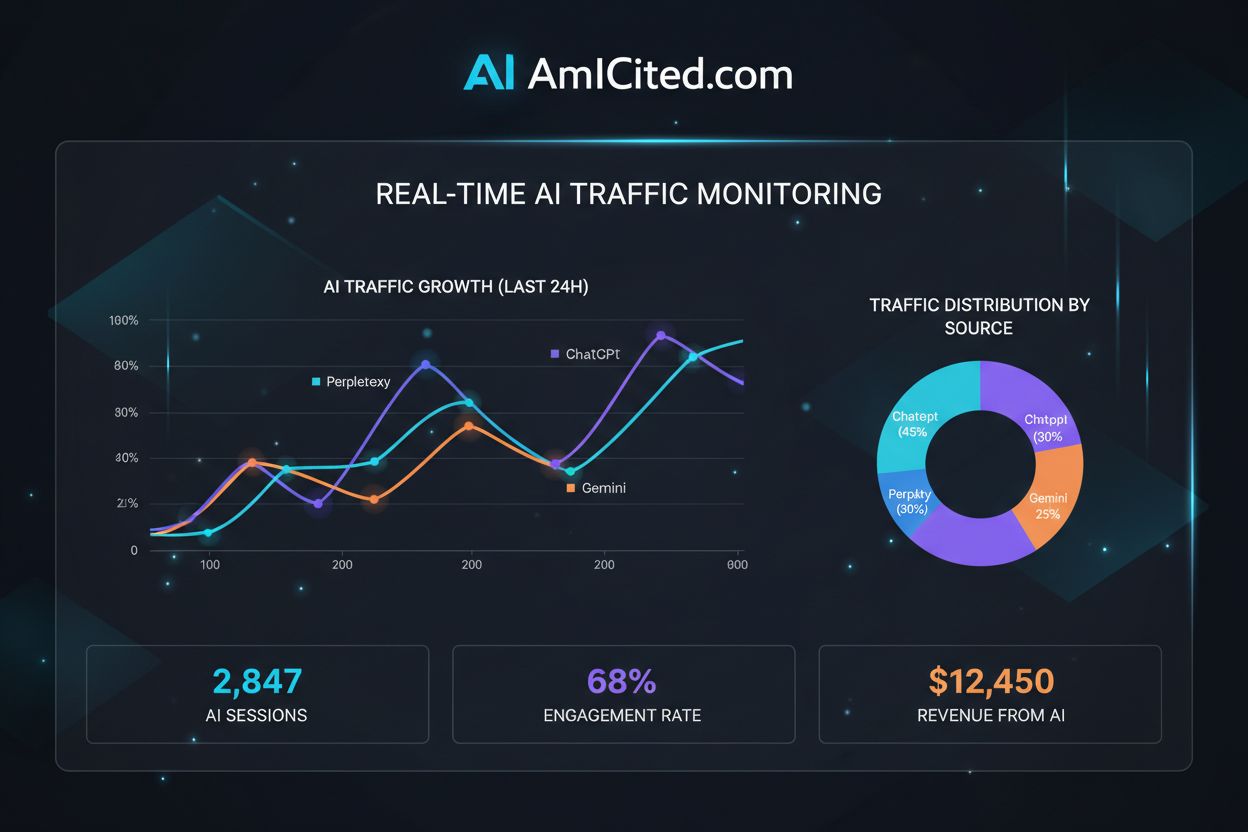
Master regex patterns to track AI traffic from ChatGPT, Perplexity, and other AI platforms in Google Analytics 4. Complete technical guide with step-by-step imp...

Learn how to track AI search traffic in GA4, monitor ChatGPT and Perplexity referrals, and measure AI visibility across platforms. Complete guide to AI traffic ...