

How to Ensure AI Crawlers See All Your Content
Learn how to make your content visible to AI crawlers like ChatGPT, Perplexity, and Google's AI. Discover technical requirements, best practices, and monitoring...
11 min read

Learn how JavaScript impacts AI crawler visibility. Discover why AI bots can’t render JavaScript, what content gets hidden, and how to optimize your site for both traditional search and AI platforms.
Yes, JavaScript significantly affects AI crawling. Most AI crawlers like ChatGPT's GPTBot, Perplexity, and Claude cannot execute JavaScript and only see raw HTML on initial page load. This means dynamically rendered content is invisible to AI search engines, potentially reducing your visibility in AI-generated answers.
JavaScript significantly impacts how AI crawlers see and index your website content. Unlike traditional search engines such as Google, which can render JavaScript and execute scripts, most AI crawlers operate with fundamental limitations that make them unable to process dynamically rendered content. This creates a critical visibility gap for websites that rely heavily on client-side JavaScript rendering. Understanding this distinction is essential for maintaining your brand’s presence across both traditional search results and emerging AI-powered answer platforms like ChatGPT, Perplexity, and Claude.
The core issue stems from how different crawlers approach web pages. When an AI crawler visits your website, it performs a simple HTTP request and retrieves only the raw HTML that’s sent on the initial page load. It does not wait for scripts to execute, does not render the page in a browser, and does not fetch dynamically loaded content. This means that any content injected into the page after the initial HTML response—whether it’s product listings, pricing information, blog content, or user reviews—remains completely invisible to these AI systems.
Google’s approach to JavaScript rendering is fundamentally different from how AI crawlers handle it. Google employs a sophisticated two-wave rendering system designed to capture both static and dynamic content. In the first wave, Googlebot fetches the raw HTML and static resources without executing JavaScript. In the second wave, Google’s Web Rendering Service uses a headless version of Chrome to execute JavaScript, process client-side code, and fetch API data. This allows Google to see your website much like a real browser would, with all dynamically rendered content fully visible and indexed.
AI crawlers, by contrast, do not execute JavaScript at all. OpenAI’s GPTBot, which powers ChatGPT’s training data collection, explicitly does not run JavaScript files even though it may download them. Similarly, Perplexity’s documentation confirms it retrieves HTML snapshots without executing JavaScript, and Anthropic’s Claude focuses on text-based parsing rather than rendering dynamic content. This fundamental limitation means that if your website’s critical content depends on JavaScript to load, that content will be invisible to the vast majority of AI systems currently crawling the web.
| Feature | Google (Googlebot) | AI Crawlers (GPTBot, Claude, Perplexity) |
|---|---|---|
| JavaScript Execution | ✅ Yes (via headless Chrome) | ❌ No |
| Sees Dynamic Content | ✅ Yes (after rendering) | ❌ No |
| Initial HTML Only | ❌ No | ✅ Yes |
| Rendering Speed | Slower (computationally expensive) | Faster (no rendering overhead) |
| Content Visibility | Complete | Limited to static HTML |
Multiple types of content become invisible when they rely on JavaScript for rendering. Product information on ecommerce sites—including prices, availability, variants, and discounts—often loads dynamically and remains hidden from AI crawlers. This is particularly problematic for online retailers, as AI shopping assistants and answer engines cannot see your product details, making your offerings invisible in AI-generated shopping recommendations. Similarly, lazy-loaded content such as images, customer reviews, testimonials, and comments that only appear when users scroll or interact with the page are completely missed by AI systems.
Interactive elements present another significant challenge. Carousels, tabs, modals, sliders, and other interactive components that require JavaScript to function are invisible to AI crawlers. If your website uses tabs to organize content—such as product specifications, pricing tiers, or service features—AI crawlers will only see the tab structure itself, not the content hidden within each tab. This can result in incomplete or misleading representations of your offerings in AI-generated answers. Client-side rendered text, particularly in single-page applications built with React, Vue, or Angular, often appears as blank pages to AI crawlers because the initial HTML contains only a skeleton or empty container elements.
The inability of AI crawlers to see JavaScript-rendered content has direct business consequences. For ecommerce businesses, this means your product catalog, pricing information, and inventory status may be completely invisible to AI shopping assistants. When users ask ChatGPT or Perplexity for product recommendations, your items won’t appear because the AI system cannot access the dynamically loaded product data. This represents a significant loss of potential traffic and sales opportunities as AI-powered shopping becomes increasingly prevalent.
Content-heavy websites and SaaS platforms face similar challenges. If your blog posts, service descriptions, or feature explanations load dynamically, they won’t be indexed by AI crawlers. This means your content won’t be cited in AI-generated answers, reducing your visibility and authority in AI search results. Additionally, if key information like pricing, availability, or contact details is hidden behind JavaScript, users may receive incomplete or inaccurate information about your business from AI systems, potentially damaging trust and credibility.
The growing importance of AI search makes this issue increasingly critical. As AI Overviews now appear in over 54% of search queries and account for 13.14% of all search results, the visibility gap created by JavaScript becomes more consequential. Websites that fail to address this issue risk losing significant traffic and visibility as users increasingly rely on AI-powered search and answer platforms for information discovery.
Server-side rendering (SSR) is the most effective solution for ensuring AI crawler visibility. By rendering your content on the server before sending it to the client, you ensure that the complete HTML—including all text, images, metadata, and structured data—is present in the initial response. Frameworks like Next.js and Nuxt.js make SSR implementation straightforward, allowing you to maintain modern, interactive user experiences while ensuring that AI crawlers receive fully rendered content. This approach guarantees that both AI systems and traditional search engines can access your complete content without relying on JavaScript execution.
Static site generation (SSG) offers another powerful solution, particularly for websites with stable, predictable content. Tools like Astro, Hugo, and Gatsby build fully rendered HTML files during deployment, creating static snapshots that crawlers can access instantly. This approach is ideal for blogs, documentation sites, and content-heavy websites where content doesn’t change frequently. The benefits include faster crawling, reduced server load, and guaranteed visibility to all crawlers, including AI systems with strict timeouts.
For websites that cannot immediately implement SSR or SSG, prerendering provides a practical middle ground. Prerendering services generate fully rendered HTML versions of your pages before crawlers request them, ensuring that AI crawlers receive complete content without needing to execute JavaScript. This approach requires minimal changes to your existing architecture and can be implemented quickly. Additionally, you should test your website as AI crawlers see it by disabling JavaScript in your browser or using command-line tools like curl to view the raw HTML. If your main content isn’t visible without JavaScript, AI crawlers won’t see it either.
Ensure all critical content appears in the initial HTML response. This includes page titles, meta descriptions, body text, product information, pricing, and calls-to-action. Avoid relying on JavaScript to inject these essential elements into the page. Use semantic HTML markup with proper heading hierarchy, structured data (schema.org markup), and internal links to help AI crawlers understand your content structure. Implement fallback content for interactive elements—if you use tabs or modals, ensure that the content is also available in static HTML form that AI crawlers can access.
Optimize your page load performance to accommodate AI crawlers’ strict timeouts. Many AI systems have tight timeouts of 1-5 seconds for retrieving content. If your pages load slowly or require extensive JavaScript processing, crawlers may skip them entirely. Minimize render-blocking resources, optimize images, and reduce JavaScript bundle sizes to ensure fast initial page loads. Additionally, update your robots.txt file to explicitly allow AI crawlers like GPTBot, ChatGPT-User, and OAI-SearchBot to access your content. Some websites inadvertently block these crawlers, preventing their content from being indexed by AI systems.
Create a clear content hierarchy that doesn’t depend on user interaction. Avoid hiding important information behind login walls, cookie banners, or paywalls that might prevent crawlers from accessing your content. If you use API endpoints to load data, consider linking directly to these endpoints or embedding the data in your initial HTML response. This ensures that AI crawlers can access the information without needing to execute JavaScript or make additional requests. Finally, monitor your website’s visibility in AI search results using tools that track how your content appears in ChatGPT, Perplexity, and other AI platforms, allowing you to identify and fix visibility issues before they impact your traffic.
Track how your content appears in ChatGPT, Perplexity, and other AI answer generators. Get real-time alerts when your brand, domain, or URLs are mentioned in AI-generated responses.
Learn how to make your content visible to AI crawlers like ChatGPT, Perplexity, and Google's AI. Discover technical requirements, best practices, and monitoring...
Learn how JavaScript rendering impacts your website's visibility in AI search engines like ChatGPT, Perplexity, and Claude. Discover why AI crawlers struggle wi...
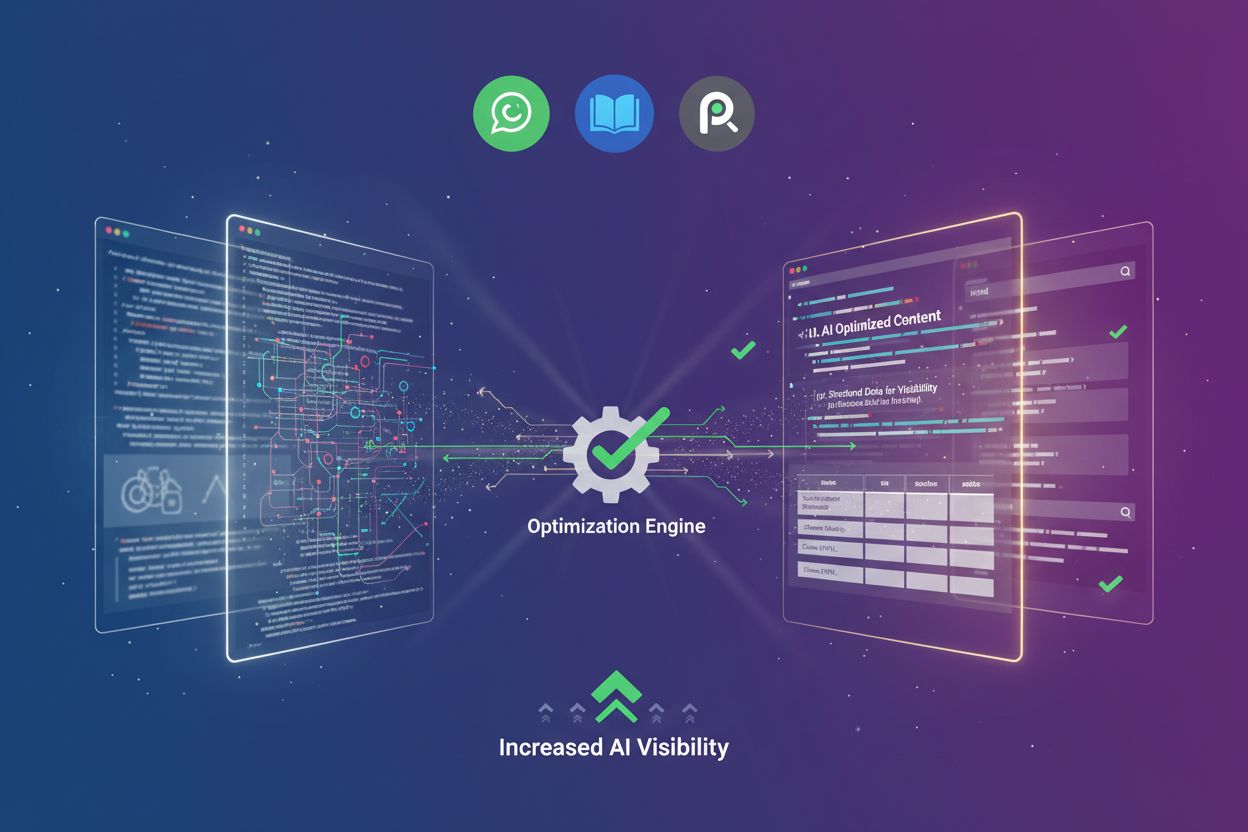
Learn how prerendering makes JavaScript content visible to AI crawlers like ChatGPT, Claude, and Perplexity. Discover the best technical solutions for AI search...