
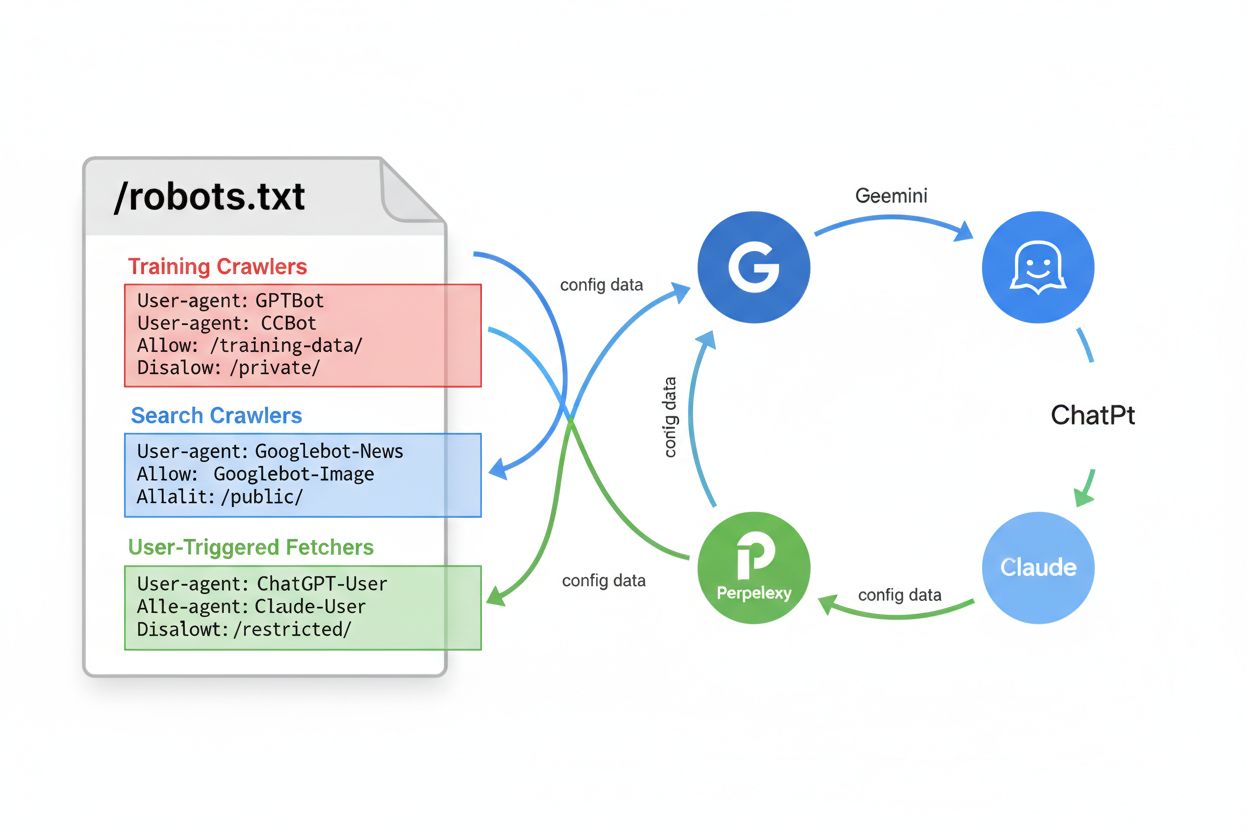
AI-Specific Robots.txt
Learn how to configure robots.txt for AI crawlers including GPTBot, ClaudeBot, and PerplexityBot. Understand AI crawler categories, blocking strategies, and bes...
10 min read

Learn how to configure robots.txt to control AI crawler access including GPTBot, ClaudeBot, and Perplexity. Manage your brand visibility in AI-generated answers.
Configure robots.txt by adding User-agent directives for specific AI crawlers like GPTBot, ClaudeBot, and Google-Extended. Use Allow: / to permit crawling or Disallow: / to block them. Place the file in your website root directory and update it regularly as new AI crawlers emerge.
The robots.txt file is a fundamental component of website management that provides directives to web crawlers about which pages they can and cannot access. Placed in the root directory of your website, this simple text file acts as a communication protocol between your site and automated bots. While not all crawlers respect robots.txt directives, reputable AI crawlers from major companies like OpenAI, Google, Anthropic, and Perplexity generally honor these rules. Understanding how to properly configure robots.txt for AI crawlers is essential for website owners who want to control how their content is indexed and used by artificial intelligence systems.
The importance of configuring robots.txt for AI crawlers has grown significantly as generative AI models increasingly shape how users discover and interact with online content. These AI systems rely on web crawlers to gather data for training and improving their responses. Your robots.txt configuration directly influences whether your content appears in AI-generated answers on platforms like ChatGPT, Perplexity, and other AI search engines. This makes it a critical strategic decision for brand protection and visibility management.
Different AI companies deploy their own crawlers with specific user-agent identifiers. Recognizing these identifiers is the first step in configuring your robots.txt effectively. The following table outlines the major AI crawlers you should be aware of:
| AI Company | Crawler Name | User-Agent | Purpose |
|---|---|---|---|
| OpenAI | GPTBot | GPTBot | Gathers text data for ChatGPT training and responses |
| OpenAI | ChatGPT-User | ChatGPT-User | Handles user prompt interactions in ChatGPT |
| OpenAI | OAI-SearchBot | OAI-SearchBot | Indexes content for ChatGPT search capabilities |
| Anthropic | ClaudeBot | ClaudeBot | Retrieves web data for Claude AI conversations |
| Anthropic | anthropic-ai | anthropic-ai | Collects information for Anthropic’s AI models |
| Google-Extended | Google-Extended | Gathers AI training data for Google’s Gemini AI | |
| Apple | Applebot | Applebot | Crawls webpages to improve Siri and Spotlight |
| Microsoft | BingBot | BingBot | Indexes sites for Bing and AI-driven services |
| Perplexity | PerplexityBot | PerplexityBot | Surfaces websites in Perplexity search results |
| Perplexity | Perplexity-User | Perplexity-User | Supports user actions and fetches pages for answers |
| You.com | YouBot | YouBot | AI-powered search functionality |
| DuckDuckGo | DuckAssistBot | DuckAssistBot | Enhances DuckDuckGo’s AI-backed answers |
Each crawler serves a specific purpose in the AI ecosystem. Some crawlers like PerplexityBot are designed specifically to surface and link websites in search results without using content for AI model training. Others like GPTBot gather data directly for training large language models. Understanding these distinctions helps you make informed decisions about which crawlers to allow or block.
If you want to maximize your website’s visibility in AI-generated answers and ensure your content is indexed by AI systems, you should explicitly allow these crawlers in your robots.txt file. This approach is beneficial for businesses seeking to appear in AI search results and leverage the growing AI-powered discovery landscape. To allow specific AI crawlers, add the following directives to your robots.txt file:
# Allow OpenAI's GPTBot
User-agent: GPTBot
Allow: /

# Allow Anthropic's ClaudeBot
User-agent: ClaudeBot
Allow: /

# Allow Google's AI crawler
User-agent: Google-Extended
Allow: /

# Allow Perplexity's crawler
User-agent: PerplexityBot
Allow: /

# Allow all other crawlers
User-agent: *
Allow: /
By explicitly allowing these crawlers, you ensure that your content is indexed for AI-driven search and conversational responses. The Allow: / directive grants full access to your entire website. If you want to be more selective, you can specify particular directories or file types. For example, you might allow crawlers to access your blog content but restrict access to private sections:
User-agent: GPTBot
Allow: /blog/
Allow: /articles/
Disallow: /private/
Disallow: /admin/
This granular approach gives you precise control over which content AI systems can access while protecting sensitive information. Remember that the order of directives matters—more specific rules should appear before general ones. The first matching rule will be applied, so place your most restrictive rules first if you’re mixing Allow and Disallow directives.
If you prefer to prevent certain AI crawlers from indexing your content, you can use the Disallow directive to block them. This approach is useful if you want to protect proprietary content, maintain competitive advantages, or simply prefer that your content not be used for AI training. To block specific AI crawlers, add these directives:
# Block OpenAI's GPTBot
User-agent: GPTBot
Disallow: /

# Block Anthropic's ClaudeBot
User-agent: ClaudeBot
Disallow: /

# Block Google's AI crawler
User-agent: Google-Extended
Disallow: /

# Block Perplexity's crawler
User-agent: PerplexityBot
Disallow: /

# Allow all other crawlers
User-agent: *
Allow: /
The Disallow: / directive prevents the specified crawler from accessing any content on your website. However, it’s important to understand that not all crawlers respect robots.txt directives. Some AI companies may not honor these rules, particularly if they’re operating in gray areas of web scraping ethics. This limitation means robots.txt alone may not provide complete protection against unwanted crawling. For more robust protection, you should combine robots.txt with additional security measures like HTTP headers and server-level blocking.
Beyond basic Allow and Disallow directives, you can implement more sophisticated robots.txt configurations to fine-tune crawler access. The X-Robots-Tag HTTP header provides an additional layer of control that works independently of robots.txt. You can add this header to your HTTP responses to provide crawler-specific instructions:
X-Robots-Tag: noindex
X-Robots-Tag: nofollow
X-Robots-Tag: noimageindex
This header-based approach is particularly useful for dynamic content or when you need to apply different rules to different content types. Another advanced technique involves using wildcards and regular expressions in your robots.txt to create more flexible rules. For example:
User-agent: GPTBot
Disallow: /*.pdf$
Disallow: /downloads/
Allow: /public/
This configuration blocks GPTBot from accessing PDF files and the downloads directory while allowing access to the public directory. Implementing Web Application Firewall (WAF) rules provides an additional layer of protection. If you’re using Cloudflare, AWS WAF, or similar services, you can configure rules that combine both User-Agent matching and IP address verification. This dual verification approach ensures that only legitimate bot traffic from verified IP ranges can access your content, preventing spoofed user-agent strings from bypassing your restrictions.
Effective management of AI crawlers requires ongoing attention and strategic planning. First, regularly update your robots.txt file as new AI crawlers emerge constantly. The landscape of AI crawlers changes rapidly, with new services launching and existing ones evolving their crawling strategies. Subscribe to updates from sources like the ai.robots.txt GitHub repository, which maintains a comprehensive list of AI crawlers and provides automated updates. This ensures your robots.txt stays current with the latest AI services.
Second, monitor your crawl activity using server logs and analytics tools. Check your access logs regularly to identify which AI crawlers are visiting your site and how frequently. Google Search Console and similar tools can help you understand crawler behavior and verify that your robots.txt directives are being respected. This monitoring helps you identify any crawlers that aren’t respecting your rules so you can implement additional blocking measures.
Third, use specific paths and directories rather than blocking your entire site when possible. Instead of using Disallow: /, consider blocking only the directories that contain sensitive or proprietary content. This approach allows you to benefit from AI visibility for your public content while protecting valuable information. For example:
User-agent: GPTBot
Disallow: /private/
Disallow: /admin/
Disallow: /api/
Allow: /
Fourth, implement a consistent strategy across your organization. Ensure that your robots.txt configuration aligns with your overall content strategy and brand protection goals. If you’re using an AI monitoring platform to track your brand’s appearance in AI answers, use that data to inform your robots.txt decisions. If you notice your content appearing in AI responses is beneficial for your business, allow crawlers. If you’re concerned about content misuse, implement blocking measures.
Finally, combine multiple protection layers for comprehensive security. Don’t rely solely on robots.txt, as some crawlers may ignore it. Implement additional measures such as HTTP headers, WAF rules, rate limiting, and server-level blocking. This defense-in-depth approach ensures that even if one mechanism fails, others provide protection. Consider using services that specifically track and block AI crawlers, as they maintain updated lists and can respond quickly to new threats.
Understanding how your robots.txt configuration affects your brand visibility requires active monitoring of AI-generated responses. Different configurations will result in different levels of visibility across AI platforms. If you allow crawlers like GPTBot and ClaudeBot, your content will likely appear in ChatGPT and Claude responses. If you block them, your content may be excluded from these platforms. The key is making informed decisions based on actual data about how your brand appears in AI answers.
An AI monitoring platform can help you track whether your brand, domain, and URLs appear in responses from ChatGPT, Perplexity, and other AI search engines. This data allows you to measure the impact of your robots.txt configuration and adjust it based on real results. You can see exactly which AI platforms are using your content and how frequently your brand appears in AI-generated answers. This visibility enables you to optimize your robots.txt configuration to achieve your specific business goals, whether that’s maximizing visibility or protecting proprietary content.
Track how your brand, domain, and URLs appear in AI-generated responses across ChatGPT, Perplexity, and other AI search engines. Make informed decisions about your robots.txt configuration based on real monitoring data.
Learn how to configure robots.txt for AI crawlers including GPTBot, ClaudeBot, and PerplexityBot. Understand AI crawler categories, blocking strategies, and bes...

Learn what robots.txt is, how it instructs search engine crawlers, and best practices for managing crawler access to your website content and protecting server ...
Learn which AI crawlers to allow or block in your robots.txt. Comprehensive guide covering GPTBot, ClaudeBot, PerplexityBot, and 25+ AI crawlers with configurat...