
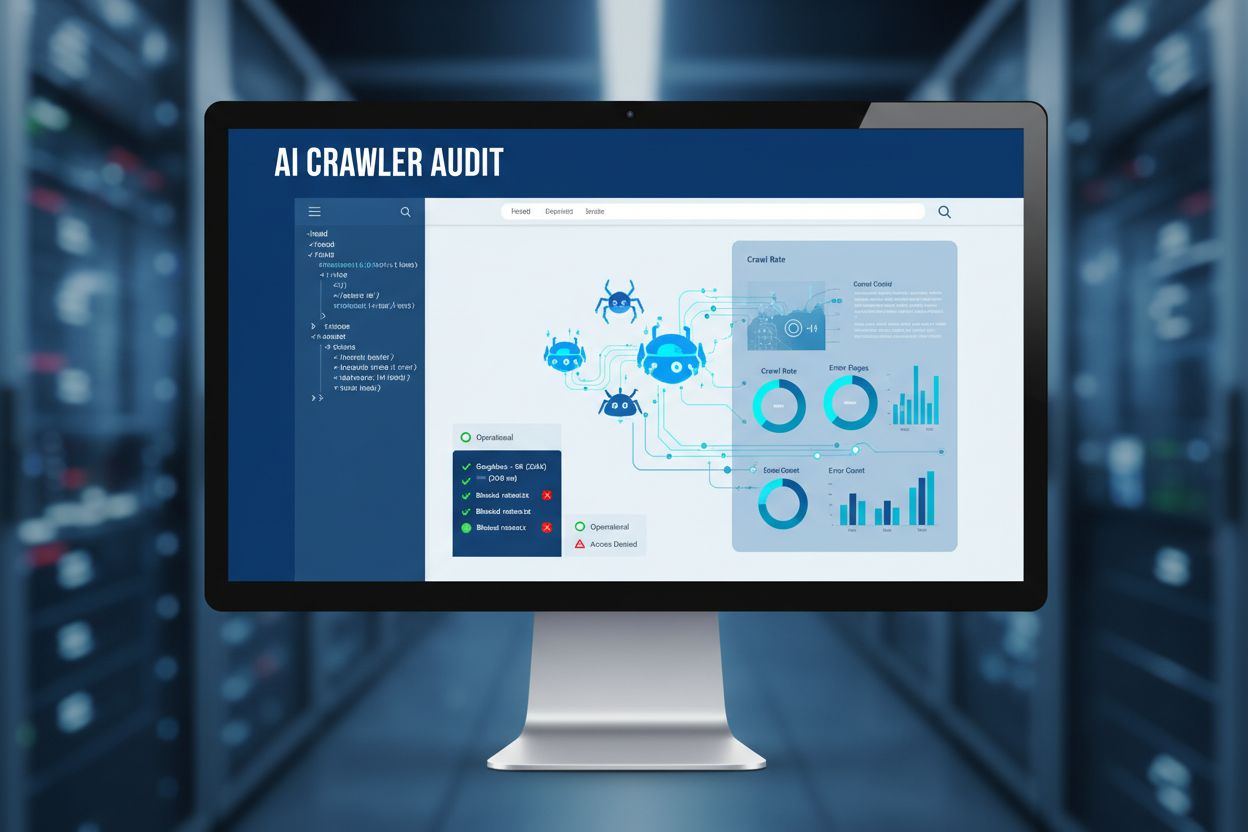
AI Crawler Access Audit: Are the Right Bots Seeing Your Content?
Learn how to audit AI crawler access to your website. Discover which bots can see your content and fix blockers preventing AI visibility in ChatGPT, Perplexity,...
8 min read

Learn how to test whether AI crawlers like ChatGPT, Claude, and Perplexity can access your website content. Discover testing methods, tools, and best practices for AI crawlability monitoring.
Test AI crawler access by using dedicated monitoring tools that simulate AI bots, checking your robots.txt file configuration, analyzing server logs for AI user-agents, and verifying that critical content is served in HTML rather than JavaScript. Real-time monitoring platforms provide the most accurate insights into whether ChatGPT, Claude, Perplexity, and other AI crawlers can reach and understand your content.
Testing AI crawler access is fundamentally different from traditional search engine monitoring because AI bots operate with distinct behaviors and requirements. Unlike Google’s Googlebot, which can render JavaScript and be tracked through Google Search Console, AI crawlers from OpenAI, Anthropic, and Perplexity have unique characteristics that require specialized testing approaches. The stakes are particularly high because AI crawlers often visit your site only once or infrequently, meaning you may not get a second chance to make a good impression if your content is blocked or inaccessible on that initial visit.
The importance of testing AI crawler access cannot be overstated in today’s search landscape. As AI-powered answer engines like ChatGPT, Perplexity, and Claude increasingly become the primary way users discover information, your brand’s visibility depends entirely on whether these crawlers can successfully access and understand your content. If your site is invisible to AI crawlers, your content effectively becomes invisible in AI-generated answers, regardless of how well it ranks in traditional search engines.
The most straightforward method for testing AI crawler access is using specialized online tools designed specifically for this purpose. These tools simulate how major AI crawlers perceive your website by fetching your pages as if they were ChatGPT, Claude, or Perplexity bots. Tools like the AI Crawler Access Checker and AI Search Visibility Checker allow you to enter your domain and instantly see which AI bots can access your content and which are blocked.
These tools work by analyzing your robots.txt file, checking for HTTP headers that block crawlers, identifying content served only through JavaScript, and detecting meta tags that restrict access. The advantage of using these tools is that they provide immediate, actionable feedback without requiring technical expertise. Most reputable tools are completely free and don’t require subscriptions, making them accessible to businesses of all sizes.
When using these tools, you’ll receive detailed reports showing which AI user-agents are allowed or blocked, including GPTBot (OpenAI), ClaudeBot (Anthropic), PerplexityBot, and others. The tools typically highlight specific blockers such as restrictive robots.txt rules, HTTP 403 Forbidden responses, or content that relies entirely on JavaScript rendering.
Your robots.txt file is the primary mechanism for controlling which crawlers can access your website. This simple text file, placed at the root of your domain, contains directives that tell crawlers which parts of your site they can or cannot access. Testing your robots.txt configuration involves reviewing the specific rules you’ve set for AI crawlers and understanding how they affect visibility.
To test your robots.txt, examine the User-agent directives you’ve configured. For example, if your robots.txt contains User-agent: GPTBot followed by Disallow: /, you’re explicitly blocking OpenAI’s crawler from accessing your entire site. Similarly, rules like User-agent: ClaudeBot with Disallow: / block Anthropic’s crawler. The key is understanding that different AI companies use different user-agent strings, so you need to know which ones to target.
You can manually test your robots.txt by visiting yoursite.com/robots.txt in your browser to see the actual rules in place. Many online tools also parse and validate your robots.txt file, showing you exactly which crawlers are allowed and which are blocked. This is particularly important because some websites accidentally block all crawlers with overly restrictive rules, while others fail to block specific crawlers they intended to restrict.
Server logs provide direct evidence of whether AI crawlers have actually visited your website. By examining your access logs, you can identify requests from known AI crawler user-agents and determine their frequency and behavior patterns. This method requires some technical knowledge but provides the most authentic data about real crawler activity.
When reviewing server logs, look for user-agent strings associated with major AI companies. Common AI crawler user-agents include GPTBot (OpenAI), ClaudeBot (Anthropic), PerplexityBot (Perplexity), Bytespider (ByteDance), and Google-Extended (Google’s AI expansion). The presence of these user-agents in your logs indicates that the respective AI crawlers have successfully accessed your site.
However, server logs have limitations for AI crawler testing. Not all analytics platforms properly identify AI crawler user-agents, and some crawlers may use generic browser identifiers to avoid detection. Additionally, the absence of a crawler in your logs doesn’t necessarily mean it’s blocked—it might simply mean that crawler hasn’t visited your site yet. This is why real-time monitoring platforms that specifically track AI crawler activity are more reliable than traditional server log analysis.
Real-time monitoring platforms represent the most comprehensive approach to testing AI crawler access. These specialized tools continuously track which AI crawlers visit your site, how frequently they crawl, which pages they access, and whether they encounter any technical blockers. Unlike scheduled crawls that run weekly or monthly, real-time monitoring provides 24/7 visibility into AI crawler activity.
Real-time monitoring solutions track multiple dimensions of AI crawlability. They show you crawl frequency segments, revealing which pages are crawled regularly and which haven’t been visited in days or weeks. They monitor schema markup implementation, alerting you when pages lack structured data that helps AI crawlers understand content. They track Core Web Vitals and performance metrics, as poor user experience signals discourage AI crawlers from returning. They also provide real-time alerts when technical issues arise that might block crawlers.
The advantage of real-time monitoring is that it captures the actual behavior of AI crawlers as they interact with your site. You can see exactly when ChatGPT visited your pages, how many times Perplexity has crawled specific content, and whether Claude’s crawler encountered any errors. This data is invaluable for understanding your AI crawlability health and identifying optimization opportunities.
| Blocker Type | Description | Impact on AI Crawlers | How to Fix |
|---|---|---|---|
| JavaScript-Dependent Content | Critical content loaded only through JavaScript | AI crawlers don’t render JS; content remains invisible | Serve content in initial HTML; use server-side rendering |
| Restrictive robots.txt | Disallow rules blocking AI crawlers | Crawlers respect robots.txt and stop accessing site | Review and update robots.txt rules for AI bots |
| HTTP Headers (403/429) | Server returns forbidden or rate-limit errors | Crawlers receive rejection signals and stop attempting access | Configure server to allow AI crawler IPs; adjust rate limits |
| Missing Schema Markup | No structured data to help crawlers understand content | AI crawlers struggle to parse and categorize content | Add Article, Author, and Product schema markup |
| Gated/Restricted Content | Content behind paywalls or login requirements | Crawlers cannot access restricted pages | Consider ungating key pages or using preview content |
| Poor Core Web Vitals | Slow loading, layout shifts, input delays | AI crawlers deprioritize slow, poor-UX pages | Optimize performance; improve page speed and stability |
| Broken Links & 404 Errors | Internal links pointing to non-existent pages | Crawlers encounter dead ends; site authority decreases | Fix broken links; implement proper redirects |
One of the most critical tests for AI crawler access involves verifying that your essential content is accessible without JavaScript. Since most AI crawlers don’t execute JavaScript, they only see the raw HTML served by your website. This means any content loaded dynamically through JavaScript will be invisible to AI bots, even if it appears perfectly normal to human visitors.
To test this, you can use browser developer tools to disable JavaScript and reload your pages, simulating how AI crawlers perceive your site. Alternatively, use online tools that fetch your page as a bot would, showing you exactly what content is visible in the raw HTML. Pay particular attention to critical elements like product information, pricing, customer reviews, author information, and key messaging—if these elements depend entirely on JavaScript, AI crawlers won’t see them.
The solution is to ensure that critical content is served in the initial HTML response. This doesn’t mean you can’t use JavaScript for enhanced interactivity, but the core information must be present in the HTML. Many modern frameworks support server-side rendering or static generation, which ensures content is available in HTML while still providing dynamic features to users.
Understanding crawler frequency patterns is essential for assessing your AI crawlability health. Research shows that AI crawlers often visit sites more frequently than traditional search engines—sometimes visiting pages 100 times more often than Google. However, if an AI crawler hasn’t visited your site in days or weeks, it’s a red flag indicating potential technical or content quality issues.
By monitoring crawler frequency, you can identify which pages are being crawled regularly and which are being ignored. Pages that receive frequent visits from AI crawlers are likely being considered for citation in AI-generated answers. Pages that haven’t been crawled recently may have technical issues, poor content quality, or insufficient authority signals. This insight allows you to prioritize optimization efforts on pages that matter most for AI visibility.
Different AI crawlers have different visit patterns. ChatGPT may crawl your site more frequently than Perplexity, or vice versa. By tracking these patterns over time, you can understand which AI platforms are most interested in your content and adjust your optimization strategy accordingly. Some monitoring platforms even show you the exact dates and times when specific crawlers visited your pages, providing granular visibility into AI crawler behavior.
Effective AI crawler access testing isn’t a one-time activity—it requires ongoing monitoring and regular audits. As your website evolves, new pages are published, and technical changes are made, your AI crawlability can change. Implementing best practices ensures you maintain optimal access for AI crawlers.
First, establish a regular testing schedule. Run comprehensive crawlability checks at least monthly, or more frequently if you publish new content regularly. After publishing new pages or making significant updates, test immediately to ensure AI crawlers can access the changes. Second, monitor schema markup implementation across your site, ensuring that high-impact pages include relevant structured data like Article schema, Author schema, and Product schema. Third, keep your robots.txt file updated and intentional—regularly review it to ensure you’re not accidentally blocking AI crawlers you want to allow.
Fourth, maintain strong Core Web Vitals and page performance, as these signals influence crawler behavior. Fifth, implement real-time alerting to catch technical issues before they impact AI crawlability. Sixth, track author signals and freshness, including author information and publication dates, which help AI crawlers establish expertise and authority. Finally, document your AI crawlability strategy and share findings with your team, ensuring everyone understands the importance of maintaining access for AI crawlers.
Successfully testing AI crawler access requires understanding the user-agent strings that different AI companies use. A user-agent is a text string that identifies the crawler making the request. By knowing which user-agents belong to which AI companies, you can properly configure your robots.txt and monitoring tools.
Major AI crawler user-agents include GPTBot and ChatGPT-User from OpenAI, ClaudeBot and Claude-Web from Anthropic, PerplexityBot and Perplexity-User from Perplexity, Bytespider from ByteDance, Google-Extended from Google, and cohere-ai from Cohere. Each company may use multiple user-agents for different purposes—some for training, others for browsing or search functionality. Understanding these distinctions helps you make informed decisions about which crawlers to allow or block.
It’s important to note that some AI companies have been observed using undeclared or stealth crawlers that don’t identify themselves with their official user-agent strings. This behavior circumvents website preferences and robots.txt directives. Reputable AI companies like OpenAI follow web standards and respect website directives, while others may attempt to evade blocks. This is another reason why real-time monitoring is crucial—it can detect suspicious crawler behavior that traditional robots.txt analysis might miss.
Get instant visibility into which AI crawlers can access your website and identify technical blockers preventing AI discovery. Track ChatGPT, Claude, Perplexity, and other AI bots with our comprehensive monitoring platform.
Learn how to audit AI crawler access to your website. Discover which bots can see your content and fix blockers preventing AI visibility in ChatGPT, Perplexity,...

Discover the best tools for checking AI crawlability. Learn how to monitor GPTBot, ClaudeBot, and PerplexityBot access to your website with free and enterprise ...
Discover how SSR and CSR rendering strategies affect AI crawler visibility, brand citations in ChatGPT and Perplexity, and your overall AI search presence.