
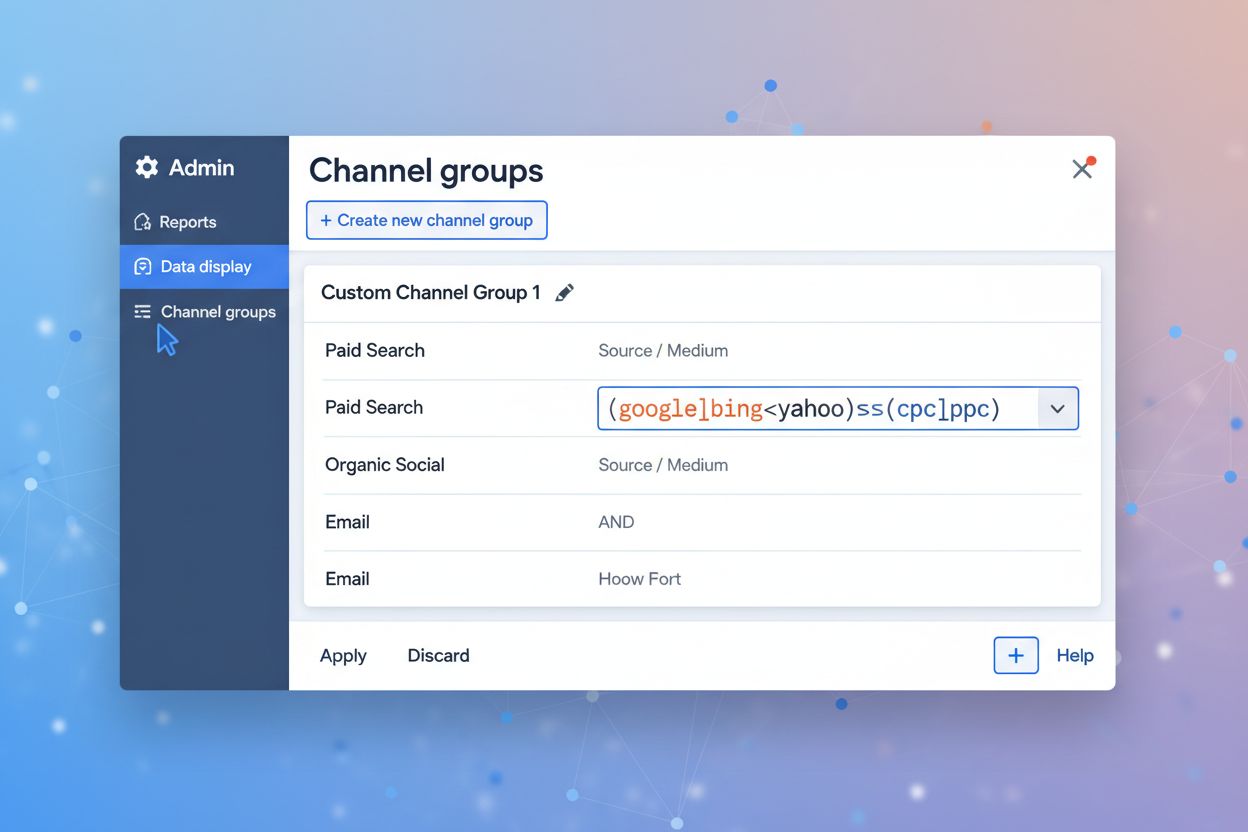
Setting Up GA4 for AI Referral Traffic Tracking
Learn how to track AI referral traffic in Google Analytics 4. Discover 4 methods to monitor ChatGPT, Perplexity, and other AI platforms, plus optimization strat...
8 min read

Learn how to track AI search traffic in GA4, monitor ChatGPT and Perplexity referrals, and measure AI visibility across platforms. Complete guide to AI traffic attribution.
Track AI search traffic by setting up custom segments in Google Analytics 4 using regex filters for AI platforms like ChatGPT, Perplexity, and Gemini. Monitor referral sources, create explorations with page referrer dimensions, and use specialized AI visibility tools to measure both traffic volume and brand citations across AI search engines.
AI search traffic represents visits to your website originating from generative AI platforms like ChatGPT, Perplexity, Google AI Overviews, Claude, and Gemini. Unlike traditional organic search where Google’s algorithm ranks pages, AI platforms directly surface content in their responses when users ask questions, effectively creating a new discovery channel. This traffic is categorized as referral traffic in Google Analytics 4 because it comes from another domain’s platform rather than organic search results. Understanding and tracking this emerging channel is critical because 68.94% of websites already receive AI traffic, and AI-driven sessions have jumped 527% year-over-year in early 2025, with ChatGPT referrals climbing from approximately 600 visits per month to over 22,000 by May 2025. The significance of tracking AI traffic extends beyond volume metrics—visitors referred by AI platforms spend 68% more time on websites than those from traditional organic search, indicating higher engagement and intent.
The emergence of AI as a discovery channel fundamentally changes how content gets discovered and consumed online. ChatGPT currently drives 87.4% of all AI referrals across industries, while Perplexity accounts for nearly 15% of AI traffic, making these platforms increasingly important for brand visibility. Unlike Google’s traditional ranking system, AI platforms make real-time decisions about which sources to cite based on content quality, authority, and relevance to specific queries. This means a website ranking on page five of Google could still appear prominently in ChatGPT responses if the content directly answers user questions. Tracking AI traffic allows you to identify which content types and topics resonate with AI systems, understand the quality of AI-referred visitors, and optimize your content strategy accordingly. Additionally, AI traffic is unevenly distributed geographically—AI is roughly twice as likely to send traffic to US websites compared to those in the UK—making regional tracking essential for international businesses. By measuring AI traffic separately from organic search, you can benchmark its growth against other channels and make data-driven decisions about resource allocation.
| Tracking Method | Setup Complexity | Data Accuracy | Cost | Best For |
|---|---|---|---|---|
| GA4 Traffic Acquisition Report | Very Low | Moderate (exact matches only) | Free | Quick audits, identifying major AI sources |
| GA4 Custom Segments | Low | High | Free | Comprehensive AI traffic analysis, trend tracking |
| GA4 Explorations with Regex | Medium | Very High | Free | Detailed attribution, landing page analysis |
| Server Log Analysis | High | Very High | Free/Paid tools | Capturing bot traffic, technical validation |
| AI Visibility Tools | Low | High | Paid ($50-500/mo) | Brand mention tracking, competitive analysis |
| UTM Parameters | Medium | Very High | Free | Controlled integrations, custom campaigns |
Google Analytics 4 remains the primary tool for tracking AI referral traffic, though it requires custom configuration since GA4 doesn’t have a built-in “AI” channel. The fastest method is accessing the Traffic Acquisition report by navigating to Reports > Acquisition > Traffic acquisition and changing the primary dimension to Session source/medium. From there, use the search box to filter for keywords like “ChatGPT,” “copilot,” “perplexity,” “gemini,” and “claude.” This quick check reveals any sessions directly attributed to those platform names, though it has limitations—it only finds exact matches and misses traffic tagged with UTM parameters or appearing as “(direct)” traffic from mobile apps. For more robust tracking, create a Session segment called “AI Traffic” where Session source matches a regex pattern listing known AI referrers. A basic regex pattern would be: chatgpt.com|perplexity.ai|gemini.google.com|copilot.com|claude.ai|bard.google.com. This approach captures traffic from multiple AI platforms simultaneously and allows you to create custom reports and dashboards. The key to maintaining accuracy is updating your regex patterns regularly as new AI tools emerge and gain popularity.
For deeper analysis, GA4 Explorations enable custom reports that track AI traffic with greater precision. Create a blank Exploration with dimensions Page referrer and Landing page (with Sessions as the metric), then add a filter on Page referrer matching a comprehensive regex for AI domains. A more complete regex pattern would be: ^https:\/\/(meta\.ai|perplexity\.ai|chat\.openai\.com|claude\.ai|gemini\.google\.com|bard\.google\.com|chatgpt\.com|copilot\.microsoft\.com)(\/.*)?$. This method reveals exactly which landing pages receive AI traffic and from which specific AI platforms, providing actionable insights for content optimization. You can create multiple tabs within the same Exploration—one showing a trend chart to visualize AI referral growth over time, another showing a table breakdown by landing page, and a third comparing AI traffic quality metrics like bounce rate and average session duration. The Page referrer dimension is particularly valuable because it captures the exact URL from which the referral originated, allowing you to distinguish between different AI platforms and even different features within platforms (for example, ChatGPT’s standard chat versus its new “Deep Research” agent).
Beyond volume metrics, understanding the quality of AI-referred traffic is essential for determining ROI. In your GA4 Explorations, compare key engagement metrics between AI traffic and organic search traffic: bounce rate, average session duration, pages per session, and conversion rate. Create a segment specifically for AI traffic and apply it to your standard conversion reports to see how many AI visitors complete desired actions like newsletter signups, demo requests, or purchases. The data shows that visitors referred by AI platforms spend 68% more time on websites than those from traditional organic search, suggesting higher intent and engagement. However, conversion rates vary significantly by industry and content type. Best-of content, product pages, and guides are the primary drivers of AI traffic, so prioritize tracking these content categories separately. Additionally, monitor which specific AI platforms send the highest-quality traffic—ChatGPT may drive volume, but Perplexity or Claude might deliver visitors with better conversion rates depending on your industry. Use GA4’s Audience feature to create custom audiences based on AI traffic sources, then retarget these users with specific messaging or offers.
Each AI platform has distinct characteristics that affect how traffic appears in your analytics. ChatGPT traffic typically shows as referrals from chatgpt.com or openai.com, and since ChatGPT drives 87.4% of all AI referrals, this should be your primary focus. Perplexity traffic appears as referrals from perplexity.ai and represents the second-largest source at approximately 15% of AI traffic. Google AI Overviews (formerly SGE) traffic may appear as organic search or referral depending on implementation, and approximately 30% of keywords trigger AI Overviews in US SERPs, making this a significant channel. Gemini traffic comes from gemini.google.com but currently drives only 6.4% of AI traffic despite Google’s search dominance. Claude (from Anthropic) is emerging as a traffic source, though it currently represents less than 1% of AI traffic. Mobile app traffic from these platforms often appears as “(direct)” in GA4 because the apps don’t pass referrer information, so you may need to implement UTM parameters in any links you control or use server log analysis to capture this traffic. Additionally, some AI platforms use bot crawlers to access your content before citing it, and these bot visits may be filtered out by GA4’s default bot filtering, requiring server log analysis to capture the complete picture.
While GA4 provides valuable insights, it doesn’t capture all AI traffic. Some AI platforms use bot crawlers that GA4 filters out automatically, and mobile app traffic often lacks referrer information. Server log analysis using tools like Screaming Frog or custom scripts reveals bot visits and provides a complete picture of AI platform interactions with your site. Check your server logs for user agents from known AI platforms—ChatGPT’s bot identifies itself as “GPTBot,” Perplexity uses “PerplexityBot,” and Google’s AI systems use various identifiers. This data helps you understand how frequently AI platforms crawl your content and which pages they prioritize. For controlled integrations where you manage outgoing links—such as content syndication to AI-focused newsletters or custom integrations—implement UTM parameters to enforce precise tracking. For example, if you’re distributing content to an AI feed, add ?utm_source=chatgpt&utm_medium=referral&utm_campaign=ai_discovery to your links. This ensures that traffic from these sources is properly attributed even if the referrer information is stripped. Combine server log data with GA4 data to create a comprehensive view of AI traffic, including both user-initiated visits and bot crawls that may influence your content’s visibility in AI systems.
While GA4 tracks traffic volume, AI visibility tools provide complementary data about where your brand appears in AI responses. Tools like SE Ranking’s AI Search Toolkit, LLMrefs, and Profound monitor your brand mentions and citations across multiple AI platforms, showing you which keywords trigger your content in AI answers and how often you’re cited compared to competitors. These tools work by running thousands of queries related to your industry and tracking which domains appear in the responses. AmICited specifically monitors your brand and domain appearances across ChatGPT, Perplexity, Google AI Overviews, and Claude, providing visibility data that GA4 alone cannot capture. This is particularly valuable because ranking in Google doesn’t guarantee visibility in AI platforms—research shows only 14% URL-level overlap and 21.9% domain-level overlap between AI Mode sources and organic top 10 results. By combining GA4 traffic data with AI visibility monitoring, you get a complete picture: GA4 shows you how much traffic AI platforms send, while visibility tools show you how often your content appears in AI responses (which may not always result in clicks). This dual approach helps you identify optimization opportunities—if you’re cited frequently but receiving little traffic, your content may need stronger calls-to-action or better positioning within AI responses.
Once you’ve configured GA4 segments and explorations, create dashboards to visualize AI traffic trends over time. Looker Studio integrates directly with GA4 and allows you to build custom dashboards comparing AI traffic to other channels. Include metrics like total AI sessions, AI traffic as a percentage of overall traffic, top AI referral sources, top landing pages from AI traffic, and conversion rates by AI platform. The Seer Interactive team has created a free Looker report template specifically for AI traffic that you can use as a starting point. Your dashboard should include trend lines showing AI traffic growth month-over-month and year-over-year—this is particularly important given that AI traffic has increased around 8x in the past year. Add comparison cards showing how AI traffic compares to organic search, social referrals, and paid traffic. Include a breakdown by AI platform to see which sources drive the most traffic and which deliver the highest-quality visitors. Set up alerts in GA4 to notify you when AI traffic spikes or drops significantly, allowing you to investigate changes quickly. Update your dashboard monthly and review it alongside your content performance metrics to identify patterns—for example, you might notice that long-form content (over 2,900 words) receives 59% more citations from ChatGPT, or that content updated within the past 3 months is twice as likely to be cited.
Once you’re tracking AI traffic effectively, use the data to optimize your content strategy. Analyze which pages receive the most AI traffic and identify common characteristics: content length, structure, topic, freshness, and technical performance. Content over 2,900 words is 59% more likely to be chosen as a citation by ChatGPT, while pages structured into 120–180-word sections earn 70% more citations than pages with very short sections. Content updated within the past 3 months is twice as likely to be cited as older pages, so implement a regular content refresh schedule. Technical performance matters too—pages with First Contentful Paint (FCP) under 0.4 seconds are 3x more likely to be cited than those with FCP over 1.13 seconds. Create a content audit comparing your high-performing AI traffic pages to those receiving little AI traffic, then apply the successful patterns to underperforming content. Consider creating FAQ-style pages and comparison guides, as these formats are particularly favored by AI systems. Monitor your Share of Voice in AI responses for key industry terms—if competitors appear more frequently than you in AI answers for your core keywords, investigate their content approach and identify gaps in your own content. Use tools like FlowHunt to automate the process of monitoring your content performance across AI platforms and identifying optimization opportunities, allowing you to scale your AI SEO efforts without manual tracking.
AI traffic distribution varies significantly by industry and geography. IT and Consumer Staples industries lead with 2.8% and 1.9% of traffic from AI respectively, while Communication Services and Utilities lag at 0.25% and 0.35%. Health Care, Communication Services, and Industrials have the highest organic search share at 42.4%, 39.6%, and 33.8% respectively, suggesting that AI traffic represents a smaller portion of total traffic in these sectors. AI is roughly twice as likely to send traffic to US websites compared to those in the UK, indicating significant regional variation. If your business operates in multiple regions or industries, segment your GA4 tracking by geography and industry vertical. Create separate GA4 views or use the Location dimension in your explorations to compare AI traffic patterns across regions. This helps you understand whether AI traffic is a significant opportunity in your specific market or whether you should prioritize other channels. For international businesses, consider that approximately 30% of keywords trigger AI Overviews in US SERPs, but this percentage varies by region and language. Monitor AI traffic trends in each market separately and adjust your content strategy accordingly—a topic that drives significant AI traffic in the US might have different performance in European markets.
Beyond tracking your own AI traffic, monitor how competitors appear in AI responses for shared keywords. Use AI visibility tools to compare your citation frequency with competitors across platforms. If a competitor appears in AI answers for keywords where you rank well in Google but don’t appear in AI responses, investigate their content approach. AI cites different brands than Google does—for example, in retail, Amazon, Walmart, Target, Best Buy, and Chewy dominate AI responses, while in YMYL categories, Mayo Clinic, Cleveland Clinic, NerdWallet, Bankrate, and Vanguard are most cited. This suggests that AI platforms prioritize different authority signals than Google. Create a competitive tracking spreadsheet monitoring which AI platforms cite your competitors and for which keywords. Set up monthly alerts to track changes in competitive visibility. If you notice a competitor gaining significant AI traffic while you’re not, analyze their recent content updates, technical improvements, or brand mentions on platforms like Reddit and Quora—sites with 26K brand mentions on Quora are 3x more likely to be cited by ChatGPT than those with little activity. Use this competitive intelligence to inform your content and brand-building strategy.
The AI search landscape is evolving rapidly, with new platforms emerging and existing platforms updating their algorithms and citation methods. AI traffic has increased around 8x in the past year, and this growth trajectory suggests that AI will become an increasingly important traffic source. Future-proof your tracking strategy by regularly updating your GA4 regex patterns to include new AI platforms as they gain traction. Monitor industry news and AI platform announcements to stay ahead of changes. For example, ChatGPT’s new “Deep Research” agent produces fully documented reports with links, creating a new type of AI traffic that may have different characteristics than standard ChatGPT responses. As AI platforms evolve, the way they cite sources and send traffic will change, requiring adjustments to your tracking setup. Consider implementing first-party data collection through your website—add tracking pixels or custom events that capture when users arrive from AI platforms and what actions they take. This provides data that’s independent of platform changes and gives you direct insight into AI user behavior. Stay engaged with the AI SEO community through forums, webinars, and industry publications to learn about emerging best practices and new tracking methods. Regularly audit your tracking setup quarterly to ensure it’s capturing all relevant AI traffic sources and that your segments and explorations remain accurate as platforms evolve.
Stop guessing where your brand appears in AI answers. AmICited tracks your mentions across ChatGPT, Perplexity, Google AI Overviews, and Claude—giving you complete visibility into your AI search performance.
Learn how to track AI referral traffic in Google Analytics 4. Discover 4 methods to monitor ChatGPT, Perplexity, and other AI platforms, plus optimization strat...
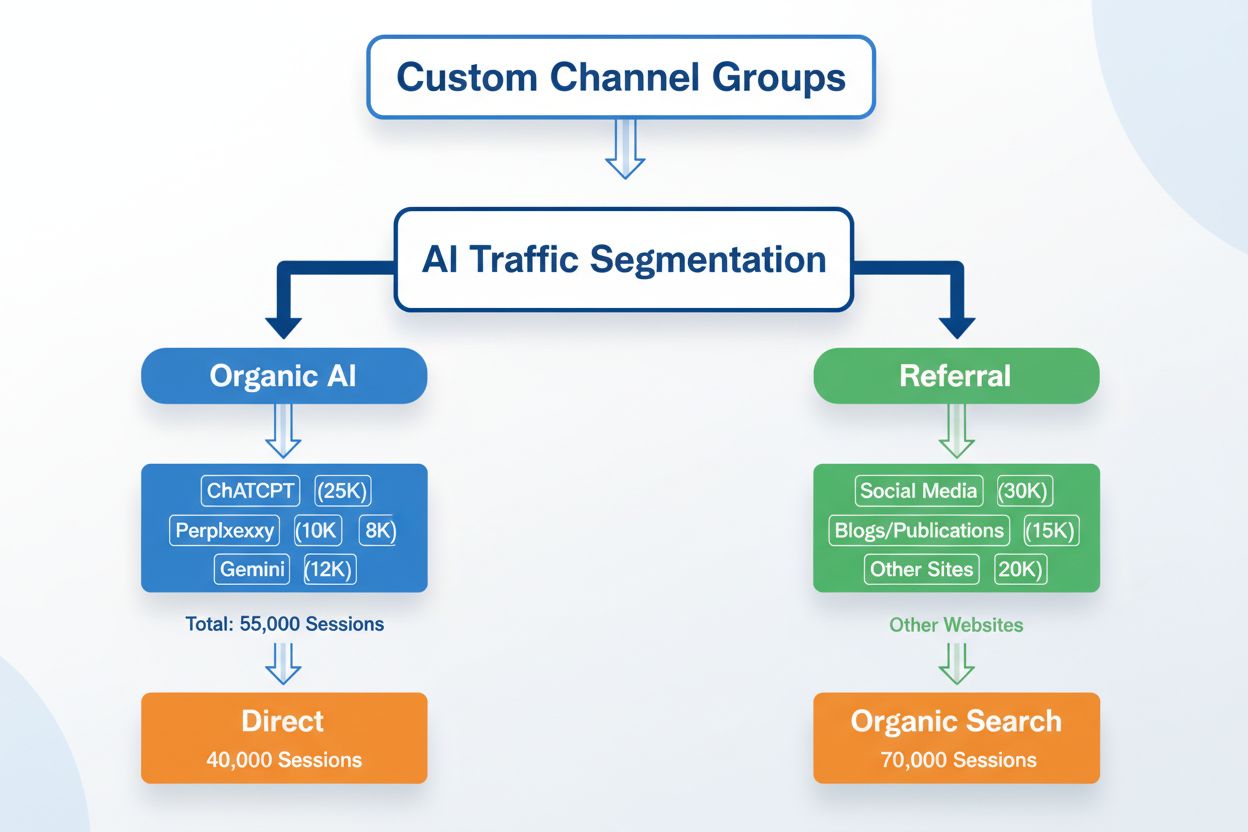
Learn how to create custom channel groups in GA4 to track AI traffic from ChatGPT, Perplexity, Claude, and other AI platforms separately from traditional referr...

Learn how to track and monitor AI traffic from ChatGPT, Perplexity, Gemini and other AI platforms in Google Analytics 4. Discover 4 proven methods to identify A...