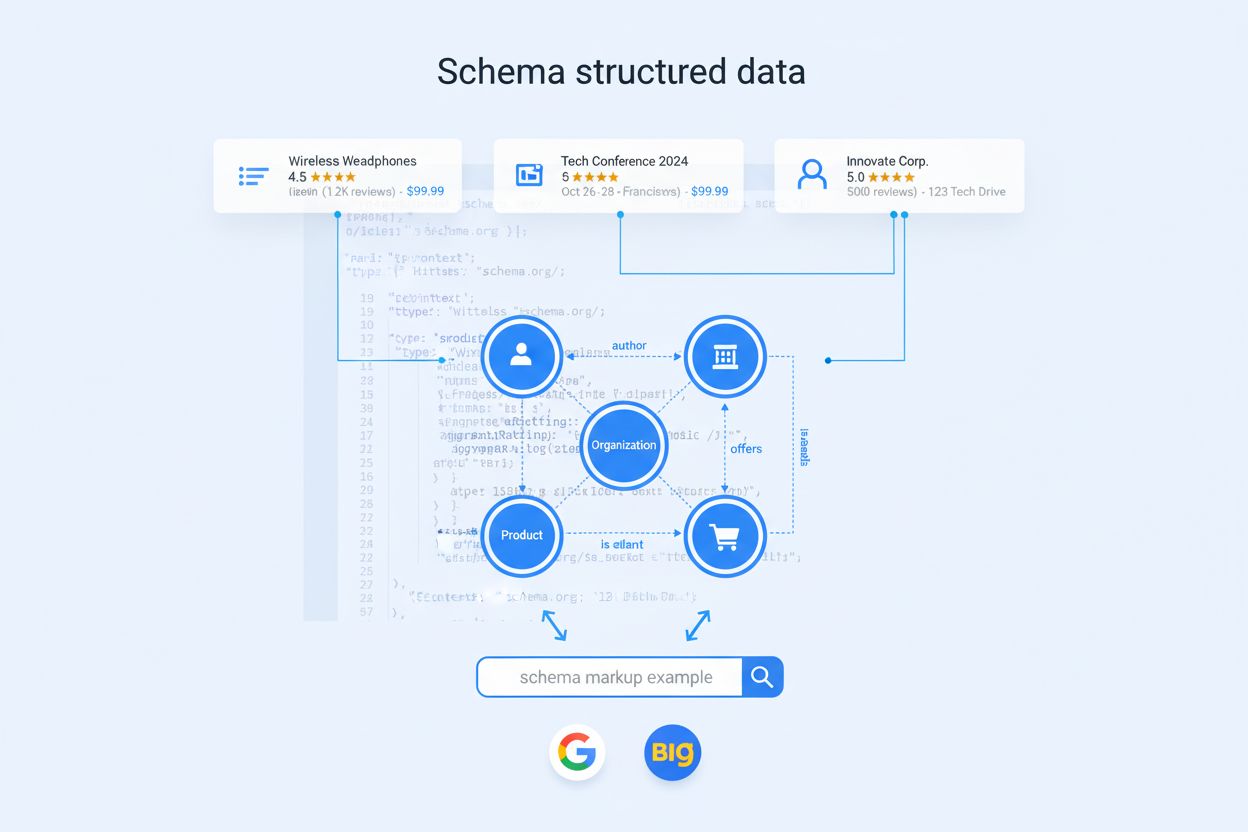
Understanding Schema Markup Validation
Schema markup validation is the process of testing and confirming that your structured data can be read and parsed by search engine crawlers and artificial intelligence systems. When your markup is valid, it is considered “parsable,” meaning machines can interpret the data correctly. When validation fails, the markup becomes “non-parsable,” which prevents search engines from understanding your content and can significantly impact your visibility in search results. This distinction is critical because parsable markup enables your website to qualify for rich results, enhanced snippets, and better semantic entity recognition, while non-parsable markup can trigger errors in Google Search Console and reduce your chances of appearing in AI-generated answers and search results.
The importance of validating your schema markup cannot be overstated. Invalid structured data not only fails to provide the benefits you intended but can also create technical issues that harm your overall SEO performance. By implementing a regular validation workflow, you ensure that your content is properly understood by both traditional search engines and emerging AI search platforms, which increasingly rely on structured data to provide accurate, contextual answers to user queries.
Why Schema Markup Validation Matters
Validating your schema markup serves multiple critical purposes for your digital presence. First, it ensures that your structured data is machine-readable, which is essential for search engines to extract and display your information correctly. When your markup is valid, search engines can confidently use your data to generate rich results, knowledge panels, and other enhanced search features that increase click-through rates and visibility. Second, validation helps you identify and fix syntax errors before they cause problems on your live website, preventing potential penalties or loss of rich result eligibility.
The consequences of invalid schema markup extend beyond just missing rich results. Invalid markup can trigger warnings and errors in Google Search Console, which signals to search engines that your site may have technical issues. Additionally, as AI search engines and answer generators become more prevalent, they increasingly rely on properly structured data to understand and cite your content. If your schema markup is invalid, these AI systems may struggle to recognize your brand, domain, or specific information, making it less likely that your content will appear in AI-generated answers. This is particularly important for businesses monitoring their brand presence across platforms like ChatGPT, Perplexity, and other AI search engines.
Ready to Monitor Your AI Visibility?
Track how AI chatbots mention your brand across ChatGPT, Perplexity, and other platforms.
Common Schema Markup Validation Errors
Understanding the types of errors you might encounter during validation helps you fix them more efficiently. Parsing errors occur when validation tools cannot read your schema markup at all, usually due to syntax mistakes. These are the most critical errors because they prevent machines from accessing any of your structured data. Common parsing errors include missing or unbalanced punctuation marks such as commas, brackets, braces, or parentheses. Another frequent parsing error involves using curly quotation marks ("") instead of straight quotation marks ("") in your code, which breaks the JSON-LD format and makes the entire markup unparsable.
Warnings represent non-critical issues that don’t prevent your markup from being read but suggest improvements. These warnings typically appear when you omit recommended (but not required) schema properties. For example, a video schema might generate a warning if you don’t include both “contentURL” and “embedURL,” even though the markup remains valid without them. Google’s official guidance emphasizes that accuracy is more important than completeness, so you should evaluate each warning in the context of your actual content. If a recommended property doesn’t apply to your content, you can safely ignore the warning and still be eligible for rich results.
Errors are critical issues that must be addressed immediately. These include using schema types or properties that don’t exist in the Schema.org vocabulary, or missing required properties that Google specifies for rich result eligibility. For instance, if you’re creating product schema markup, Google requires that you include price information in the “offers” section. Without this required field, your markup will generate an error in Google Search Console, even if it validates successfully on generic schema validators like validator.schema.org.
| Error Type | Severity | Example | Action Required |
|---|
| Parsing Error | Critical | Missing comma or unbalanced brackets | Fix immediately - markup is unreadable |
| Syntax Error | Critical | Curly quotes instead of straight quotes | Fix immediately - breaks JSON-LD format |
| Missing Required Property | Critical | Product schema without price | Fix immediately - blocks rich results |
| Missing Recommended Property | Low | Video schema without embedURL | Optional - evaluate based on content |
| Invalid Property for Type | Medium | Author property on Restaurant schema | Review and correct if applicable |
| Deprecated Property | Medium | Using outdated schema property | Update to current Schema.org standard |
The Rich Results Test is Google’s official tool for validating structured data and checking rich result eligibility. This tool specifically focuses on schema markup that generates rich results in Google Search, making it essential for SEO professionals. You can test either a live URL or paste your code snippet directly. The Rich Results Test provides clear feedback about which rich result types your markup supports and highlights any errors or warnings that would prevent rich result display. However, it only validates schema that’s eligible for rich results, so other valid structured data on your page might not appear in the test results.
The Schema Markup Validator (validator.schema.org) is the official validation tool maintained by Schema.org and replaced Google’s deprecated Structured Data Testing Tool in 2020. This validator tests all types of Schema.org markup without Google-specific validation, making it ideal for comprehensive schema validation. It accepts both URLs and code snippets and provides detailed error messages with line-by-line highlighting of problems. The Schema Markup Validator is particularly useful for identifying syntax errors and ensuring your markup conforms to the Schema.org vocabulary standards.
Test.schema.dev is a free schema validation tool that offers additional features like code prettification, which makes it easier to identify problematic lines in your markup. This validator is notably stricter than validator.schema.org, sometimes flagging markup as invalid that passes on other validators. This strictness can be beneficial because it helps ensure your code is robust and will work reliably across different systems and devices. Using multiple validators provides a comprehensive validation strategy and increases confidence that your schema markup will function correctly.
Google Search Console provides bulk validation capabilities through its Enhancements reports, which show which pages have valid schema markup and which have errors or warnings. This is invaluable for identifying systemic issues across your entire website. If you have multiple pages using the same schema template (such as a collection of product pages or blog articles), GSC will help you spot if the same error repeats across many pages, allowing you to fix the template once and resolve the issue site-wide.
Screaming Frog is a powerful SEO crawling tool that can validate schema markup across your entire website at scale. You can configure the crawler to check JSON-LD schema validity and Google rich result eligibility for every page on your site. The tool generates detailed reports showing which pages have valid schema, which have warnings, and which have errors. This makes it easy to prioritize fixes and track your progress in improving schema markup across your website.
Stay Updated on AI Visibility Trends
Get the latest insights on AI mentions, brand monitoring, and optimization strategies.
Step-by-Step Validation Process
Begin your validation process by choosing the appropriate testing method based on your needs. If you’re validating a single page or code snippet, use the Rich Results Test for Google-specific validation or the Schema Markup Validator for comprehensive Schema.org validation. If you’re testing a live URL, ensure the page is publicly accessible (though it doesn’t need to be indexed yet). For code snippets, extract your JSON-LD markup and paste it directly into the validator. This approach is useful when you’ve created markup using a structured data generator or have access to the original code.
Next, run your markup through at least two different validators to get comprehensive feedback. Start with the Rich Results Test to check Google-specific requirements, then use the Schema Markup Validator for generic schema validation. Compare the results from both tools—if one shows errors that the other doesn’t, investigate why. This multi-validator approach catches edge cases and ensures your markup will work reliably across different systems. Pay special attention to any parsing errors, as these indicate syntax problems that must be fixed before your markup can be used.
Review all errors and warnings carefully, distinguishing between critical issues that require immediate fixes and non-critical warnings that may or may not apply to your content. For each error, identify the specific line of code causing the problem. Most validators highlight problematic lines with visual indicators like red X marks or line numbers. Use the validator’s error messages to understand what’s wrong—common issues include missing commas, unbalanced brackets, incorrect quotation marks, or properties that don’t belong to your schema type.
After fixing errors, revalidate your markup to confirm the fixes worked. Don’t assume your changes are correct without testing them. Sometimes fixing one error reveals additional issues that weren’t apparent before. Continue this iterative process until your markup passes validation without critical errors. For warnings, make a judgment call based on your content—if a recommended property applies to your page, add it; if it doesn’t, you can safely ignore the warning.
While JSON-LD is the recommended format for schema markup and the format most validators focus on, you should understand how validation works across different formats. JSON-LD is preferred because it’s easy to implement, doesn’t require changes to your HTML structure, and is the format recommended by Google. When validating JSON-LD, ensure your code follows proper JSON syntax with correct quotation marks, commas, and bracket placement.
Microdata and RDFa are alternative structured data formats that some websites still use. These formats embed schema information directly into your HTML attributes, which can make them harder to validate and maintain. If you’re using these formats, the Schema Markup Validator can still test them, but you’ll need to provide the full page URL rather than just a code snippet. Most modern implementations use JSON-LD exclusively, and if you’re building new schema markup, JSON-LD is the clear choice for easier validation and maintenance.
Monitoring Schema Markup Over Time
Validation shouldn’t be a one-time activity but rather an ongoing part of your SEO maintenance routine. After implementing schema markup, monitor it regularly through Google Search Console’s Enhancements reports. These reports alert you to any new errors that might appear due to content changes, template updates, or other modifications. Set up a schedule to validate your most important pages quarterly or whenever you make significant content updates.
For businesses concerned about their presence in AI search results and answer generators, regular schema validation becomes even more critical. As AI systems increasingly rely on structured data to understand and cite content, ensuring your schema markup remains valid and accurate directly impacts whether your brand appears in AI-generated answers. Tools like amicited can help you monitor how your brand, domain, and URLs appear in AI search results, while proper schema validation ensures that AI systems have access to accurate, machine-readable information about your business.
Advanced Validation Strategies
For large websites with hundreds or thousands of pages, implement automated validation workflows. Use tools like Screaming Frog or Semrush to crawl your entire site and generate validation reports. These tools can identify patterns in errors, such as a specific schema template that’s broken across multiple pages. Fixing the template once can resolve dozens of errors simultaneously, making your validation efforts much more efficient.
Create a schema markup style guide for your organization to prevent errors from occurring in the first place. Document the correct format for each schema type you use, include examples of valid markup, and specify which properties are required versus optional for your use cases. When multiple team members create or update schema markup, having clear guidelines reduces the likelihood of errors and makes validation faster.
Consider using schema markup generators and plugins that include built-in validation. Many content management systems and website builders now include schema markup tools that validate your markup before you publish it. These tools prevent invalid markup from going live, catching errors before they impact your search visibility. However, always verify that generated markup is correct for your specific content, as automated tools sometimes make assumptions that don’t match your actual information.