
Bing Chat
Bing Chat is Microsoft's AI-powered conversational search interface combining GPT technology with real-time web search. Learn how it works, its features, and it...
12 min read
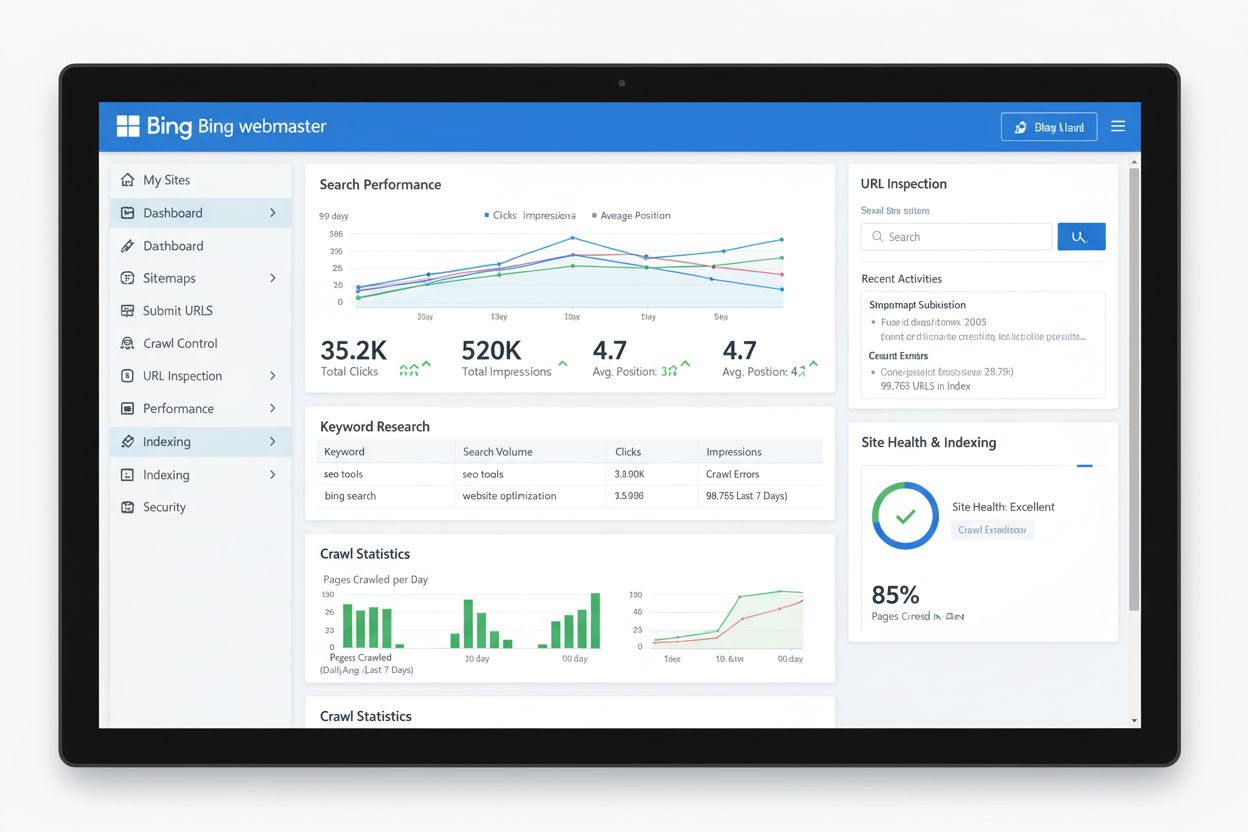
Bing Webmaster Tools is a free, comprehensive platform provided by Microsoft that enables website owners to monitor, maintain, and optimize their site’s presence in Bing search results. It offers SEO insights, performance analytics, keyword research, and technical diagnostics to help improve visibility across Bing’s search ecosystem.
Bing Webmaster Tools is a free, comprehensive platform provided by Microsoft that enables website owners to monitor, maintain, and optimize their site's presence in Bing search results. It offers SEO insights, performance analytics, keyword research, and technical diagnostics to help improve visibility across Bing's search ecosystem.
Bing Webmaster Tools is a free, comprehensive platform provided by Microsoft that enables website owners, developers, and digital marketers to monitor, maintain, and optimize their site’s presence in Bing search results. The platform functions as Bing’s equivalent to Google Search Console, offering webmasters direct access to data about how Bing crawls, indexes, and ranks their websites. Launched to democratize SEO insights for the Bing search ecosystem, Bing Webmaster Tools provides actionable intelligence on search performance, technical health, keyword rankings, and user behavior. The platform is designed to help websites improve visibility, drive organic traffic, and maintain optimal search engine performance across Bing’s diverse user base, which includes traditional web search, AI-powered search features, and integration with Microsoft’s broader ecosystem including Copilot and Edge browser.
Bing Webmaster Tools emerged as Microsoft’s response to the need for transparent, accessible SEO management capabilities in the Bing search ecosystem. Originally launched in the early 2010s, the platform has undergone significant modernization and feature expansion to remain competitive with Google’s offerings. The evolution of Bing Webmaster Tools reflects broader industry trends toward transparency, automation, and data-driven decision-making in search engine optimization. In recent years, Microsoft has invested heavily in modernizing the user interface, introducing innovative features like IndexNow (a protocol for instant content notification), and integrating Microsoft Clarity for comprehensive user behavior analytics. According to industry data, Bing maintains a global search market share of approximately 4.19% as of 2025, with significantly higher penetration in specific markets—notably 7.5% in the United States and 57.58% among console gamers. This substantial user base, combined with Bing’s integration into Windows, Xbox, and Microsoft Edge, makes Bing Webmaster Tools an essential component of any comprehensive SEO strategy. The platform’s evolution demonstrates Microsoft’s commitment to providing webmasters with enterprise-grade tools at no cost, democratizing access to sophisticated SEO capabilities that were previously available only through premium third-party solutions.
Bing Webmaster Tools encompasses a robust suite of features designed to address every aspect of search engine optimization and website performance monitoring. The Search Performance section provides detailed analytics on how your website appears in Bing search results, including metrics for clicks, impressions, click-through rates (CTR), and average ranking positions. This data can be filtered by country, device type, and date range, enabling granular analysis of search performance trends. The URL Inspection tool allows webmasters to examine individual pages, checking indexing status, crawl errors, and structured data implementation. Site Explorer offers a hierarchical visualization of your website’s structure, showing which pages Bing has discovered and indexed, along with performance metrics for each section. The Keyword Research tool leverages Bing’s search data to provide keyword suggestions, search volume estimates, and demographic insights about users searching for specific terms. SEO Reports automatically audit your website against Bing’s best practices, identifying issues like missing meta descriptions, broken links, duplicate content, and mobile usability problems. The Site Scan feature performs comprehensive technical audits, detecting 404 errors, server errors, and other technical issues that could impact search performance. Additionally, Bing Webmaster Tools integrates seamlessly with Microsoft Clarity, a free user behavior analytics platform that provides heatmaps, session recordings, and engagement metrics to help optimize user experience and conversion rates.
| Feature | Bing Webmaster Tools | Google Search Console |
|---|---|---|
| Cost | Free | Free |
| Data Sources | Web search, Copilot, news, images, videos, knowledge panels | Google web search, images, news only |
| IndexNow Support | Yes (unique feature) | No |
| Site Explorer | Advanced with granular filtering | Limited site structure view |
| Backlink Analysis | Yes, for any website | Limited to your own site |
| Keyword Research | Built-in with Bing-specific data | Requires Google Ads integration |
| User Analytics Integration | Microsoft Clarity (free) | Google Analytics integration |
| Crawl Control | Customizable crawl rate and scheduling | Limited crawl rate adjustment |
| SEO Reports | Automated best practices audits | Coverage and mobile usability reports |
| Structured Data Validation | Comprehensive markup checking | Detailed rich result testing |
| URL Submission API | Yes (IndexNow protocol) | Limited URL submission |
| Mobile Friendliness Testing | Built-in tool | Built-in tool |
| Robots.txt Tester | Yes | Yes |
Bing Webmaster Tools provides sophisticated crawl control capabilities that allow webmasters to manage how Bingbot (Bing’s web crawler) interacts with their websites. The Crawl Control feature enables customization of crawl rates, allowing you to increase or decrease the frequency of bot requests based on your server’s capacity and performance requirements. This is particularly valuable for websites experiencing high traffic or those with limited server resources. Webmasters can specify preferred crawl times during off-peak hours, ensuring that search engine crawling doesn’t interfere with user-facing traffic. The interactive crawl distribution graph allows you to allocate crawl load to specific times of the day, providing granular control over bot activity patterns. The Block URLs feature enables temporary or permanent removal of specific pages or directories from Bing search results without deleting them from your website—useful for hiding pages under maintenance, outdated content, or sensitive information. The Robots.txt Tester validates your robots.txt file syntax and allows you to test specific URLs against your crawl rules before deployment. These technical controls are essential for maintaining optimal website performance while ensuring that Bing can effectively crawl and index your most important content.
IndexNow represents a paradigm shift in how websites communicate content changes to search engines. This free, open-source protocol allows webmasters to proactively notify Bing (and other participating search engines) whenever content is added, updated, or deleted, enabling instant crawling and indexing rather than waiting for search engines to discover changes through traditional crawling. The IndexNow API can be integrated directly into content management systems, allowing automatic notifications whenever new content is published or existing content is modified. This is particularly valuable for news sites, blogs, and e-commerce platforms where content freshness directly impacts search visibility and user engagement. According to Microsoft’s documentation, IndexNow is supported by most major content management systems including WordPress, Drupal, Wix, and Shopify, making implementation accessible to webmasters of all technical levels. The protocol shifts control back to content creators, eliminating the uncertainty of waiting for search engine crawlers to discover updates. For websites publishing high volumes of content, IndexNow can dramatically reduce the time between publication and search visibility, directly impacting organic traffic potential. This innovation demonstrates Microsoft’s commitment to modernizing the relationship between webmasters and search engines, moving away from passive crawling toward active, real-time content communication.
Bing Webmaster Tools provides comprehensive analytics that reveal how your website performs in Bing’s search ecosystem. The Search Performance dashboard displays trends in clicks, impressions, CTR, and average ranking position over customizable time periods. Advanced filtering options allow you to segment performance data by page URL, country, device type, and search query, enabling identification of high-performing content and underperforming pages requiring optimization. The Keyword Research tool provides Bing-specific search volume data and demographic insights about users searching for particular terms, helping inform content strategy and keyword targeting decisions. Unlike Google Search Console, which focuses exclusively on Google search results, Bing Webmaster Tools provides visibility into performance across multiple Bing services including web search, AI-powered Copilot responses, news results, image search, and knowledge panels. This broader perspective is increasingly important as AI-generated search results become more prevalent. The Inbound Links report shows backlinks pointing to your site, including domain authority metrics and anchor text analysis, enabling competitive link analysis and link-building opportunity identification. The Crawl Information section provides detailed data on crawl errors, blocked URLs, and malware detection, helping maintain site health and security. All data can be exported for further analysis in external tools, supporting integration with broader analytics and reporting workflows.
Microsoft Clarity represents a powerful complement to Bing Webmaster Tools, providing deep insights into how users interact with your website. This free user behavior analytics platform integrates seamlessly with Bing Webmaster Tools, offering heatmaps that visualize where users click, move, and scroll on your pages. Session recordings allow you to replay individual user sessions, observing mouse movements, clicks, and scrolling behavior to identify friction points and usability issues. The Insight dashboards provide metrics on user engagement including bounce rates, time on page, and scroll depth, helping identify which content resonates with your audience. Advanced filtering and segmentation capabilities enable analysis of specific user groups based on device type, browser, geographic location, or user behavior patterns. Microsoft Clarity is designed with privacy compliance in mind, adhering to GDPR and CCPA requirements while providing actionable user behavior data. By combining Bing Webmaster Tools search performance data with Microsoft Clarity user behavior insights, webmasters gain a comprehensive understanding of the entire user journey from search discovery through on-site engagement. This integrated approach enables data-driven optimization decisions that improve both search visibility and conversion rates, making it particularly valuable for e-commerce sites, SaaS platforms, and content publishers.
As AI-powered search features become increasingly prevalent, Bing Webmaster Tools provides unique visibility into how your content appears across Bing’s AI ecosystem. Bing’s integration with Copilot means that your website’s content may be cited or referenced in AI-generated responses, and Bing Webmaster Tools provides performance data that includes these AI-powered search experiences. The Search Performance dashboard now includes data from Copilot responses and other AI-generated search features, not just traditional web search results. This is particularly relevant for organizations using platforms like AmICited to monitor brand mentions and content citations across AI systems. By tracking your performance in Bing Webmaster Tools, you gain insights into how frequently your content appears in Bing’s search results, which directly correlates with citation potential in AI responses. The Keyword Research tool helps identify which topics and queries your content ranks for, informing content strategy to increase visibility in both traditional search and AI-generated responses. Understanding your presence in Bing’s search ecosystem is essential for comprehensive AI citation monitoring, as Bing powers search for millions of users and serves as a data source for various AI applications. The platform’s integration with Microsoft Clarity also provides behavioral data showing how users discover and engage with your content through Bing search, enabling optimization for both search visibility and user engagement.
Successful use of Bing Webmaster Tools requires a strategic approach combining technical optimization with content strategy. First, ensure proper site verification using one of the three available methods (DNS CNAME, XML file, or meta tag), and consider importing your site from Google Search Console if already verified there. Submit your XML sitemap to enable efficient crawling and indexing of your site structure. Regularly review SEO Reports to identify and fix technical issues, prioritizing critical errors that directly impact search visibility. Implement IndexNow through your content management system to ensure instant notification of content changes, dramatically reducing time-to-index for new and updated pages. Use the Keyword Research tool to identify Bing-specific search opportunities and inform your content strategy, recognizing that Bing’s user demographics and search patterns differ from Google’s. Monitor Search Performance metrics weekly or monthly to identify trends, track the impact of optimization efforts, and identify underperforming pages requiring attention. Leverage Crawl Control to optimize bot activity patterns based on your server capacity and traffic patterns, ensuring search engine crawling doesn’t negatively impact user experience. Integrate Microsoft Clarity to understand user behavior on your site, using heatmaps and session recordings to identify usability issues and optimization opportunities. Finally, use Bing Webmaster Tools in conjunction with Google Search Console to gain a comprehensive view of your search performance across multiple search engines, recognizing that each platform provides unique insights and opportunities.
The strategic importance of Bing Webmaster Tools continues to grow as Microsoft invests in AI-powered search capabilities and expands Bing’s integration across its ecosystem. The platform’s evolution reflects broader industry trends toward transparency, automation, and AI integration in search. IndexNow represents the future of content discovery, shifting from passive crawling to active, real-time communication between webmasters and search engines. As AI-generated search results become more prevalent, Bing Webmaster Tools will likely provide increasingly detailed insights into how your content appears in AI responses, making it essential for brand monitoring and citation tracking. Microsoft’s integration of Copilot into Bing search means that content visibility in Bing Webmaster Tools directly correlates with potential citations in AI-generated responses. The platform’s continued modernization, including the recent redesign of the user interface and introduction of new features like Site Explorer with advanced filtering, demonstrates Microsoft’s commitment to providing competitive, enterprise-grade tools. For organizations monitoring brand mentions across AI systems using platforms like AmICited, understanding your presence in Bing’s search ecosystem through Bing Webmaster Tools is increasingly critical. The convergence of traditional search optimization and AI citation monitoring means that Bing Webmaster Tools will remain a cornerstone of comprehensive digital visibility strategy. As search engines continue evolving toward AI-powered experiences, webmasters who leverage Bing Webmaster Tools to optimize their presence will maintain competitive advantage in both traditional search and emerging AI-powered search interfaces.
While both platforms serve similar purposes, Bing Webmaster Tools offers unique features like IndexNow for instant content notification, Site Explorer with advanced filtering, and backlink analysis for any website. Google Search Console excels in granular data and integration with Google Analytics. Bing Webmaster Tools provides insights into Bing's specific user demographics and search patterns, which differ from Google's audience. Using both tools together provides a comprehensive view of your site's performance across multiple search engines.
Yes, Bing Webmaster Tools is completely free with no premium tiers or hidden costs. All features including keyword research, SEO reports, site scanning, crawl control, and performance analytics are available at no charge. This makes it a cost-effective addition to any SEO toolkit, providing enterprise-level insights without financial investment.
IndexNow is a free, open-source protocol that allows webmasters to proactively notify Bing (and other search engines) when content is added, updated, or deleted. Instead of waiting for search engines to discover changes through crawling, IndexNow enables instant notification, resulting in faster indexing and content discovery. This feature shifts control back to content creators and is supported by most major content management systems.
Bing Webmaster Tools provides visibility into how your content appears in Bing search results, including data from AI-powered search features and Copilot responses. By monitoring search performance metrics, keyword rankings, and indexing status, you can track how your brand appears across Bing's ecosystem. This is particularly relevant for AI citation monitoring, as Bing integrates generative AI features that may reference your content.
Key features include Search Performance analytics, URL Inspection tools, Site Explorer for site structure visualization, Keyword Research with Bing-specific data, SEO Reports with automated audits, Site Scan for technical issues, Crawl Control for managing bot activity, and integration with Microsoft Clarity for user behavior analytics. The platform also offers Robots.txt testing, backlink analysis, and the ability to block URLs from search results.
Bing offers three verification methods: DNS CNAME record addition through your domain registrar, XML file upload to your website's root directory, or meta tag insertion in your homepage's HTML head section. For WordPress users, popular SEO plugins like Yoast SEO, All In One SEO Pack, and Rank Math provide simplified verification options. You can also import verified sites directly from Google Search Console without additional verification steps.
While Google holds approximately 90% of global search market share, Bing commands 4.19% worldwide and 7.5% in the United States, representing significant traffic potential. Bing users tend to be older, more affluent, and have higher purchase intent than average internet users. Additionally, Bing powers search for Xbox, Windows, and Microsoft Edge, reaching 1.3 billion unique monthly visitors. Optimizing for Bing provides access to an underserved audience with less competition.
Start tracking how AI chatbots mention your brand across ChatGPT, Perplexity, and other platforms. Get actionable insights to improve your AI presence.
Bing Chat is Microsoft's AI-powered conversational search interface combining GPT technology with real-time web search. Learn how it works, its features, and it...
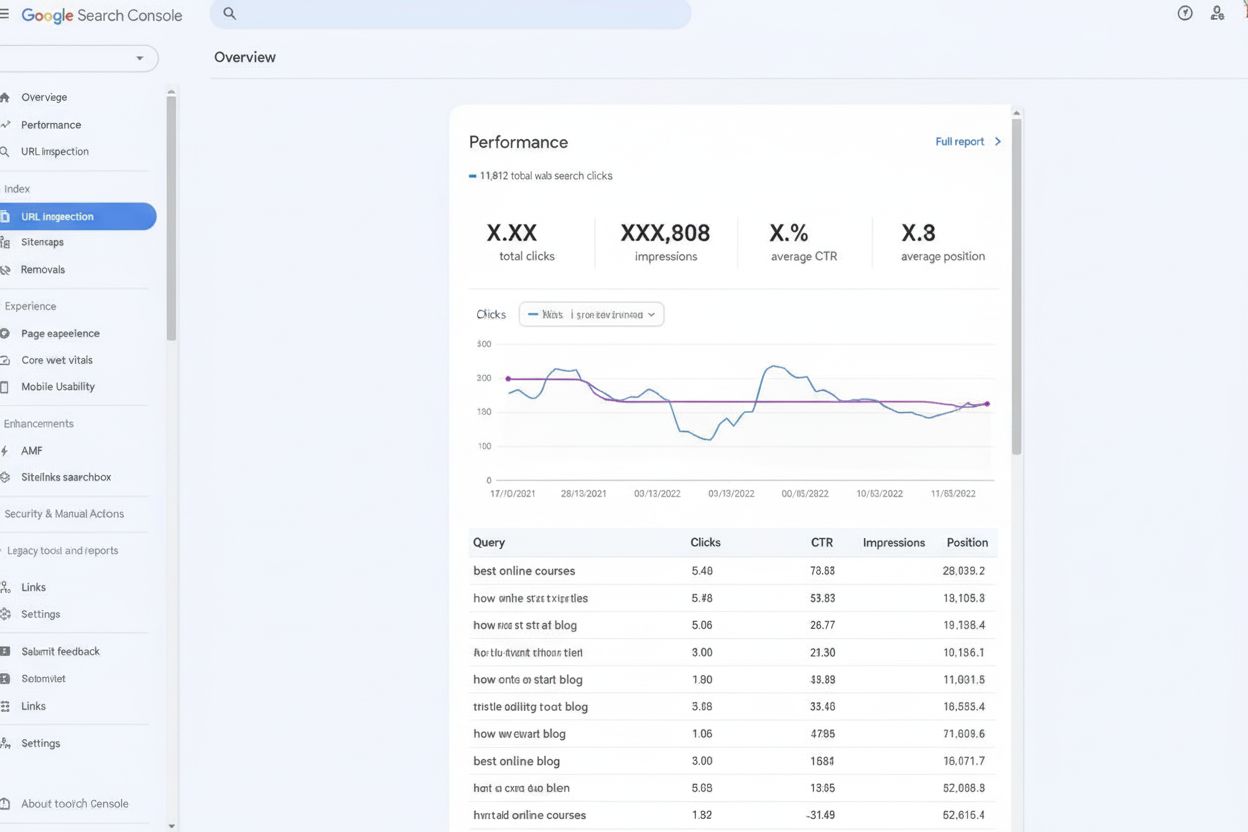
Google Search Console is Google's free webmaster platform for monitoring search performance, tracking indexing status, and fixing SEO issues. Learn how GSC help...
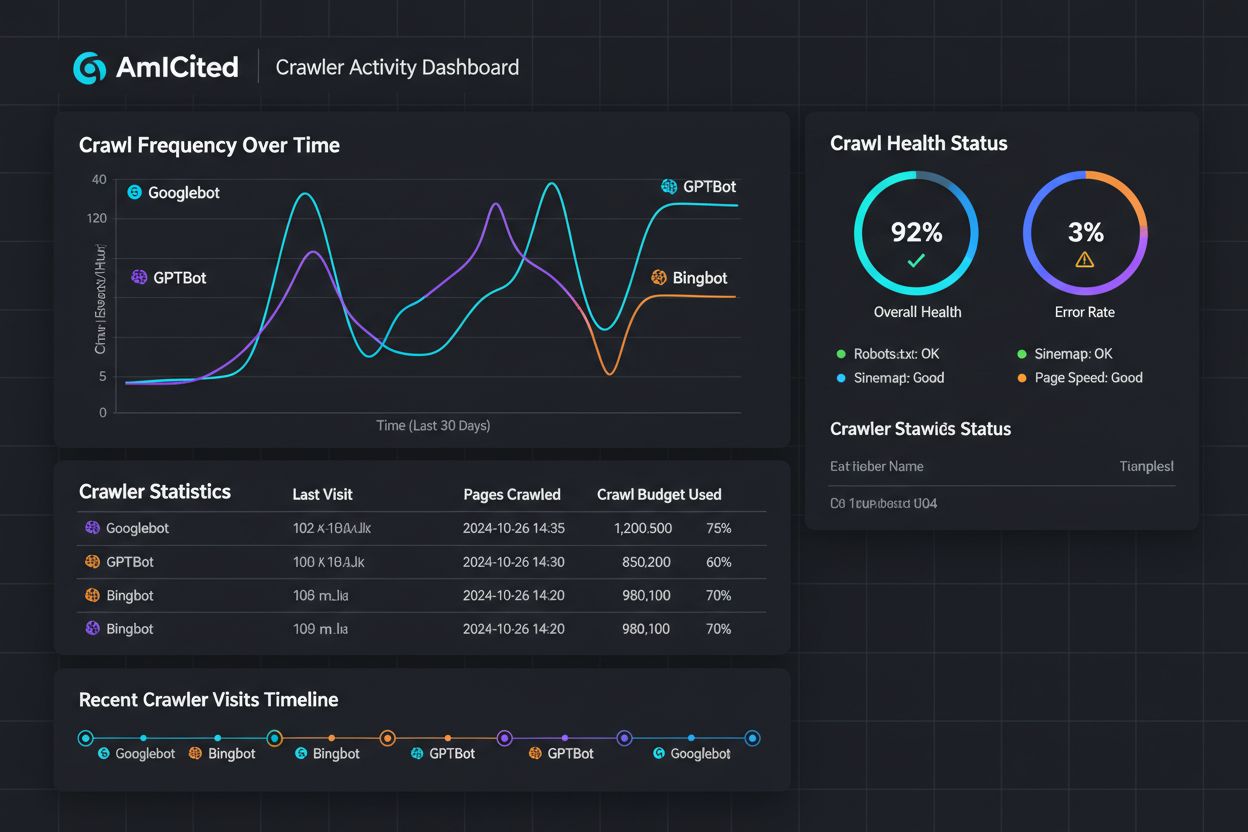
Discover the critical differences between AI training crawlers and search crawlers. Learn how they impact your content visibility, optimization strategies, and ...
Cookie Consent
We use cookies to enhance your browsing experience and analyze our traffic. See our privacy policy.