
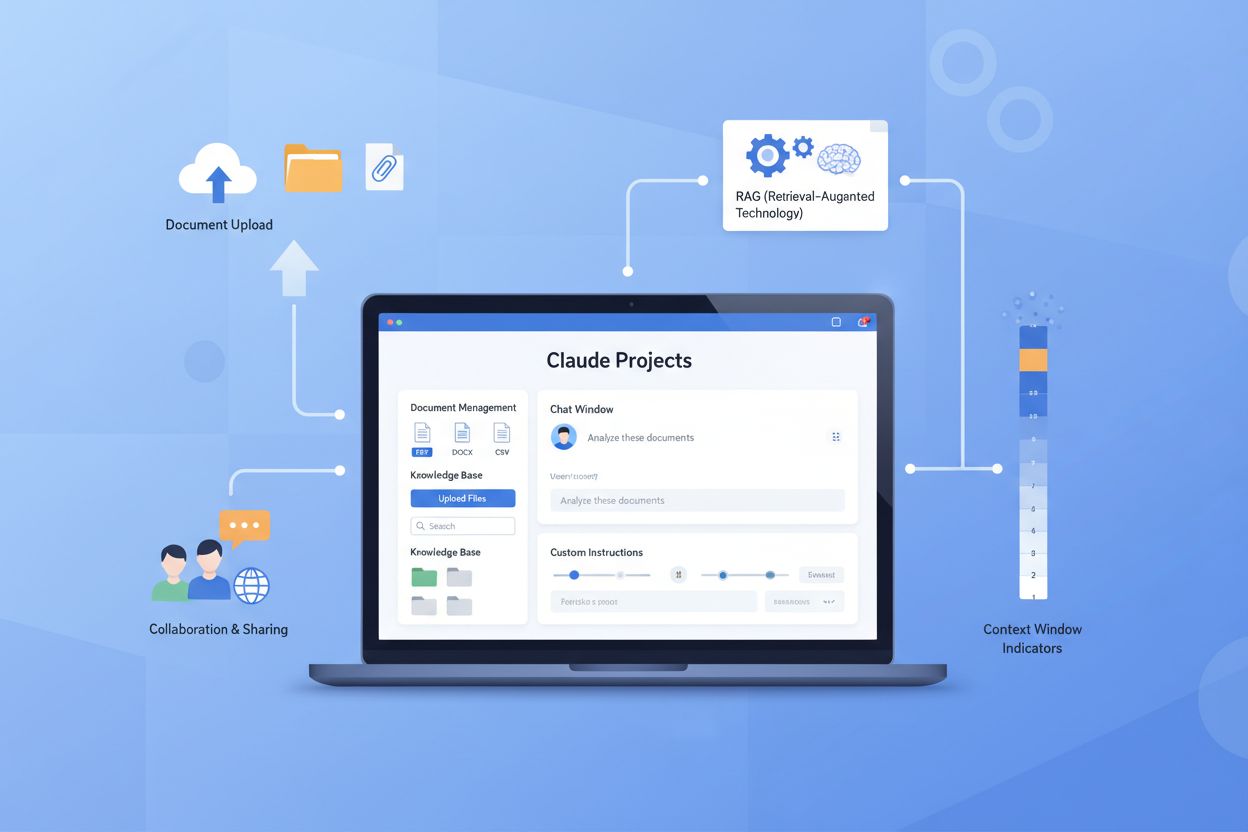
Claude Projects
Learn about Claude Projects, Anthropic's feature for creating persistent knowledge bases and specialized AI workspaces. Explore features, pricing, use cases, an...
8 min read
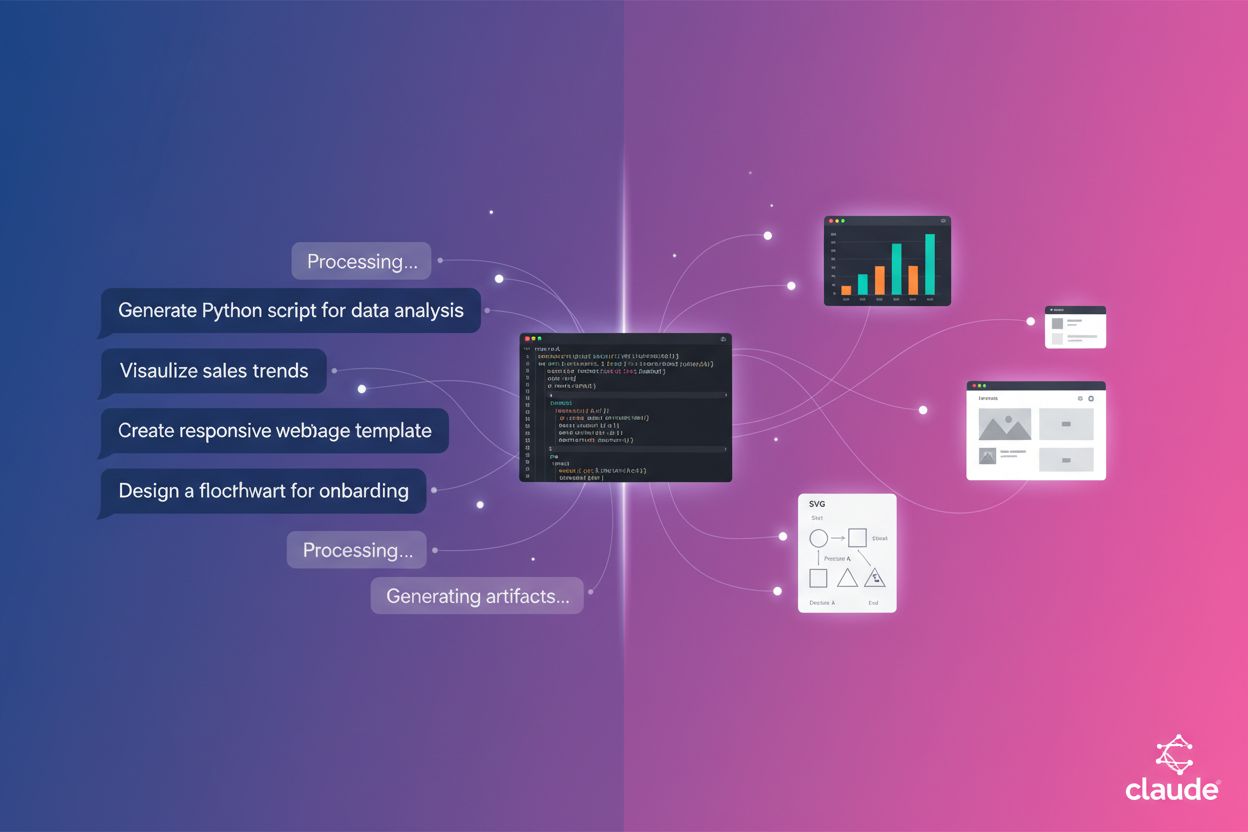
Interactive outputs generated by Claude that appear in a dedicated panel, allowing users to view, edit, and export substantial pieces of content like code, documents, visualizations, and web pages without cluttering the main chat interface. Artifacts are automatically created for self-contained content over 15 lines that users are likely to want to modify or reuse.
Interactive outputs generated by Claude that appear in a dedicated panel, allowing users to view, edit, and export substantial pieces of content like code, documents, visualizations, and web pages without cluttering the main chat interface. Artifacts are automatically created for self-contained content over 15 lines that users are likely to want to modify or reuse.
Claude Artifacts are interactive outputs generated by Claude that appear in a dedicated panel alongside your conversation, allowing you to view, edit, and export substantial pieces of content without cluttering the main chat interface. Claude automatically creates an artifact when the content meets specific criteria: it’s typically over 15 lines, self-contained, something you’re likely to want to edit or reuse, and represents complex content that stands on its own without requiring extra conversation context. These artifacts transform how users interact with AI-generated content by providing a visual workspace where code runs in real-time, documents display with proper formatting, and graphics render instantly. The dedicated artifact window essentially acts as a collaborative workspace where you and Claude can work together on substantial projects, from building functional applications to creating polished documents.
Claude supports several distinct artifact types, each designed for specific content creation needs and use cases. Understanding these types helps you leverage artifacts more effectively for your particular projects and workflows.
| Type | Description | Best For | Example Use Case |
|---|---|---|---|
| Code Snippets & Scripts | Executable code in various programming languages with syntax highlighting and live execution | Developers, engineers, technical documentation | Creating Python scripts, JavaScript functions, or SQL queries |
| Documents | Markdown or plain text formatted documents with proper structure and styling | Writers, content creators, documentation teams | Writing blog posts, guides, technical documentation, or formatted reports |
| Websites (HTML) | Single-page HTML websites with embedded CSS and JavaScript for complete web experiences | Web developers, designers, marketers | Building landing pages, promotional sites, or interactive web prototypes |
| SVG Images & Graphics | Scalable vector graphics for diagrams, icons, and visual illustrations | Designers, product managers, educators | Creating flowcharts, infographics, process diagrams, or technical illustrations |
| React Components | Interactive React-based applications with state management and dynamic functionality | Frontend developers, product teams | Building interactive dashboards, tools, games, or complex UI components |
| Diagrams & Flowcharts | Visual representations of processes, relationships, and workflows using Mermaid or SVG | Business analysts, project managers, technical teams | Creating organizational charts, process flows, system architecture diagrams |
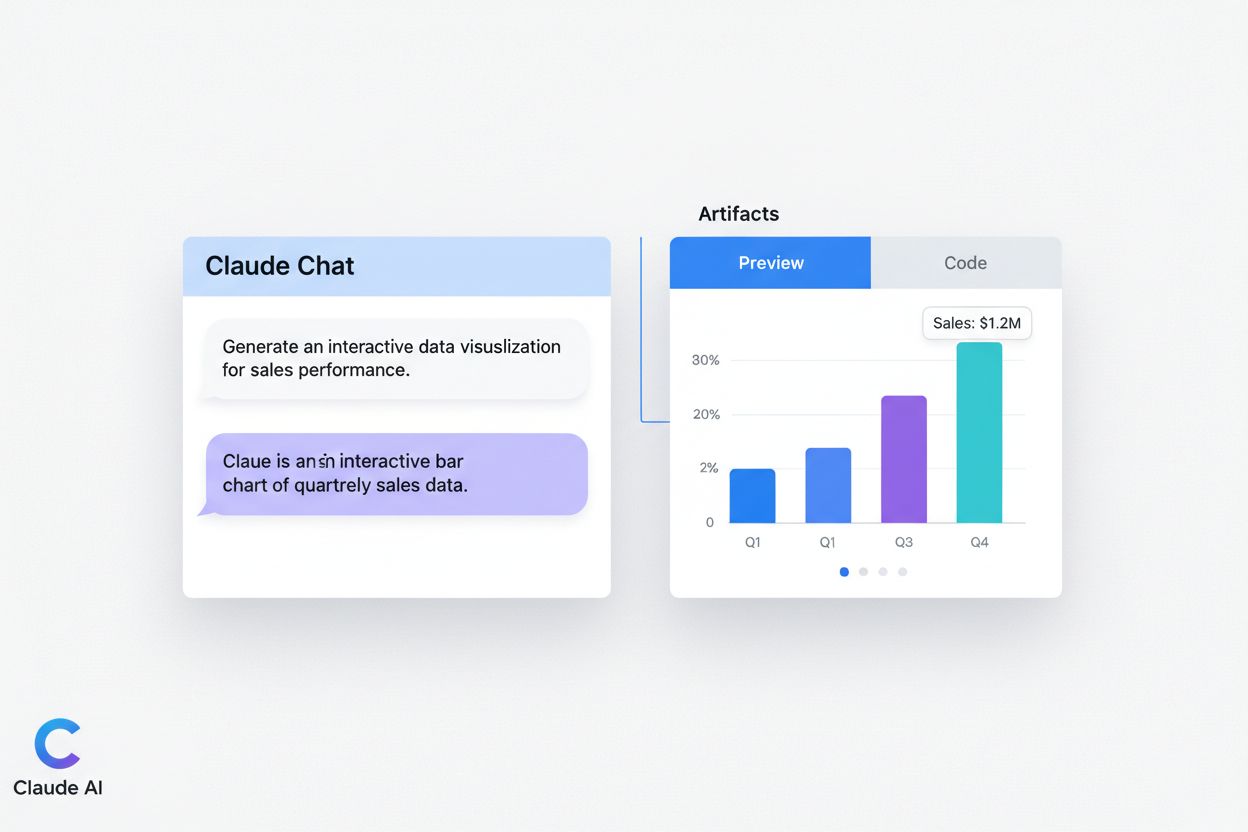
Claude automatically detects when your request requires visualization and activates the artifact panel without requiring any special commands or syntax. The system evaluates whether content is substantial enough and self-contained enough to warrant artifact creation, then displays the result in a dedicated window to the right of your conversation. Within the artifact panel, you’ll find two viewing modes: the Preview mode shows how your content will look when rendered (whether it’s a webpage, chart, or document), while the Code mode displays the underlying source code for inspection and modification. As you request changes, Claude updates the artifact in real-time, allowing you to see modifications instantly without switching between different tools or applications. The version history feature lets you navigate between different iterations of your artifact, making it easy to compare changes or revert to previous versions if needed.
Working with artifacts in Claude is straightforward and intuitive. Here’s how to effectively create and manage your artifacts:
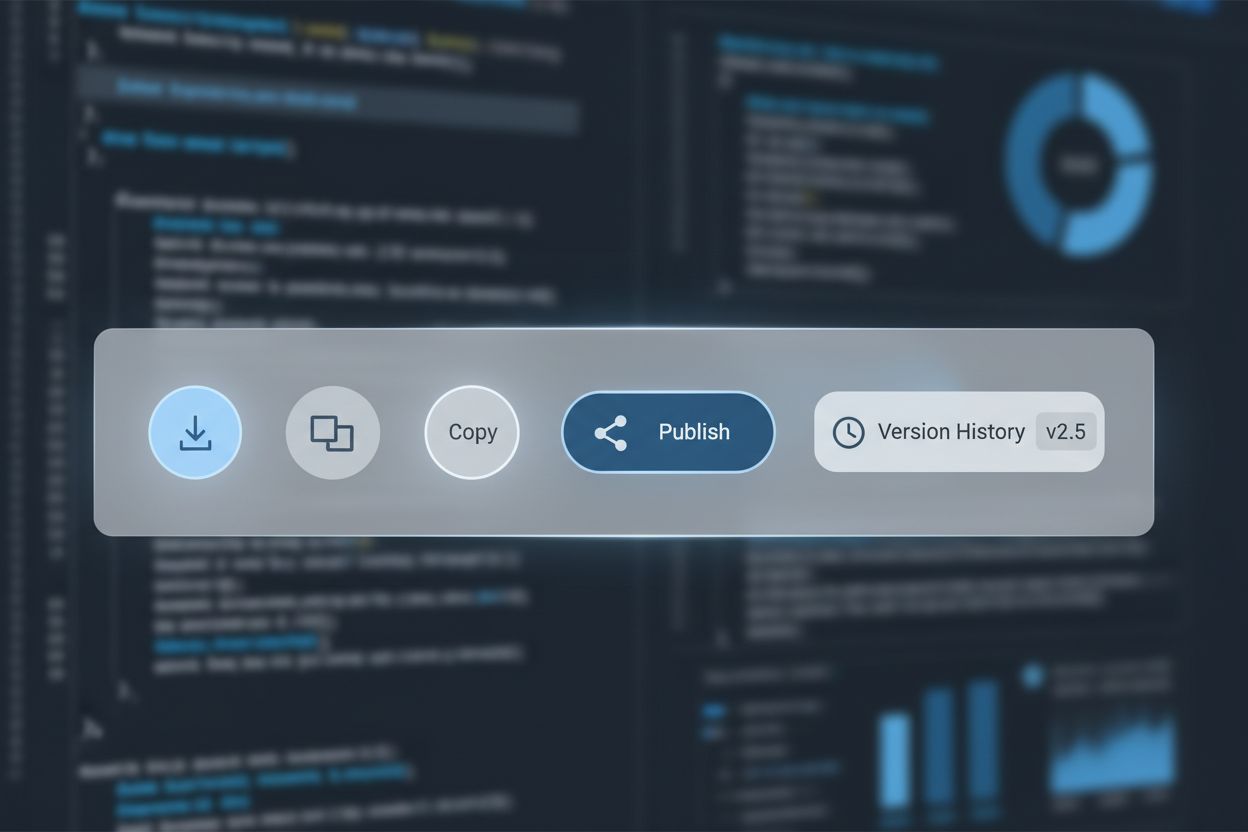
One of the most powerful features of artifacts is the ability to make precise, targeted edits without affecting the rest of your content. When you want to modify an artifact, you can highlight specific sections—whether it’s a single line of code, a paragraph, or an entire section—and ask Claude to make changes only to that highlighted portion. This selective editing approach preserves the rest of your artifact exactly as it is, preventing accidental modifications to sections you’re happy with and saving token usage in the process. Claude understands the context of your edits and applies changes intelligently, whether you’re asking to “make this button larger,” “add padding above this section,” or “rewrite this paragraph for clarity.” The version selector at the bottom of the artifact window lets you easily switch between different versions of your work, allowing you to compare approaches or revert to previous iterations without losing any of your work.
Claude artifacts provide multiple options for exporting and sharing your work, making it easy to integrate artifacts into your existing workflows and collaborate with others. You can download artifacts as files to your computer—code artifacts download as .tsx files for integration into React projects, while other formats can be exported in their native formats for use in external tools. The copy-to-clipboard function lets you quickly grab artifact content and paste it into your preferred editor, document, or application without downloading files. Publishing an artifact creates a shareable link that you can send to anyone, allowing them to view and interact with your artifact without needing a Claude account or access to your original conversation. Team members can use published artifacts immediately, and their usage counts against their own Claude subscription rather than yours, making it cost-effective for sharing tools and applications across your organization.
Claude artifacts now support sophisticated features that enable more powerful and persistent applications beyond simple code generation. The Model Context Protocol (MCP) integration allows artifacts to connect with external services like Asana, Google Calendar, and Slack, enabling interactive applications that can read from and write to these tools directly. Users maintain granular control over which tools each artifact can access through permission settings, and each user must authenticate MCP servers independently even when using shared artifacts. Persistent storage capabilities allow artifacts to maintain data across sessions, enabling stateful applications like journals, trackers, and collaborative tools that remember user data between visits. Storage can be configured as personal (where each user maintains their own private data) or shared (where all users see and interact with the same data), depending on the artifact’s purpose. Each artifact has a 20MB storage limit and can only store text-based data, with personal and shared storage kept completely isolated for privacy. When you create AI-powered artifacts that embed Claude’s capabilities, users can interact with Claude’s intelligence through a text-based API without needing API keys or incurring costs to you, making it possible to share intelligent tools with unlimited users at no additional expense.
Claude artifacts have revolutionized how professionals across industries approach content creation and problem-solving. Web developers use artifacts to rapidly prototype landing pages, build interactive dashboards, and create functional web applications without switching between multiple tools. Data analysts leverage artifacts to transform raw datasets into interactive visualizations, creating compelling charts and dashboards that make complex data immediately understandable. Content creators use artifacts to write and format blog posts, documents, and marketing materials while simultaneously adding visual elements like infographics and diagrams. Product managers and designers create interactive prototypes from sketches or mockups, enabling early user testing and rapid iteration before full development begins. Educators build interactive quizzes, training scenarios, and educational tools that provide instant feedback and adapt to student responses. Business teams generate process diagrams, flowcharts, and organizational charts that document workflows and systems. Developers use artifacts to create code snippets, scripts, and interactive coding exercises that serve as documentation and learning tools.
Artifacts fundamentally change how you work with AI-generated content compared to traditional approaches. In traditional workflows, you’d generate code in a chat, copy it to a code editor, run it in a terminal, and switch back to the chat to request modifications—a fragmented process that wastes time and context. With artifacts, everything happens in one place: you see the code, the output, and the chat all simultaneously, dramatically reducing context switching and accelerating your workflow. Traditional design tools require learning complex interfaces and often involve exporting files between applications, while artifacts let you create and iterate on designs directly within Claude’s interface. Document creation traditionally involves writing in one tool, formatting in another, and adding visuals in a third, but artifacts combine all these elements seamlessly. The collaboration benefits are equally significant: instead of emailing files back and forth or managing version control manually, you can publish an artifact and share a link, with all changes visible in real-time. The learning curve is minimal since artifacts work naturally within Claude’s conversational interface, requiring no special training or new software installation.
While artifacts are powerful, understanding their limitations helps you use them effectively and know when alternative approaches might be better. The context window, while generous at 200K tokens, can be exceeded when working with very large codebases or extensive documentation, potentially affecting Claude’s ability to maintain consistency across your artifact. Claude can hallucinate when working with large datasets or when asked to add too many complex filters and layers simultaneously, sometimes generating plausible-looking but incorrect data visualizations or code. Artifacts cannot make external API calls or connect to services outside of the MCP integrations, meaning you can’t build artifacts that directly fetch data from arbitrary web services. Storage constraints limit artifacts to 20MB and text-only data, preventing storage of images, files, or binary data. Best practices include starting with clear, focused requests rather than overly complex specifications, breaking large projects into smaller artifacts, and testing artifacts thoroughly before sharing them with others. If you encounter issues with hallucinations or inconsistencies, starting a fresh conversation often resolves the problem more effectively than trying to fix issues within the same chat thread.
Claude automatically creates an artifact when content meets specific criteria: it's typically over 15 lines, self-contained, something you're likely to want to edit or reuse, and represents complex content that stands on its own. This includes code snippets, documents, websites, SVG graphics, React components, and diagrams. You don't need to request artifacts explicitly—Claude determines when visualization is needed.
Yes, you can edit artifacts extensively. You can highlight specific sections and ask Claude to modify only those parts, preserving the rest of your content. Claude understands contextual edits like 'make this button larger' or 'rewrite this paragraph.' You can also switch between different versions using the version selector to compare approaches or revert to previous iterations.
You can publish an artifact to create a shareable link that anyone can access without needing a Claude account. For Claude for Work users, you can also share artifacts securely within your organization. Team members can use published artifacts immediately, and their usage counts against their own Claude subscription rather than yours, making it cost-effective for sharing tools.
Export options depend on the artifact type. Code artifacts download as .tsx files for React integration, while other formats export in their native formats. You can also copy artifact content directly to your clipboard for pasting into other applications. This flexibility allows you to integrate artifacts into your existing workflows and tools.
Yes, artifacts have a 20MB storage limit per artifact and can only store text-based data—no images, files, or binary data. Persistent storage is only available for published artifacts, not during development. When you unpublish an artifact, all associated storage data is permanently deleted, so ensure you've backed up important data before unpublishing.
Yes, through Model Context Protocol (MCP) integration, artifacts can connect to external services like Asana, Google Calendar, and Slack. This enables interactive applications that can read from and write to these tools. Users maintain granular control over which tools each artifact can access through permission settings, and each user must authenticate independently.
Personal storage keeps each user's data private—when multiple people use an artifact with personal storage, each maintains their own separate data. Shared storage means all users see and interact with the same data, useful for collaborative tools like leaderboards or shared documents. Storage types are isolated, so personal data is never shared with other users.
Artifacts eliminate context switching by combining chat, code execution, and output visualization in one place. Traditional workflows require switching between a chat interface, code editor, and terminal, while artifacts streamline this into a single workspace. You see changes in real-time, iterate faster, and collaborate more easily through shareable links rather than managing file versions.
Track mentions of your products and services across Claude, Perplexity, Google AI Overviews, and other AI platforms. Get real-time insights into how AI systems cite and reference your brand.
Learn about Claude Projects, Anthropic's feature for creating persistent knowledge bases and specialized AI workspaces. Explore features, pricing, use cases, an...
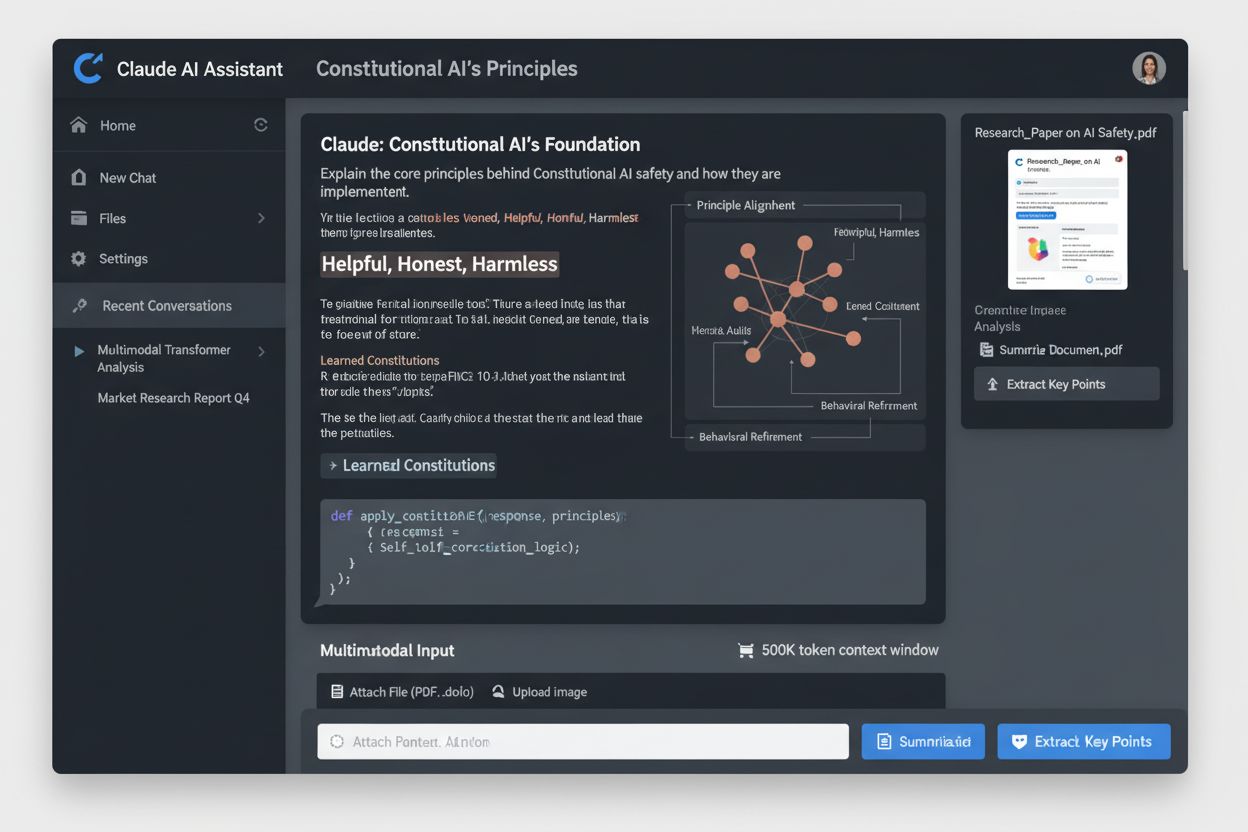
Claude is Anthropic's advanced AI assistant powered by Constitutional AI. Learn how Claude works, its key features, safety mechanisms, and how it compares to ot...
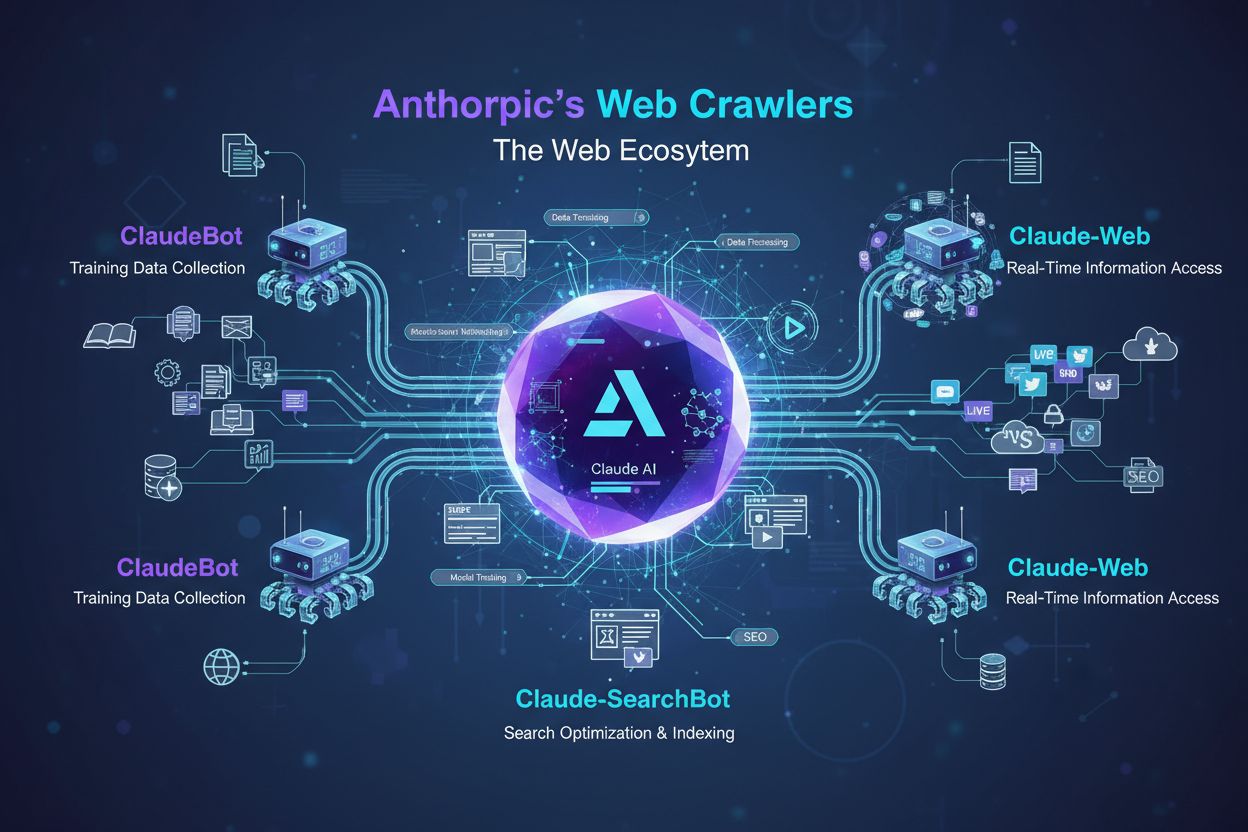
Learn how ClaudeBot works, how it differs from Claude-Web and Claude-SearchBot, and how to manage Anthropic's web crawlers on your website with robots.txt confi...
Cookie Consent
We use cookies to enhance your browsing experience and analyze our traffic. See our privacy policy.