
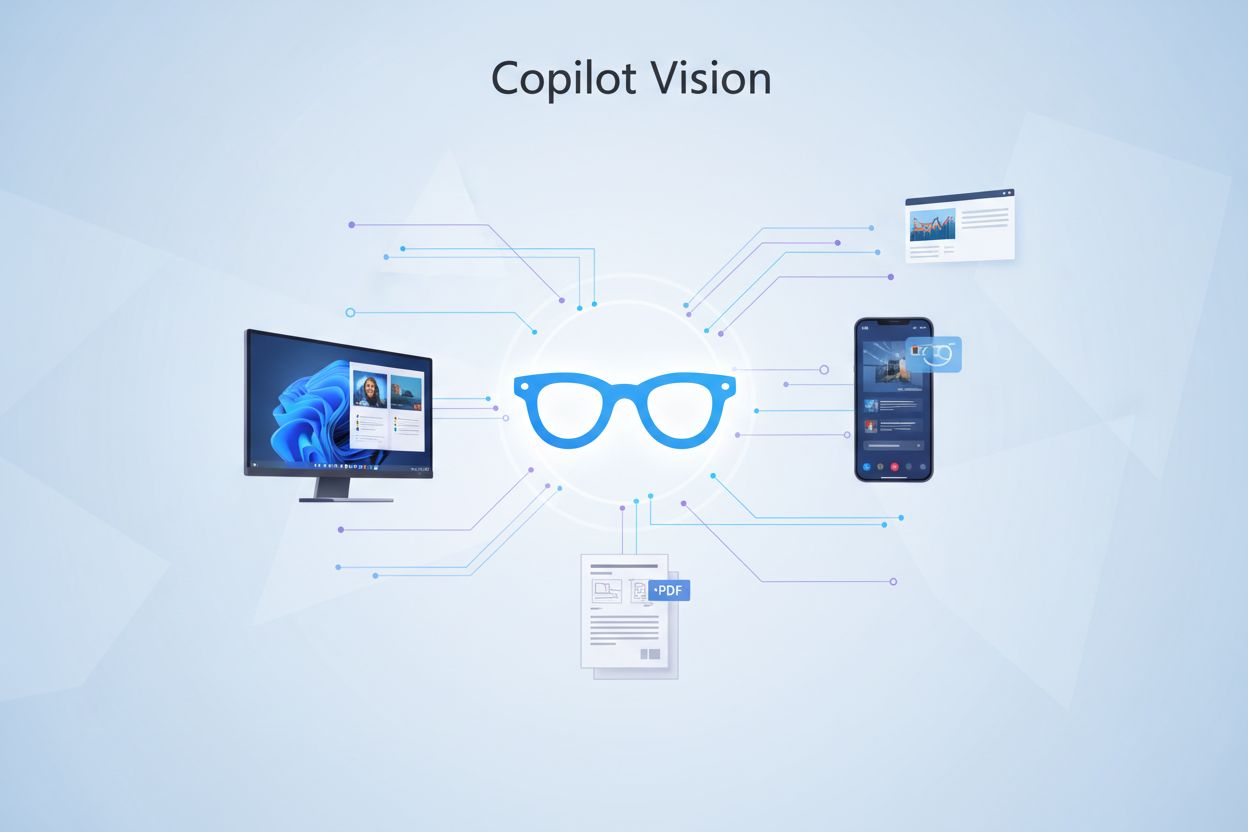
Copilot Vision
Learn about Copilot Vision, Microsoft's multimodal AI feature for real-time image and screenshot analysis. Discover how it works, its capabilities, use cases, a...
7 min read
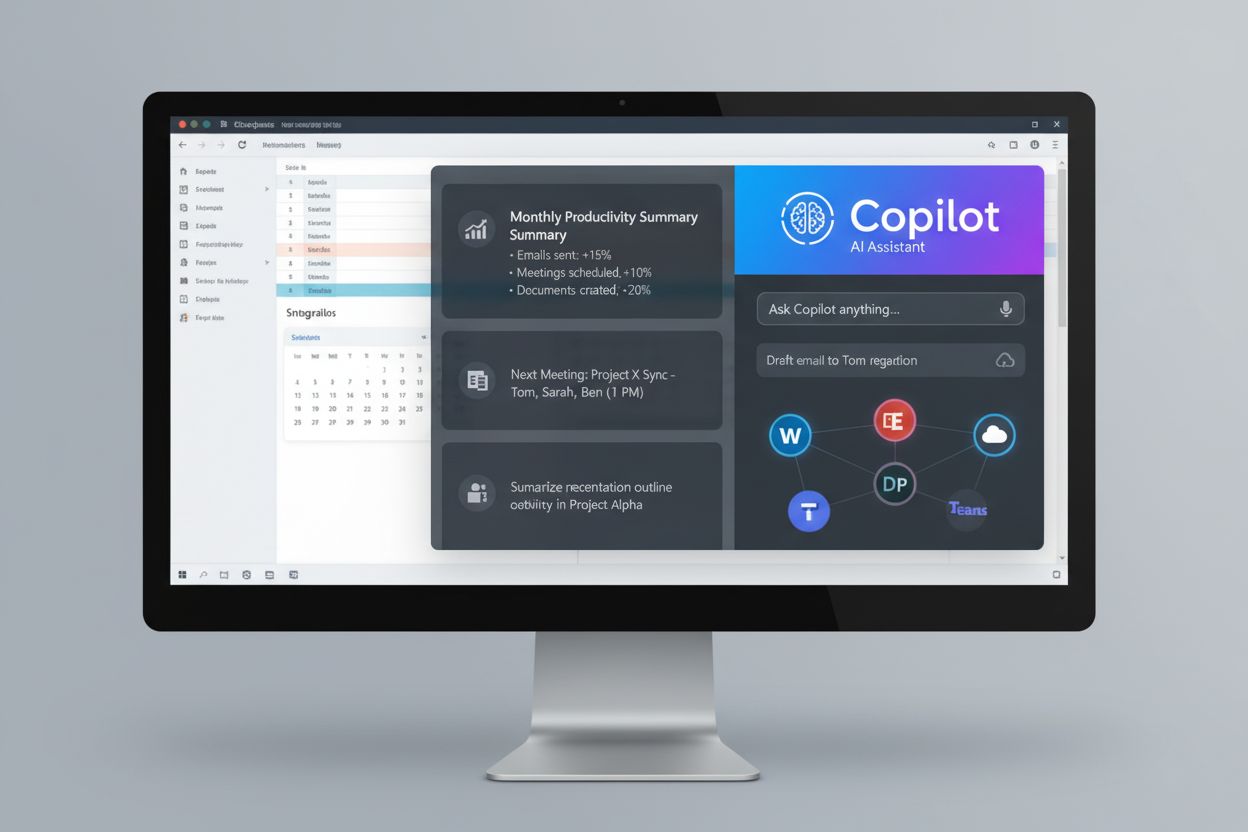
Microsoft Copilot is an AI-powered assistant developed by Microsoft that integrates across Microsoft 365 products and services, leveraging OpenAI’s GPT-4 technology to provide real-time support for tasks including document drafting, data analysis, and productivity automation. It functions as a generative AI chatbot designed to enhance workplace efficiency by offering contextual guidance, insights, and intelligent assistance within familiar Microsoft applications.
Microsoft Copilot is an AI-powered assistant developed by Microsoft that integrates across Microsoft 365 products and services, leveraging OpenAI's GPT-4 technology to provide real-time support for tasks including document drafting, data analysis, and productivity automation. It functions as a generative AI chatbot designed to enhance workplace efficiency by offering contextual guidance, insights, and intelligent assistance within familiar Microsoft applications.
Microsoft Copilot is an AI-powered assistant developed by Microsoft that integrates seamlessly across the Microsoft 365 ecosystem, including applications such as Word, Excel, Teams, PowerPoint, Outlook, and Azure. Built on OpenAI’s GPT-4 and GPT-5 technology, Copilot functions as a generative AI chatbot designed to enhance workplace productivity by providing real-time support, contextual guidance, and intelligent automation for a wide range of business tasks. The platform represents Microsoft’s strategic commitment to embedding artificial intelligence directly into the tools that millions of enterprise users rely on daily. Unlike standalone AI assistants, Microsoft Copilot operates within the familiar context of Microsoft applications, allowing users to access AI capabilities without switching between different tools or platforms. This deep integration makes Copilot a transformative force in enterprise AI adoption, fundamentally changing how knowledge workers approach document creation, data analysis, communication, and decision-making.
The development of Microsoft Copilot reflects the broader industry shift toward integrating generative AI into productivity software. Microsoft’s journey with AI assistants began with GitHub Copilot, launched in 2021 as an AI pair programmer for developers. Building on this success, Microsoft expanded the Copilot concept to the broader Microsoft 365 suite, recognizing that AI assistance could benefit all types of knowledge workers, not just software developers. The company’s partnership with OpenAI, formalized through significant investment commitments, provided the foundational technology that powers Copilot’s capabilities. In 2023, Microsoft began rolling out Microsoft 365 Copilot to enterprise customers, marking a pivotal moment in workplace AI adoption. By 2024, the platform had evolved to include specialized versions such as Copilot for Sales, Copilot for Service, and Copilot for Finance, each tailored to specific business functions. The introduction of Microsoft Copilot Studio in 2024 further democratized AI customization, allowing organizations to build their own agents and extend Copilot’s capabilities without extensive coding. This evolution demonstrates Microsoft’s commitment to making AI accessible across the entire enterprise, from frontline workers to executive leadership.
Microsoft Copilot operates through a sophisticated technical architecture that combines natural language processing, machine learning, and deep integration with Microsoft 365 data sources. The system can access information from SharePoint, Teams, OneDrive, and Exchange, allowing it to provide contextually relevant assistance based on organizational data and user permissions. In Word, Copilot can draft documents, suggest edits, and format content based on user input. In Excel, it analyzes data, creates visualizations, identifies trends, and generates insights from complex datasets. Within Teams, Copilot summarizes meetings, captures action items, and provides real-time transcription and translation services. In PowerPoint, it assists with presentation creation, slide design suggestions, and content generation. The platform’s 64k context window in Copilot Chat enables it to handle larger projects and maintain coherence across extended interactions. Microsoft has implemented anonymized conversation tracking to continuously improve the AI model while maintaining user privacy. The system respects existing Microsoft 365 access controls, ensuring that Copilot presents only data that each individual user is authorized to access, a critical feature for enterprise security and compliance.
| Feature | Microsoft Copilot | ChatGPT | Claude AI | Google Gemini |
|---|---|---|---|---|
| Primary Integration | Microsoft 365 ecosystem (Word, Excel, Teams, PowerPoint) | Standalone web interface, plugins | Standalone web interface | Google Workspace, web interface |
| Underlying Model | GPT-4, GPT-5 (OpenAI) | GPT-4, GPT-4o (OpenAI) | Claude 3.5 Sonnet (Anthropic) | Gemini (Google) |
| Context Window | 64k tokens (Copilot Chat) | 128k tokens (GPT-4 Turbo), 32k (ChatGPT Plus) | 200k tokens (Claude 3.5) | 1M tokens (Gemini 1.5) |
| Data Access | Organizational data (SharePoint, Teams, OneDrive, Exchange) | Web access via plugins, file uploads | File uploads, web access | Google Workspace data, web access |
| Image Generation | Limited (via integration) | DALL·E 3 integration | No native image generation | Gemini image generation |
| Enterprise Focus | Strong (Microsoft 365 integration, governance tools) | Moderate (ChatGPT for Business) | Moderate (Claude for Business) | Strong (Google Workspace integration) |
| Customization | High (Copilot Studio, agents, connectors) | Moderate (Custom GPTs) | Limited (API customization) | Moderate (Workspace customization) |
| Pricing Model | Per-user licensing ($20-30/month for Copilot Pro) | Subscription ($20/month for Plus) | Subscription ($20/month for Claude Pro) | Subscription ($20/month for Gemini Advanced) |
| Adoption Rate (Fortune 500) | 70% (as of 2024) | ~45% | ~30% | ~35% |
The adoption of Microsoft Copilot across enterprises has been remarkably rapid, with 70% of Fortune 500 companies having adopted the platform by early 2024. However, this statistic requires important context: most organizations are in pilot phases or phased rollouts rather than enterprise-wide deployment. According to Lighthouse Global’s analysis, adoption is characterized as a “seat-add and expansion” phase, where companies have purchased licenses but are carefully staging implementation to address governance and security concerns. Financial services and technology companies lead adoption rates, with firms like Barclays and UBS completing massive deployments. Life sciences organizations also outpace the average, leveraging Copilot to support research and development workflows. A UK government pilot involving 20,000 users demonstrated significant productivity gains, with employees saving an average of 26 minutes per day. Microsoft’s own legal department reported that tasks were completed 32% faster with a 20% accuracy improvement when using Copilot. These metrics underscore the platform’s potential to deliver measurable business value, though many executives remain cautious about scaling without comprehensive business cases. The adoption trajectory suggests that as governance frameworks mature and security concerns are addressed, enterprise-wide deployment will accelerate significantly.
One of the most significant barriers to Microsoft Copilot adoption is the complexity of data governance and security management. Because Copilot can access data from across the Microsoft 365 tenant—including SharePoint, Teams, OneDrive, and Exchange—organizations must carefully manage data permissions and access controls. Legal, compliance, and data security teams have expressed substantial concerns about oversharing and unauthorized data exposure. The system respects existing Microsoft 365 access controls, presenting only data that each user is authorized to access, but this requires organizations to have robust data classification and permission structures in place. Regulatory scrutiny has intensified, particularly in Europe, where the Dutch government commissioned a data protection review that identified transparency, retention, and accuracy gaps in Copilot’s operations. U.S. courts are beginning to treat Copilot prompts, responses, and training data as discoverable content, adding complexity to legal compliance and eDiscovery processes. In early 2025, the Echoleak vulnerability demonstrated how attackers could silently exfiltrate sensitive email data from Copilot, highlighting emerging security threats. Microsoft has implemented encryption, access controls, and compliance with GDPR and EU Data Boundary requirements, but organizations recognize that Copilot adoption is fundamentally a governance project, not merely a technology implementation. Many enterprises are making data remediation and governance readiness prerequisites to Copilot deployment.
Microsoft Copilot’s value proposition is fundamentally rooted in its deep integration with Microsoft 365 applications, enabling seamless workflow enhancement without context switching. In Microsoft Word, Copilot assists with document drafting, content refinement, and formatting suggestions, allowing writers to focus on ideas rather than mechanics. Users can ask Copilot to rewrite sections, adjust tone, or generate outlines based on document context. In Microsoft Excel, Copilot transforms data analysis by automatically identifying patterns, creating visualizations, and generating insights from complex datasets. Users can ask natural language questions about their data, and Copilot responds with relevant analysis and recommendations. Within Microsoft Teams, Copilot provides meeting summaries, captures action items, transcribes conversations, and offers real-time translation services, making collaboration more efficient across global teams. In PowerPoint, Copilot assists with presentation creation, suggesting slide layouts, generating speaker notes, and helping with design decisions. The Microsoft 365 Copilot Chat interface provides a unified hub where users can interact with Copilot across all applications, maintaining conversation context and accessing organizational knowledge. This integration extends to Azure, where Copilot assists with cloud infrastructure management, code development, and operational troubleshooting. The platform’s ability to maintain context across applications and understand organizational data makes it fundamentally different from standalone AI assistants, creating a cohesive AI-augmented work environment.
Successful Microsoft Copilot implementation requires organizations to follow a structured approach that prioritizes governance, security, and user adoption. The first critical step is identifying specific use cases where Copilot can deliver measurable value, such as customer service automation, document processing, or data analysis. Organizations should analyze existing workflows to identify tasks that would benefit most from AI assistance. Pilot testing with a small user group allows organizations to assess performance, gather feedback, and identify challenges before enterprise-wide rollout. During this phase, organizations should establish key performance indicators (KPIs) such as time savings, accuracy improvements, and user satisfaction metrics. Training and configuration are essential, involving setup of workflows, definition of user permissions, customization of responses, and training the AI agent using historical data. Organizations must pay careful attention to data privacy and compliance requirements, especially when handling sensitive information. Integration testing ensures that Copilot works seamlessly with existing systems, applications, and tools through APIs and connectors. Once deployed, organizations should continuously monitor performance and adjust based on user feedback and performance data. Scaling and expansion should be gradual, moving from pilot departments to broader organizational adoption as confidence and governance frameworks mature. Microsoft provides comprehensive resources through Microsoft Copilot Studio and the Microsoft 365 Agents Toolkit to support customization and extension of Copilot capabilities.
The trajectory of Microsoft Copilot suggests continued expansion and deepening integration across the Microsoft ecosystem and beyond. Microsoft’s roadmap includes enhanced AI agent capabilities, allowing Copilot to operate more autonomously and handle increasingly complex business processes. The introduction of specialized Copilots for Sales, Service, and Finance demonstrates the company’s commitment to vertical-specific solutions that address unique industry and departmental needs. As governance frameworks mature and security concerns are addressed, enterprise-wide deployment will likely accelerate significantly beyond current pilot phases. The integration of Copilot with Azure services and Power Platform tools expands its reach into infrastructure management, business process automation, and custom application development. Microsoft’s emphasis on responsible AI practices and transparency suggests that future versions will include enhanced explainability features, allowing users to understand how Copilot arrives at recommendations. The competitive landscape will likely drive continued innovation, with Microsoft competing against ChatGPT, Claude, and Google Gemini to maintain market leadership in enterprise AI. Regulatory developments, particularly around AI transparency, data protection, and algorithmic accountability, will shape how Copilot evolves to meet compliance requirements. The emergence of AI monitoring platforms like AmICited reflects growing organizational need to track how their brands and content appear in AI-generated responses, suggesting that future versions of Copilot may include enhanced citation and attribution features. As AI becomes increasingly central to workplace productivity, Microsoft Copilot is positioned to evolve from a productivity tool into a fundamental platform for enterprise digital transformation, fundamentally reshaping how organizations approach knowledge work, decision-making, and innovation.
Microsoft Copilot is deeply integrated into Microsoft 365 applications like Word, Excel, Teams, and PowerPoint, providing context-aware assistance within these tools. ChatGPT is a standalone conversational AI tool with broader multimodal capabilities including image generation via DALL·E and real-time web access through plugins. While Copilot excels at enterprise productivity tasks within the Microsoft ecosystem, ChatGPT offers greater flexibility for diverse use cases across different platforms and applications.
Microsoft Copilot accesses data from across the Microsoft 365 tenant, including SharePoint, Teams, OneDrive, and Exchange, while respecting the same underlying access controls used in other Microsoft 365 services. The system presents only data that each individual user can access, ensuring data governance compliance. Microsoft maintains that Copilot is compliant with GDPR and EU Data Boundary requirements, with anonymized conversations used to improve the AI model.
Microsoft Copilot offers task automation for routine workflows, document drafting and editing in Word and PowerPoint, advanced data analysis and visualization in Excel, meeting summarization in Teams, and real-time contextual guidance across applications. It can identify trends in data, generate charts automatically, create presentations, draft emails, and provide intelligent suggestions based on organizational context and user behavior patterns.
As of 2024-2025, 70% of Fortune 500 companies have adopted Microsoft Copilot, though most are in pilot phases or phased rollouts rather than enterprise-wide deployment. A UK government pilot with 20,000 users found employees saved an average of 26 minutes per day, while Microsoft's own legal department reported tasks completed 32% faster with a 20% accuracy improvement. Adoption is strongest in financial services, technology, and life sciences sectors.
Unlike traditional automation that relies on predetermined rules and static workflows, Microsoft Copilot uses machine learning and advanced algorithms to adapt to changing conditions and learn from user interactions. It can handle complex, nuanced tasks such as customer inquiries, inventory management, and data analysis with greater flexibility. Copilot's ability to understand natural language and context makes it more versatile than rule-based automation systems.
Microsoft Copilot includes encryption, access controls, and compliance with industry-specific standards including GDPR and EU Data Boundary requirements. It respects existing Microsoft 365 security permissions and data access controls. However, governance concerns remain significant, with regulators in the EU and UK scrutinizing Copilot closely, and U.S. courts beginning to treat Copilot prompts and responses as discoverable content in legal proceedings.
Yes, Microsoft Copilot can be extended and customized through Microsoft Copilot Studio, which offers low-code options for building custom agents and actions. Organizations can configure workflows, define user permissions, customize responses, and train the AI agent using historical data to improve accuracy. The system supports integration with external data sources through connectors and APIs, allowing businesses to tailor Copilot to their unique workflows and requirements.
Start tracking how AI chatbots mention your brand across ChatGPT, Perplexity, and other platforms. Get actionable insights to improve your AI presence.
Learn about Copilot Vision, Microsoft's multimodal AI feature for real-time image and screenshot analysis. Discover how it works, its capabilities, use cases, a...
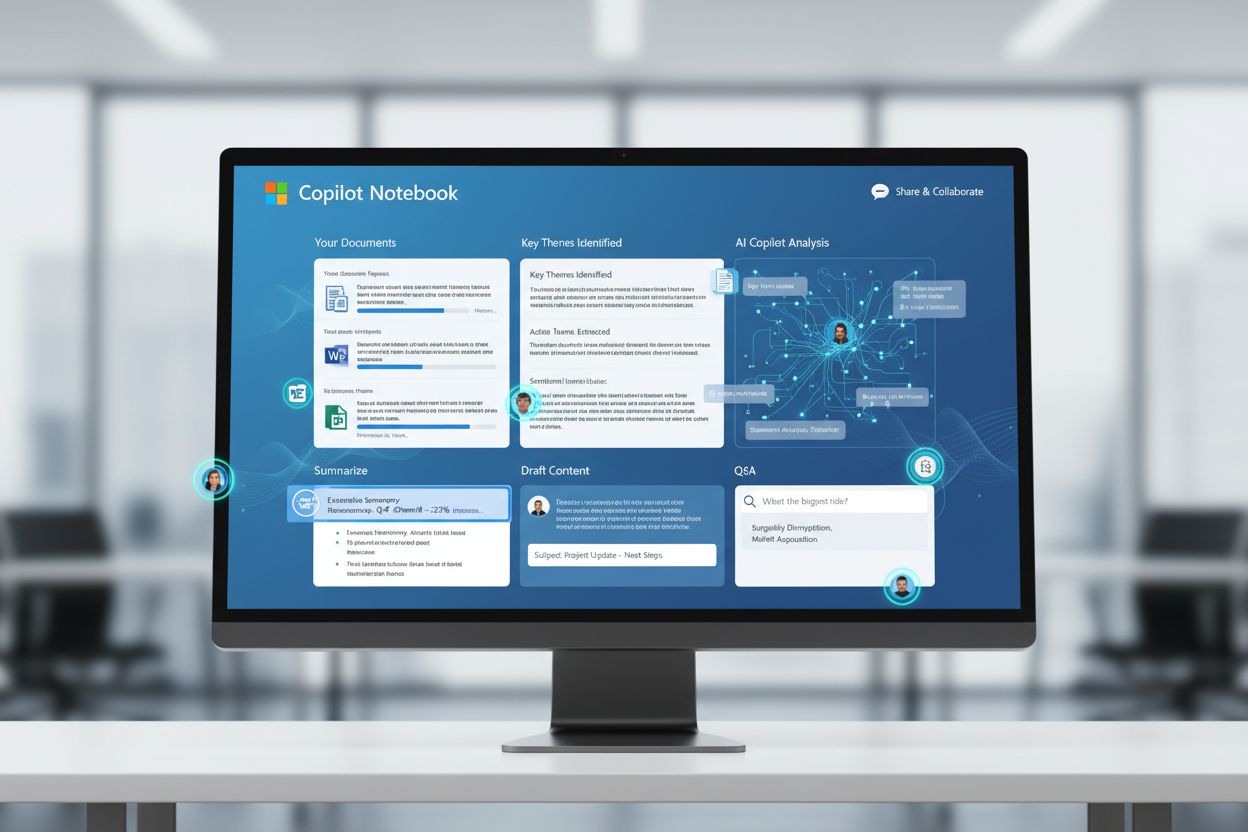
Learn about Microsoft Copilot Notebook, an AI-powered workspace for drafting, editing, and refining complex documents with scoped grounding and real-time collab...

Community discussion on optimizing for Microsoft Copilot. Real insights on how to get cited in Copilot which is integrated into Windows, Edge, and Office.