
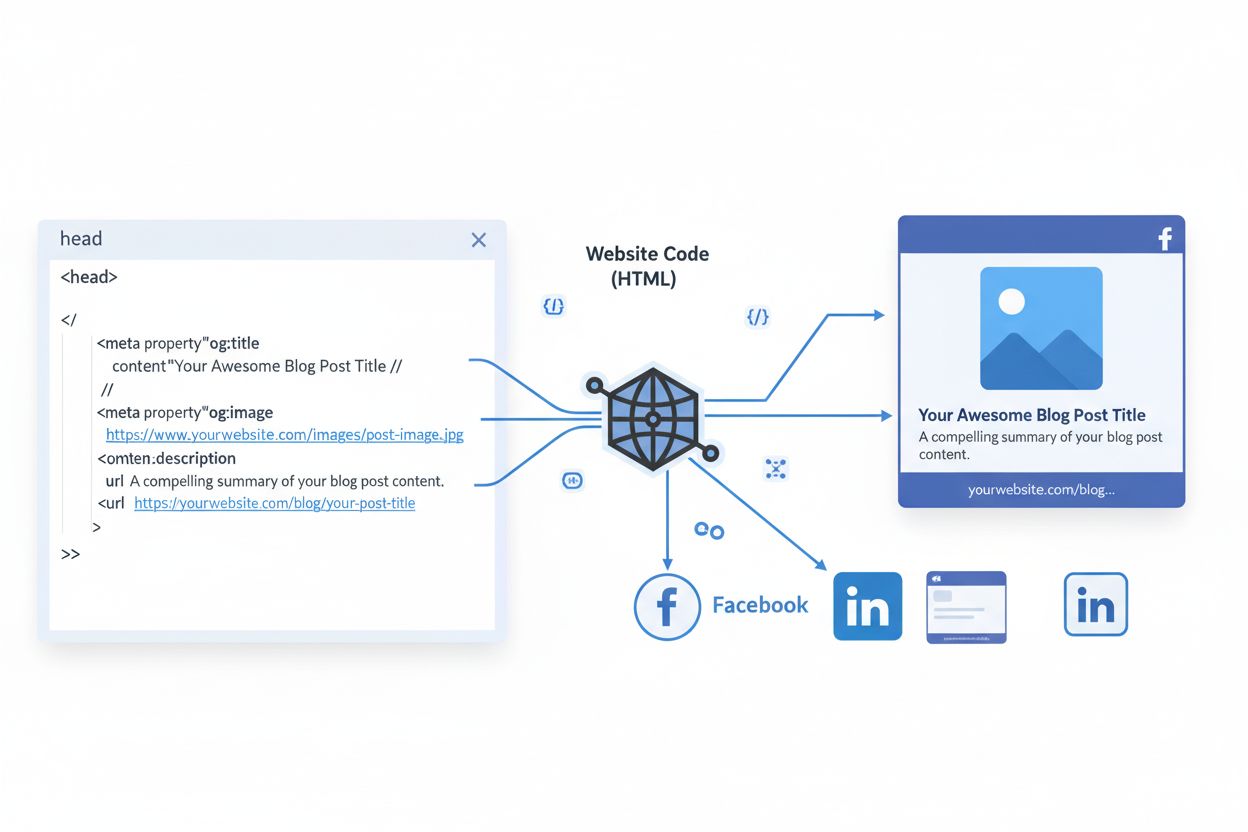
Open Graph Protocol
Learn what the Open Graph Protocol is, how it works, and why it's essential for social media sharing. Understand og:title, og:image, og:description meta tags an...
9 min read
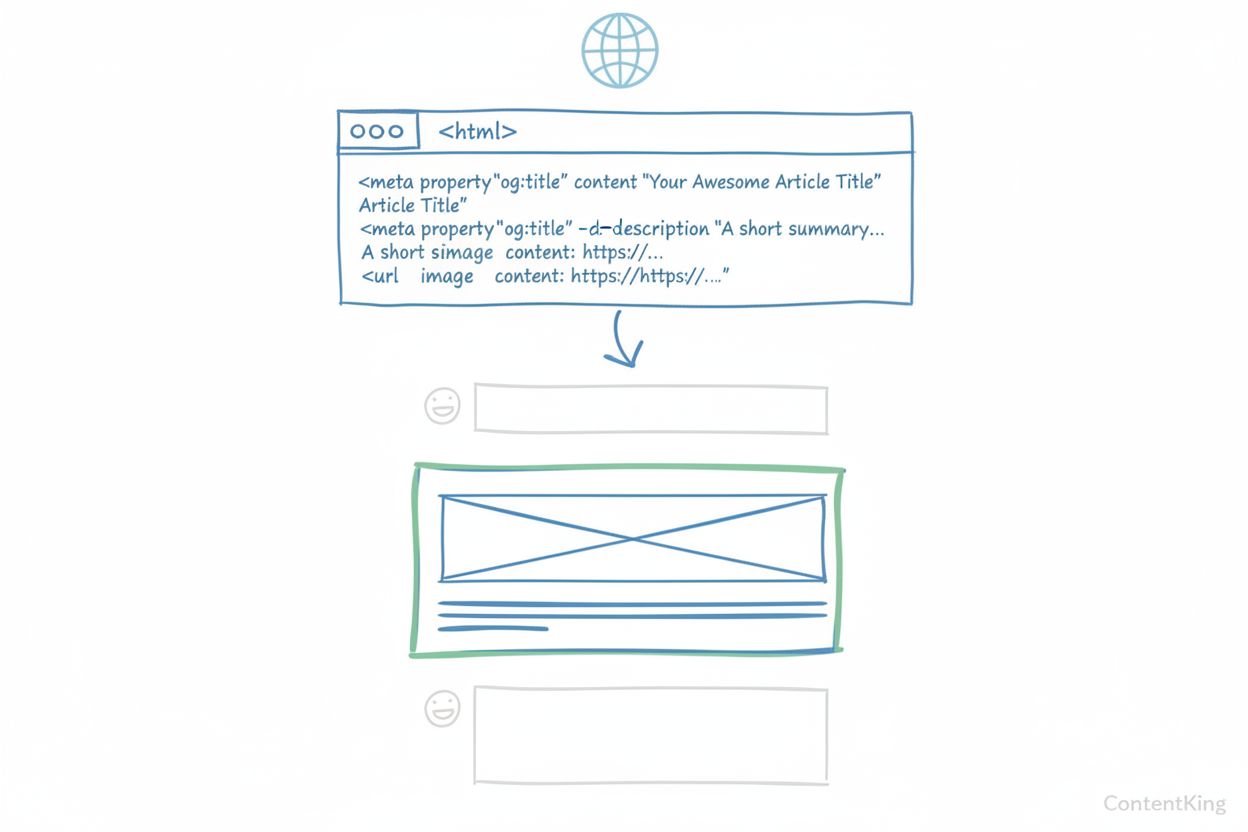
An Open Graph Image is a meta tag that specifies which image displays when a webpage is shared on social media platforms like Facebook, LinkedIn, Twitter, and WhatsApp. It controls the visual preview that appears in social feeds, typically sized at 1200x630 pixels with a 1.91:1 aspect ratio, and significantly impacts click-through rates and engagement.
An Open Graph Image is a meta tag that specifies which image displays when a webpage is shared on social media platforms like Facebook, LinkedIn, Twitter, and WhatsApp. It controls the visual preview that appears in social feeds, typically sized at 1200x630 pixels with a 1.91:1 aspect ratio, and significantly impacts click-through rates and engagement.
Open Graph Image is a meta tag that specifies which image displays when a webpage is shared on social media platforms and messaging applications. Implemented through the og:image property in a webpage’s HTML header, it controls the visual preview that appears in social feeds, messaging apps, and link previews across platforms like Facebook, LinkedIn, Twitter, WhatsApp, Slack, and Discord. The Open Graph protocol, created by Facebook in 2010, standardizes how web content is represented in social graphs, with the image being one of four required properties alongside title, description, and URL. When properly configured, an Open Graph Image transforms how your content appears to potential audiences, serving as the primary visual element that determines whether users engage with your shared link or scroll past it in their feed.
The Open Graph protocol emerged from Facebook’s need to standardize how third-party websites could control their appearance when shared on the platform. Before Open Graph, social networks had to guess what content to display when a link was shared, often resulting in broken previews, random images, or generic descriptions that misrepresented the actual content. Facebook developed the protocol in 2010, drawing inspiration from existing standards like Dublin Core, RDFa, and Microformats, to create a universal framework that any website could implement. The protocol was designed with developer simplicity as a core principle, using standard HTML meta tags that could be easily added to any webpage’s header without requiring complex implementation. Over the past 14 years, Open Graph has become the de facto standard for social media link previews, adopted by virtually every major social platform including LinkedIn, Twitter, WhatsApp, Telegram, Slack, Discord, and Pinterest. The specification has evolved to support increasingly sophisticated use cases, from basic article sharing to dynamic product catalogs, video content, and real-time data binding. Today, over 78% of enterprises use structured metadata and Open Graph tags to optimize their social media presence, recognizing the direct correlation between professional link previews and engagement metrics.
Implementing an Open Graph Image requires adding a meta tag to the HTML <head> section of your webpage. The basic implementation uses the property og:image with a URL pointing to your image file. The four required Open Graph properties for every page are og:title, og:type, og:image, and og:url. For optimal results, the recommended image dimensions are 1200 x 630 pixels with a 1.91:1 aspect ratio, which ensures proper display across high-resolution devices without cropping or distortion. The minimum acceptable size is 600 x 315 pixels, while the absolute minimum is 200 x 200 pixels—though smaller images may appear less prominent in social feeds. File size should remain under 8 MB, with best practices recommending files under 300KB for faster loading times. Beyond the basic og:image tag, several optional structured properties enhance functionality: og:image:secure_url specifies an HTTPS version of the image URL, og:image:type defines the MIME type (such as image/jpeg or image/png), og:image:width and og:image:height specify pixel dimensions to enable proper image loading immediately upon sharing, and og:image:alt provides an accessibility description of the image content. The complete implementation might look like: <meta property="og:image" content="https://example.com/image.jpg" /><meta property="og:image:secure_url" content="https://secure.example.com/image.jpg" /><meta property="og:image:type" content="image/jpeg" /><meta property="og:image:width" content="1200" /><meta property="og:image:height" content="630" /><meta property="og:image:alt" content="Description of image content" />. Most modern content management systems, SEO plugins, and website builders now include built-in support for Open Graph tags, allowing non-technical users to configure these properties through visual interfaces rather than manual code editing.
While the 1200 x 630 pixel dimension serves as the universal standard, different social platforms have slight variations in how they handle and display Open Graph Images. Facebook, which created the protocol, recommends the 1200 x 630 pixel size with a 1.91:1 aspect ratio and offers the most comprehensive support for OG metadata. Facebook displays images prominently in news feeds and uses them consistently across desktop and mobile interfaces. LinkedIn also supports the 1200 x 627 pixel dimension (nearly identical to Facebook) with the same 1.91:1 aspect ratio, though it may crop taller images, so maintaining the recommended dimensions ensures optimal display. Twitter/X uses its own card system called Twitter Cards but falls back to Open Graph tags if Twitter-specific metadata is absent. Twitter recommends 1200 x 675 pixels for its Summary Card with Large Image format, using a 16:9 aspect ratio. WhatsApp and Telegram use Open Graph images for link previews in conversations, displaying them at smaller sizes than desktop platforms, making centered composition and clear focal points essential. Slack and Discord both support Open Graph images for rich link unfurls in messages, with Slack offering particularly strong OG support. Pinterest uses og:image but focuses primarily on the image itself, often ignoring title and description tags. To ensure consistent display across all platforms, the safest approach is using the 1200 x 630 pixel dimension with a 1.91:1 aspect ratio, keeping important visual elements centered within a safe zone to prevent cropping on platforms with different viewport constraints.
| Aspect | Open Graph Image (og:image) | Twitter Card Image (twitter:image) | Schema.org Image Property | Meta Description Image |
|---|---|---|---|---|
| Creator/Standard | Facebook (2010) | Twitter (2012) | Schema.org Community | HTML Meta Tags |
| Primary Purpose | Social media link previews | Twitter/X-specific previews | Search engine rich results | General metadata |
| Recommended Size | 1200 x 630 pixels (1.91:1) | 1200 x 675 pixels (16:9) | Flexible (context-dependent) | Not applicable |
| Aspect Ratio | 1.91:1 | 16:9 | Variable | N/A |
| Platform Support | Facebook, LinkedIn, WhatsApp, Slack, Discord, Pinterest | Twitter/X primarily | Google, Bing, search engines | Limited |
| File Format | JPEG, PNG, GIF | JPEG, PNG, GIF | JPEG, PNG, WebP | N/A |
| Max File Size | 8 MB (ideally <300KB) | 5 MB | No strict limit | N/A |
| Fallback Behavior | Used if platform-specific tags absent | Falls back to og:image if missing | Used for rich snippets | Used as last resort |
| SEO Impact | Indirect (via engagement) | Indirect (via engagement) | Direct (rich results) | Indirect (CTR) |
| Implementation | <meta property="og:image"> | <meta name="twitter:image"> | <script type="application/ld+json"> | <meta name="description"> |
| Accessibility Support | Yes (og:image:alt) | Limited | Yes (description field) | No |
| Dynamic Content Support | Yes (URL-based) | Yes (URL-based) | Yes (JSON-LD) | Limited |
The Open Graph Image serves as the primary visual determinant of whether users engage with shared content in crowded social feeds. Research demonstrates substantial engagement improvements when Open Graph images are properly optimized. According to multiple studies, posts with images receive 150% more engagement on social media than those without visuals. More specifically, photo posts on Facebook produce 114% higher impressions and 100% higher engagement compared to basic link posts. A 2024 INMA study found that Facebook posts with images had 100% more engagement and 114% more impressions than posts without images. According to Moz research, posts with optimized Open Graph data can see up to 50% more engagement compared to those with missing or poorly configured OG metadata. These statistics underscore a fundamental principle: the visual preview is often the first—and sometimes only—impression potential audiences have of your content. When an Open Graph Image is absent or poorly configured, social platforms default to displaying generic placeholders, random images from the page, or broken previews that appear unprofessional and fail to communicate content value. Conversely, a well-designed, branded Open Graph Image that clearly represents the content’s subject matter and includes compelling visual elements significantly increases the likelihood of clicks. Real-world case studies support this impact: Tumblr increased its Facebook traffic by 250% after implementing Open Graph, while Neil Patel saw his social traffic increase 174% with proper Open Graph implementation. A finance sector client increased their social media traffic by 78% simply by implementing proper Open Graph tags. These improvements translate directly to business metrics—at typical acquisition costs of $100 per customer through paid channels, the organic inquiries generated from improved social sharing represent substantial marketing ROI.
Creating effective Open Graph Images requires balancing visual appeal, brand consistency, technical specifications, and platform compatibility. The first principle is consistency in visual branding—your Open Graph images should reflect your brand’s aesthetic, color palette, typography, and design system to build familiarity and trust with audiences. When users see your branded visual in their feed, they should immediately recognize it as coming from your organization. The second principle is clarity and simplicity—avoid overcomplicated compositions with busy backgrounds, dense iconography, or layered effects that break down when rendered at small sizes or compressed by social platforms. Focus on layouts that use deliberate spacing and minimal visual distractions, letting structure and alignment emphasize the message. Readability is paramount—choose typefaces that retain definition at small sizes and avoid stylistic fonts that distort when scaled or compressed. Ensure visual contrast by applying adaptive color logic so backgrounds shift automatically to accommodate changes in text tone or content category, preventing color clashes and improving accessibility. For text overlays, keep text minimal and centered—Facebook penalizes images with more than 20% text coverage, and centered placement ensures critical elements remain visible across different platform cropping behaviors. Use high-quality images—low-resolution or pixelated images damage brand perception and perform poorly in engagement metrics. Test across platforms—preview your images on Facebook, LinkedIn, Twitter, WhatsApp, and Slack using each platform’s preview or debugger tool to catch rendering inconsistencies before publishing. Optimize file size—keep images under 300KB to ensure fast loading times, particularly important for users on mobile connections. Include relevant context—the image should communicate what the content is about at a glance, whether through visual metaphors, product photography, or text overlays that convey the headline or key message. Create unique images for different content types—rather than using the same generic image for all pages, tailor Open Graph images to specific content categories, product types, or campaign themes to maximize relevance and engagement.
In the context of AI monitoring platforms like AmICited, Open Graph Images play an increasingly important role in how brand content is represented when cited or referenced by AI systems. As AI language models and search engines incorporate web content into their responses, the metadata associated with that content—including Open Graph images—influences how the information is presented to end users. When an AI system references or cites your content, the Open Graph Image may appear alongside the citation, serving as a visual identifier of your brand or domain. This makes proper Open Graph implementation crucial for brand monitoring and AI citation tracking. Organizations using AI monitoring tools need to ensure their Open Graph images are optimized not just for traditional social media platforms, but also for emerging AI-driven discovery channels. The image serves as a visual anchor that helps users identify and trust the source of information, particularly important in contexts where multiple sources are cited or compared. For content creators and marketers, monitoring how their Open Graph images appear across different platforms and AI systems provides valuable insights into brand visibility and content performance. Tools that track brand mentions across AI platforms, social media, and search results can reveal whether Open Graph metadata is being properly recognized and displayed, helping organizations optimize their content strategy for maximum visibility across all discovery channels.
The definition and application of Open Graph Images continues to evolve as digital platforms and technologies advance. Several emerging trends are shaping the future of OG image implementation. Dynamic and personalized OG images are becoming increasingly common, with AI-powered systems generating unique images for each page or user segment based on real-time data, user preferences, or contextual information. Rather than static images, organizations are implementing systems that render OG images on-demand, allowing for A/B testing, personalization by geography or audience segment, and integration with real-time data feeds. Automated OG image generation using AI and machine learning is reducing the manual design overhead, enabling organizations to scale visual content production without proportionally increasing design team resources. These systems can apply brand styling, insert dynamic content like product prices or event countdowns, and maintain consistency across hundreds or thousands of pages automatically. Video and rich media integration is expanding beyond static images, with platforms increasingly supporting video previews and interactive elements in social shares. Accessibility improvements are becoming standard, with platforms and tools emphasizing the importance of og:image:alt text for screen readers and accessibility compliance. Platform-specific optimization is becoming more sophisticated, with tools allowing different OG images to be served to different platforms based on their specific requirements and display behaviors. Integration with headless CMSs and edge computing is enabling real-time OG image generation at the point of content distribution, ensuring images are always current and relevant. As AI systems become more prevalent in content discovery and citation, AI-specific metadata optimization may emerge as a distinct practice, with organizations tailoring Open Graph images specifically for how AI systems parse and present cited content. The fundamental principle remains constant: Open Graph Images serve as the visual bridge between content creators and audiences, and as discovery mechanisms evolve, the importance of optimizing these images for visibility, engagement, and brand representation will only increase.
The recommended Open Graph Image size is 1200 x 630 pixels with a 1.91:1 aspect ratio. This dimension works optimally across Facebook, LinkedIn, and most social platforms. The minimum acceptable size is 600 x 315 pixels, while the absolute minimum is 200 x 200 pixels. File size should remain under 8 MB, ideally under 300KB for faster loading. Using these specifications ensures your image displays clearly without cropping or distortion across all devices and platforms.
Open Graph Images significantly impact engagement rates. According to research, posts with images receive 150% more engagement than those without visuals, and photo posts on Facebook produce 114% higher impressions and 100% higher engagement compared to basic link posts. Studies show that optimized Open Graph data can increase engagement by up to 50%. A well-designed OG image acts as the first visual impression in crowded social feeds, determining whether users click through or scroll past, directly influencing click-through rates and traffic generation.
Major social platforms that support Open Graph Images include Facebook (which created the protocol), LinkedIn, Twitter/X (with fallback support), WhatsApp, Telegram, Slack, Discord, and Pinterest. Each platform interprets and displays OG images slightly differently. Facebook and LinkedIn offer the most comprehensive support with large preview cards, while Twitter prefers its own Twitter Cards format but falls back to OG tags if unavailable. Messaging apps like WhatsApp and Slack use OG images for link previews in conversations.
The og:image meta tag requires a URL pointing to the image file. Optional structured properties include og:image:secure_url (HTTPS version), og:image:type (MIME type like image/jpeg), og:image:width (pixel width), og:image:height (pixel height), and og:image:alt (accessibility description). The basic implementation looks like: ``. For optimal results, include width and height properties to enable proper image loading immediately upon sharing, and always provide an alt text for accessibility compliance.
Open Graph Images do not directly impact search engine rankings, as Google does not use OG tags as ranking factors. However, they provide significant indirect SEO benefits through improved click-through rates from social media. Better social previews lead to more clicks, increased traffic, and more backlinks from social sharing, which collectively improve domain authority and search visibility. The chain flows from professional social previews to increased sharing to more traffic and backlinks to improved SEO performance over time.
JPEG is the most widely preferred format for Open Graph Images across Facebook, Twitter, and LinkedIn due to its balance of quality and file size. PNG is also supported and works well for images requiring transparency or sharp lines like logos. GIF format is supported but less common for OG images. Facebook and Twitter convert large PNG files to JPEG automatically, which may reduce quality. For best results, use JPEG for photographs and complex images, PNG for graphics with transparency, and keep file sizes under 300KB for optimal loading performance.
Yes, you can specify different images for different platforms using platform-specific meta tags. While Open Graph provides the universal og:image tag, Twitter has its own twitter:image tag that takes precedence on X/Twitter. You can implement both tags on the same page, allowing Twitter to use its preferred image while other platforms fall back to the og:image. However, most modern platforms and SEO tools handle both automatically. For optimal results across all platforms, use the standard 1200x630px dimension which works well universally, though you may test platform-specific variations for performance optimization.
Start tracking how AI chatbots mention your brand across ChatGPT, Perplexity, and other platforms. Get actionable insights to improve your AI presence.
Learn what the Open Graph Protocol is, how it works, and why it's essential for social media sharing. Understand og:title, og:image, og:description meta tags an...

Discover what knowledge graphs are, how they work, and why they're essential for modern data management, AI applications, and business intelligence.
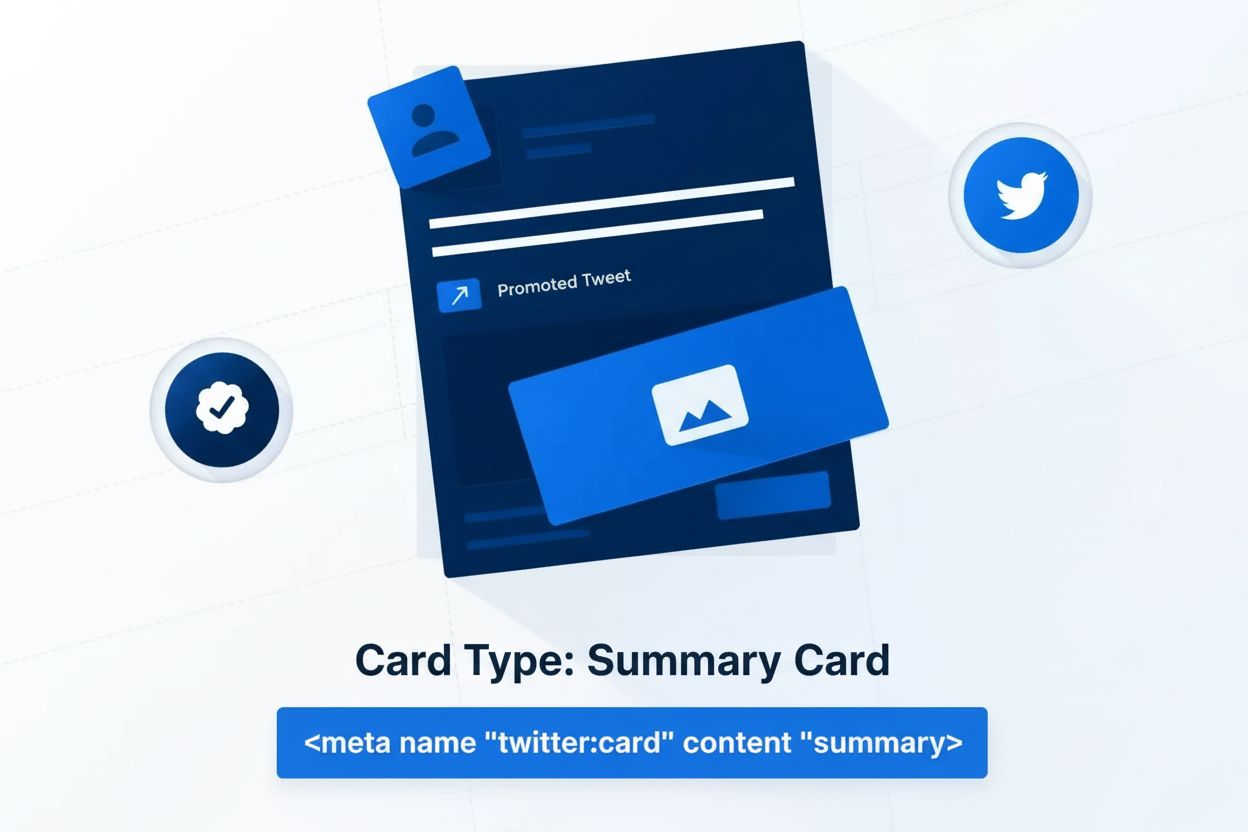
Twitter Card is a meta tag specification enabling rich media previews on Twitter/X. Learn how this sharing format works, card types, implementation, and its imp...