

Featured Image
Learn what a featured image is, why it matters for SEO and social media, and how to optimize featured images for maximum engagement and visibility across platfo...
11 min read
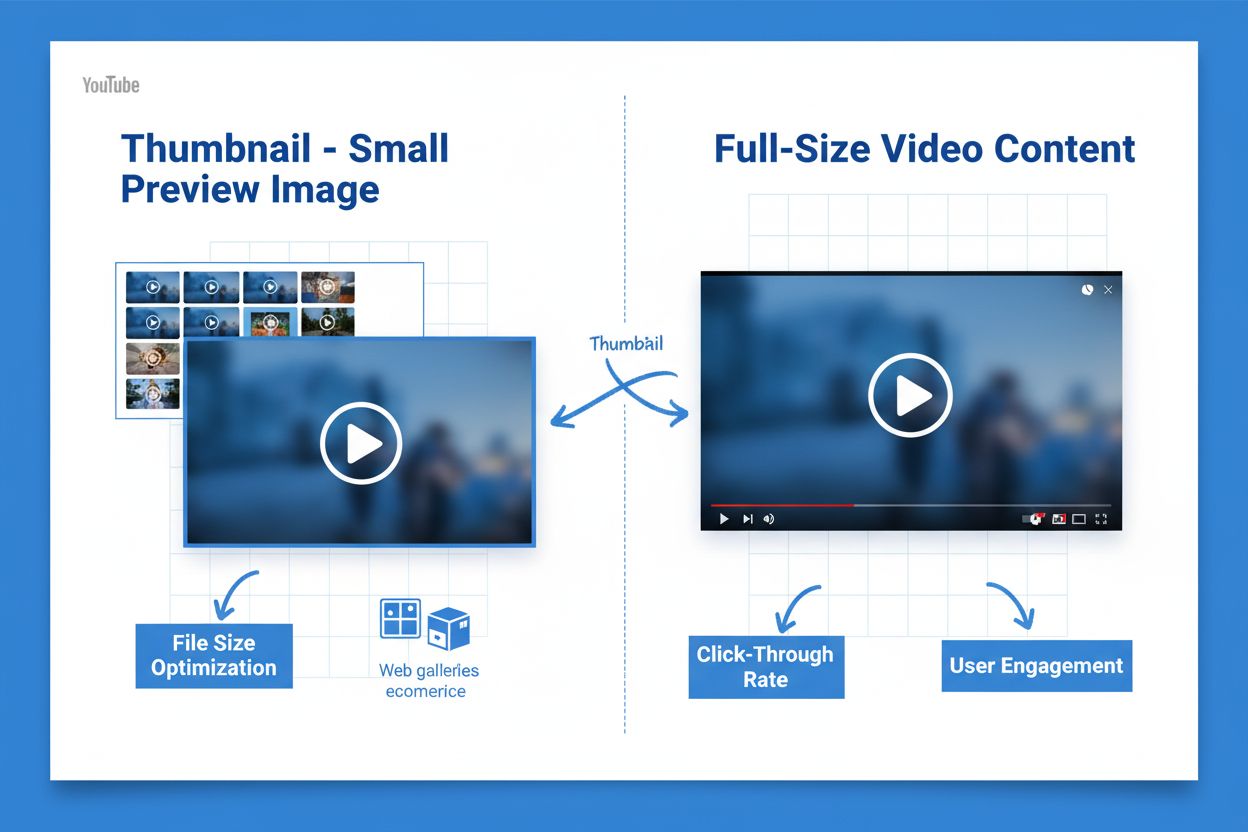
A thumbnail is a small, reduced-size preview image that serves as a visual representation of larger content, commonly used in video platforms, web galleries, and ecommerce sites to help users quickly identify and navigate digital content. Thumbnails reduce file size for faster loading while improving user engagement and click-through rates.
A thumbnail is a small, reduced-size preview image that serves as a visual representation of larger content, commonly used in video platforms, web galleries, and ecommerce sites to help users quickly identify and navigate digital content. Thumbnails reduce file size for faster loading while improving user engagement and click-through rates.
A thumbnail is a small, reduced-size preview image that serves as a visual representation of larger digital content. The term originates from the concept that the image is roughly the size of a human thumbnail, though actual dimensions vary based on context and device. Thumbnails function as clickable previews that help users quickly identify, organize, and navigate through collections of images, videos, or documents without requiring them to open each file individually. They are ubiquitous across the modern web, appearing on YouTube, in Google Images search results, ecommerce product listings, digital photo galleries, and countless other platforms where visual content is displayed. The primary purpose of a thumbnail is to balance two critical needs: providing enough visual information for users to make informed decisions about clicking, while maintaining small file sizes that enable fast page loading and efficient browsing experiences.
The concept of thumbnails emerged in the early days of digital image management when storage and bandwidth were severely limited. In the 1990s and early 2000s, as digital photography became mainstream, software developers recognized the need for efficient ways to browse large image collections. Thumbnail functionality became standard in image management applications like Adobe Photoshop and Windows Explorer, allowing users to view multiple images at once without the computational overhead of loading full-resolution files. The rise of YouTube in 2005 revolutionized thumbnail importance in the digital landscape. YouTube initially generated thumbnails automatically by selecting random frames from videos, but creators quickly discovered that custom thumbnails dramatically improved click-through rates. By 2012, YouTube reported that 90% of the top-performing videos on the platform featured custom thumbnails, establishing thumbnails as a critical ranking factor in video discovery algorithms. This shift transformed thumbnails from a mere technical convenience into a strategic marketing tool. Today, with the emergence of AI search systems like ChatGPT, Perplexity, and Google AI Overviews, thumbnails have become even more important as these systems increasingly cite and display visual content in their responses, making thumbnail optimization essential for brand visibility in AI-driven discovery channels.
Thumbnails must balance visual quality with file size efficiency to deliver optimal user experiences. For YouTube thumbnails, the platform recommends a resolution of 1280 x 720 pixels with a 16:9 aspect ratio, though minimum widths of 640 pixels are acceptable. The maximum file size allowed is 2 megabytes, though most optimized thumbnails should be significantly smaller—typically between 50-200 kilobytes—to ensure fast loading across all devices. Supported image formats include JPG, PNG, GIF, and BMP, with JPG being the most common due to its superior compression. Modern image formats like WebP and AVIF offer substantial improvements over traditional formats. WebP provides 25-35% better compression than JPEG while maintaining quality and supporting transparency, making it ideal for thumbnail optimization. AVIF, an even newer format, can achieve 50% file size reductions compared to JPEG in some cases while supporting High Dynamic Range (HDR) and Wide Color Gamut (WCG) features. For web performance, thumbnails should be served responsively using the srcset attribute or the
| Thumbnail Type | Primary Use Case | Typical Dimensions | File Size Range | Key Optimization Focus |
|---|---|---|---|---|
| Video Thumbnail | YouTube, streaming platforms, video galleries | 1280x720 (16:9) | 50-200 KB | Custom design, emotional appeal, text overlay |
| Image Gallery Thumbnail | Photo websites, ecommerce, digital asset management | 200-400 pixels | 20-100 KB | Clarity, color accuracy, consistent sizing |
| Product Thumbnail | Ecommerce listings, shopping results | 300-500 pixels | 30-150 KB | Product visibility, background contrast, multiple angles |
| Blog Post Thumbnail | Article previews, content feeds, social sharing | 400-600 pixels | 40-120 KB | Relevance to content, readability, brand consistency |
| Search Result Thumbnail | Google Images, AI search systems, SERPs | 200-300 pixels | 15-80 KB | Sharpness, descriptive alt text, proper metadata |
| Document Thumbnail | PDF viewers, file managers, document libraries | 150-300 pixels | 10-50 KB | Text legibility, page preview accuracy, format clarity |
The relationship between thumbnail quality and click-through rates (CTR) is one of the most well-documented phenomena in digital marketing. Research consistently demonstrates that custom thumbnails significantly outperform default or auto-generated alternatives. On YouTube, the platform’s own data reveals that 90% of top-performing videos use custom thumbnails, and studies show that optimized thumbnails can increase CTR by 20-50% depending on the niche and audience. The average YouTube CTR ranges from 4-5%, but channels with exceptional thumbnail design often achieve 8-12% CTR or higher. The psychology behind thumbnail effectiveness is rooted in visual attention and emotional response. Thumbnails that include human faces, particularly faces showing strong emotions like surprise or excitement, generate significantly higher engagement. Eye-tracking studies have shown that viewers instinctively focus on faces in images, making face-inclusive thumbnails a proven strategy for increasing clicks. Additionally, thumbnails with high color contrast, clear text overlays, and action-oriented imagery perform better than cluttered or ambiguous designs. The strategic use of text overlays on thumbnails—typically 3-7 words—can increase CTR by directing viewer attention to key benefits or creating curiosity. However, the text must be legible at small sizes and should complement rather than duplicate the video title, as research shows that redundant text reduces engagement.
Different platforms have distinct thumbnail requirements and best practices shaped by their unique user interfaces and algorithms. YouTube thumbnails are displayed at various sizes depending on context—from small squares in search results and recommendations to larger rectangles on channel pages and watch pages. This variability means YouTube thumbnails must remain visually effective across all sizes, requiring bold colors, clear focal points, and readable text. YouTube’s algorithm heavily weights CTR as a ranking signal, making thumbnail optimization directly tied to video discoverability. Google Images and Google Search display thumbnails in grid layouts where images compete for attention. For Google Images optimization, thumbnails should be sharp, properly sized, and accompanied by descriptive alt text and filenames. Google’s image SEO guidelines emphasize that sharp, high-quality thumbnails increase the likelihood of users clicking through from search results. Ecommerce platforms like Shopify and Amazon use product thumbnails as the primary visual element in listings. These thumbnails must clearly show the product, often from multiple angles, with consistent lighting and backgrounds. Ecommerce thumbnails directly impact conversion rates, as studies show that high-quality product images increase purchase intent by 40-50%. Social media platforms like Facebook, Instagram, and Twitter automatically generate thumbnails from linked content, but providing custom Open Graph metadata allows creators to control how thumbnails appear when content is shared. AI search systems like ChatGPT, Perplexity, and Claude are increasingly incorporating thumbnails in their responses, making thumbnail optimization important for visibility in these emerging discovery channels.
Creating effective thumbnails requires balancing aesthetic appeal with technical optimization. The first principle is accuracy and honesty—thumbnails must genuinely represent the content they preview. Misleading thumbnails that use clickbait tactics may generate initial clicks but result in high bounce rates, negative user feedback, and algorithmic penalties. YouTube’s algorithm specifically penalizes videos with high click-through rates but low watch time, indicating that viewers felt deceived. Successful thumbnail design incorporates several proven elements: human faces showing clear emotions, high-contrast colors that stand out in feeds, bold typography with 3-7 word text overlays, and consistent branding elements like logos or color schemes. The rule of thirds from photography applies to thumbnails—placing focal points at intersection points rather than dead center creates more visually engaging compositions. Thumbnails should be designed from full-resolution source images to ensure quality when scaled down. Many creators make the mistake of designing thumbnails at small sizes, resulting in pixelated or illegible text when displayed at larger sizes. Color psychology plays a significant role in thumbnail effectiveness; warm colors like red and orange generate higher engagement than cool colors, though this varies by niche and audience demographics. Text overlays should use sans-serif fonts with sufficient contrast against the background, ensuring readability on both desktop and mobile displays. Thumbnails should be tested and iterated based on performance data. YouTube Analytics provides CTR metrics for individual videos, allowing creators to identify which thumbnail designs resonate with their audience. A/B testing different thumbnail variations—changing colors, text, or focal points—provides data-driven insights for optimization.
As AI systems become primary discovery channels for digital content, thumbnail optimization has taken on new significance in the context of AI citation and brand monitoring. Platforms like AmICited track how content—including thumbnails—appears in responses from AI systems like ChatGPT, Perplexity, Google AI Overviews, and Claude. When AI systems cite or reference visual content, the thumbnail representation becomes critical for brand perception and user engagement. AI systems may display thumbnails alongside text responses, making thumbnail quality directly impact how users perceive cited sources. A blurry, poorly designed thumbnail can undermine the credibility of otherwise authoritative content, while a sharp, professional thumbnail enhances trust and encourages clicks. Thumbnail optimization for AI visibility requires ensuring that images have proper metadata, including descriptive alt text, title attributes, and structured data markup. Schema.org markup for images helps AI systems understand image context and relevance, improving the likelihood that thumbnails are displayed accurately in AI responses. Additionally, thumbnails should be hosted on reliable CDNs with fast load times, as AI systems may cache or process images during response generation. The emerging importance of thumbnails in AI search represents a shift from traditional SEO to GEO (Generative Engine Optimization), where visual content optimization becomes as important as textual content for discoverability.
The future of thumbnails is being shaped by advances in AI, machine learning, and evolving user behaviors. AI-powered thumbnail generation is becoming increasingly sophisticated, with tools that automatically select the most engaging frames from videos or generate custom thumbnails based on content analysis. Sprinklr and other platforms now offer AI+ Thumbnails features that use eye-tracking data and engagement metrics to identify optimal frames for thumbnail generation. This automation could democratize thumbnail optimization, allowing creators without design skills to generate high-performing thumbnails. Dynamic thumbnails represent another emerging trend, where thumbnails change based on user context, device type, or viewing history. YouTube has experimented with personalized thumbnails that vary based on viewer demographics, potentially increasing CTR by showing different thumbnails to different audience segments. Responsive thumbnail design is becoming standard, with thumbnails automatically adapting to different aspect ratios and display contexts. As video consumption continues to shift toward short-form content on platforms like TikTok and YouTube Shorts, thumbnail design principles are evolving to accommodate vertical video formats and smaller display areas. The integration of thumbnails into AI search results will likely drive further optimization innovations, as creators compete for visibility in AI-generated responses. Accessibility is another growing consideration, with WCAG guidelines emphasizing the importance of descriptive alt text for thumbnails to ensure that visually impaired users can understand image content. The convergence of visual search, AI citation, and voice search suggests that thumbnails will become increasingly important as metadata-rich assets that help AI systems understand and contextualize content. Organizations that invest in thumbnail optimization today will be better positioned to maintain visibility as AI systems become the dominant discovery mechanism for digital content.
Thumbnails are critical for YouTube success because 90% of top-performing videos use custom thumbnails. They directly influence click-through rates (CTR), which is a key ranking factor in YouTube's algorithm. A higher CTR signals to YouTube that viewers find your content engaging, leading to better visibility in recommendations and search results. Studies show that optimized thumbnails can increase CTR by 20-30% compared to default YouTube-generated thumbnails.
The ideal file size for thumbnails should be as small as possible while maintaining visual quality. YouTube allows a maximum of 2 megabytes for thumbnail uploads. For web performance, thumbnails should typically be under 100-200 KB when optimized. Using modern image formats like WebP or AVIF can reduce file sizes by 25-35% compared to JPEG, improving page load times without sacrificing quality.
Thumbnails are the first visual element users see before deciding whether to click on content. Research shows that well-designed thumbnails can increase CTR by 40-50%. Key factors include using contrasting colors, including human faces (which increase emotional connection), clear text overlays, and accurate representation of content. The average YouTube CTR ranges from 4-5%, but optimized thumbnails can push this significantly higher depending on your niche and audience.
YouTube recommends thumbnails with a resolution of 1280x720 pixels (16:9 aspect ratio), though a minimum width of 640 pixels is acceptable. Supported formats include JPG, PNG, GIF, and BMP (animated GIFs are not supported). The maximum file size is 2 megabytes. Maintaining high resolution ensures thumbnails remain sharp and legible when displayed on various devices, from desktop browsers to mobile apps.
Thumbnails reduce overall page load time by serving smaller image files compared to full-size images. This improves Core Web Vitals metrics like Largest Contentful Paint (LCP), which is a Google ranking factor. Additionally, optimized thumbnails with descriptive alt text and filenames enhance image SEO, making content more discoverable in Google Images and AI search systems like Perplexity and ChatGPT.
Thumbnails are reduced-size versions of images designed for quick preview and navigation, typically 100-500 pixels in width. Full-size images contain complete detail and are much larger in file size. Thumbnails serve as clickable previews that link to full-size content, allowing users to browse galleries or video collections efficiently without downloading large files upfront. This dual-approach improves both user experience and website performance.
AI monitoring platforms like AmICited track how thumbnails appear in AI-generated responses across systems like ChatGPT, Perplexity, and Google AI Overviews. These platforms monitor whether your content's thumbnail representation is being cited accurately, helping brands understand their visual content visibility in AI search results. This is increasingly important as AI systems become primary discovery channels for digital content.
Modern image formats like WebP and AVIF offer superior compression compared to JPEG and PNG. WebP provides 25-35% better compression than JPEG while supporting transparency, making it ideal for thumbnails. AVIF offers even greater compression (up to 50% savings) and supports HDR and Wide Color Gamut. For maximum compatibility, serve WebP with JPEG fallbacks using the
Start tracking how AI chatbots mention your brand across ChatGPT, Perplexity, and other platforms. Get actionable insights to improve your AI presence.
Learn what a featured image is, why it matters for SEO and social media, and how to optimize featured images for maximum engagement and visibility across platfo...
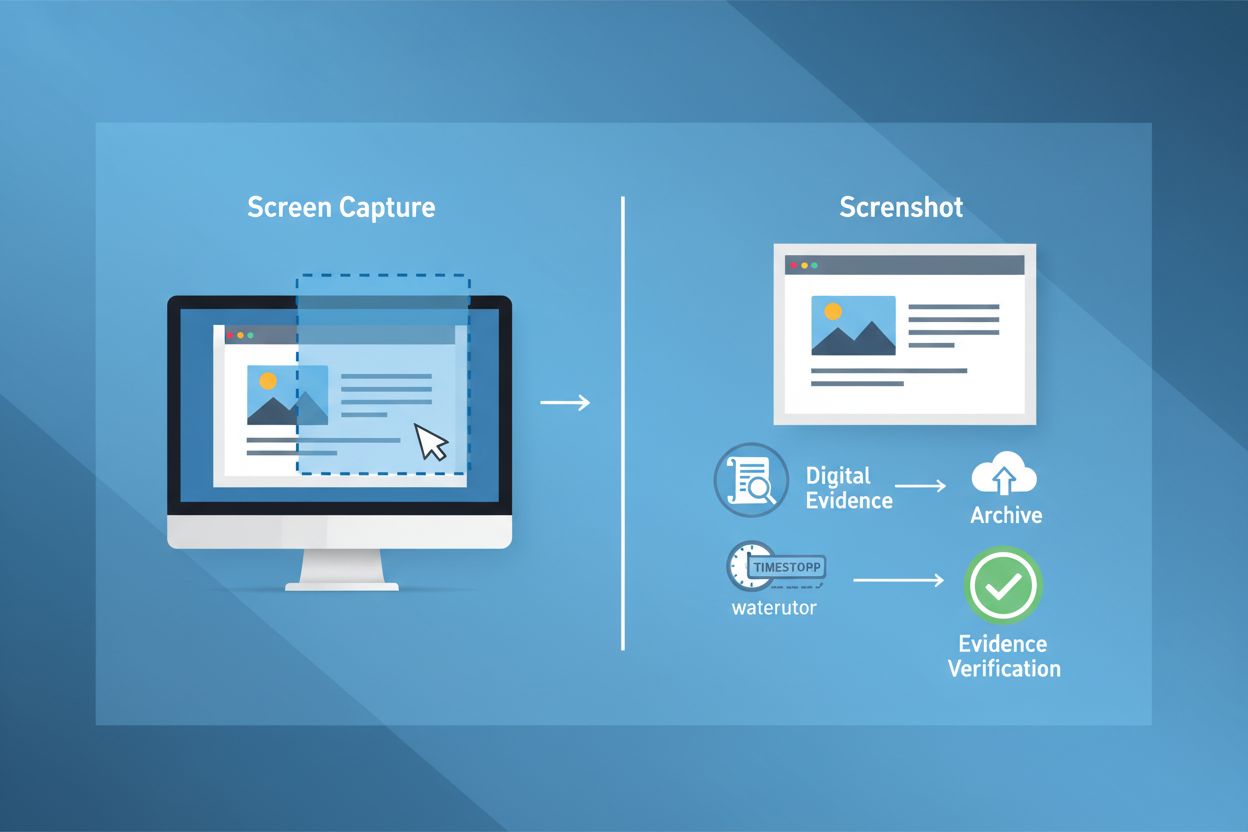
Learn what a screenshot is, how it works, its applications in brand tracking and AI monitoring, and why it matters for digital documentation and legal evidence.
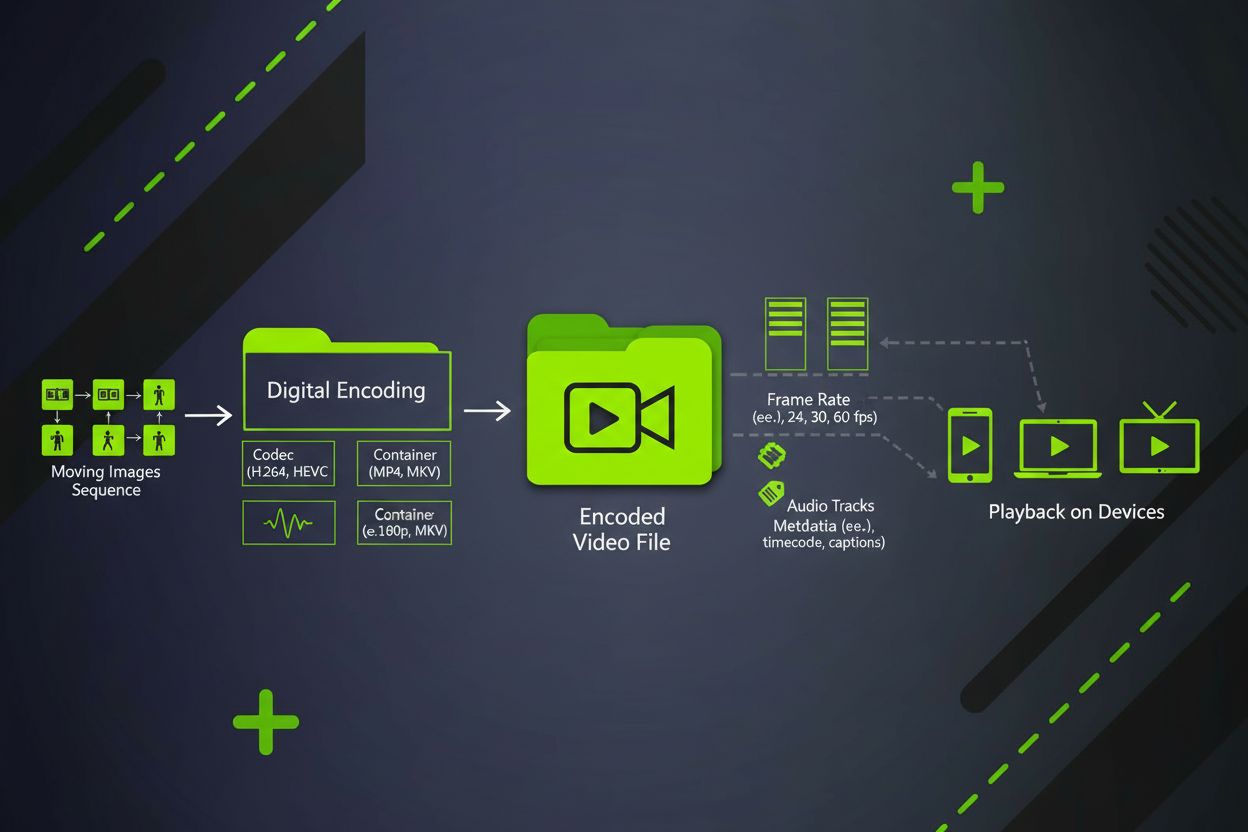
Video content is a digital moving image format combining sequential frames, audio, and metadata. Learn about video formats, codecs, specifications, and its role...