
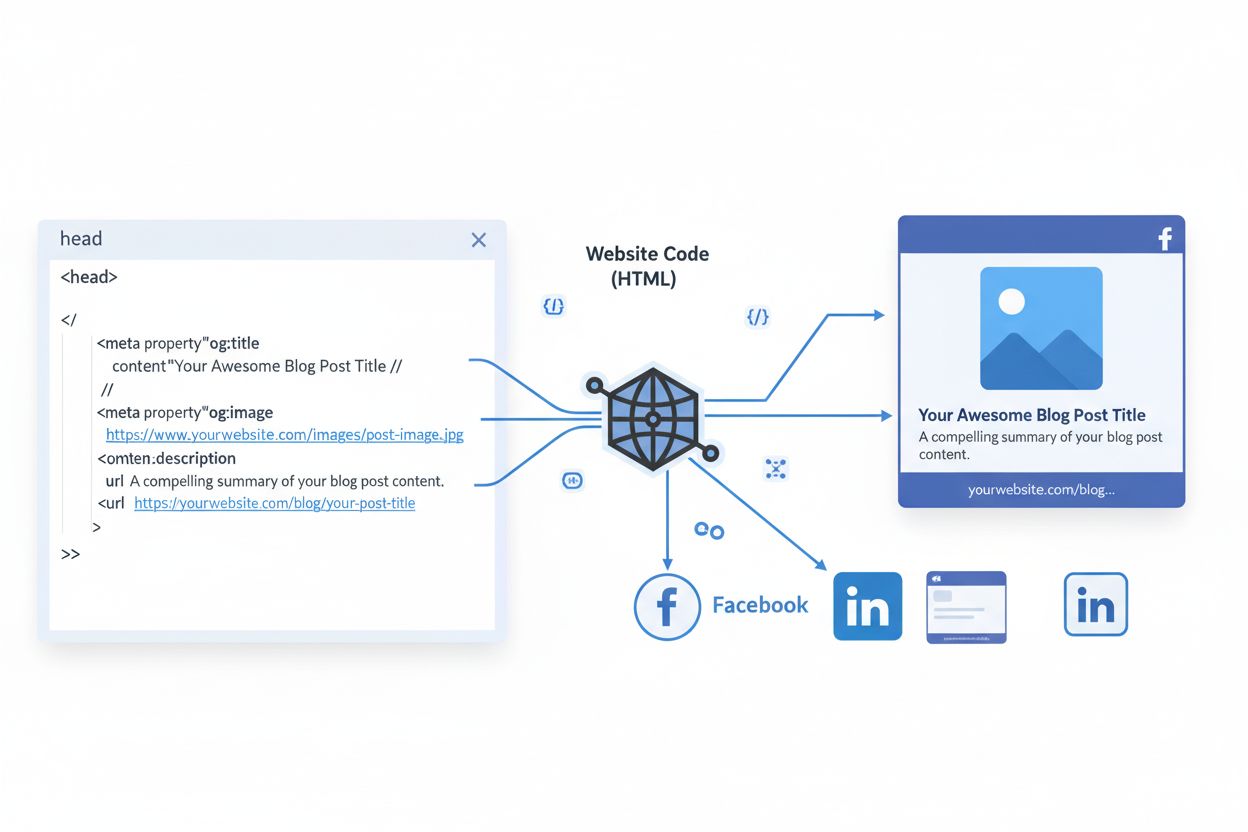
Open Graph Protocol
Learn what the Open Graph Protocol is, how it works, and why it's essential for social media sharing. Understand og:title, og:image, og:description meta tags an...
9 min read
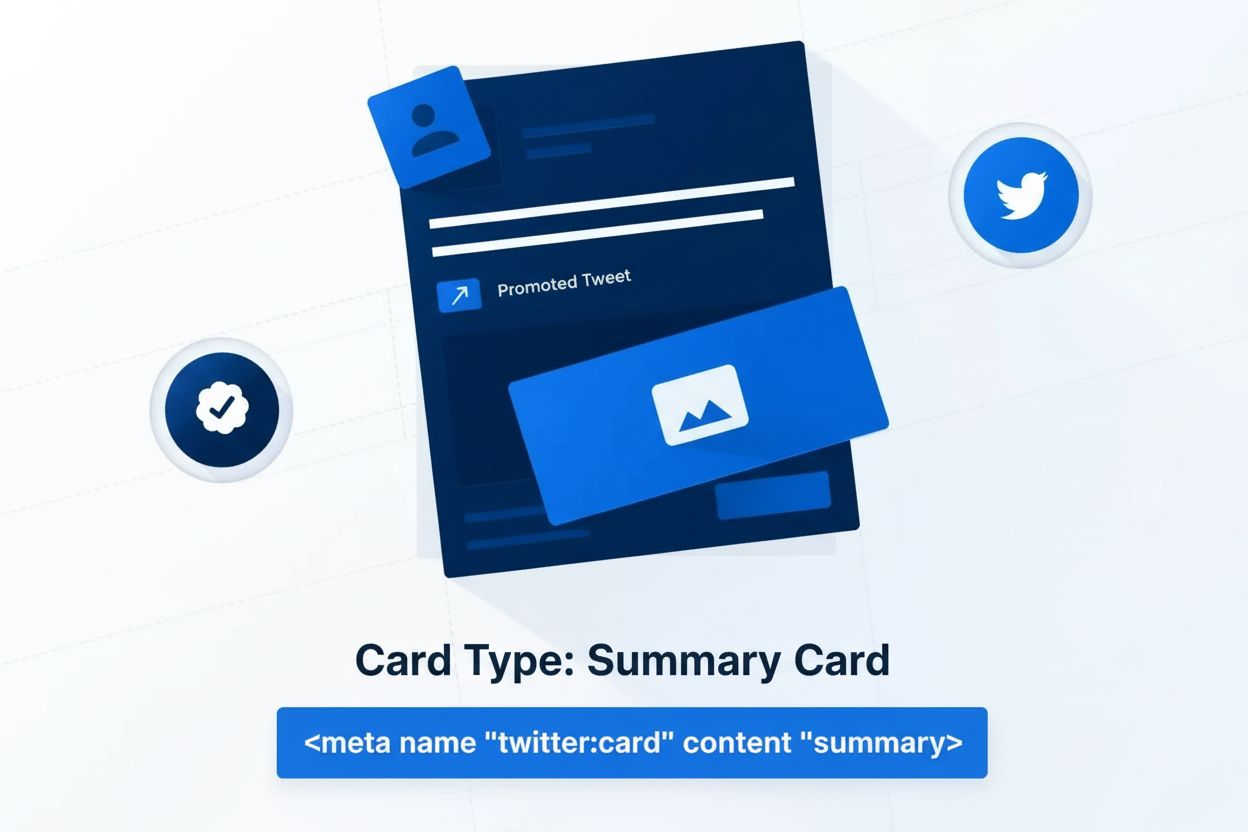
Twitter Card is an HTML meta tag specification that enables rich media previews when URLs are shared on Twitter/X, allowing publishers to control how their content appears with titles, descriptions, images, and videos in tweets and timelines.
Twitter Card is an HTML meta tag specification that enables rich media previews when URLs are shared on Twitter/X, allowing publishers to control how their content appears with titles, descriptions, images, and videos in tweets and timelines.
Twitter Card is a standardized HTML meta tag specification that enables publishers to control how their content appears when URLs are shared on Twitter (now known as X). When a user shares a link on Twitter, the platform’s crawler automatically fetches the card markup from the page’s HEAD section and displays a rich preview containing a title, description, image, and other metadata. This specification transforms plain text links into visually compelling, multimedia-rich previews that significantly increase user engagement and click-through rates. Twitter Cards are based on the Open Graph protocol conventions, making them compatible with other social platforms while maintaining Twitter-specific functionality and customization options.
Twitter Cards were introduced by Twitter in 2011 as a response to the growing need for richer content sharing on social media platforms. Before their introduction, shared links appeared as plain text with minimal context, resulting in lower engagement rates. The specification evolved from the Open Graph protocol, which Facebook developed to standardize how content metadata is shared across the web. Twitter’s implementation added platform-specific properties and card types tailored to different content formats, from articles and videos to mobile applications. Over the years, Twitter has refined the specification, deprecating older card types like Photo Cards and Gallery Cards while maintaining backward compatibility through fallback mechanisms. Today, with Twitter’s rebranding to X, the card specification remains a critical component of the platform’s content sharing infrastructure, supporting billions of daily shares and maintaining consistent engagement metrics across diverse content types.
The Twitter Card specification operates through a series of meta tags placed in the HTML HEAD section of a webpage. Each meta tag follows a simple key-value pair structure using the name and content attributes. The fundamental property is twitter:card, which specifies the card type and determines which additional properties are supported and required. Beyond the card type, publishers can define twitter:title (the content headline), twitter:description (a concise summary), twitter:image (the visual preview), and attribution properties like twitter:site (website account) and twitter:creator (content author). The specification supports fallback to Open Graph tags, meaning if a Twitter-specific property is not present, the system will automatically use the corresponding Open Graph property (such as og:title or og:image). This fallback mechanism reduces redundancy and allows publishers to implement a single set of metadata that works across multiple platforms. Twitter’s crawler respects the robots.txt file and uses the User-Agent identifier “Twitterbot” to fetch and cache card data for 7 days after initial publication, ensuring consistent display across the platform.
| Card Type | Best For | Key Properties | Image Requirements | Display Context |
|---|---|---|---|---|
| Summary Card | Articles, blog posts, news | twitter:title, twitter:description, twitter:image | Minimum 300x157px, 2:1 aspect ratio | Timeline and expanded view |
| Summary with Large Image | Photo-rich content, visual stories | twitter:title, twitter:description, twitter:image (prominent) | 300x157px to 4096x4096px, 2:1 ratio | Full-width image display |
| App Card | Mobile app promotion | twitter:app:name, twitter:app:id, twitter:app:url | 800x800px or 800x418px | App store links, download CTAs |
| Player Card | Video, audio, embedded media | twitter:player, twitter:player:width, twitter:player:height | Varies by media type | Embedded playback in timeline |
| Open Graph (Fallback) | Universal social sharing | og:title, og:description, og:image | Platform-dependent | Multiple social platforms |
Implementing Twitter Cards requires adding properly formatted meta tags to the HTML HEAD section of your webpage. The most basic implementation begins with specifying the card type: <meta name="twitter:card" content="summary">. For a complete Summary Card, publishers should include the title, description, and image properties. A typical implementation looks like this: <meta name="twitter:title" content="Your Article Title">, <meta name="twitter:description" content="Brief description of content">, and <meta name="twitter:image" content="https://example.com/image.jpg">. Attribution properties enhance the card’s credibility and user experience: <meta name="twitter:site" content="@yourhandle"> identifies the website’s Twitter account, while <meta name="twitter:creator" content="@authorhandle"> credits the individual content creator. The specification allows publishers to mix Twitter-specific tags with Open Graph tags, as Twitter’s parser will prioritize Twitter tags but fall back to Open Graph equivalents if needed. This flexibility means existing Open Graph implementations automatically work with Twitter without modification. Publishers can validate their implementation using the Twitter Card Validator tool, which previews exactly how the card will appear when shared on the platform and identifies any missing or incorrectly formatted properties.
Twitter Cards display differently depending on the platform and context where they appear. On the web, cards appear when a tweet is expanded in the timeline or viewed on the tweet’s individual permalink page. On mobile applications, cards display similarly but with responsive adjustments for smaller screens. The card display respects Twitter’s content hierarchy, where images or media attached directly to tweets take precedence over card-attached URLs. When multiple URLs appear in a single tweet, only one card displays, processed in order of appearance. The Summary Card with Large Image provides the most prominent visual experience, featuring a full-width image that dominates the card layout and creates a rich photo experience. This card type is particularly effective for visual content like photography, infographics, and video thumbnails. The App Card includes platform-specific call-to-action buttons (Install, Open, Play, Shop, Book, Connect, Order) that direct users to app stores, making it ideal for mobile application promotion. The Player Card enables embedded playback of video and audio content directly within tweets, eliminating the need for users to leave the platform to consume media. This embedded experience significantly increases engagement, as users can preview content without navigating away from Twitter.
Research and industry benchmarks demonstrate that Twitter Cards substantially improve content engagement metrics. Tweets with properly implemented cards receive significantly higher click-through rates compared to plain text tweets, with typical CTR benchmarks for Twitter ranging from 1-2% for standard content. The visual elements provided by cards—particularly images and videos—create larger clickable targets and communicate value propositions more effectively than text alone. Studies indicate that cards with eye-catching, high-contrast images perform best, as they stop users mid-scroll and draw attention in crowded timelines. The presence of social proof elements (visible retweets, likes, and replies) further amplifies engagement, as users perceive popular content as more valuable and trustworthy. For publishers, this increased engagement translates to higher referral traffic to destination websites, improved brand visibility, and better performance of downstream marketing funnels. The specification also supports content attribution, allowing publishers to associate cards with specific Twitter accounts, which builds brand recognition and enables users to follow content creators directly from the card interface. This attribution mechanism strengthens the relationship between publishers and audiences while providing valuable social signals that platforms use to rank and recommend content.
Effective Twitter Card implementation requires attention to several optimization principles. First, image selection is critical—images should be unique, content-specific, and visually compelling rather than generic logos or author photos. High-contrast, bright colors perform better at stopping user scrolls, and images should clearly communicate the content’s value proposition. Second, headline and description optimization ensures that card text complements rather than duplicates the image content. Headlines should convey new information or a compelling reason to click, not repeat what’s already visible in the image. Descriptions should be concise, benefit-focused, and truncated appropriately for different platforms (iOS, Android, and web display descriptions differently). Third, URL consistency between the card and landing page builds user trust—if a brand name appears prominently in the card, it should also appear in the destination URL and landing page. Fourth, social proof amplification involves cross-promoting tweets across other social channels to boost visible engagement metrics, which increases the likelihood of other users clicking the card. Fifth, validation and testing using the Twitter Card Validator ensures all properties are correctly formatted and display as intended before publishing. Finally, monitoring and iteration through analytics tracking allows publishers to identify which card types, images, and messaging resonate most with their audience, enabling continuous optimization of future cards.
The Twitter Card specification continues to evolve as social media platforms adapt to changing user behaviors and technological capabilities. With Twitter’s rebranding to X and the platform’s expansion into broader social networking features, card specifications are likely to incorporate additional properties supporting richer interactions, commerce integration, and enhanced media formats. The rise of AI-powered content discovery and citation systems introduces new considerations for Twitter Card implementation—as AI systems like ChatGPT, Perplexity, and Google AI Overviews increasingly cite and reference web content, properly formatted cards ensure accurate representation of content metadata in AI responses. This development makes Twitter Cards increasingly relevant not just for social sharing, but for content visibility across the broader AI-driven information ecosystem. Publishers and brands must recognize that Twitter Cards now serve dual purposes: driving engagement on the social platform itself and ensuring accurate content representation when cited by AI systems. The specification’s compatibility with Open Graph protocol positions it as a foundational element of web metadata infrastructure, likely to remain relevant as social platforms and AI systems continue to evolve. Future enhancements may include support for dynamic card properties that update in real-time, improved video and audio streaming capabilities, and deeper integration with e-commerce and conversion tracking systems. For organizations using platforms like AmICited to monitor brand mentions and content citations across AI systems, understanding and optimizing Twitter Card implementation becomes a critical component of comprehensive content visibility strategy, ensuring that content appears accurately and compellingly wherever it is discovered and shared.
Twitter Cards and Open Graph tags are complementary specifications based on similar conventions. Twitter Cards use the 'twitter:' prefix in meta tags, while Open Graph uses 'og:' prefix. Twitter's parser will fall back to Open Graph properties if Twitter-specific tags are not present, allowing publishers to use either or both. This fallback mechanism means you can implement Open Graph tags and Twitter will automatically use them if dedicated Twitter Card markup is unavailable, reducing duplicate markup requirements.
Twitter Cards significantly improve engagement by providing rich visual previews that stop users mid-scroll. Studies show that tweets with cards receive higher click-through rates compared to plain text tweets, with typical CTR benchmarks for Twitter ranging from 1-2% for standard content. The visual elements—particularly images and videos—create larger clickable targets and convey value propositions more effectively than text alone, leading to increased traffic to destination websites and improved social proof through visible engagement metrics like retweets and likes.
The four primary Twitter Card types are: Summary Card (displays title, description, and thumbnail), Summary Card with Large Image (features a prominent full-width image), App Card (promotes mobile applications with download links), and Player Card (embeds video, audio, or other media content). Each card type serves different content purposes and supports specific properties. Summary and Summary with Large Image cards are most commonly used for articles and web content, while App and Player cards target application promotion and multimedia distribution respectively.
Twitter's crawler, identified as 'Twitterbot,' respects Google's robots.txt specification when scanning URLs for card markup. The crawler fetches and caches card content for 7 days after a link is first published in a tweet. If a page or image URL is blocked in robots.txt, no card or thumbnail will display. Publishers can create exceptions in robots.txt specifically for Twitterbot to allow crawling while blocking other bots, ensuring card data is properly indexed and cached for optimal display across the platform.
Image requirements vary by card type but generally follow these guidelines: minimum dimensions of 300x157 pixels for Summary Cards with Large Image, with a 2:1 aspect ratio recommended. Maximum dimensions reach 4096x4096 pixels, and file sizes must not exceed 5MB. Supported formats include JPG, PNG, WEBP, and GIF (only the first frame of animated GIFs displays). Images should be unique and content-specific rather than generic logos or author photos, as this improves user engagement and click-through rates.
No, only one card type per page is supported by Twitter's specification. If multiple twitter:card meta tags exist on a page, the last one in sequence takes priority. However, when a tweet contains multiple URLs, cards are processed in order of appearance, with images or media attached directly to tweets taking precedence over card-attached URLs. This limitation ensures consistent card display and prevents confusion from competing card types on the same page.
While Twitter Cards don't directly influence search engine rankings, they significantly impact social visibility and traffic generation. Rich card previews increase click-through rates from Twitter to websites, generating referral traffic that search engines recognize as engagement signals. Additionally, cards improve user experience on social platforms, leading to more shares and social signals that indirectly support SEO efforts. For content monitoring platforms like AmICited, properly implemented Twitter Cards ensure accurate representation of content when tracked across AI systems and social platforms.
Start tracking how AI chatbots mention your brand across ChatGPT, Perplexity, and other platforms. Get actionable insights to improve your AI presence.
Learn what the Open Graph Protocol is, how it works, and why it's essential for social media sharing. Understand og:title, og:image, og:description meta tags an...
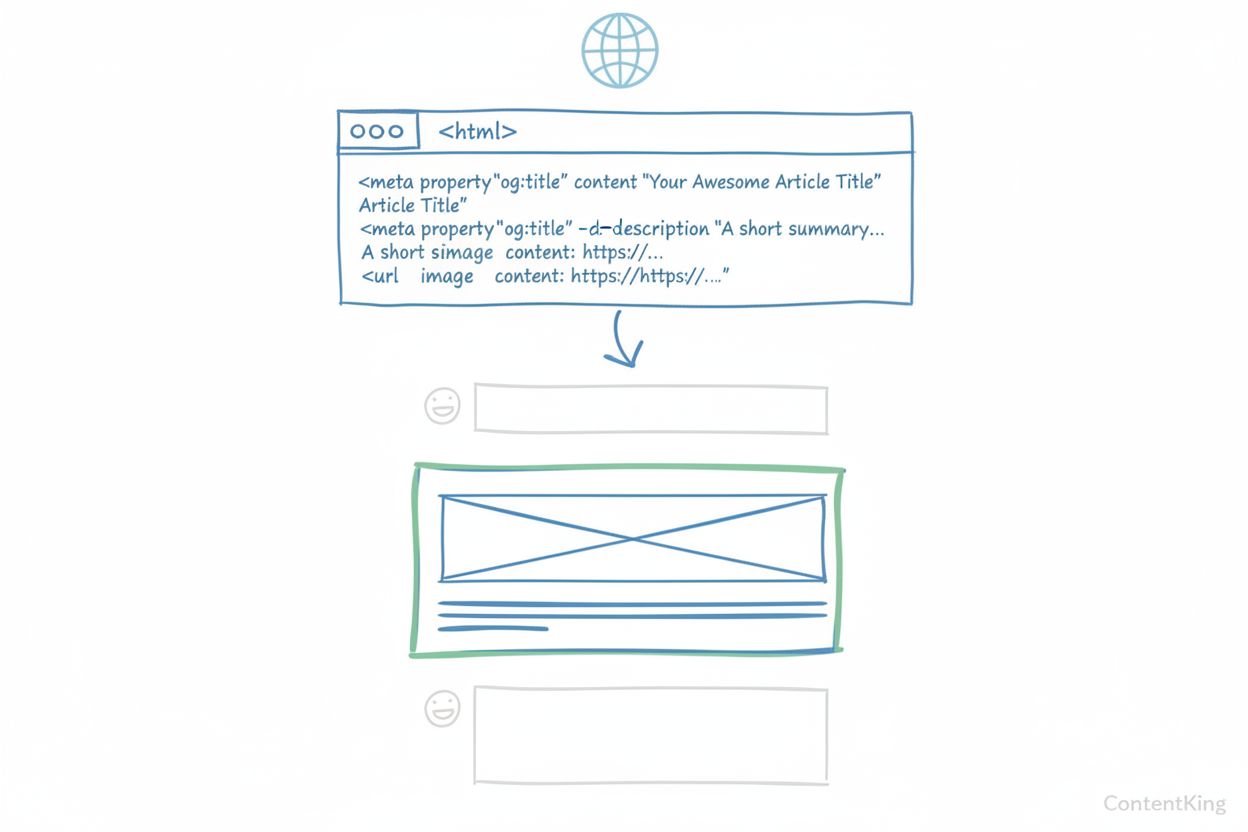
Learn what Open Graph Images are, their technical specifications, platform requirements, and how they boost social media engagement and click-through rates acro...

Discover what knowledge graphs are, how they work, and why they're essential for modern data management, AI applications, and business intelligence.
Cookie Consent
We use cookies to enhance your browsing experience and analyze our traffic. See our privacy policy.