


- A URL slug is the readable last part of a web address that names one page, such as blue-running-shoes in example.com/shoes/blue-running-shoes/.
- Keep it short, lowercase, hyphenated and in the page’s language, without dates or stop words that age badly or add nothing.
- Changing a slug needs a 301 redirect from the old URL plus updated internal links, sitemap and canonical tags. Expect a short ranking dip while Google catches up.
Where AmICited fits
AmICited’s Google Search Pages report lists clicks, impressions, CTR and position for every URL, so you can see which pages earn traffic before you touch their slugs and check that a new URL picks the traffic up.
See the pages report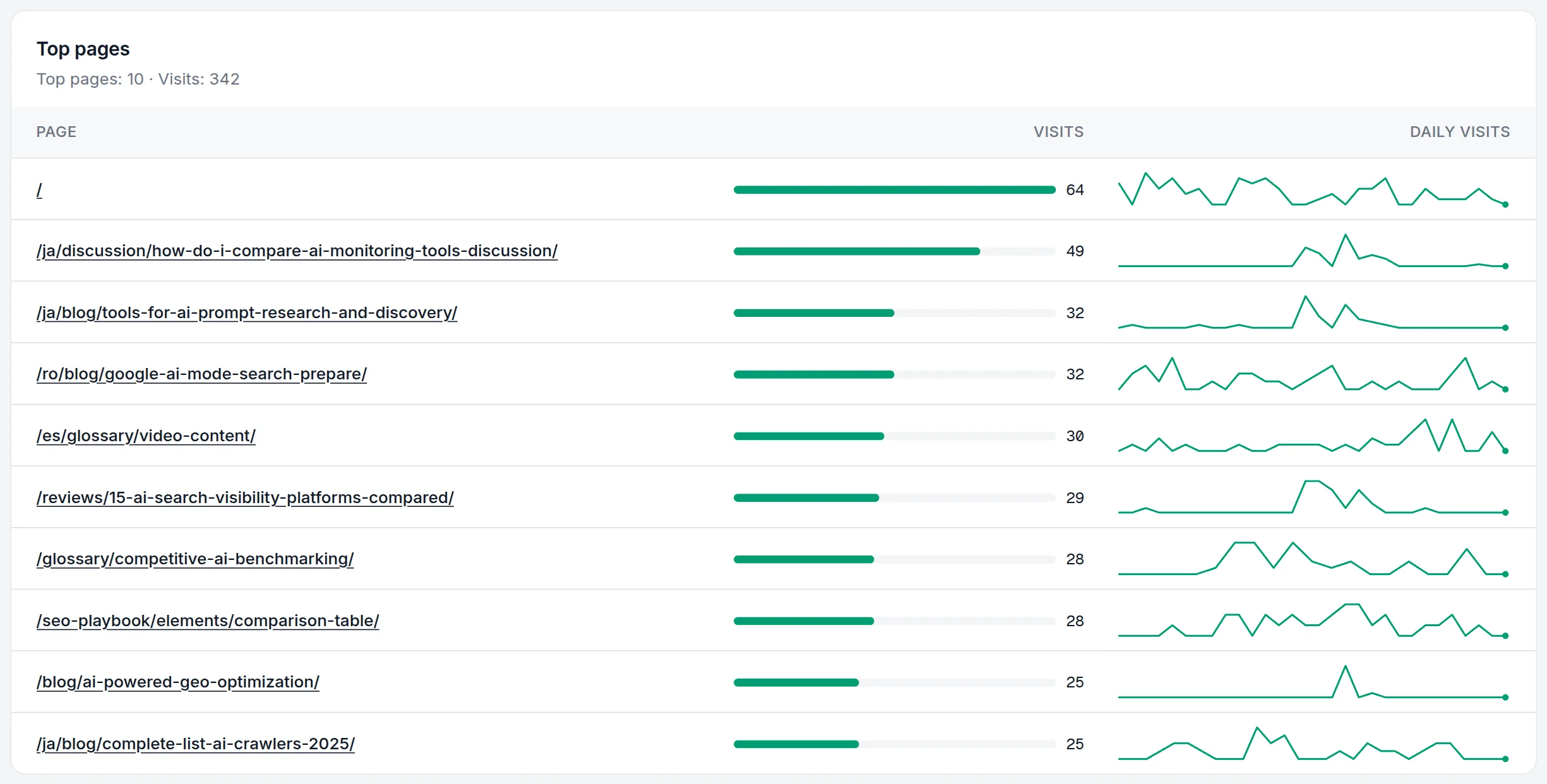
What Is a URL Slug?
A URL slug is the readable part of a web address that identifies one specific page. In https://example.com/shoes/blue-running-shoes/, the slug is blue-running-shoes. It tells users and search engines what the page is about before anyone opens it.
The term comes from newspaper publishing, where a “slug” was a short working name for a story. Content management systems such as WordPress, Shopify, Webflow and Hugo generate a slug from the page title by default and let you edit it. In WordPress you’ll find it in the post settings under “URL” or “Permalink”. On Shopify it’s the “URL handle” field in the search engine listing section.
How URL Slugs Work
A full URL has several parts. Only the slug changes from page to page within a section:
- Protocol:
https:// - Domain:
example.com - Path (folders):
/shoes/ - Slug:
blue-running-shoes - Optional parameters:
?color=blue(not part of the slug)
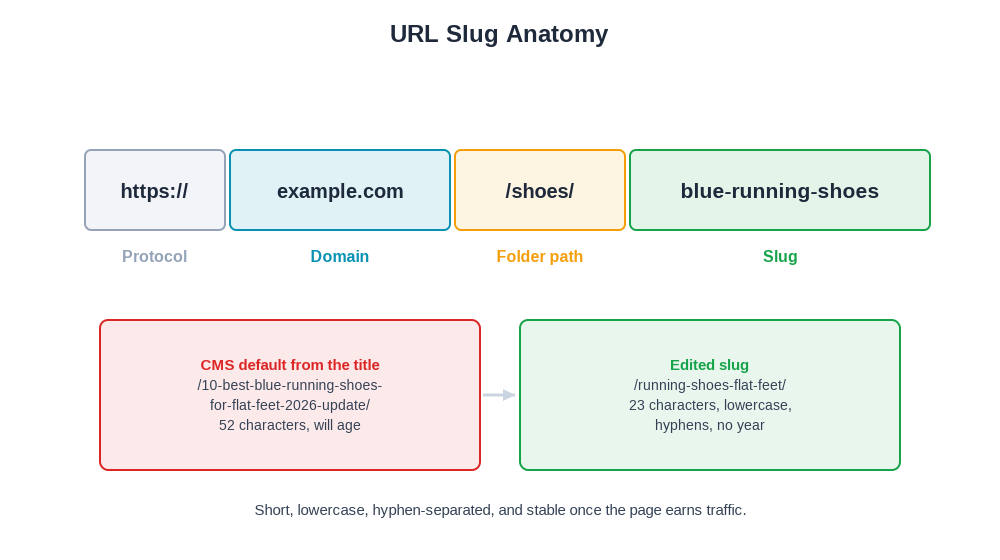
When you publish a page, the CMS turns the title into a slug by lowercasing it, replacing spaces with hyphens and stripping punctuation. A title like “10 Best Blue Running Shoes for Flat Feet (2026 Update)” becomes something like 10-best-blue-running-shoes-for-flat-feet-2026-update: 52 characters, with a number and a year that will date the URL. Editing it down to running-shoes-flat-feet keeps the meaning in 23 characters and survives next year’s update.
Search engines read the slug as one weak relevance hint among many. Users read it more carefully: in search results, in shared links and in browser tabs. A slug that matches the page builds trust. One that reads /p?id=48213 or /untitled-draft-3/ does not.
Good vs Bad URL Slugs
| Example slug | Problem | Better version |
|---|---|---|
/p?id=48213 | No meaning to users or search engines | /blue-running-shoes/ |
/Blue_Running_Shoes/ | Uppercase and underscores | /blue-running-shoes/ |
/the-10-best-blue-running-shoes-you-can-buy-in-2026/ | Too long, stop words, a year that will age | /best-blue-running-shoes/ |
/shoes-shoes-running-shoes-cheap-shoes/ | Keyword stuffing | /cheap-running-shoes/ |
/blue-running-shoes-copy-2/ | CMS duplicate artifact | Delete or redirect the copy |
/laufschuhe-blau/ on an English page | Language mismatch | Match the slug to the page language |
URL Slug vs URL Structure
The slug is one segment.
URL structure is the whole pattern: whether you use folders like /blog/ or /products/, how deep they go, whether you put pages in a
subdirectory or a subdomain, and how parameters are handled. Folder names also act as slugs for the section. A good structure lets someone guess what’s on a page from its URL alone and makes sections easy to report on separately in Search Console.

Stay Updated on AI Visibility Trends
Get the latest insights on AI mentions, brand monitoring, and optimization strategies.
How to Change a URL Slug Safely
Sometimes a slug has to change: the product was renamed, the page now covers a different topic, or the old slug contains a year. Do it in this order:
- Pick the new slug and publish the page at the new URL.
- Add a 301 redirect from the old URL to the new one. Avoid chains: if the old URL was already a redirect target, point every older URL straight at the new one.
- Update internal links, navigation, the XML sitemap and canonical tags to use the new URL.
- Request indexing for the new URL in Search Console and watch both URLs in the Pages report for a few weeks.
Expect some ranking movement while Google processes the change. On a page with steady traffic, a short dip followed by recovery is normal. A lasting drop usually means a missing redirect or leftover internal links to the old URL.
URL Slugs and AI Search
AI engines show sources as links, often with the URL visible or the domain and path shown in a citation card. A descriptive slug makes it clearer to a reader why that source was cited. Engines also crawl and store URLs, and a slug that matches the page topic is one more consistent signal, though it won’t earn citations on its own.
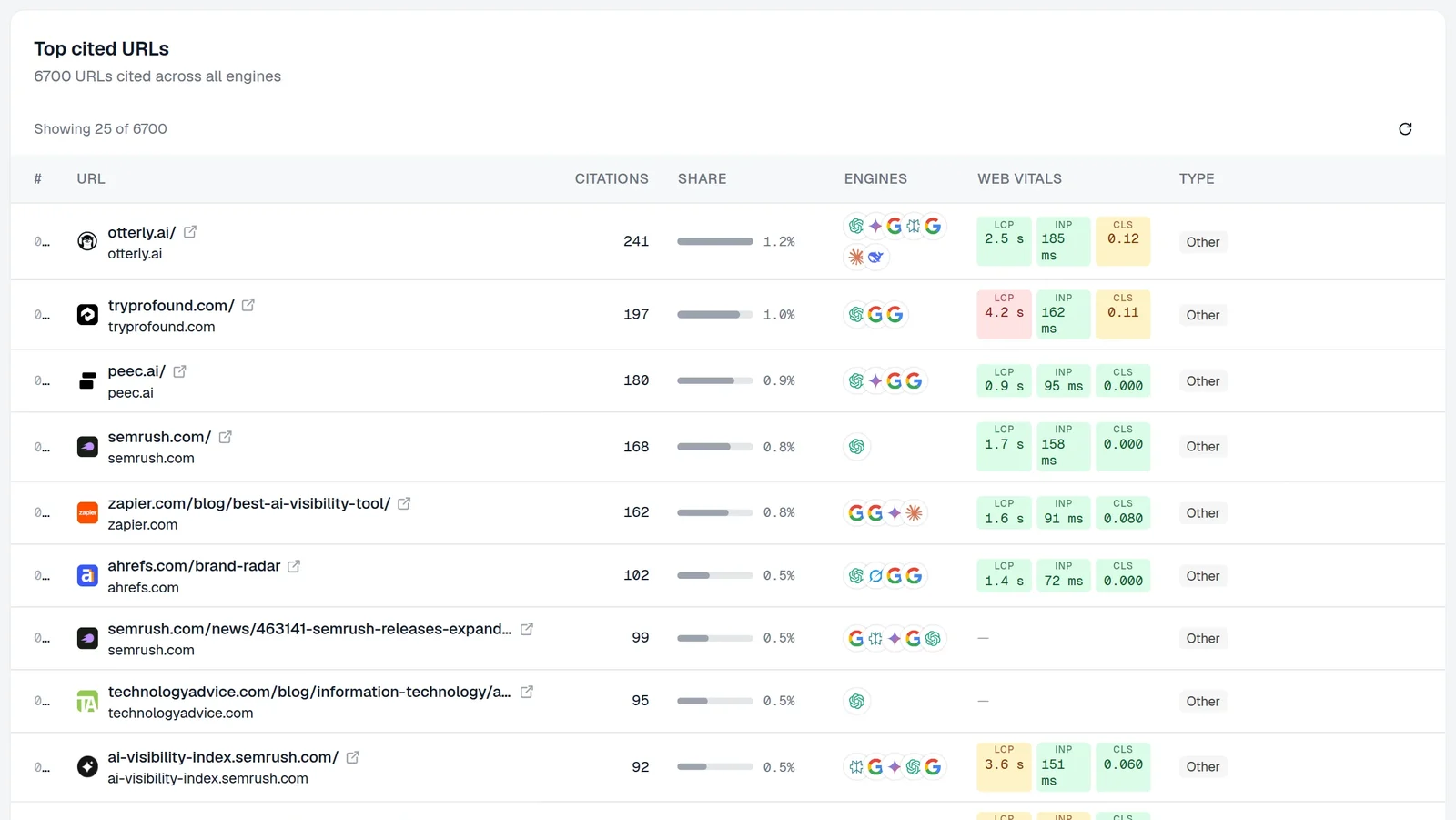
Changing slugs has a cost here too. If a cited URL starts redirecting, engines may keep the old URL for a while or drop the citation until they recrawl. Keep slugs stable once a page is earning traffic and citations, and track how pages perform with AmICited’s Google Search Pages report.
Best Practices for URL Slugs
- Keep slugs short: three to five meaningful words is usually enough.
- Use lowercase letters, numbers and hyphens only. Avoid spaces, underscores and special characters.
- Include the main topic or keyword once, in plain words.
- Drop stop words like “the”, “and” and “of” when the slug still reads clearly without them.
- Leave dates and years out of evergreen content, so you can update the page without changing the URL.
- Set the slug before publishing. If you must change it later, add a 301 redirect from the old URL and update internal links.
Common URL Slug Mistakes
The most common mistake is accepting whatever the CMS generates from a long headline. You end up with slugs that are 80 characters long, include a year, and break the moment the headline changes. The second is changing slugs on established pages for small keyword gains, without redirects, which turns working URLs into 404 errors.
Other mistakes include duplicate slugs with “-2” suffixes left live, mixed case that creates two versions of the same URL on case-sensitive servers, non-ASCII characters that turn into long percent-encoded strings when shared, and putting every keyword variant into one slug.