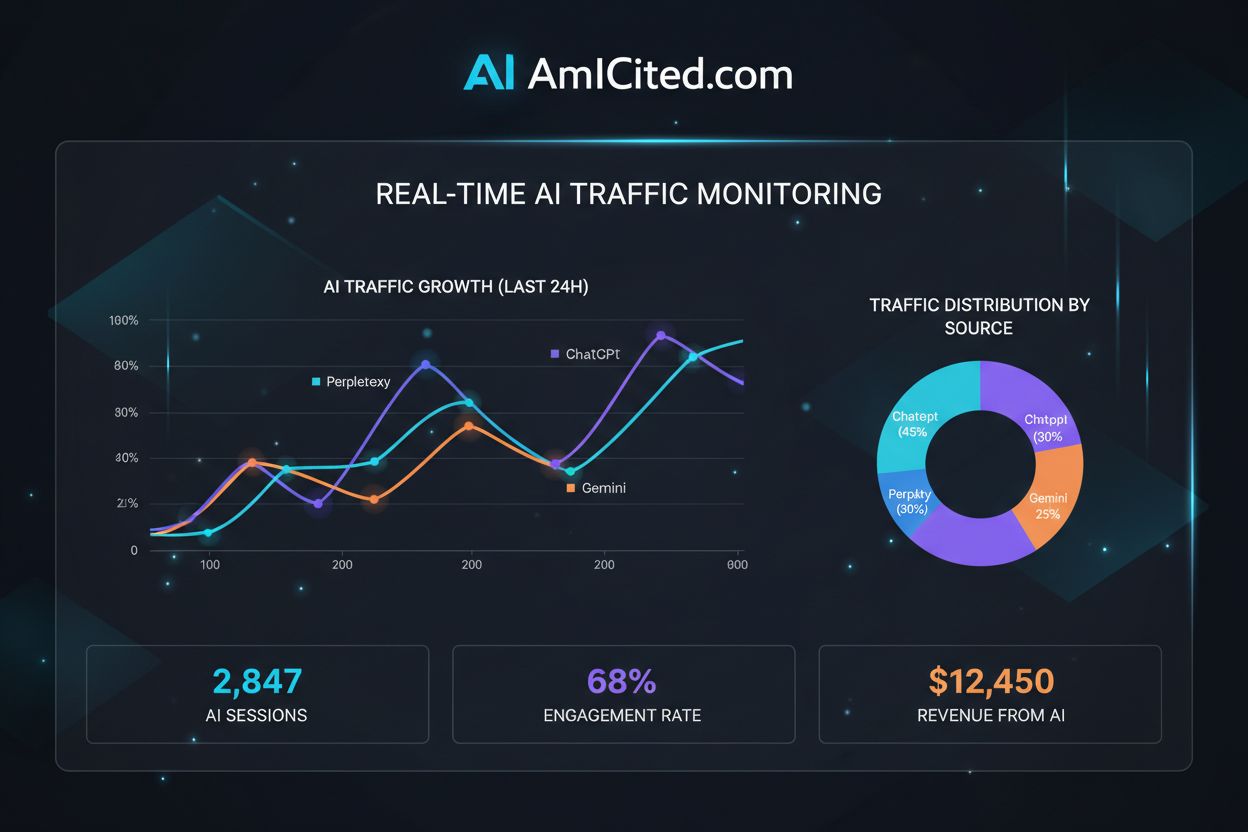
How do you track AI traffic in Google Analytics? Standard reports show almost nothing
Community discussion on tracking AI traffic in Google Analytics 4. Real techniques from analysts and marketers for identifying and measuring traffic from ChatGP...
I know AI traffic is becoming important, but I’m not sure how to actually track it properly in GA4.
My current state:
What I need:
Looking for practical, click-by-click guidance.
Complete step-by-step GA4 setup:
Step 1: Quick Check (2 minutes) Reports > Acquisition > Traffic acquisition Change primary dimension to: Session source/medium Search for: chatgpt, perplexity, claude, gemini, copilot
This shows you what’s already being tracked.
Step 2: Create AI Segment (5 minutes)
Go to Admin > Data display > Segments
Click “New segment”
Name: “AI Traffic”
Build segment:
chatgpt\.com|perplexity\.ai|claude\.ai|gemini\.google\.com|copilot\.microsoft\.com|chat\.openai\.com|bard\.google\.comSave segment
Step 3: Create Custom Report (10 minutes) Explore > Create new exploration
Step 4: Add to Dashboard Save and pin to your custom dashboard.
That’s the basic setup. More details below.
Complete regex pattern for AI sources:
Basic pattern:
chatgpt\.com|perplexity\.ai|claude\.ai|gemini\.google\.com|copilot\.microsoft\.com|chat\.openai\.com|bard\.google\.com
Extended pattern (more comprehensive):
(chatgpt|chat\.openai|openai)\.com|perplexity\.ai|claude\.ai|anthropic\.com|(gemini|bard)\.google\.com|copilot\.(microsoft|github)\.com|meta\.ai|you\.com
By platform:
| Platform | Source Pattern |
|---|---|
| ChatGPT | chatgpt\.com|chat\.openai\.com |
| Perplexity | perplexity\.ai |
| Claude | claude\.ai |
| Gemini | gemini\.google\.com|bard\.google\.com |
| Copilot | copilot\.microsoft\.com |
Pro tip:
Use \. instead of . in regex.
The dot alone matches any character.
The backslash-dot matches literal period.
Test your regex before applying to segments.
Looker Studio dashboard for AI traffic:
Setup:
Key components:
1. Headline Metrics (Scorecards)
2. Trend Chart
3. Source Breakdown
4. Landing Page Performance
5. Comparison Table
6. Quality Metrics
Template structure: Top row: Key metrics Middle: Trends and breakdowns Bottom: Detailed tables
Refresh weekly for monitoring.
Why you’re probably missing AI traffic:
The dark traffic problem:
Not all AI traffic shows as AI referrals:
Estimated impact: Trackable AI traffic: ~60-70% of actual Missing: ~30-40% of actual
What this means: If you see 1,000 AI sessions → actual might be 1,400-1,600.
Workarounds:
Don’t panic about dark traffic: It affects all analytics. Focus on trends, not absolute numbers. If tracked AI traffic is growing, total AI influence is growing.
Create multiple AI segments for deeper analysis:
Segment 1: All AI Traffic Any AI source (broad pattern above)
Segment 2: ChatGPT Only
chatgpt\.com|chat\.openai\.com
Segment 3: Perplexity Only
perplexity\.ai
Segment 4: Google AI Only
gemini\.google\.com|bard\.google\.com
Why multiple segments: Different platforms have different user behavior. ChatGPT users may differ from Perplexity users. Platform-specific insights inform strategy.
Comparison analysis:
| Metric | ChatGPT | Perplexity | Gemini |
|---|---|---|---|
| Sessions | 850 | 320 | 180 |
| Engaged % | 68% | 75% | 62% |
| Conv rate | 3.2% | 4.5% | 2.8% |
| Pages/session | 2.4 | 3.1 | 2.1 |
Insight example: Perplexity traffic has higher conversion rate. Investigate: Different audience? Better targeting? Action: Optimize content for Perplexity specifically.
Key metrics for AI traffic:
Volume metrics:
Quality metrics:
Conversion metrics:
Comparative metrics:
Our benchmark findings:
| Metric | AI Traffic | Organic | Paid |
|---|---|---|---|
| Engagement | 68% | 52% | 45% |
| Avg duration | 3:45 | 2:15 | 1:30 |
| Conv rate | 3.8% | 2.4% | 2.1% |
AI traffic often outperforms other sources on quality. Track to prove value.
Set up alerts for AI traffic changes:
In GA4:
Alert 1: Traffic Spike Condition: AI segment sessions > 150% of average Frequency: Daily Action: Email notification
Alert 2: Traffic Drop Condition: AI segment sessions < 50% of average Frequency: Daily Action: Email notification
Alert 3: Conversion Anomaly Condition: AI conversion rate changes >30% Frequency: Weekly Action: Email notification
Why alerts matter:
Best practice: Set thresholds based on normal variance. Too sensitive = alert fatigue. Too lenient = miss important changes.
Start with 50%/150% thresholds, adjust based on your data.
Which pages get AI traffic? This informs strategy.
Exploration setup: Dimensions:
Metrics:
What to look for:
Analysis questions:
Example insights:
| Landing Page | AI Sessions | Conv Rate |
|---|---|---|
| /product-comparison | 450 | 5.2% |
| /blog/how-to-guide | 380 | 2.1% |
| /pricing | 220 | 8.5% |
| /home | 180 | 1.2% |
Actions:
Reporting rhythm for AI traffic:
Daily (5 min): Quick check of dashboard Note any anomalies Flag for investigation if needed
Weekly (30 min):
Monthly (1 hour):
Quarterly (2 hours):
Stakeholder reports:
Leadership: Monthly summary
Team: Weekly details
Match reporting depth to audience.
Common issues and fixes:
Issue 1: No AI traffic showing Possible causes:
Fix: Check robots.txt, verify regex, expand dates
Issue 2: Traffic seems too low Possible causes:
Fix: Add form field tracking, check visibility metrics
Issue 3: Segment not working Possible causes:
Fix: Test regex, verify dimension, check exploration settings
Issue 4: Data mismatch with expectations Possible causes:
Fix: Allow 24-48 hour lag, reduce date range if sampling
Issue 5: Can’t compare to prior period Possible causes:
Fix: Segments are retroactive, check date range

This is exactly what I needed. My setup plan:
Today:
This Week:
Ongoing:
Key learnings:
Dashboard metrics:
Thank you all - this transforms my AI traffic tracking.
Get personalized help from our team. We'll respond within 24 hours.
Monitor both AI traffic to your site and your visibility in AI answers. Get the complete picture of your AI search performance.

Community discussion on tracking AI traffic in Google Analytics 4. Real techniques from analysts and marketers for identifying and measuring traffic from ChatGP...

Community discussion on creating AI search reports and tracking meaningful metrics. Real experiences from marketers building dashboards for AI visibility, citat...

Master regex patterns to track AI traffic from ChatGPT, Perplexity, and other AI platforms in Google Analytics 4. Complete technical guide with step-by-step imp...
Cookie Consent
We use cookies to enhance your browsing experience and analyze our traffic. See our privacy policy.