I’ve built AI tracking setups for multiple clients. Here’s the definitive approach:
Method 1: Quick Manual Check
Navigate to Reports > Acquisition > Traffic acquisition. Switch dimension to “Session source” and look for: chatgpt.com, perplexity.ai, copilot.microsoft.com, openai.com, claude.ai
Method 2: Saved Custom Report (Better)
- Go to Library > copy “Traffic acquisition”
- Name it “AI Traffic Report”
- Add filter: Session source matches regex:
.*chatgpt.com.*|.*perplexity.*|.*copilot.microsoft.com.*|.*openai.com.*|.*gemini.google.com.*|.*claude.ai.*|.*poe.com.*
- Save and add to your report collection
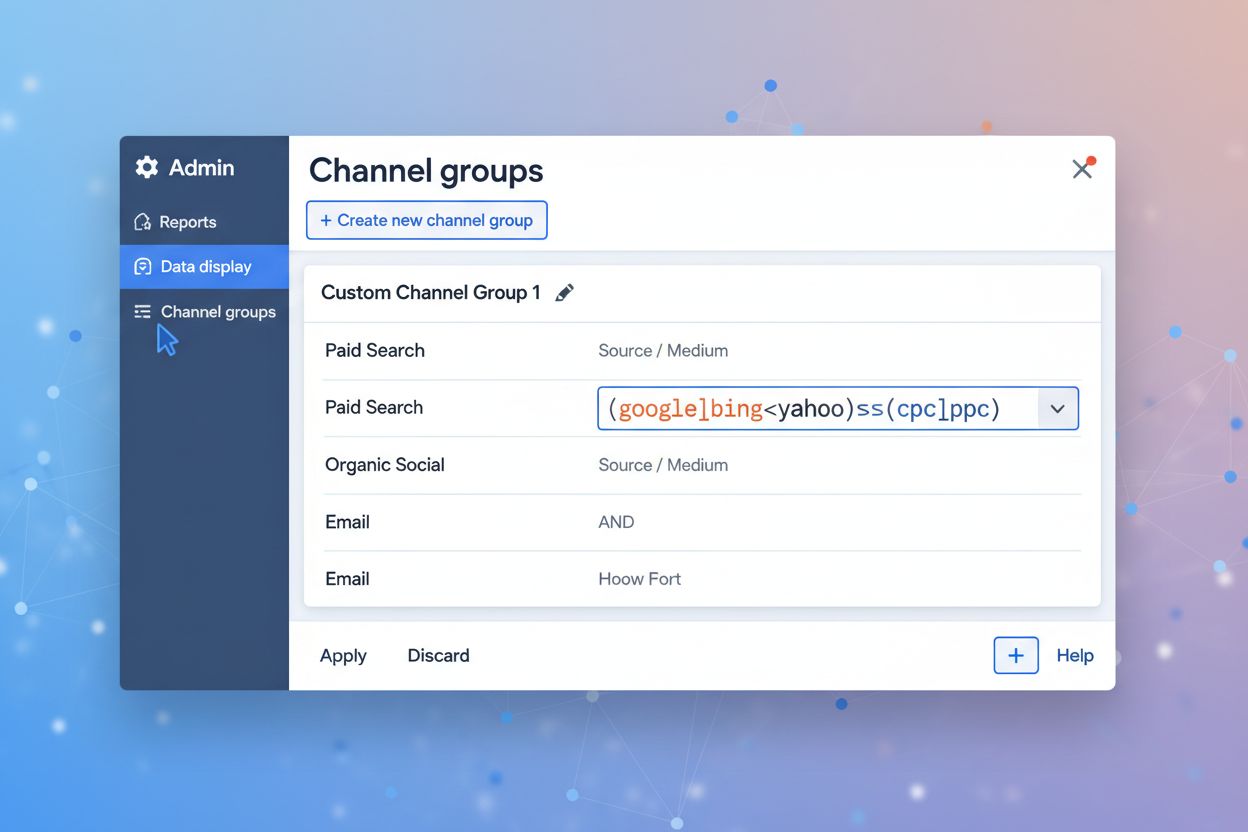
Method 3: Custom Channel Group (Best)
- Admin > Data display > Channel groups
- Create new, add channel “AI Traffic”
- Set condition: Source matches regex (same as above)
- Important: Reorder to put AI above Referral
Why Method 3 is best:
- Works retroactively on historical data
- AI shows as primary channel across all reports
- Consistent tracking throughout GA4
The regex catches the major platforms but you’ll want to update it as new AI tools emerge.