Academy
Learn AmICited, feature by feature
Short, practical tutorials for every part of AmICited — from reading your Visibility Score to generating AI-optimized articles and auditing agent accessibility.
Dashboard
15 tutorials
How to Read Your Visibility Score in AmICited
Understand what the Visibility Score at the top of your AmICited dashboard measures, how the gauge and per-platform breakdown work, and how to use the number to track whether AI assistants are citing your brand over time.
Read guide →
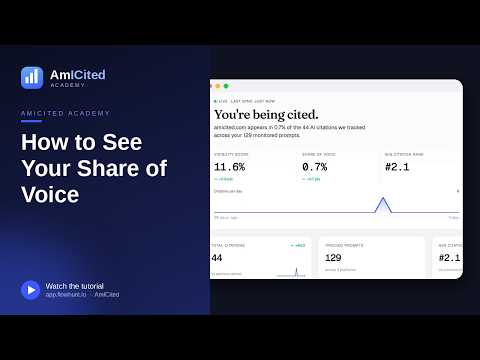
How to See Your Share of Voice in AmICited
Find your Share of Voice on the AmICited dashboard, understand how it differs from your Visibility Score, and use it to see how much of the AI-citation conversation your brand owns versus everyone else.
Read guide →
How to Use the Domain Semantic Map in AmICited
A guide to the Domain Semantic Map on the AmICited dashboard — how the prompts, fan-out queries and page titles cluster together, what the points and colors mean, and how to explore it to find topic gaps.
Read guide →
How to See Visibility by AI Platform in AmICited
Read the per-platform breakdown next to your Visibility Score gauge in AmICited to see how your AI citations split across Gemini, ChatGPT, Perplexity and Google AI Overview.
Read guide →
What Is Avg Citation Rank in AmICited?
Understand the Avg Citation Rank metric on the AmICited dashboard — what the #-number means, why lower is better, and how to use it alongside Visibility Score and Share of Voice.
Read guide →
How to Check Your Total Citations in AmICited
Find the Total Citations counter on the AmICited dashboard, understand what counts as a citation, and use the vs-previous-period trend to see whether your brand is being cited more or less over time.
Read guide →
How to Find Prompts Where You're Not Ranked in AmICited
Use the Not Ranked counter on the AmICited dashboard to find the prompts where your brand never gets cited — your biggest, most actionable AI-visibility gaps.
Read guide →
How to Track Citation Share Over Time in AmICited
Read the Citation share over time chart on the AmICited dashboard to see your brand's daily citations against competitors, spot spikes, and toggle domains on and off.
Read guide →
How to Filter Domains on the Semantic Map in AmICited
Use the domain list beside the AmICited Domain Semantic Map to filter, locate and hide domains by their citation counts, so you can focus the map on your brand or a specific competitor.
Read guide →
How to Find Your Top Cited Sources in AmICited
Use the Top cited sources widget on the AmICited dashboard to see which domains AI engines pull from most when answering your prompts — and where your own site ranks among them.
Read guide →
How to View Recent Citations in AmICited
Read the Recent citations feed on the AmICited dashboard to see the latest times your brand was cited by an AI provider — including the exact page, engine, citation rank and timestamp.
Read guide →
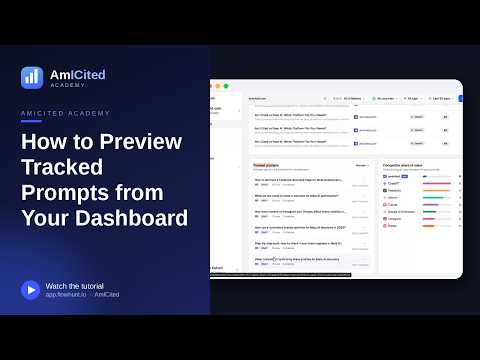
How to Preview Tracked Prompts from Your Dashboard in AmICited
Use the Tracked prompts widget on the AmICited dashboard to preview the prompts running on a schedule for your domain, see their run frequency and citation status, and jump in to manage them.
Read guide →
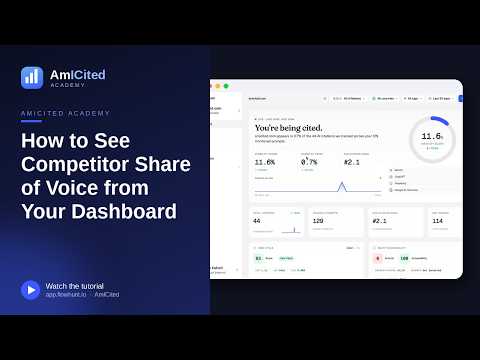
How to See Competitor Share of Voice from Your Dashboard in AmICited
Use the Competitor share of voice widget on the AmICited dashboard to compare your slice of AI citations against every other cited domain, and jump into the full Competitors comparison.
Read guide →
How Many Prompts Are You Tracking? Finding the Count in AmICited
Find the Tracked Prompts counter on the AmICited dashboard to see how many prompts you're monitoring and across how many AI platforms.
Read guide →
How to See Where Your Brand Shows Up by Platform in AmICited
Use the By Platform widget on the AmICited dashboard to see exactly where your brand showed up across Gemini, ChatGPT, Perplexity and Google AI Overview, with percentages and trend arrows.
Read guide →
Prompts
9 tutorials
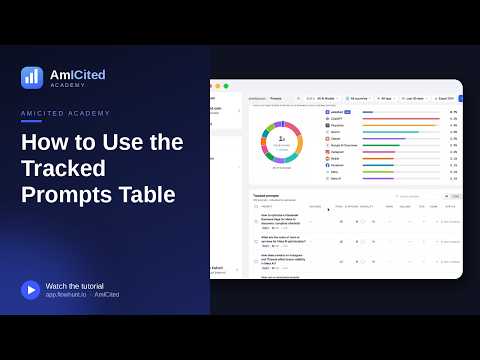
How to Use the Tracked Prompts Table in AmICited
A walkthrough of the Tracked Prompts table in AmICited — the columns it shows, how to read each prompt's citations, visibility and rank, and how to search, filter and drill in to find where your brand is winning or missing.
Read guide →
How to Generate Prompts Automatically from a URL in AmICited
Let AmICited read one of your pages and suggest the prompts your buyers are likely asking AI. A step-by-step guide to the Generate from URL option in the Add prompts dialog.
Read guide →
How to Add Prompts by Pasting a List in AmICited
Already have a list of questions to track? Paste them straight into AmICited, one per line. A step-by-step guide to the Paste prompts option in the Add prompts dialog.
Read guide →
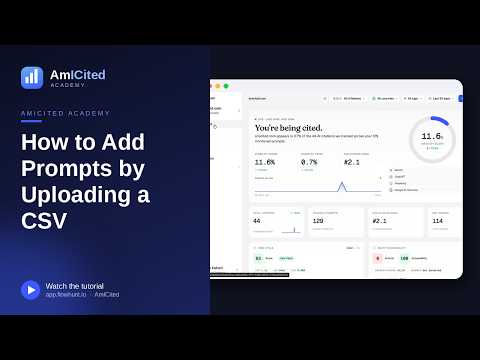
How to Add Prompts by Uploading a CSV in AmICited
Bulk-import a large prompt list into AmICited from a spreadsheet. A step-by-step guide to the Upload CSV option in the Add prompts dialog, including the required file format.
Read guide →
How to Choose Which AI Engines to Track in AmICited
Pick which AI platforms — ChatGPT, Perplexity, Gemini, Google AI Overview and Google AI Mode — AmICited queries for your prompts, using the AI providers selector in the Add prompts dialog.
Read guide →
How to Schedule Prompt Tracking in AmICited
Set how often AmICited re-runs your prompts — daily, weekly, monthly, yearly or one time — when adding prompts or in bulk from the Tracked prompts table.
Read guide →
How to Read Your Prompts Overview Stats in AmICited
Understand the overview stats bar at the top of the AmICited Prompts page — Tracked, Cited, Not ranked, Avg rank, Runs and Engines — and what each number tells you about your monitoring.
Read guide →
How to See Brand Voice Across All Prompts in AmICited
Read the Brand voice — share of voice donut on the AmICited Prompts page to see how often your brand is named in AI answers versus competitors across all your tracked prompts.
Read guide →
How to Edit Multiple Prompts at Once in AmICited
Select several prompts in the AmICited Tracked prompts table and change their tag, frequency, providers, or delete them in one action using the bulk action bar.
Read guide →
Prompt Detail
12 tutorials
How to Use the Fan-Out Queries Heatmap in AmICited
Read the Fan-out queries heatmap on a prompt's detail page in AmICited — the sub-queries AI engines derive from your prompt and how closely each cited domain's best page matches them — to know exactly what to cover to win citations.
Read guide →
How to Use the Semantic Scatter Map in AmICited
Read the Semantic scatter map on a prompt's detail page in AmICited — your prompt, its fan-out queries, cited URLs and page content plotted by semantic similarity — to see how well your content clusters with what AI engines cite.
Read guide →
How to Read the Latest AI Responses to a Prompt in AmICited
See the actual most-recent answer each AI engine gave to a tracked prompt in AmICited — with brands and sources detected and highlighted — on the prompt's detail page.
Read guide →
How to See Which Brands Get Mentioned Most for a Prompt in AmICited
Read the Brand mentions leaderboard on a prompt's detail page in AmICited to see which brands AI engines name most for that question, their share, and their average citation position.
Read guide →
How to Read a Single Prompt's Performance in AmICited
Open any tracked prompt in AmICited to see its detail page — visibility, average citation position, citations and engines-cited stats — and understand how your brand performs for that one question.
Read guide →
How to See Brand Mentions Over Time for a Prompt in AmICited
Use the Brand mentions over time chart on a prompt's detail page in AmICited to track how your and competitors' share of mentions changes, and filter it by individual AI engine.
Read guide →
How to See Which Sources Were Cited in an AI Answer in AmICited
Read the Sources cited list beside each AI response in AmICited to see the exact ranked URLs an engine drew on when answering your prompt — and learn what to publish to get cited.
Read guide →
How to See Every Brand Mentioned in One AI Response in AmICited
Read the Brands mentioned list beside each AI response in AmICited to see every brand named in that single answer, ranked in the order the engine mentioned them.
Read guide →
How to Track All Fan-Out Queries at Once in AmICited
Turn the fan-out sub-queries AmICited discovered for a prompt into tracked prompts of their own — individually or all at once — so you monitor every question feeding an AI answer.
Read guide →
How to Compare a URL Against a Prompt in AmICited
Use Compare a URL on a prompt's detail page in AmICited to crawl one of your pages and see how it stacks up against the pages AI engines currently cite for that prompt.
Read guide →
How to Export Prompt Data in AmICited
Export a prompt's data from its detail page in AmICited with one click, so you can analyze it in a spreadsheet, share it with your team, or fold it into a report.
Read guide →
How to Find Articles Generated for a Specific Prompt in AmICited
See the Generated articles list on a prompt's detail page in AmICited — every article drafted to target that prompt, with its status and creation date — and generate a new one to improve your chances of being cited.
Read guide →
Content Generation
11 tutorials
How to Choose Which Prompts an Article Should Target in AmICited
In the Generate an article flow in AmICited, pick the tracked prompts your article should aim to get cited for — the single most important choice in shaping a GEO-optimized draft.
Read guide →
What Content Types Can You Generate in AmICited?
A rundown of the content types AmICited can generate — Blog post, Listicle, Comparison, FAQ, Landing page, How-to guide, Glossary, Product detail, Product category and Custom Flow — and how to pick the right shape for your target prompts.
Read guide →
How to Use the Article Editor in AmICited
A tour of the AmICited Article Editor — the writing canvas, formatting toolbar, live word count, GEO score, article outline, search-appearance preview and setup panel — for refining a generated draft before you publish.
Read guide →
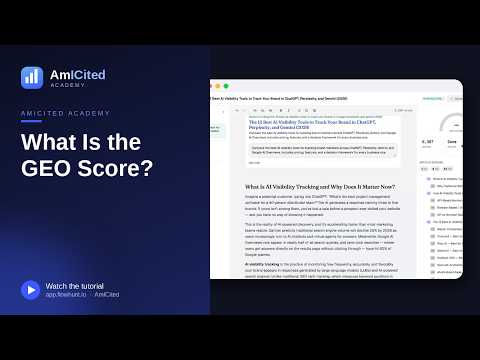
What Is the GEO Score in AmICited?
The GEO Score in AmICited rates how well a generated article is optimized for AI answer engines. Learn what the gauge measures, what pushes it up or down, and how to use it when generating content.
Read guide →
How to Preview Your SEO Meta Description in AmICited
Use the Search appearance panel in the AmICited Article Editor to preview and edit how your article's title and meta description look in search, with a live character counter.
Read guide →
How to Browse Your Articles Library in AmICited
Find, filter and open every GEO-optimized article you've generated in AmICited from the Articles library — with type and tag filters, word counts and update dates.
Read guide →
How to Choose a Language When Generating an Article in AmICited
Set the language your generated article is written in — step 1 of the Generate an article flow in AmICited — so your content matches the market you're targeting.
Read guide →
How to Add Custom Instructions When Generating an Article in AmICited
Use the optional Custom instructions field in AmICited's Generate an article flow to guide the AI agent — tone, style, must-include points — before it writes your draft.
Read guide →
How to Tag an Article When Generating It in AmICited
Assign a workspace tag to an article as you generate it in AmICited, so you can filter and organize your Articles library later.
Read guide →
How to Navigate a Long Article Using the Outline in AmICited
Use the Article Outline in the AmICited editor to jump between headings, see your H1/H2/H3 structure at a glance, and keep long GEO-optimized drafts well organized.
Read guide →
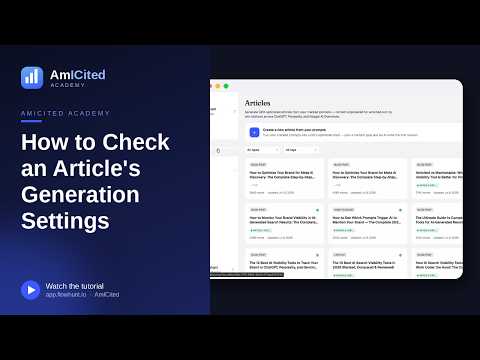
How to Check an Article's Generation Settings in AmICited
Use the Article Setup panel in the AmICited editor to see the prompts, language and content type a draft was generated from — the settings behind every article.
Read guide →
Sources
6 tutorials
How to Read Your Sources Overview Stats in AmICited
Understand the overview stats at the top of the AmICited Sources page — Citations, Domains, URLs cited, Your pages, External and New per week — to see the whole landscape of what AI engines pull from.
Read guide →
How to See Which AI Engine Cites Which Source in AmICited
Read the Cited by provider heatmap on the AmICited Sources page to see how many times each AI engine — Gemini, Perplexity, Google AI Overview and ChatGPT — cited each of your top sources.
Read guide →
How to Drill Down into a Single Source in AmICited
Click any source on the AmICited Sources page to open its drill-down panel — the exact pages and prompts it's cited for, so you can understand why a domain shapes AI answers about you.
Read guide →
How to Track Citations Over Time by Source in AmICited
Use the Citations over time chart on the AmICited Sources page to see how often AI engines pulled from your tracked sources each day, split by provider, top domains or top URLs.
Read guide →
How to Switch Between Domain and URL Views in AmICited
Use the By domain / By URL toggle on the AmICited Sources page to switch between seeing whole domains and individual pages — so you can zoom from 'which sites' to 'which exact pages' get cited.
Read guide →
How to View All Cited Sources in AmICited
Use the All sources master table on the AmICited Sources page to browse every domain cited across all engines, with URLs, citations, share, which engines cite them and recent trend.
Read guide →
Competitors
5 tutorials
How to Read Your Competitors Overview Stats in AmICited
Understand the overview stats at the top of the AmICited Competitors page — Tracked, Detected, Your rank, Your share and Category leader — to see where your brand stands against the field.
Read guide →
How Does AmICited Auto-Detect Competitors?
Learn how AmICited automatically detects competitors — the brands cited alongside you in AI answers — and how to review the Detected competitors list and add the ones that matter to your charts.
Read guide →
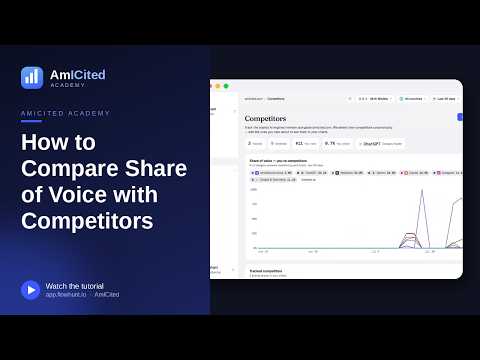
How to Compare Share of Voice with Competitors in AmICited
Use the Share of voice — you vs competitors chart on the AmICited Competitors page to track how the percentage of category answers mentioning each brand changes over time.
Read guide →
How to Manually Add a Competitor in AmICited
Add a competitor by URL in AmICited to track their domain and turn the keywords they rank for into monitored prompts — for rivals AmICited hasn't auto-detected.
Read guide →
How to Manage Your Tracked Competitors List in AmICited
Use the Tracked competitors list on the AmICited Competitors page to see which brands appear in your charts, their share and trend, and keep your competitive set focused.
Read guide →
Audit
8 tutorials
How to Check Your Core Web Vitals in AmICited
Use the Web Vitals audit in AmICited to see your homepage's Core Web Vitals — LCP, INP, CLS, FCP and TTFB — from the Chrome UX Report, benchmarked against your competitors.
Read guide →
How to Check Your Agent Accessibility Score in AmICited
Read the Agent Readiness Summary in AmICited's Agent Accessibility audit — llms.txt, accessibility, crawler access, sitemaps, WebMCP and agentic commerce — to see how ready your site is for AI agents at a glance.
Read guide →
How to Review Your llms.txt File in AmICited
Use the llms.txt review in AmICited's Agent Accessibility audit to fetch and validate your /llms.txt — the file that tells AI agents how to read and cite your site.
Read guide →
How to Check Robots.txt & Sitemap Coverage in AmICited
Use the Robots.txt & Sitemaps check in AmICited's Agent Accessibility audit to confirm AI and search crawlers can read your site and that your sitemaps are declared and complete.
Read guide →
How to Compare Agent Accessibility with Competitors in AmICited
Use the competitor comparison in AmICited's Agent Accessibility audit to see how your llms.txt, accessibility, WebMCP and commerce readiness stack up against your tracked competitors.
Read guide →
How to Check a Page's Accessibility Tree in AmICited
Use the Accessibility Tree checker in AmICited's Agent Accessibility audit to see how readable any page is to AI agents, which navigate by roles, names and structure rather than pixels.
Read guide →
How to Check WebMCP Readiness in AmICited
Use the WebMCP check in AmICited's Agent Accessibility audit to see whether your site exposes callable tools that AI agents can use directly — search, add to cart, book — instead of guessing from the page.
Read guide →
How to Check Agentic Commerce Readiness in AmICited
Use the Agentic Commerce check in AmICited's Agent Accessibility audit to see whether your site advertises a protocol (ACP, UCP) that lets AI agents browse, check out and pay directly.
Read guide →
Ready to put it into practice?
Free check · 14-day trial · no credit card