


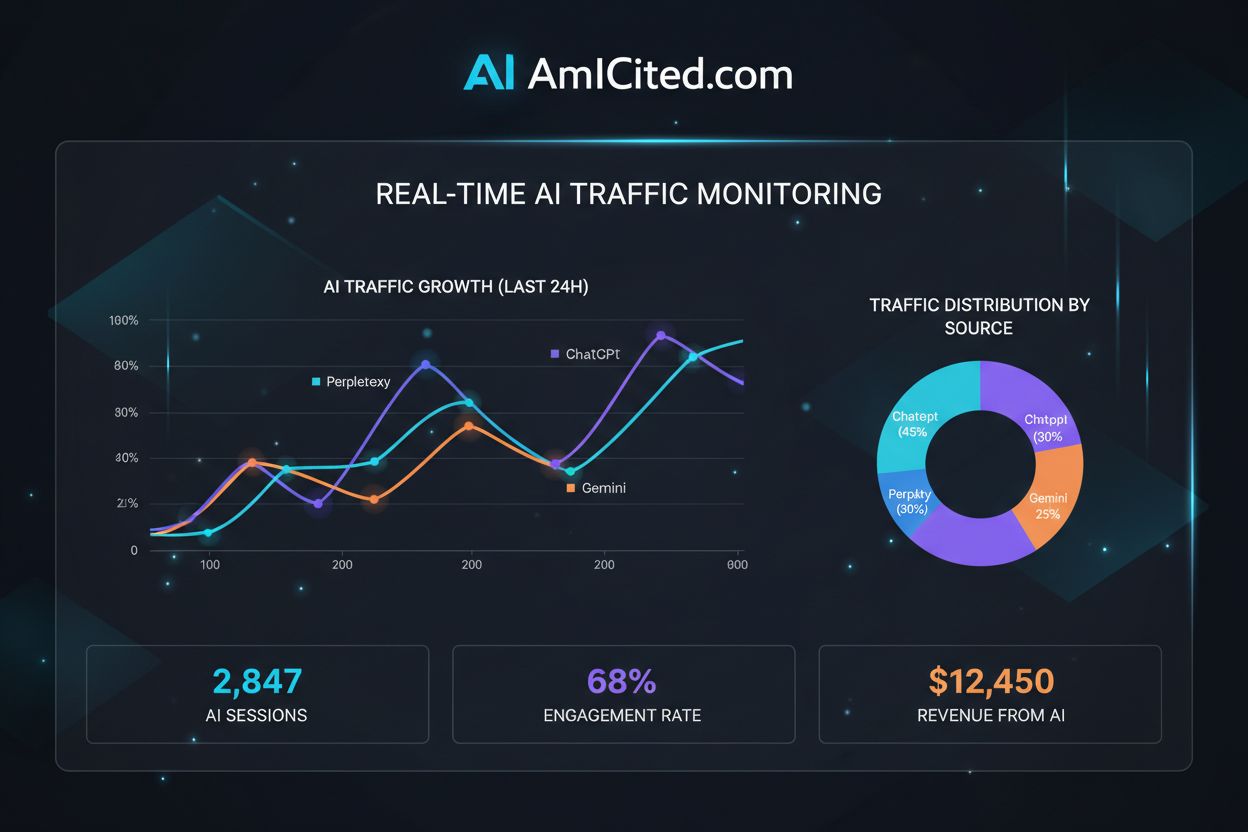
Regex Pattern for AI Traffic: Capturing ChatGPT and Perplexity Referrals
Master regex patterns to track AI traffic from ChatGPT, Perplexity, and other AI platforms in Google Analytics 4. Complete technical guide with step-by-step imp...
8 min read
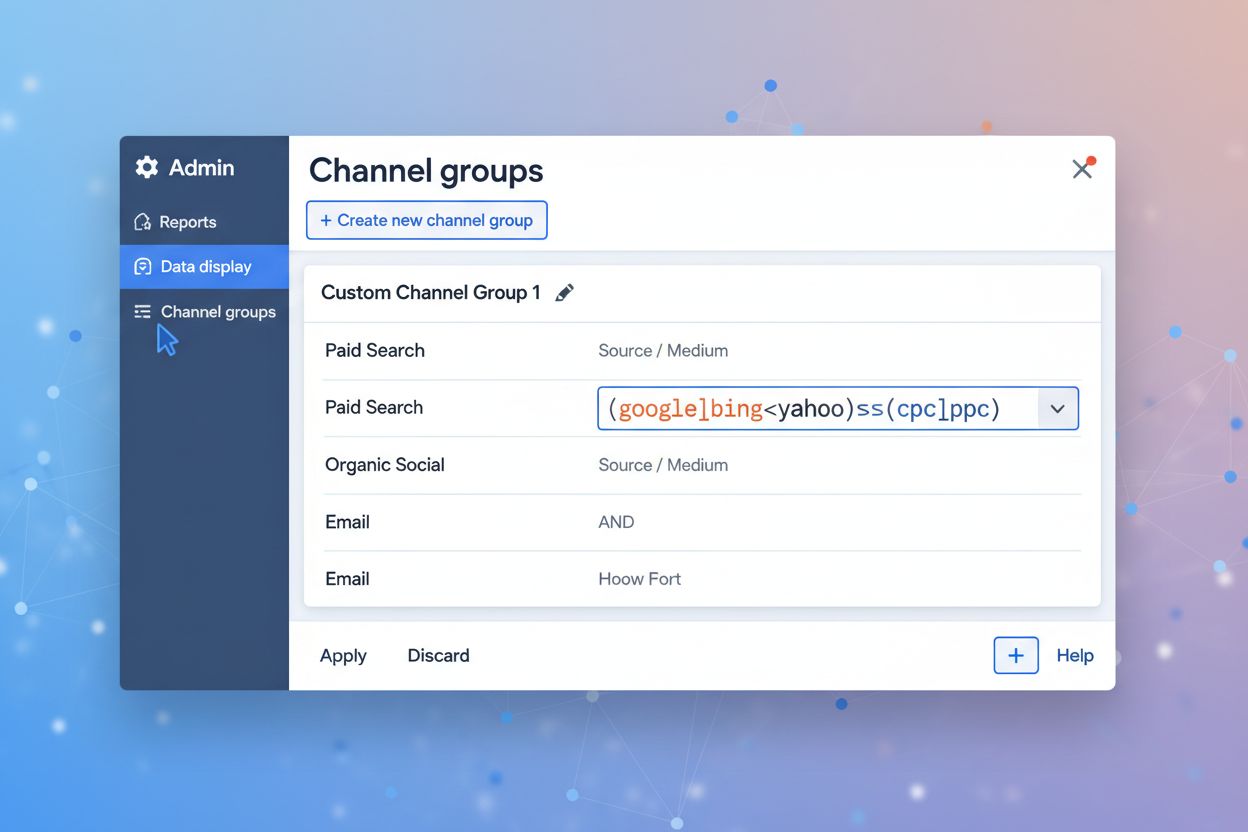
A step-by-step GA4 setup guide for AI referral traffic: manual checks, saved reports, custom channel groups, and the exact regex patterns to configure them.
This guide is a hands-on GA4 walkthrough: the exact menus, filters, and regex you need to stop AI referral traffic from disappearing into your Direct bucket. If you’re looking for the wider picture—server logs, third-party platforms, API-based tracking, and everything else beyond GA4—see our complete technical guide to AI traffic instead. Why AI Traffic Matters for GA4 specifically: it’s the analytics platform most sites already have installed, so it’s the fastest path to visibility once configured correctly. Unlike traditional search engines, AI platforms like ChatGPT, Perplexity, and Gemini generate responses that cite or reference your content without always driving users directly to your site in a way GA4 recognizes—meaning the tool you already rely on is quietly undercounting one of your fastest-growing channels.
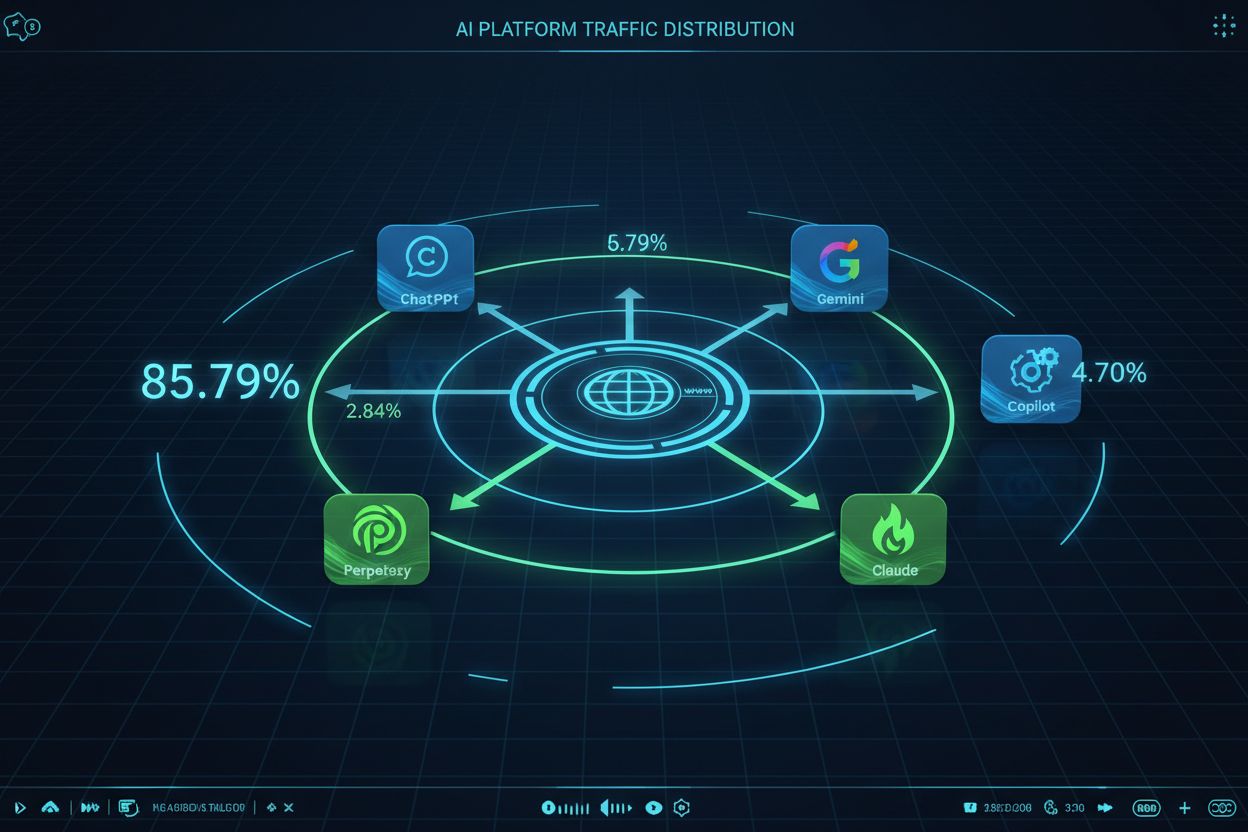
The GA4 Challenge - One of the most frustrating aspects of tracking AI referral traffic in GA4 is that traffic from AI platforms typically appears as “Direct” traffic rather than “Referral” because these platforms don’t pass referrer information in the HTTP headers when users click through to your content. This happens because many AI platforms use internal redirects, proxy servers, or intentionally strip referrer data for privacy reasons, leaving GA4 unable to identify the true source of the traffic. The result is a significant blind spot in your analytics—traffic that should be attributed to AI sources gets lumped into your Direct traffic bucket, making it impossible to understand the true ROI of AI visibility. Here’s the current breakdown of AI platform traffic share:
| AI Platform | Traffic Share |
|---|---|
| ChatGPT | 85.79% |
| Gemini | 4.70% |
| Perplexity | 2.84% |
| Grok | 2.50% |
| Claude | 2.23% |
| Copilot | 1.60% |
| Meta.ai | 0.27% |
| Yiyan | 0.05% |
| DeepSeek | 0.00% |
| Brave | 0.00% |
This distribution shows that ChatGPT dominates AI traffic but the combined traffic from other platforms still represents a meaningful opportunity that most GA4 setups are currently missing entirely.

Track how AI chatbots mention your brand across ChatGPT, Perplexity, and other platforms.
The simplest way to start identifying AI traffic in GA4 is through a quick manual inspection of your traffic sources. Navigate to Reports > Acquisition > Traffic acquisition, then look at the “Session source/medium” dimension for AI platform domains appearing in your data. Look specifically for domains like chatgpt.com, perplexity.ai, edgepilot.com, and copilot.microsoft.com—if they appear, you’ve found AI traffic that GA4 is actually capturing. The main advantage of this method is that it requires no setup and gives you immediate visibility into whether AI traffic is even reaching your site. However, this approach has significant limitations: it’s a one-time snapshot rather than ongoing tracking, it doesn’t provide historical data, and it won’t catch traffic that’s being misattributed as Direct, making it useful only as an initial diagnostic tool.
To move beyond one-time checks and establish persistent monitoring, create a saved report that automatically filters for AI traffic. Start by going to Library > Traffic acquisition > Make a copy of the default Traffic acquisition report, then add a filter to isolate AI sources. In the filter section, select “Session source/medium” and apply a regex pattern that matches all known AI platforms. This lets you save the report and access it repeatedly without recreating the filter each time, and you can set up email alerts to notify you when AI traffic spikes. The main benefit is a dedicated view of AI traffic without cluttering your main dashboard—though you’ll still need to open the report manually rather than having the data integrated into your primary acquisition view.
Get the latest insights on AI mentions, brand monitoring, and optimization strategies.
The most powerful and automated approach to tracking AI traffic is creating a custom channel group in GA4, which permanently categorizes AI traffic as its own channel instead of mixing it with Direct traffic. To set this up, navigate to Admin > Data display > Channel groups > Create new, then add conditions that match AI platform domains using regex patterns. The key advantage of custom channel groups over Method 2 is that they work retroactively—GA4 re-processes your historical data and properly categorizes AI traffic that was previously marked as Direct. Channel groups are also automated and integrated directly into GA4’s reporting interface, so AI traffic automatically appears in your standard acquisition reports, conversion funnels, and user journey analyses without manual intervention. Channel ordering matters here: GA4 evaluates conditions in sequence, so place your AI channel group before the Direct channel to ensure proper attribution. This turns AI traffic from a hidden metric into a first-class citizen in your analytics.
Regex patterns are the backbone of the channel group in Method 3, and understanding how they work is essential for accurate tracking. The comprehensive regex pattern for matching all major AI platforms is: .*chatgpt.com.*|.*perplexity.*|.*edgepilot.*|.*edgeservices.*|.*copilot.microsoft.com.*|.*openai.com.*|.*gemini.google.com.*|.*nimble.ai.*|.*iask.ai.*|.*claude.ai.*|.*aitastic.app.*|.*bnngpt.com.*|.*writesonic.com.*|.*copy.ai.*|.*chat-gpt.org.*|.*grok.x.ai.* — the pipe symbol (|) functions as an OR operator, so GA4 matches traffic from any of these domains. The .* wildcards at the beginning and end of each domain allow the pattern to match variations like subdomains or URL parameters, so you don’t miss traffic from different entry points. When GA4 evaluates this regex pattern against your traffic data, it checks the session source/medium field against each condition in sequence, and if any condition matches, the traffic gets categorized accordingly. Update the pattern as new AI platforms emerge or existing ones change their domain structure.
Before you trust the numbers, confirm the channel group is actually catching traffic. Open Reports > Realtime and generate a test visit from an AI platform link if you can, or check DebugView to see how a session is being classified as it comes in. In the standard acquisition reports, look for your new “AI Platforms” channel appearing as a row alongside Organic Search, Direct, and Referral—if it’s not showing up, double-check the regex syntax and confirm the channel is ordered above Direct in Admin > Channel groups. Because channel groups reprocess retroactively, give it 24-48 hours before drawing conclusions from historical comparisons, since some reports cache aggregated data on that cycle.
Once the “AI Platforms” channel exists, treat it like any other channel in your standard reports. In Reports > Acquisition > Traffic acquisition, filter by the new channel to see overall volume and trend lines. Switch the primary dimension to “Landing page” to identify which content pieces are most frequently entered from AI platforms—these are your most AI-friendly pages, worth studying for what’s working. Add conversions and engagement rate as secondary metrics on the same view to see whether AI-referred sessions are completing your desired actions, and compare those numbers against your Organic Search and Referral channels to decide how much attention this channel deserves. This is the fastest way to turn a correctly configured channel group into an answer to “is AI traffic actually worth optimizing for.”
GA4 tells you how much traffic AI platforms send you, but it can’t tell you how often your brand is mentioned in AI responses before a click happens. That’s a job for dedicated monitoring tools like AmICited.com, which tracks brand mentions and content citations in AI responses and complements GA4’s traffic data with visibility into your AI presence and competitive positioning. Combining GA4’s channel group with AmICited’s citation monitoring gives you the full loop: how often you’re recommended, and how much of that turns into visits.
On the content side, the tactics that earn more AI citations in the first place—Schema Markup, Conversational Query optimization, and Core Web Vitals—are covered in depth as part of the broader optimization strategy in our complete technical guide , which also walks through server-side log analysis, real-time third-party platforms, and API-based tracking for teams that need more than GA4 alone can offer.
Viktor Zeman is a co-owner of QualityUnit. Even after 20 years of leading the company, he remains primarily a software engineer, specializing in AI, programmatic SEO, and backend development. He has contributed to numerous projects, including LiveAgent, PostAffiliatePro, FlowHunt, UrlsLab, and many others.

Track how AI platforms like ChatGPT, Perplexity, and Gemini reference your brand with AmICited's AI answers monitoring platform.
Master regex patterns to track AI traffic from ChatGPT, Perplexity, and other AI platforms in Google Analytics 4. Complete technical guide with step-by-step imp...

Learn how to track AI search traffic in GA4, monitor ChatGPT and Perplexity referrals, and measure AI visibility across platforms. Complete guide to AI traffic ...
Community discussion on tracking AI traffic in Google Analytics 4. Real techniques from analysts and marketers for identifying and measuring traffic from ChatGP...
Cookie Consent
We use cookies to enhance your browsing experience and analyze our traffic. See our privacy policy.