

ChatGPT
ChatGPT is OpenAI's conversational AI assistant powered by GPT models. Learn how it works, its impact on AI monitoring, brand visibility, and why it matters for...
10 min read
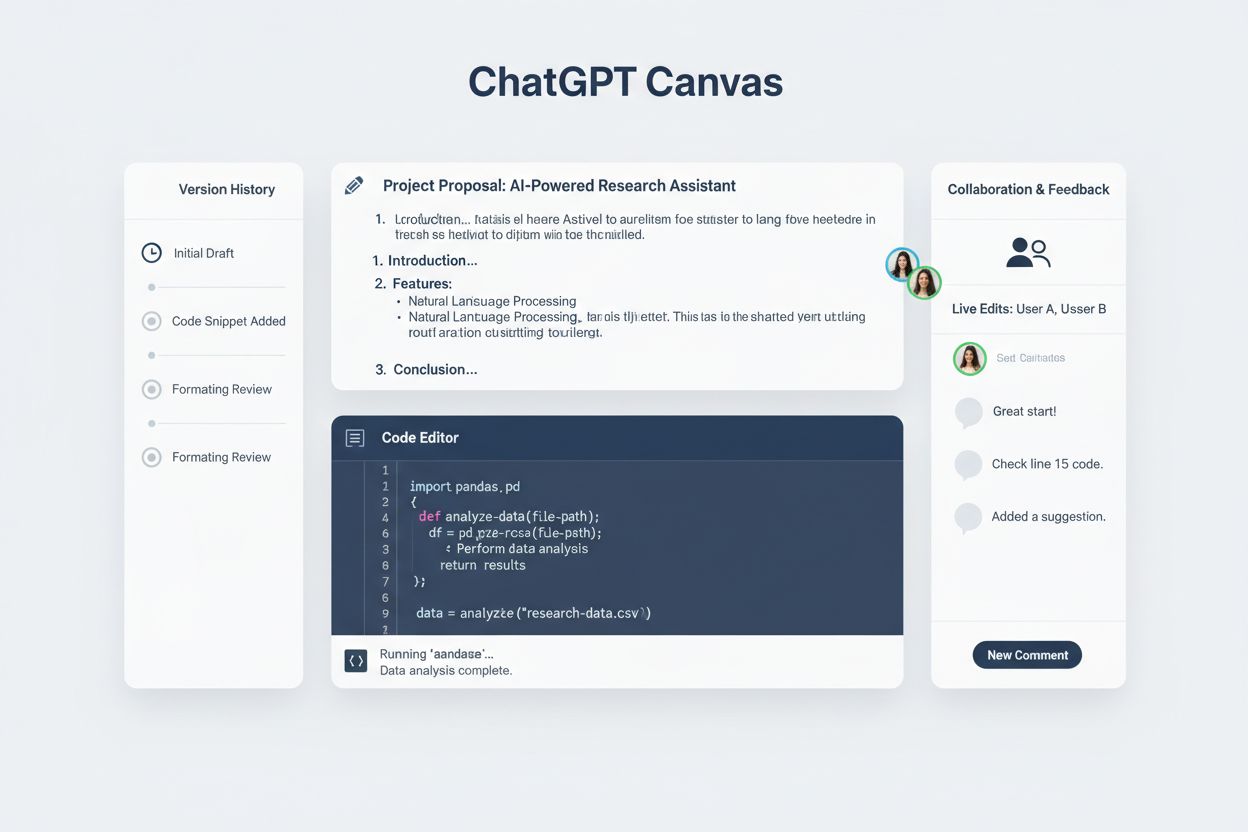
OpenAI’s collaborative workspace feature allowing users to create and edit documents, code, and content alongside ChatGPT conversations. Canvas provides a dedicated interface for writing and coding projects with direct editing capabilities, version control, and AI-powered suggestions for improvements.
OpenAI's collaborative workspace feature allowing users to create and edit documents, code, and content alongside ChatGPT conversations. Canvas provides a dedicated interface for writing and coding projects with direct editing capabilities, version control, and AI-powered suggestions for improvements.
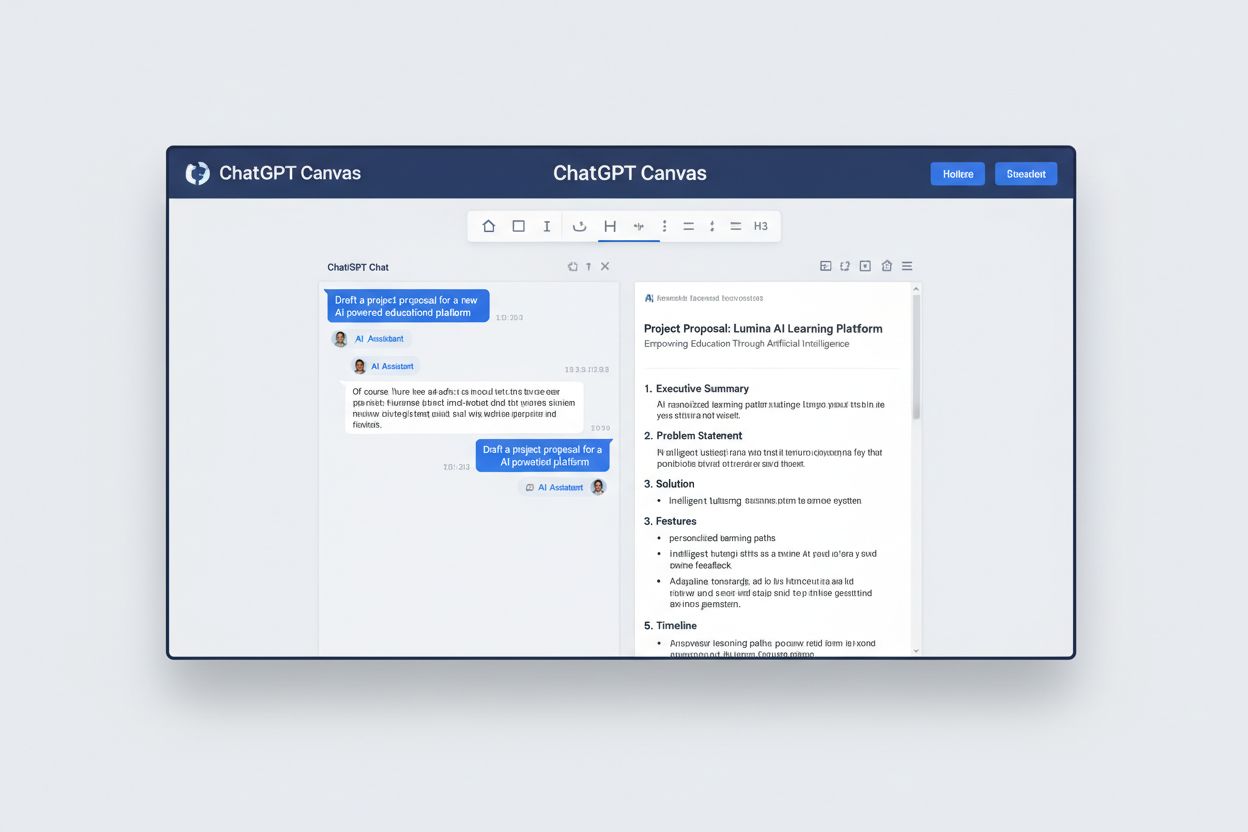
ChatGPT Canvas is OpenAI’s innovative collaborative workspace feature that transforms how users interact with AI-generated content by providing a dedicated interface for creating, editing, and refining documents, code, and written content. Unlike traditional chat conversations where responses appear in a linear message thread, Canvas opens a separate, side-by-side window that displays your work in a distraction-free environment optimized for focused editing and revision. This dedicated workspace allows users to work alongside ChatGPT in real-time, making iterative changes to documents, articles, scripts, and code without cluttering the main conversation thread. Canvas is currently available to users on ChatGPT Plus, Team, and Business plans, providing these premium subscribers with an enhanced collaborative experience that streamlines the content creation and development process. The feature represents a significant shift in how AI assistants facilitate creative and technical work, moving beyond simple text generation to enable genuine collaborative editing and refinement.
| Feature | Canvas | Traditional Chat |
|---|---|---|
| Display Format | Separate side-by-side window with dedicated workspace | Linear message thread in main conversation area |
| Editing Capability | Direct, inline editing with full formatting control | Limited to requesting revisions through prompts |
| Version Control | Full version history with ability to revert changes | No built-in version tracking or rollback features |
| Collaboration | Real-time collaborative editing with comments and feedback | Sequential back-and-forth conversation only |
| Content Focus | Optimized for substantial documents, code, and long-form content | Better suited for quick questions and brief responses |
Canvas fundamentally reimagines the user experience by moving away from the traditional chat paradigm where users request changes and ChatGPT generates new versions. Instead, Canvas provides an editable workspace where you maintain direct control over content while ChatGPT offers inline feedback, suggestions, and enhancements. This distinction is crucial for professionals who need to preserve their work’s integrity while leveraging AI assistance for refinement and improvement. The version control system in Canvas allows users to track changes over time and revert to previous iterations if needed, a feature entirely absent from traditional chat interactions. Enhanced collaboration features enable multiple users to work on the same document simultaneously, with real-time suggestions and comments that facilitate teamwork without disrupting the editing flow.
Canvas includes a comprehensive suite of writing tools designed to enhance content creation and refinement across various document types and purposes:
These features work together to create a dynamic writing environment where users can focus on content creation while ChatGPT provides intelligent assistance throughout the process. The combination of formatting flexibility and AI-powered suggestions makes Canvas particularly valuable for content creators, marketers, educators, and anyone producing written material that requires multiple iterations and refinement cycles.
Canvas extends its capabilities into software development with a robust set of coding features that make it an invaluable tool for programmers and developers of all skill levels. The platform enables direct code editing within the Canvas interface, allowing developers to write, modify, and test code without switching between multiple applications or windows. ChatGPT can perform comprehensive code review functions, analyzing your code for efficiency, security vulnerabilities, and best practices while providing specific recommendations for improvement. The debugging capabilities are particularly powerful, with ChatGPT able to identify errors, trace logical issues, and suggest fixes while explaining the root causes of problems. Canvas supports multiple programming languages including Python, JavaScript, Java, C++, PHP, and TypeScript, making it versatile for diverse development projects and team compositions. Additional technical features include error fixing with detailed explanations, log insertion for debugging purposes, and comment generation that automatically documents code functionality and complex logic. This comprehensive approach to code collaboration transforms Canvas into a pair programming environment where the AI acts as an experienced colleague, reviewing your work, catching mistakes, and suggesting optimizations in real-time.
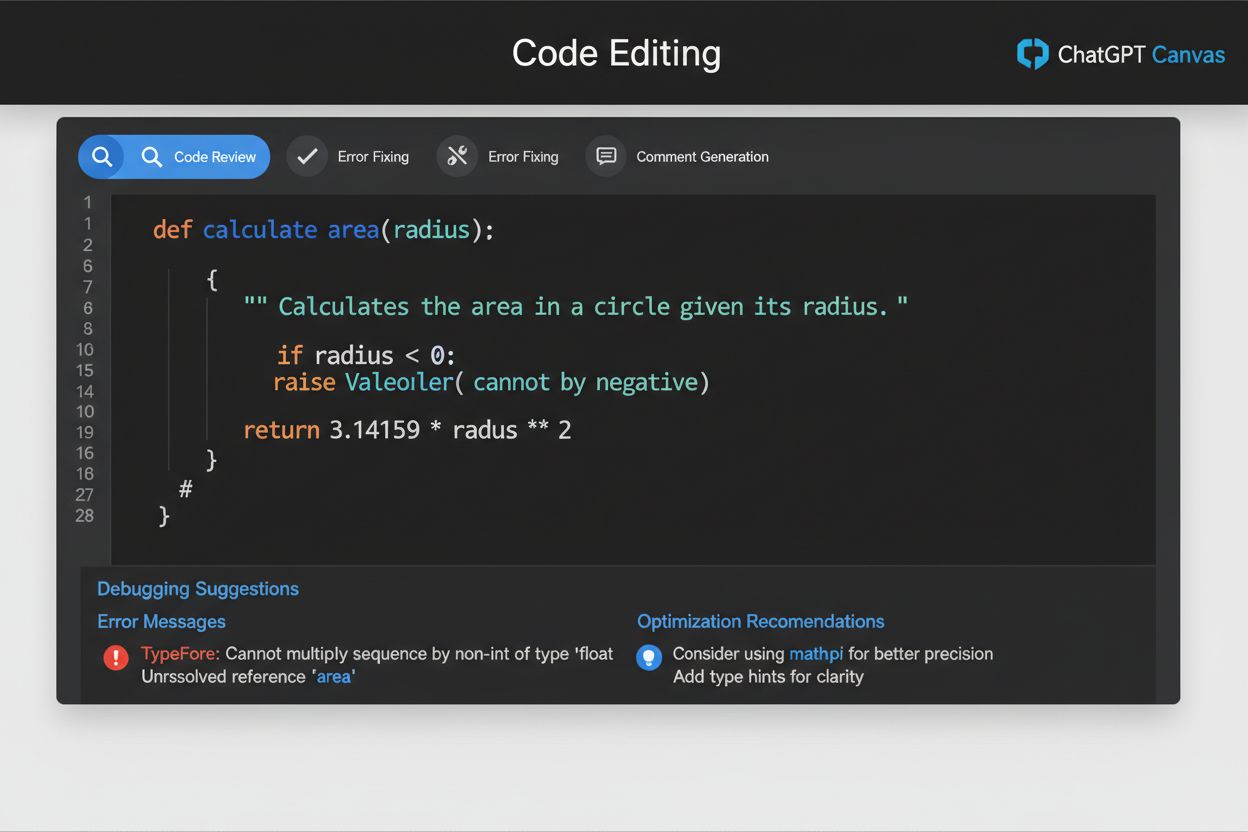
Canvas incorporates sophisticated version control mechanisms that allow users to maintain a complete history of their work and easily navigate between different iterations of documents or code. The version history feature tracks every significant change made within Canvas, creating a timeline of your project’s evolution that can be reviewed at any point. Users can revert to previous versions with a single action, providing a safety net for experimentation and allowing teams to recover earlier iterations if a new direction proves unsuccessful. Collaborative editing capabilities enable multiple team members to work on the same Canvas document simultaneously, with real-time synchronization ensuring everyone sees the latest changes instantly. The comments and feedback system allows collaborators to leave contextual notes, suggestions, and questions directly within the document, creating a transparent discussion thread tied to specific content sections. Real-time suggestions from ChatGPT adapt as multiple users contribute, with the AI providing increasingly refined recommendations based on the collective direction of the team’s work. This emphasis on iteration and teamwork transforms Canvas from a simple content generation tool into a collaborative workspace that mirrors professional development and writing environments while adding AI-powered intelligence to every stage of the process.
While both ChatGPT Canvas and Claude Artifacts (Anthropic’s comparable feature) serve similar purposes in providing dedicated workspaces for content creation, they differ in important ways that affect user experience and capability. Canvas distinguishes itself through direct editing in a sidebar interface that maintains constant visibility of both the conversation and the work product, whereas Claude Artifacts generate content in a separate modal window that requires toggling between views. The artifact generation approach differs significantly, with Canvas intelligently determining when to open a workspace based on content type and length, while Claude Artifacts require more explicit user direction to activate. Canvas benefits from GPT-4o integration, which provides superior language understanding, code analysis, and contextual awareness compared to earlier model versions, resulting in more accurate suggestions and more sophisticated collaborative capabilities. Canvas demonstrates superior context understanding by maintaining awareness of the entire conversation history and using that context to provide more relevant suggestions and edits that align with the user’s original intent and project goals. The sidebar positioning in Canvas creates a more seamless workflow where users can reference their conversation while editing, whereas Claude’s modal approach creates more separation between discussion and creation. For users prioritizing integrated collaboration and real-time AI feedback within a unified interface, Canvas offers a more cohesive experience that reduces context-switching and maintains focus on the creative or development task at hand.
Canvas addresses a diverse range of real-world scenarios where users benefit from collaborative AI assistance combined with direct editing control. Content creators and writers use Canvas to draft blog posts, articles, and marketing copy, leveraging ChatGPT’s suggestions for tone, structure, and clarity while maintaining editorial control over the final product. Software developers employ Canvas for code development and debugging, writing functions and scripts while receiving real-time code review and optimization suggestions that accelerate development cycles. Educational content creators utilize Canvas to develop course materials, lesson plans, and instructional documents that require careful structuring and accessibility considerations. Technical documentation teams benefit from Canvas’s ability to maintain version history and enable collaborative editing, allowing multiple team members to contribute to complex documentation projects while preserving consistency and accuracy. Business professionals use Canvas for document editing and proposal development, creating polished presentations and reports with AI assistance for grammar, clarity, and professional tone. Researchers and academics leverage Canvas for collaborative writing projects, enabling multiple authors to work on papers and publications simultaneously while maintaining version control and receiving feedback on argumentation and clarity. The versatility of Canvas makes it applicable across virtually any domain requiring written or coded content creation, from creative writing to enterprise software development, making it a genuinely transformative tool for knowledge workers across industries.
ChatGPT Canvas is currently available in beta status to users subscribed to ChatGPT Plus, Team, and Business plans, representing OpenAI’s commitment to providing advanced collaborative features to its premium user base. Access to Canvas is straightforward for eligible users—the feature automatically appears when ChatGPT determines that content would benefit from a dedicated workspace, or users can manually request Canvas activation for specific tasks. OpenAI has announced plans to expand Canvas access to free plan users in the future, democratizing this powerful collaborative tool and making it available to a broader audience of AI users. The gradual rollout approach allows OpenAI to gather user feedback, optimize performance, and ensure the feature meets quality standards before full-scale deployment across all user tiers. Current Canvas availability focuses on ensuring stability and optimal performance for paying subscribers while the company works toward broader accessibility. Users interested in accessing Canvas should verify their subscription tier and ensure they’re using the latest version of ChatGPT, as the feature continues to receive updates and improvements. As Canvas matures and becomes more widely available, it is expected to become a standard feature across ChatGPT’s platform, fundamentally changing how users approach collaborative content creation and development tasks with AI assistance.
Canvas provides a dedicated, side-by-side workspace for editing documents and code, while regular ChatGPT chat displays responses in a linear message thread. Canvas allows direct editing, version control, and collaborative features that aren't available in standard chat, making it ideal for projects requiring multiple iterations and refinements.
Yes, Canvas is designed to support both writing and coding projects. For writing, it offers formatting tools, reading level adjustments, and length modifications. For coding, it provides code review, debugging, language translation, and error fixing capabilities, making it versatile for diverse creative and technical work.
Canvas is available to ChatGPT Plus, Team, and Business plan subscribers. The feature automatically appears when ChatGPT detects that content would benefit from a dedicated workspace, or you can manually request Canvas activation for specific tasks. Free plan access is expected to become available in the future.
Currently, Canvas is only available to paid ChatGPT subscribers (Plus, Team, and Business plans). OpenAI has announced plans to expand Canvas access to free plan users in the future, though no specific timeline has been provided for this rollout.
Canvas maintains a complete version history of your work, allowing you to save and revert to previous iterations. While Canvas is primarily designed for collaborative editing within ChatGPT conversations, you can export your work and share it through standard document sharing methods.
Canvas supports multiple programming languages including Python, JavaScript, Java, C++, PHP, and TypeScript. The feature can translate code between these languages, making it versatile for developers working with different technology stacks and team compositions.
Canvas automatically tracks all changes made to your documents and code, creating a complete version history. You can easily revert to previous versions with a single action, providing a safety net for experimentation and allowing teams to recover earlier iterations if needed.
Yes, Canvas supports real-time collaborative editing where multiple team members can work on the same document or code simultaneously. The feature includes comments and feedback systems that allow collaborators to leave contextual notes and suggestions directly within the workspace.
Track mentions of your brand across ChatGPT, Perplexity, Google AI Overviews, and other AI platforms. Understand how AI systems cite and reference your content.
ChatGPT is OpenAI's conversational AI assistant powered by GPT models. Learn how it works, its impact on AI monitoring, brand visibility, and why it matters for...
Discover the key differences between ChatGPT and ChatGPT Search. Learn about real-time web browsing, knowledge cutoffs, accuracy, and when to use each version f...
Learn about ChatGPT Memory, OpenAI's feature for retaining user preferences and context across conversations. Understand how it works, its benefits, limitations...
Cookie Consent
We use cookies to enhance your browsing experience and analyze our traffic. See our privacy policy.