
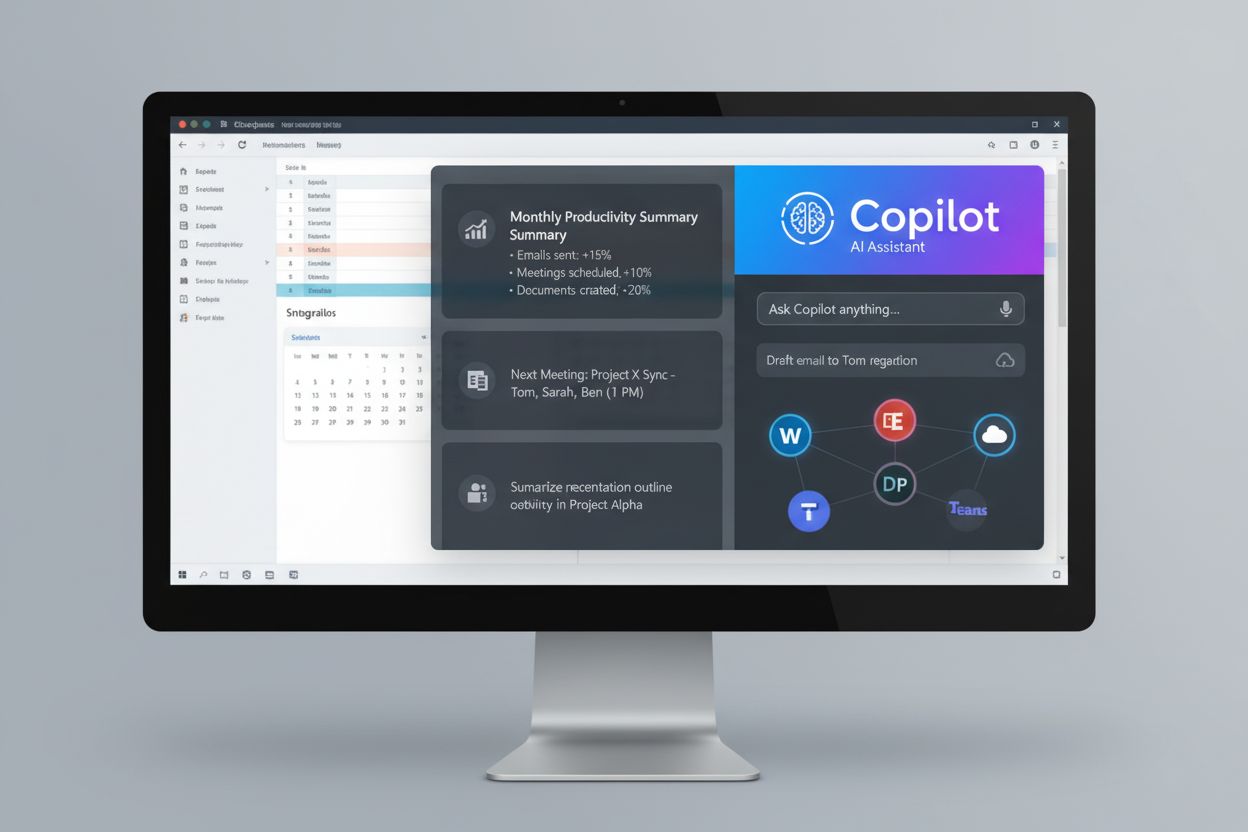
Microsoft Copilot
Learn what Microsoft Copilot is, how it integrates across Microsoft 365 products, and its role in AI-powered workplace productivity and enterprise adoption.
10 min read
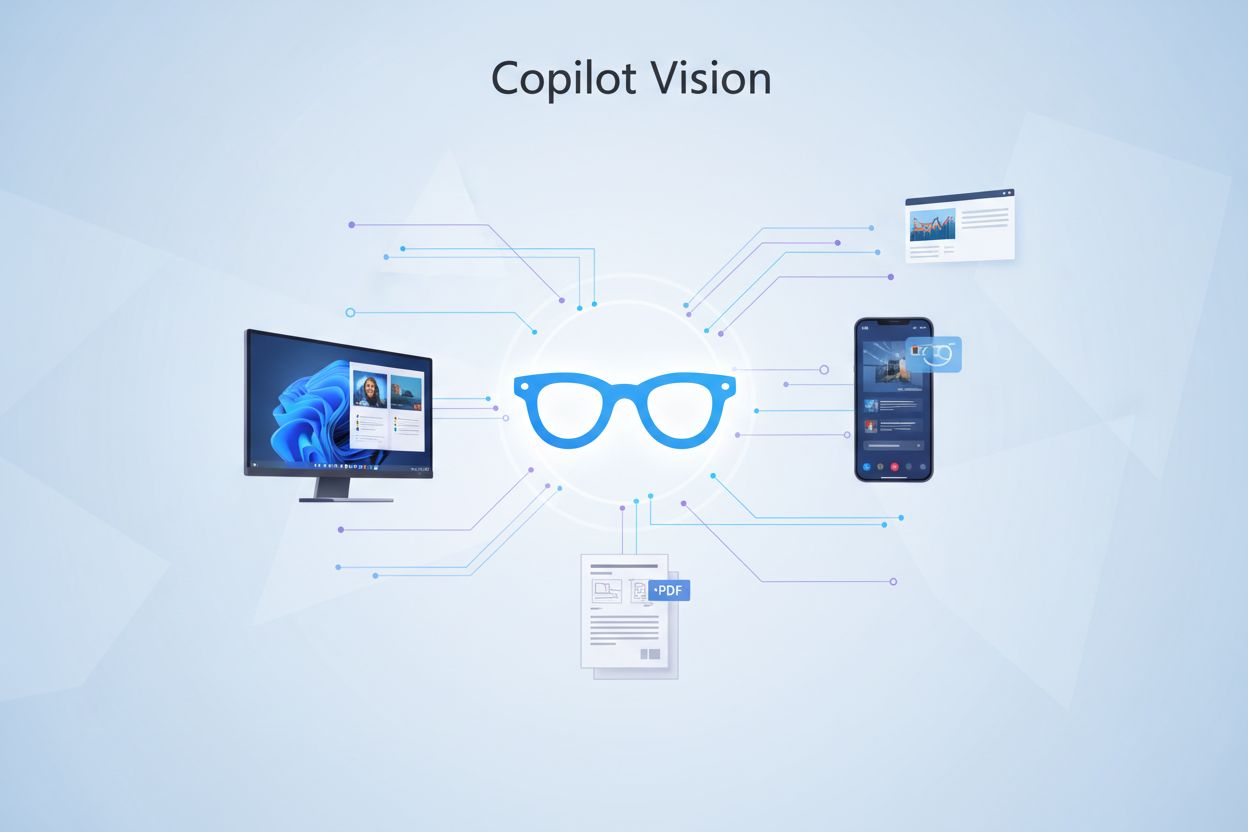
Microsoft’s multimodal AI capability that enables Copilot to analyze and understand images, screenshots, and visual content in real-time. It leverages computer vision and natural language processing to provide visual analysis, answer questions about visual content, and offer step-by-step guidance without taking direct actions on user devices. The feature works across Windows, Microsoft Edge, and mobile platforms with privacy-first data handling that automatically deletes visual inputs after each session.
Microsoft's multimodal AI capability that enables Copilot to analyze and understand images, screenshots, and visual content in real-time. It leverages computer vision and natural language processing to provide visual analysis, answer questions about visual content, and offer step-by-step guidance without taking direct actions on user devices. The feature works across Windows, Microsoft Edge, and mobile platforms with privacy-first data handling that automatically deletes visual inputs after each session.
Copilot Vision is Microsoft’s advanced multimodal AI capability that enables real-time visual analysis and understanding of images, screenshots, and video content directly within the Copilot interface. This cutting-edge feature leverages sophisticated computer vision algorithms to identify objects, read text, analyze layouts, and extract meaningful information from visual inputs with remarkable accuracy. By integrating vision capabilities into Copilot, Microsoft has created a more comprehensive AI assistant that can process both textual and visual information simultaneously, providing users with deeper insights and more contextual responses. Copilot Vision represents a significant step forward in making AI assistants more intuitive and capable of understanding the world the way humans do—through sight and comprehension.
Copilot Vision operates through a sophisticated pipeline that captures visual input, processes it through advanced neural networks, and generates intelligent responses based on what it observes. When you share an image or screenshot with Copilot, the system analyzes multiple aspects of the visual content in real-time, including object recognition, text extraction (OCR), spatial relationships, and contextual understanding. The AI then synthesizes this visual information with its language understanding capabilities to provide comprehensive answers, explanations, or assistance tailored to what you’re showing it.
| Input Type | What Copilot Analyzes | Use Case |
|---|---|---|
| Screenshots | UI elements, text, layout, application windows | Troubleshooting software issues, understanding interfaces |
| Photographs | Objects, scenes, text, composition | Identifying items, reading signs, analyzing images |
| Documents | Text content, formatting, structure, tables | Extracting information, summarizing documents |
| Diagrams | Relationships, flow, connections, labels | Understanding technical diagrams, flowcharts |
| Charts & Graphs | Data visualization, trends, values, patterns | Interpreting data, analyzing statistics |
The entire process happens securely within your current session, with no permanent storage of the visual data on Microsoft’s servers.
Copilot Vision delivers a comprehensive suite of visual analysis features that transform how users interact with visual content and information. The system excels at understanding complex visual scenarios and providing detailed, contextual responses that go far beyond simple image recognition. Whether you’re analyzing professional documents, troubleshooting technical issues, or seeking information about visual content, Copilot Vision adapts to your needs with remarkable versatility and accuracy.
Copilot Vision is seamlessly integrated across Microsoft’s ecosystem of products and platforms, ensuring users can access visual analysis capabilities wherever they work. The feature is available in Microsoft Edge, where users can upload images or take screenshots directly within the chat interface, making it convenient for web-based workflows. Windows users can leverage Copilot Vision through the Copilot application and integrated Windows features, while mobile users can access the functionality through the Copilot mobile app on iOS and Android devices. This cross-platform availability ensures that whether you’re at your desktop, using a tablet, or working on your smartphone, you have access to powerful visual analysis capabilities whenever you need them.
Microsoft has implemented robust privacy protections for Copilot Vision to ensure that your visual data remains secure and under your control. Images and screenshots shared with Copilot Vision are processed in real-time during your current session but are not permanently stored on Microsoft’s servers, meaning your visual data doesn’t persist after your session ends. The system operates on a session-based model where visual inputs are automatically deleted once your conversation concludes, providing peace of mind that sensitive information in screenshots or images won’t be retained indefinitely. Users maintain full control over what they share with Copilot Vision, and the feature respects privacy settings and organizational policies in enterprise environments. For users concerned about data handling, Microsoft provides transparent documentation about how visual data is processed, encrypted in transit, and protected from unauthorized access.

Copilot Vision unlocks numerous practical applications that enhance productivity, learning, and problem-solving across professional and personal contexts. Students and educators can use Copilot Vision to analyze diagrams, charts, and complex visual materials, receiving detailed explanations that deepen understanding of challenging concepts. Professionals can troubleshoot technical issues by sharing error messages and system screenshots, receiving targeted solutions without needing to manually describe the problem. Content creators can analyze competitor content, extract design inspiration, and understand visual trends by having Copilot Vision break down complex visual compositions and layouts. Business users can process invoices, receipts, and financial documents, extracting key information for data entry and analysis. Researchers can analyze scientific diagrams, charts, and visual data, accelerating the process of extracting insights from published materials. The versatility of Copilot Vision makes it an invaluable tool for anyone who regularly works with visual information and seeks faster, more intelligent analysis.
Copilot Vision distinguishes itself from competing vision AI tools through its deep integration with Microsoft’s ecosystem and its focus on productivity-oriented applications. While Google Lens excels at quick visual searches and product identification, Copilot Vision provides more comprehensive analysis and contextual understanding, particularly for document analysis and technical troubleshooting. Apple’s Vision features are tightly integrated into iOS and macOS but lack the conversational AI depth that Copilot Vision offers through its advanced language model integration. Unlike standalone vision tools, Copilot Vision benefits from being part of a larger AI assistant, allowing it to combine visual analysis with reasoning, explanation, and multi-step problem-solving. The cross-platform availability of Copilot Vision across Windows, Edge, and mobile devices gives it an advantage in accessibility compared to platform-specific competitors. For users already invested in the Microsoft ecosystem, Copilot Vision offers superior integration and a more seamless experience than third-party alternatives.
Accessing Copilot Vision is straightforward and requires no special setup or configuration beyond having access to Copilot through your preferred platform. To use Copilot Vision in Microsoft Edge, simply open Copilot in the sidebar, click the image or attachment icon in the chat input area, and select an image from your device or take a screenshot directly. For Windows users, the Copilot application provides similar functionality with an intuitive interface for uploading images and initiating visual analysis conversations. Mobile users can access Copilot Vision through the official Copilot app by tapping the attachment button and selecting or capturing an image to analyze. Once you’ve shared an image, simply ask Copilot questions about what you’re seeing, request analysis, or ask for specific information extraction—the AI will process the visual content and provide detailed, contextual responses tailored to your needs.
While Copilot Vision is a powerful tool, users should be aware of certain limitations that affect its capabilities and appropriate use cases. The system cannot perform direct actions on your computer or modify files based on visual analysis—it can only analyze and provide information, meaning you’ll need to manually implement any suggested solutions or changes. Copilot Vision respects digital rights management (DRM) protections and cannot analyze content that is encrypted or protected by copyright restrictions, limiting its use with certain types of media. The accuracy of visual analysis can vary depending on image quality, resolution, and complexity, with poor-quality images potentially yielding less reliable results. Additionally, Copilot Vision may struggle with highly specialized or niche visual content that falls outside its training data, and users should verify critical information extracted from visual analysis rather than relying on it as the sole source of truth.
Copilot Vision is positioned to evolve significantly as Microsoft continues to invest in computer vision and multimodal AI capabilities, promising even more sophisticated visual understanding in future iterations. Emerging capabilities under development include real-time video analysis, enhanced spatial reasoning for 3D content, and improved specialized domain recognition for medical, scientific, and technical imagery. Enterprise applications are expanding, with organizations exploring Copilot Vision for document processing automation, quality control in manufacturing, and advanced data extraction workflows that could dramatically improve operational efficiency. As the technology matures, Copilot Vision is expected to become an increasingly indispensable tool for knowledge workers, students, and professionals who rely on visual information analysis as part of their daily workflows.
Regular Copilot is a text-based AI assistant that processes written prompts and generates text responses. Copilot Vision extends this capability by adding visual analysis, allowing the AI to understand and analyze images, screenshots, and video content. This multimodal approach enables Copilot to provide more comprehensive assistance when visual information is involved, such as troubleshooting software issues or analyzing documents.
Copilot Vision is primarily available for personal users. Commercial users signed into Copilot or Edge with an Entra ID account (enterprise accounts) cannot access Copilot Vision. However, Microsoft 365 Personal, Family, and Premium subscribers get extended usage limits for Vision, making it more accessible for power users.
Copilot Vision operates on a privacy-first model where images and screenshots are processed in real-time during your session but are not permanently stored on Microsoft's servers. Visual data is automatically deleted once your conversation ends, and no images are retained for model training. Only Copilot's responses are logged for safety monitoring, while user inputs and visual content are not stored.
No, Copilot Vision is read-only and cannot perform direct actions on your computer. It can analyze what it sees, provide explanations, and offer step-by-step guidance with on-screen highlighting, but it cannot click buttons, enter text, scroll, or modify files. You must manually implement any suggested solutions or changes.
Copilot Vision can analyze screenshots, photographs, documents, PDFs, diagrams, charts, graphs, and other visual content. It can extract text (OCR), identify objects and scenes, analyze layouts, and understand spatial relationships. However, it cannot analyze DRM-protected content, encrypted files, or content flagged as harmful or adult-oriented.
No, Copilot Vision is available for free to users with a personal Microsoft account. However, Microsoft 365 Personal, Family, and Premium subscribers receive extended usage limits and priority access to Vision features, making it more suitable for heavy users who need higher daily usage quotas.
Copilot Vision offers deeper integration with a conversational AI assistant, providing contextual analysis and multi-step problem-solving beyond simple image recognition. While Google Lens excels at quick visual searches and Apple Vision is tightly integrated into iOS/macOS, Copilot Vision combines visual analysis with advanced reasoning and explanation capabilities, particularly for document analysis and technical troubleshooting.
Yes, Copilot Vision is available on both iOS and Android through the official Copilot mobile app. You can use your device's camera to capture images or screenshots for analysis. The feature works the same way as on desktop, allowing you to ask questions about what the camera sees and receive real-time visual analysis and guidance.
AmICited tracks how AI systems like Copilot Vision reference and cite your brand across AI platforms, search engines, and AI overviews. Stay informed about your AI visibility and brand mentions.
Learn what Microsoft Copilot is, how it integrates across Microsoft 365 products, and its role in AI-powered workplace productivity and enterprise adoption.
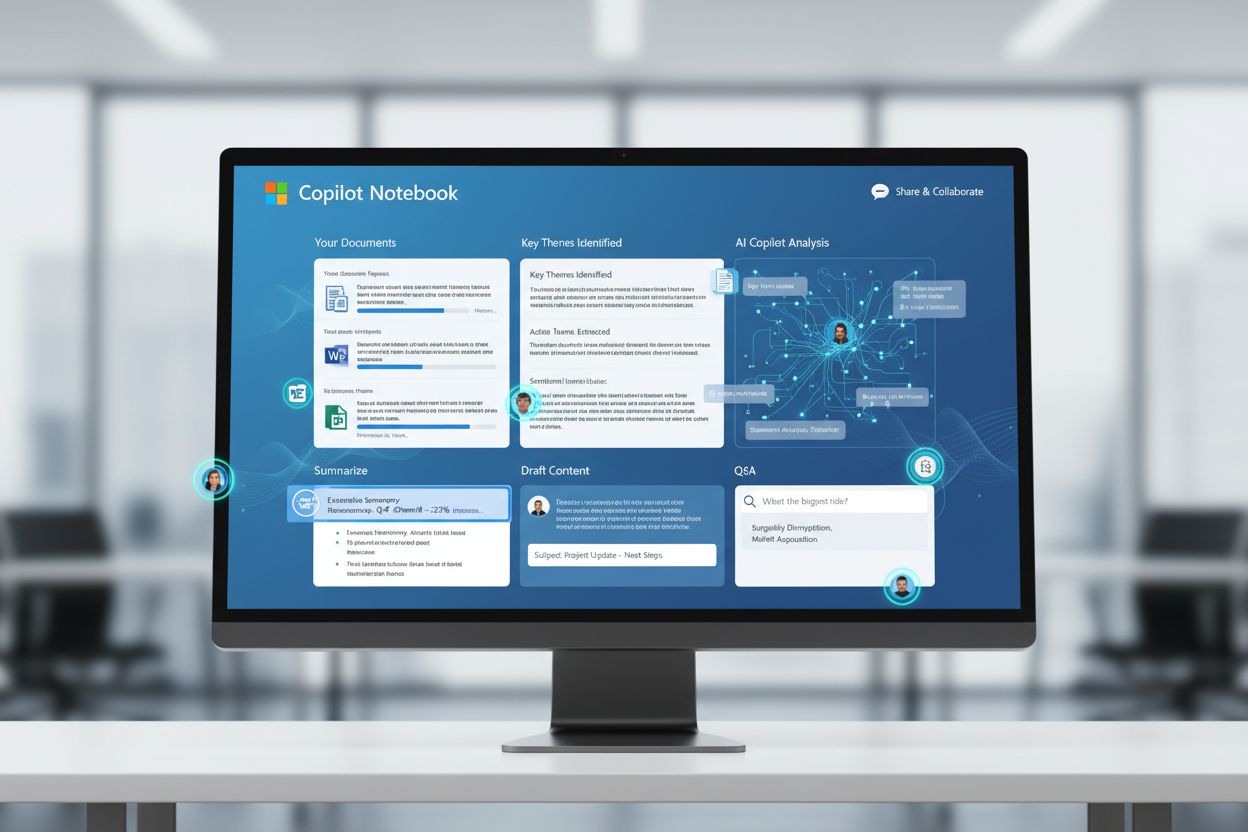
Learn about Microsoft Copilot Notebook, an AI-powered workspace for drafting, editing, and refining complex documents with scoped grounding and real-time collab...

Learn how to optimize your brand for Microsoft Copilot. Discover technical SEO strategies, content structure, schema markup, and best practices to improve visib...
Cookie Consent
We use cookies to enhance your browsing experience and analyze our traffic. See our privacy policy.