
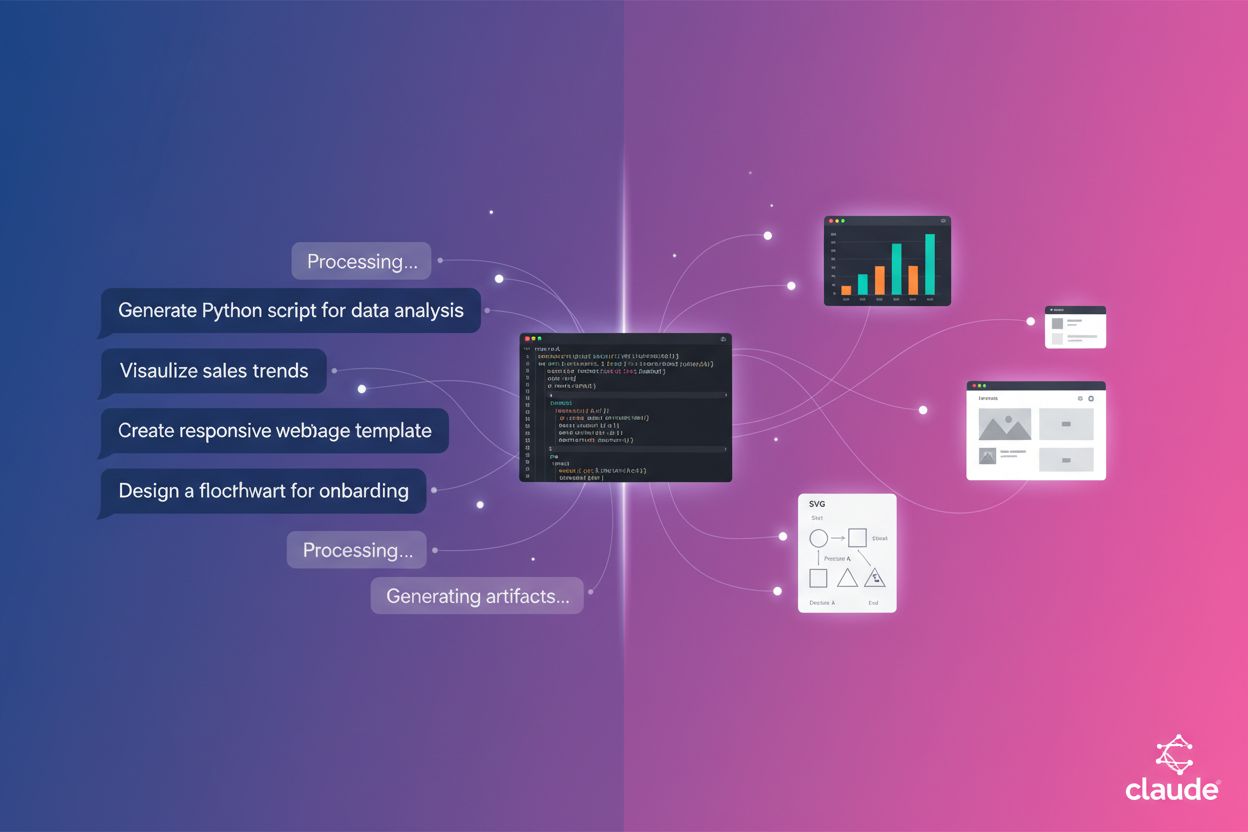
Claude Artifacts
Learn what Claude Artifacts are, how they work, and how to use them for code generation, document creation, data visualization, and building interactive applica...
8 min read
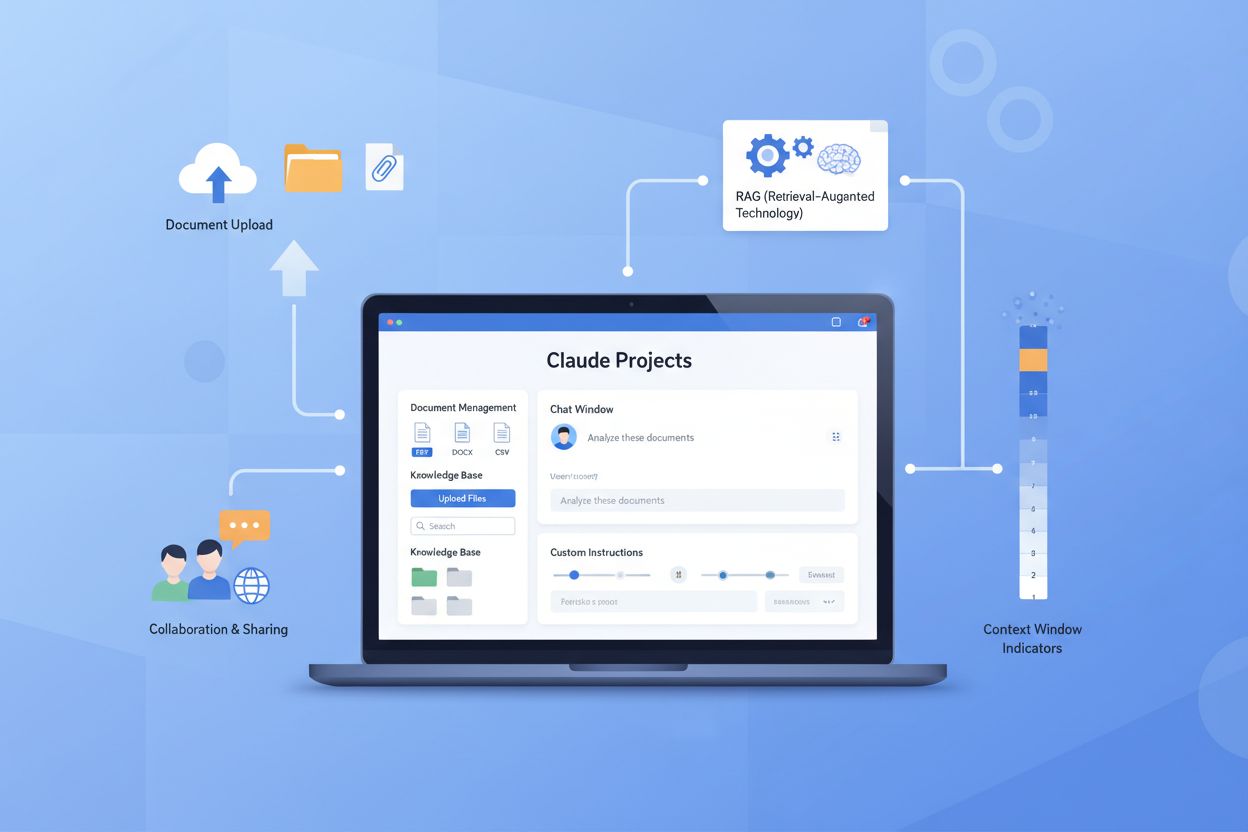
Claude Projects are self-contained workspaces created by Anthropic that allow users to upload documents and create persistent knowledge bases for specialized AI interactions. These dedicated environments enable users to maintain context across multiple conversations, customize Claude’s behavior with project instructions, and collaborate with team members. Available to both free and paid users, Claude Projects transform Claude from a stateless chatbot into a contextually-aware assistant tailored to specific needs and proprietary knowledge.
Claude Projects are self-contained workspaces created by Anthropic that allow users to upload documents and create persistent knowledge bases for specialized AI interactions. These dedicated environments enable users to maintain context across multiple conversations, customize Claude's behavior with project instructions, and collaborate with team members. Available to both free and paid users, Claude Projects transform Claude from a stateless chatbot into a contextually-aware assistant tailored to specific needs and proprietary knowledge.
Claude Projects are self-contained workspaces designed to organize and manage specialized AI interactions with persistent knowledge bases. These dedicated environments allow users to upload documents, text, code, and images, creating a customized context for their conversations with Claude. By maintaining a persistent knowledge base within each project, users can reference uploaded materials across multiple conversations without needing to re-upload files each time. Claude Projects are available to both free and paid users, with free users able to create up to 5 projects, making this feature accessible to a wide range of users regardless of their subscription level.

Claude Projects offer a comprehensive suite of features that significantly enhance the AI interaction experience compared to regular chat. Users can upload various file types including documents, code, and images, which Claude can reference and analyze throughout the project. Project instructions enable users to customize Claude’s behavior and responses to align with specific workflows or requirements. The context window remains persistent across all chats within a project, allowing Claude to maintain continuity and reference previous conversations seamlessly. For paid plan subscribers (Pro, Max, Team, and Enterprise), Retrieval-Augmented Generation (RAG) support is available, which can expand the effective capacity by up to 10x, enabling Claude to work with significantly larger document collections. Additionally, Team and Enterprise plans include collaboration features, allowing multiple users to work together within the same project.
| Feature | Claude Projects | Regular Chat |
|---|---|---|
| Document Upload | ✓ | ✗ |
| Context Window | Persistent across chats | Single conversation only |
| Memory Retention | Maintained within project | Lost after conversation ends |
| Custom Instructions | ✓ | ✗ |
| RAG Support | ✓ (Paid plans) | ✗ |
| Collaboration | ✓ (Team/Enterprise) | ✗ |
The structured approach of Claude Projects provides substantial advantages for users managing complex workflows, research tasks, or collaborative efforts. By consolidating documents, instructions, and conversation history in one place, projects eliminate the friction of context-switching and file management. The RAG capability on paid plans particularly benefits users working with extensive document libraries, as it allows Claude to efficiently search and synthesize information from large collections without overwhelming the context window.
Claude Projects operate through a straightforward workflow that enables users to organize information and interact with Claude in a structured manner. Rather than starting fresh with each conversation, users can build a persistent knowledge base within a project that Claude references throughout all interactions. This approach transforms Claude from a stateless chatbot into a contextually-aware assistant that understands your specific needs, documents, and requirements.
The process of setting up and using a Claude Project follows these essential steps:
For example, a marketing team might create a project called “Q4 Campaign,” upload brand guidelines, previous campaign performance data, and target audience research, then set instructions specifying tone and messaging preferences. When team members chat within this project, Claude consistently applies these guidelines and references the data, ensuring all campaign materials maintain brand consistency and align with strategic objectives.
Claude Projects unlock diverse applications across industries and disciplines, enabling organizations and individuals to leverage AI more effectively for their specific contexts. From research teams analyzing complex datasets to legal departments managing compliance documentation, Claude Projects adapt to virtually any workflow that benefits from organized information and consistent AI assistance. The flexibility of the platform makes it valuable for both individual contributors and large teams seeking to standardize processes and preserve institutional knowledge.
Claude Projects excel in numerous practical scenarios:
The versatility of Claude Projects makes them invaluable for any workflow requiring consistent context and organized information. By centralizing relevant documents and instructions, organizations can ensure that Claude provides more accurate, relevant, and aligned assistance across all interactions. This capability transforms how teams collaborate, make decisions, and maintain consistency in their work.
The Free plan allows users to create up to 5 projects with access to basic features, though Retrieval-Augmented Generation (RAG) is not included. The Pro plan costs $20 per month and includes RAG capabilities, enabling users to upload and reference documents within their projects for more contextual and accurate responses. The Max plan, priced at $200 per month, also includes full RAG functionality along with higher usage limits for power users. Team and Enterprise plans offer custom pricing tailored to organizational needs, with both RAG and advanced collaboration features included. RAG (Retrieval-Augmented Generation) is a technology that allows AI systems to reference specific documents and knowledge bases you provide, resulting in more accurate, cited responses grounded in your actual content. Free users still get full access to Claude Projects’ core features like persistent context, file uploads, and project organization, making it accessible for individuals exploring the platform.
Claude Projects competes with several other knowledge management and AI tools in the market. NotebookLM, Google’s free alternative, offers unique features like podcast generation and the ability to add webpages and YouTube videos as sources, but its explanations tend to be less detailed and comprehensive than Claude Projects.
ChatGPT Projects provides a similar concept with OpenAI’s GPT models, offering comparable functionality but with a different underlying AI system.

Beyond these direct competitors, various knowledge management tools like Notion, Obsidian, and specialized research platforms serve overlapping use cases. Claude Projects’ key strengths include superior explanations with accurate citations, persistent context across conversations, and built-in collaboration features for team environments. The choice between Claude Projects and alternatives ultimately depends on specific needs—whether you prioritize detailed analysis, podcast generation, cost, or team collaboration capabilities. For those concerned about how AI systems cite their content, AmICited.com monitors citation practices across AI platforms, helping you track how your brand and content are referenced in AI-generated responses. Organizations exploring broader AI automation solutions can also evaluate options through FlowHunt.io, which catalogs various AI automation tools and integrations.
To maximize the effectiveness of Claude Projects, organize your documents logically by topic or project type to ensure easy retrieval and maintain clarity across your knowledge base. Write clear, specific project instructions that outline exactly how you want Claude to use your materials, including any formatting preferences, analysis approaches, or output styles you prefer. Use descriptive project names and descriptions that immediately convey the project’s purpose—for example, “Marketing Strategy Analysis 2024” is far more useful than “Project A.” Consider managing multiple projects for different purposes, such as separate projects for client work, internal research, creative writing, and technical documentation, which allows you to maintain focused contexts and prevent information overlap. Leverage custom instructions within each project to ensure consistent outputs and reduce the need to repeat guidelines with every interaction. Additionally, consider privacy and security implications when sharing projects, especially those containing sensitive business information, proprietary data, or confidential client materials. Finally, update your knowledge base regularly by adding new documents, removing outdated information, and refining your project instructions based on how well Claude performs with your materials.
Claude Projects represents a significant evolution in AI-powered knowledge management, moving beyond generic AI assistants toward specialized, context-aware systems tailored to individual and organizational needs. As AI technology continues to advance, we can expect integration possibilities with other tools and platforms, allowing Claude Projects to seamlessly connect with your existing workflows, document management systems, and business applications. The growing importance of persistent context in AI interactions reflects a broader industry shift toward more sophisticated, stateful AI systems that understand nuance and maintain continuity across conversations. Claude Projects exemplify how AI systems are becoming more specialized and professional-grade, fitting into a broader ecosystem where different tools serve different purposes rather than attempting to be universal solutions.

For professionals, researchers, and organizations seeking specialized AI interactions grounded in proprietary knowledge, Claude Projects offer an ideal solution that combines the power of advanced language models with the specificity of custom knowledge bases. As you explore Claude Projects, remember that platforms like AmICited.com help monitor how AI systems reference your content, ensuring transparency in how your materials are used and cited. We encourage you to explore Claude Projects today and discover how this powerful tool can transform your professional workflows and enhance your AI-assisted work.
Claude Projects are persistent workspaces with dedicated knowledge bases that maintain context across multiple conversations, while regular chats are stateless and lose context after each conversation ends. Projects allow you to upload multiple documents, set custom instructions, and enable collaboration, whereas regular chats don't support these features. Projects are ideal for ongoing work with specific documents or teams, while regular chats are better for quick, one-off questions.
There's no strict limit on the number of documents you can upload to a Claude Project. However, free users have basic context window limits, while paid users (Pro, Max, Team, Enterprise) get access to RAG (Retrieval-Augmented Generation) which can expand capacity by up to 10x, allowing you to work with significantly larger document collections without overwhelming the system.
Yes, Claude Projects is available to all users, including those with free Claude accounts. Free users can create up to 5 projects and access all core features like document uploads, persistent context, and custom instructions. However, RAG (Retrieval-Augmented Generation) support is only available on paid plans (Pro, Max, Team, and Enterprise).
Claude Projects supports uploading various file types including PDFs, text documents, code files, images, and other document formats. You can also paste text directly into the knowledge base. The system is designed to handle diverse content types so you can build comprehensive knowledge bases with mixed media and documentation.
Yes, sharing is available on Team and Enterprise plans. You can share projects with specific team members or make them visible to your entire organization. Sharing options include individual sharing by email, bulk sharing with email lists, and organization-wide sharing. You can set permission levels for each member (Can use or Can edit) to control what they can do within the project.
RAG (Retrieval-Augmented Generation) is a technology that allows Claude to efficiently search and reference specific documents in your knowledge base without overwhelming the context window. When your project knowledge approaches context limits, RAG automatically enables to expand capacity by up to 10x. This means Claude can work with much larger document collections while maintaining response quality and accuracy.
Project instructions are custom guidelines you set for how Claude should behave and respond within a specific project. You can specify formatting preferences, analysis approaches, tone, output styles, or any other behavioral guidelines. Claude applies these instructions to all conversations within that project, ensuring consistent outputs and reducing the need to repeat guidelines with every interaction.
Claude Projects excels at detailed explanations and accurate citations, making it better for in-depth analysis and information retrieval. NotebookLM (Google's tool) is free and offers unique features like podcast generation and the ability to add webpages and YouTube videos as sources. Claude Projects is better for detailed work and team collaboration, while NotebookLM is better for research with multimedia sources and podcast creation.
Track citations and references to your brand across AI platforms including Claude, ChatGPT, Perplexity, and Google AI Overviews with AmICited.com's comprehensive monitoring solution.
Learn what Claude Artifacts are, how they work, and how to use them for code generation, document creation, data visualization, and building interactive applica...
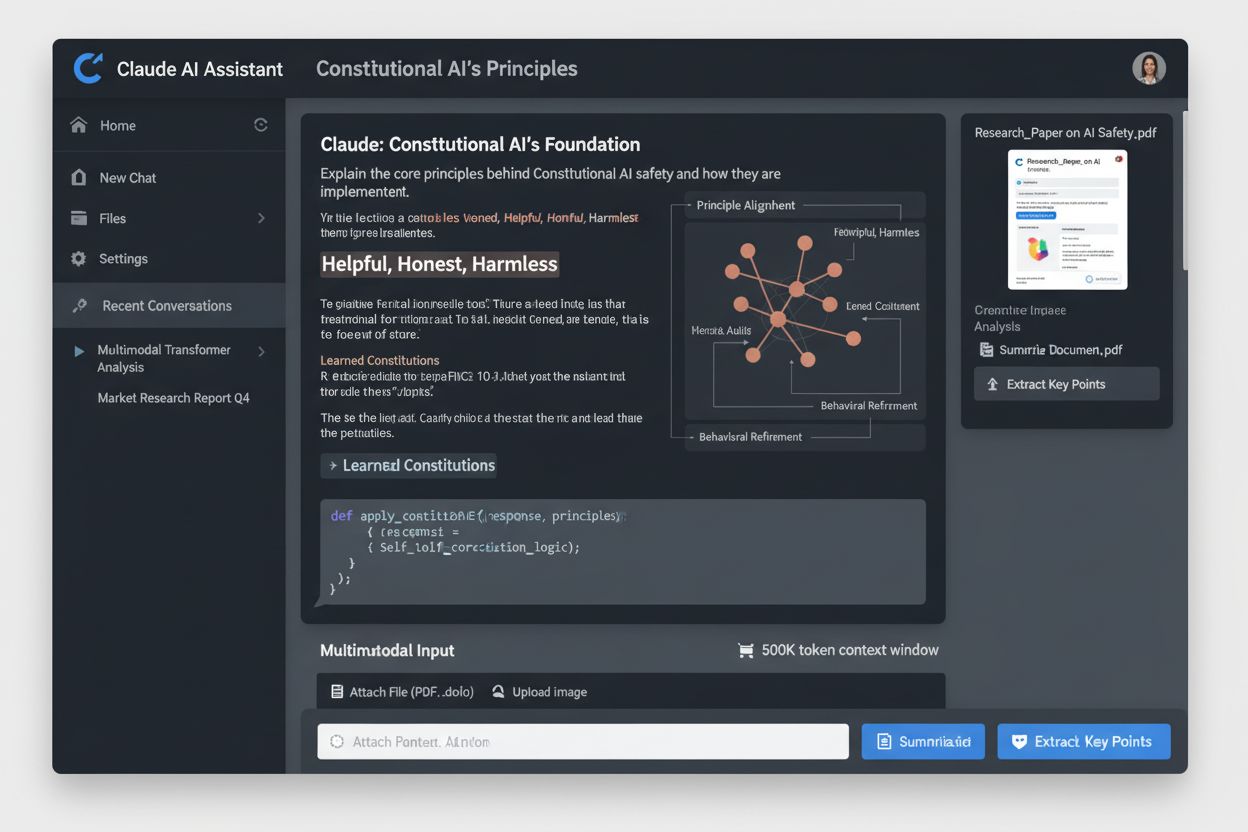
Claude is Anthropic's advanced AI assistant powered by Constitutional AI. Learn how Claude works, its key features, safety mechanisms, and how it compares to ot...

Community discussion on optimizing specifically for Claude AI. Real insights on how Claude differs from ChatGPT and what tactics work for Anthropic's AI assista...
Cookie Consent
We use cookies to enhance your browsing experience and analyze our traffic. See our privacy policy.