



Weekly vs Monthly AI Visibility Reports
Learn how to choose between weekly and monthly AI visibility reports. Discover the right reporting cadence for your brand monitoring strategy and optimize your ...
12 min read
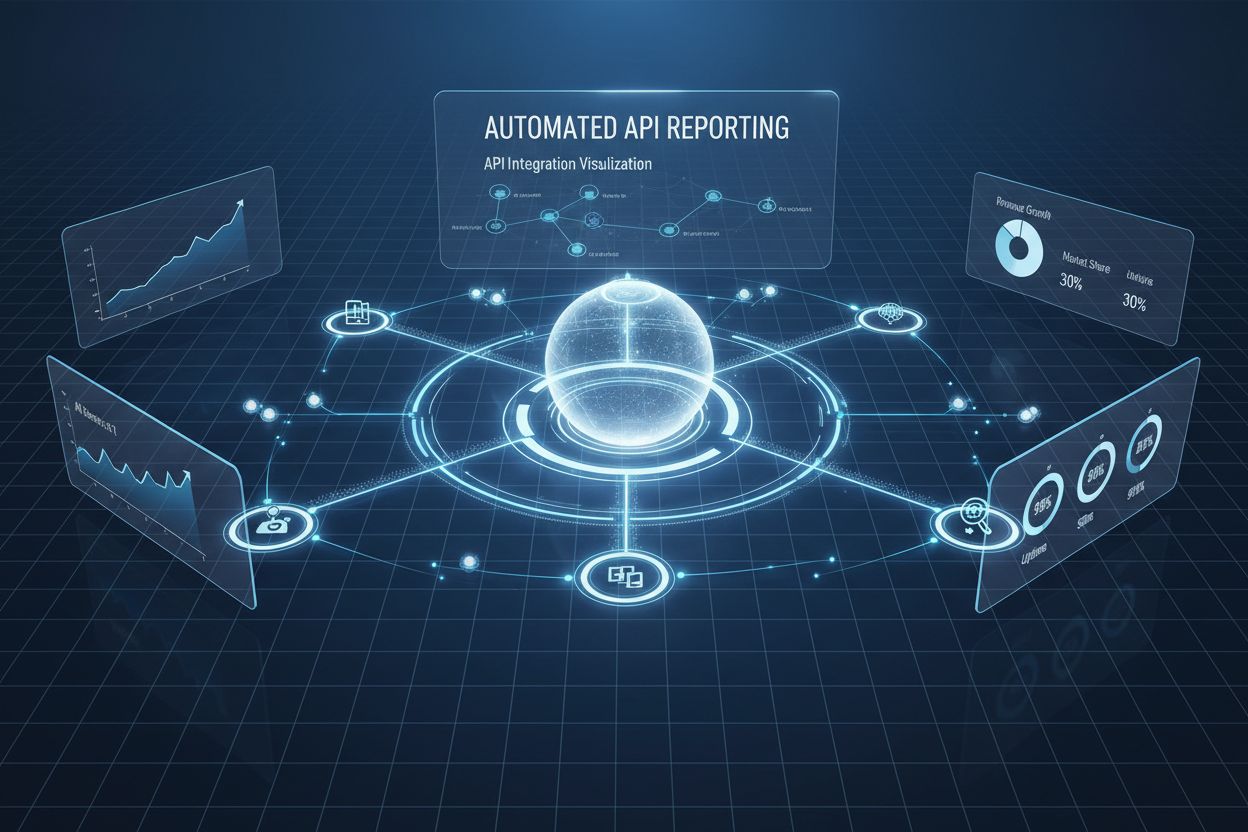
Learn how to design automated AI visibility reports: choosing report types, setting a delivery cadence, building reusable templates, routing the right report to the right stakeholder, and triggering alerts instead of waiting for the next scheduled run.
Having a live AI visibility API connection doesn’t automatically mean anyone in your organization is looking at the data. A raw feed of citation and sentiment events is useful to a data pipeline; it’s not useful to a content lead trying to decide what to write next week, or an executive who wants a two-minute answer to “are we winning or losing.” Closing that gap is what report automation is for: taking the same underlying data and turning it into a scheduled, templated, correctly-routed document that shows up where a specific person already looks.
This is a different problem from getting the data flowing in the first place. If you haven’t yet connected an AI visibility API to your systems—authentication, endpoints, rate limits—that groundwork is covered in our technical integration guide . This guide picks up from there: what to build once the data exists, structured around four decisions—what report to build, how often it runs, who receives it, and when it should break the schedule and alert someone immediately.
Report automation is also not tied to one vendor’s data model—the same design decisions apply whether you’re building on AmICited or evaluating other AI Visibility APIs, so if you’re still choosing a platform, our comparison of AI visibility monitoring tools is a useful starting point before you invest in report templates built around one provider’s data.
Not every stakeholder needs the same document, and building one “AI visibility report” that tries to serve everyone is how reports stop getting opened. Four report types cover most needs:
Each of these pulls from the same underlying API data, just aggregated and filtered differently. The mistake to avoid is treating “report” as a single artifact—define the four separately, even if the first version of each is simple.

Track how AI chatbots mention your brand across ChatGPT, Perplexity, and other platforms.
Cadence should track how fast the underlying number moves and how urgently the reader needs to act on a change, not a fixed “weekly report day” convention.
| Report Type | Typical Cadence | Why |
|---|---|---|
| Citation summary | Weekly | Content decisions don’t need daily granularity |
| Sentiment digest | Weekly, daily during campaigns | Sentiment shifts matter more around launches or PR events |
| Competitive intelligence | Monthly | Competitive position moves slowly under normal conditions |
| Executive rollup | Monthly | Directional trend, not operational detail |
| Threshold alerts | Real-time, as triggered | Needs same-day response, not batching |
A common failure mode is running everything on the same schedule because it’s easier to configure—usually daily. That produces inbox fatigue and trains recipients to stop opening the report, which defeats the purpose of automating it in the first place.
A template separates the fixed structure of a report from the data that fills it each cycle: the sections, the metrics shown, and the formatting stay constant, while the underlying numbers refresh on schedule. This is what makes a report scannable over time—a recipient learns where to look for the number they care about because it’s in the same place every time.
A minimal citation summary template might define: a headline citation count for the period, a trend line against the prior period, a table of top-cited pages with platform breakdown, and a short list of queries that newly started citing you. A sentiment digest template swaps that table for a positive/neutral/negative breakdown and two or three example excerpts illustrating how the AI described the brand. Building the template once and letting the scheduler repopulate it each cycle is the actual automation—the alternative is someone rebuilding the same document by hand every week.
Get the latest insights on AI mentions, brand monitoring, and optimization strategies.
Distribution is where most reporting automation efforts fall apart—not because the data pipeline breaks, but because everyone gets the same report and most of them ignore it. Route by what each recipient needs to act on:
Delivery channel matters as much as content: a citation summary works well as a weekly email digest, an executive rollup works better embedded in a dashboard someone already checks, and compliance exports typically need to land in a shared drive or ticketing system with a permanent record, not an inbox where they’ll get buried.
Some events shouldn’t wait for the next scheduled report. Threshold-based alerts fire independently of cadence when a defined condition is met—citation frequency drops below a set percentage, sentiment turns negative on a high-visibility query, or a competitor gains an unusual spike in citations. These are configured as rules against the same API data feeding your reports, but routed to a fast channel (Slack, email, a paging tool) instead of being bundled into the next digest.
The design principle is to keep alerts rare and specific. A threshold set too loosely turns every alert channel into background noise that gets muted, which quietly turns your real-time alerting back into the same delayed, ignored reporting you were trying to avoid.
Compliance-focused reporting has a different goal than the reports above: it’s not there to prompt action, it’s there to produce a defensible record. What was monitored, on what schedule, and what the system found—exported consistently enough that it holds up in a regulatory review or internal audit months later. This is typically the least visually designed of the report types (a structured export or log rather than a formatted digest) and the most rigid about consistency: the format shouldn’t change between exports, because that consistency is what makes the trail usable as evidence rather than just a data dump.

Marketing teams typically start with the citation summary and sentiment digest, delivered weekly, and use them to prioritize which existing pages to refresh based on which ones are (or aren’t) getting cited. Compliance and legal departments rely on the audit-trail export on a fixed monthly cadence, independent of whatever marketing is doing with the same underlying data. Product teams, where AI visibility of a specific feature matters—at companies like FlowHunt.io, for instance—scope a narrower citation report to the queries relevant to that feature, tracking adoption signals separately from brand-wide sentiment.
Automated reporting isn’t a bigger version of the API connection—it’s a separate design problem layered on top of it. The API gives you accurate, real-time data; reporting automation decides which slice of that data becomes a document, how often that document regenerates, who it lands in front of, and when a threshold should override the schedule entirely. Get the report types, cadence, and routing right, and the same underlying citation data serves a content lead, a compliance officer, and an executive without any of them opening a report meant for someone else.
Yasha is a talented software developer specializing in Python, Java, and machine learning. Yasha writes technical articles on AI, prompt engineering, and chatbot development.

AmICited turns citation and sentiment data into scheduled reports and real-time alerts, routed to the right team in the format they need, without manual compilation.
Learn how to choose between weekly and monthly AI visibility reports. Discover the right reporting cadence for your brand monitoring strategy and optimize your ...
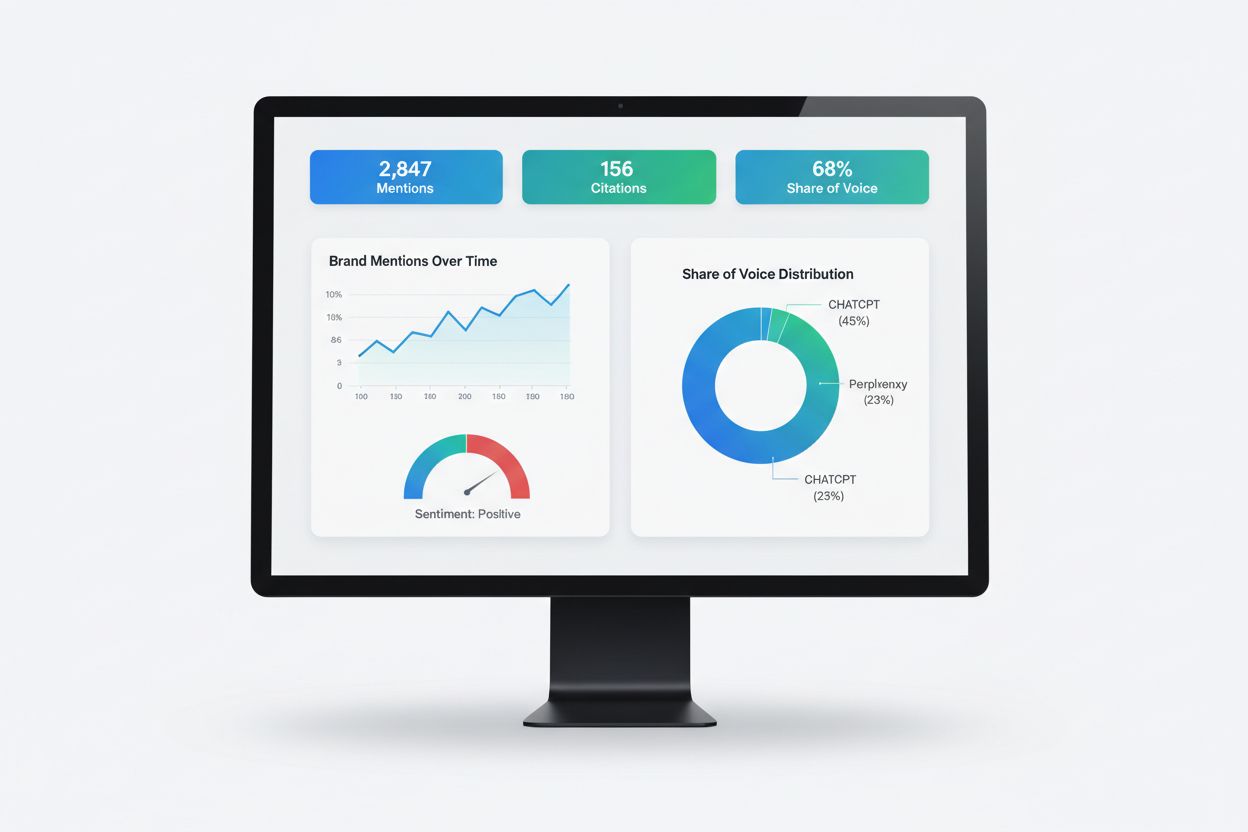
Learn what AI visibility reporting is, how it works, and why it's essential for monitoring your brand's presence in ChatGPT, Perplexity, Google AI Overviews, an...
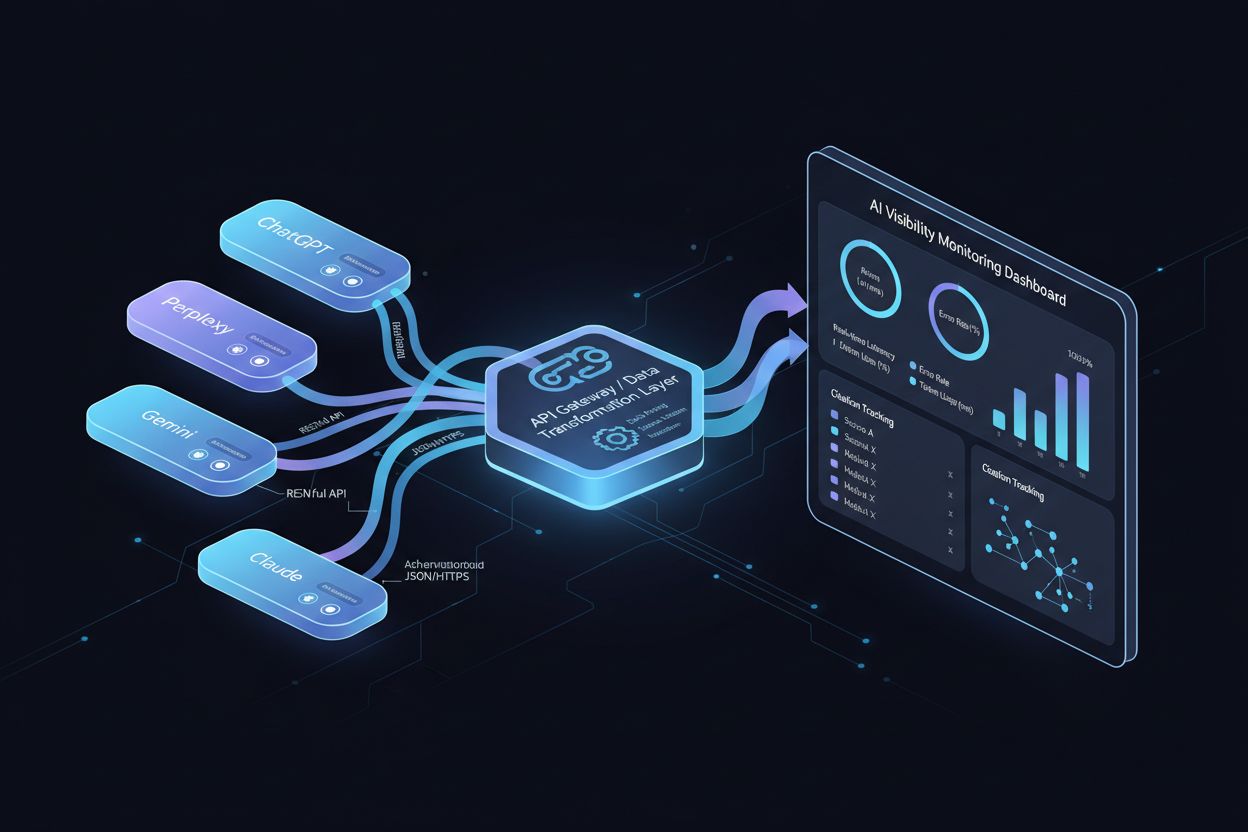
A technical guide to AI visibility APIs: authentication, endpoints, security, and how to connect citation data to your data warehouse, BI tools, and automation ...
Cookie Consent
We use cookies to enhance your browsing experience and analyze our traffic. See our privacy policy.