


Bing Directory Performance Report
This Bing directory report compares how whole sections of the site perform and lets you drill down one level at a time — every row totals every URL beneath it, from the root down.
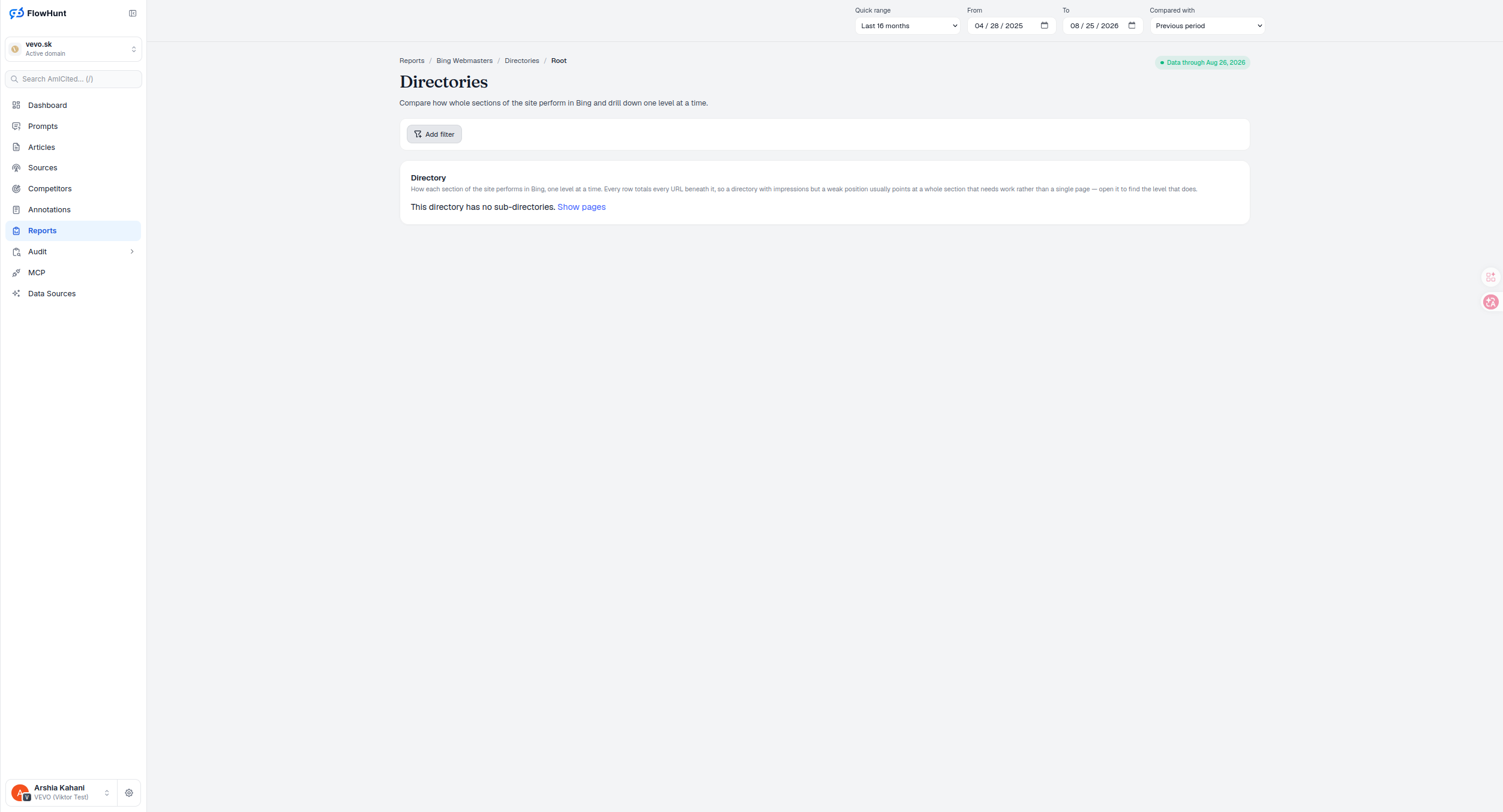
Directory Performance Summary
Every row is a directory carrying the totals of every URL beneath it in Bing, so a directory with impressions but a weak position usually points at a whole section that needs work rather than a single page — open it to find the level that does. Where a directory has no sub-directories, a Show pages link drops straight to the pages inside it.
- Directory — how each section of the site performs in Bing, one level at a time.
- Every row totals every URL beneath it — a section’s performance is visible before you open a single page.
- Directory sizes treemap — up to the 12 largest directories get their own tile, sized by clicks or impressions; everything else is summed into one grey Other tile that can’t be opened.
- Color never means anything — every real directory tile uses the same blue; only tile area carries a signal.
- Impressions with a weak position — usually a whole section that needs work, not one page.
- Open a directory — descend one level to find where the problem actually sits.
- Show pages — appears once a directory has no sub-directories, dropping straight to the pages inside it.
- Add filter — narrow the directory list before you drill down.
Directory Level Navigation
Directories starts at Reports / Bing Webmasters / Directories / Root and descends one level per click. Add filter narrows the list at any depth, and once a directory has no sub-directories left, Show pages replaces the drill-down with the individual pages inside it — the same top-down reading Directory View offers for the organic-plus-paid picture, applied to Bing alone.
- Root down — the breadcrumb tracks exactly how far you’ve descended.
- Add filter — narrow the section list at any depth.
- Show pages — the drill-down’s natural endpoint, once there are no more sub-directories.
Directory Performance Metrics
Large treemap area means a section carries a large share of clicks or impressions among its siblings at that level — nothing more. Pair it with the table: a big tile next to a weak CTR usually points at a systematic title or snippet problem across that whole branch, and a big tile with a weak average position points at content, architecture, or internal-linking work affecting the whole section, not one page. The grey Other tile is a combined tail of every directory outside the top 12 — treat it as a total, never as a directory to open.
- Big tile, weak CTR — usually a snippet or title problem across the whole branch, not one page.
- Big tile, weak average position — points at content or architecture work affecting the whole section.
- Other is a tail, not a directory — it sums everything outside the top 12 tiles and can’t be opened.
- Past 250 rows, the chart says so — a level with more directories than the treemap’s own request can hold is marked partial rather than presented as complete.
level at a time, root down to the page that needs the fix
Bing site section performance, totalled by every directory that carries the URLs beneath it; open one to descend, or use Show pages once there’s nowhere left to drill.
See Bing CrawlBing Directory Report Analysis
How whole sections of the site perform in Bing, drillable one level at a time, with every row totalling every URL beneath it.
Ready to see which section of your site Bing favors?
Free check · 7-day trial · card required