



Ecommerce stores
Connect Shopify, WooCommerce, Magento 2, Shoptet or BiznisWeb to add orders, products, customers and margin to a domain, and to write internal links into your s...
5 min read
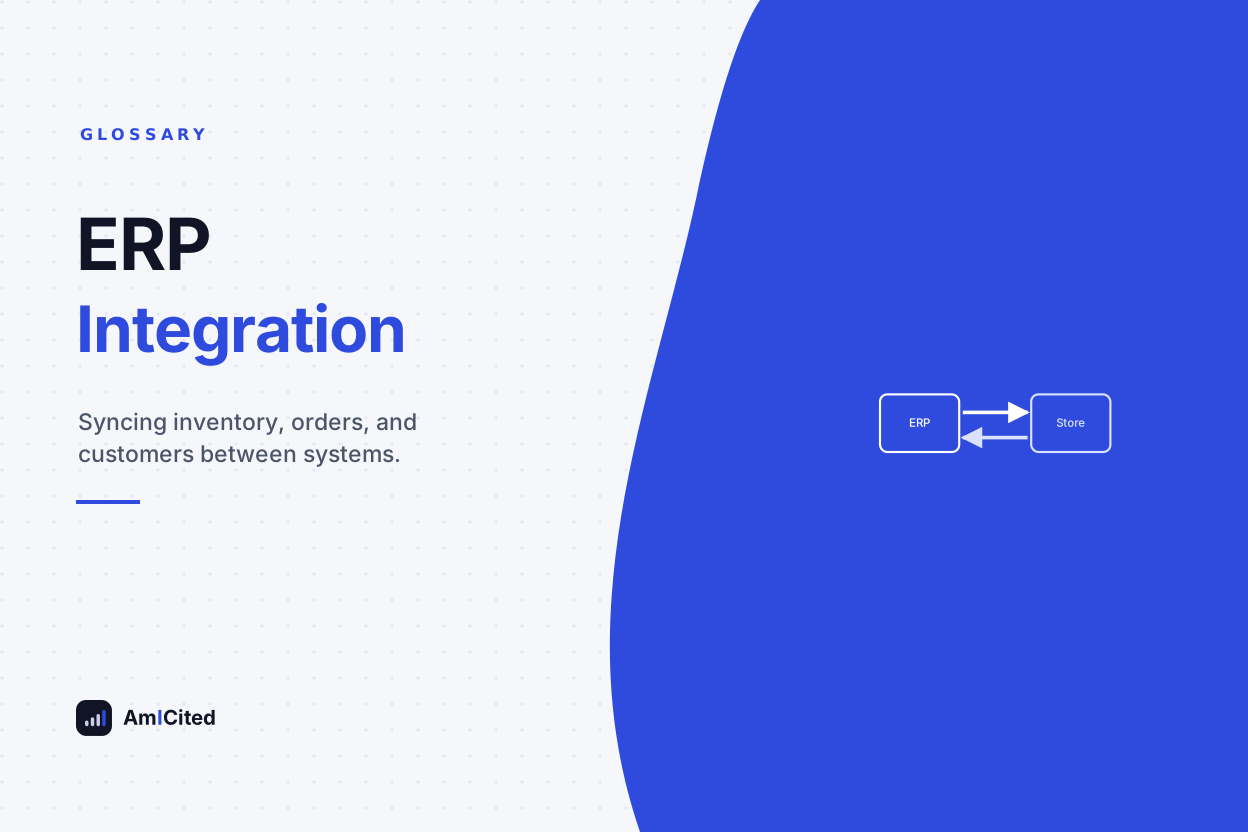
ERP integration is the connection between an e-commerce storefront and an enterprise resource planning system, syncing data such as inventory levels, orders, pricing, and customer records between the two so that operations, finance, and fulfillment all work from a single consistent source of truth. It eliminates the need for manual data entry between separate systems.
ERP integration is the connection between an e-commerce storefront and an enterprise resource planning system, syncing data such as inventory levels, orders, pricing, and customer records between the two so that operations, finance, and fulfillment all work from a single consistent source of truth. It eliminates the need for manual data entry between separate systems.
ERP integration connects an e-commerce storefront to an enterprise resource planning (ERP) system so that data flows automatically between the two rather than requiring manual entry or exports. An ERP system — platforms like NetSuite, SAP, Microsoft Dynamics, or Odoo — centralizes business-critical data such as inventory across warehouses, purchase orders, supplier costs, financial accounting, and often manufacturing or procurement workflows. A storefront platform like Shopify, WooCommerce, or BigCommerce, by contrast, is built primarily to sell products and capture customer orders. ERP integration bridges the two, syncing inventory levels down to the storefront, pushing new orders up to the ERP for fulfillment and accounting, and keeping product, pricing, and customer data consistent across both systems. For any merchant selling across more than one channel, or managing inventory across more than one warehouse, this connection stops being a nice-to-have and becomes the mechanism that prevents overselling, fulfillment delays, and financial reporting errors.
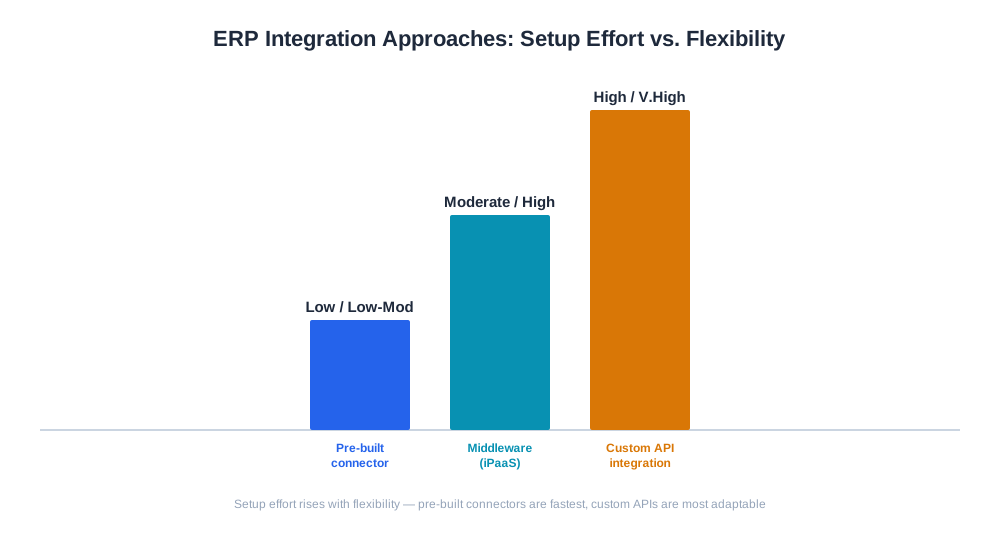
Most ERP integrations follow one of a few architecture patterns: a pre-built connector (often available through the e-commerce platform’s app marketplace) for common ERP-storefront pairings, a middleware/integration platform (like Celigo, Boomi, or similar) that maps and transforms data between systems that don’t natively speak to each other, or a custom-built integration using each platform’s API for businesses with unusual requirements or highly specific workflows.
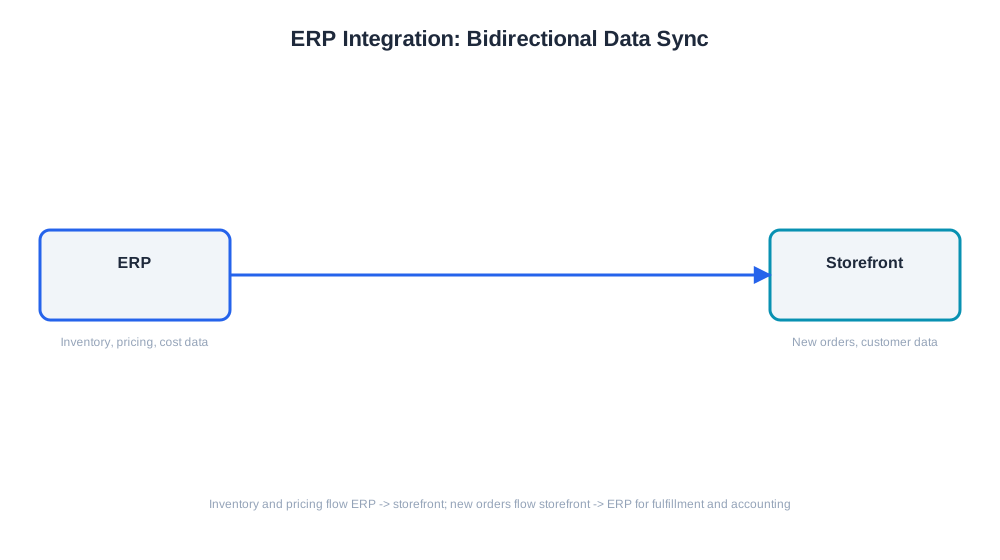
The data flow typically runs in both directions but with different data types moving each way. Inventory quantities, product catalog updates, and pricing usually flow from the ERP (the operational source of truth) down to the storefront. New orders, in the other direction, flow from the storefront up to the ERP, where they trigger fulfillment, update stock, and generate the accounting entries needed for financial reporting. A worked example: a customer purchases the last unit of a product on the storefront. That order pushes to the ERP within minutes (depending on sync frequency), the ERP decrements inventory across all channels simultaneously, and the storefront (along with any other connected sales channel, such as a marketplace listing) reflects the item as out of stock before another customer can place a conflicting order.

Track how AI chatbots mention your brand across ChatGPT, Perplexity, and other platforms.
ERP integration matters most acutely for merchants selling the same inventory across multiple channels — their own site, Amazon, a wholesale portal, and possibly physical retail. Without a synced system, each channel maintains its own view of stock, and a sale on one channel doesn’t reduce the quantity shown available on another, leading directly to overselling: accepting an order for a product that’s actually already sold out elsewhere. This creates a cascade of costs — canceled orders, refunds, damaged customer trust, and support burden — that easily outweighs the cost of setting up proper integration in the first place.
Beyond inventory accuracy, ERP integration also matters for financial reporting. When orders sync automatically into the ERP’s accounting module, revenue, cost of goods sold, and margin figures update without manual reconciliation, giving finance teams a real-time, accurate view of business performance rather than a monthly reconstruction project.
| Approach | Setup Effort | Flexibility | Best For |
|---|---|---|---|
| Pre-built connector/app | Low | Low to moderate | Standard storefront + ERP pairings with common workflows |
| Middleware/iPaaS platform | Moderate | High | Multi-system setups needing custom data mapping |
| Custom API integration | High | Very high | Businesses with unique workflows or unsupported ERP systems |
| Manual export/import | Low upfront, high ongoing | Low | Very low order volume, temporary stopgap only |
Get the latest insights on AI mentions, brand monitoring, and optimization strategies.
As e-commerce increasingly extends into AI-mediated shopping — where product availability and pricing need to be accurate in real time for AI shopping assistants like ChatGPT Shopping or Amazon Rufus to recommend a product confidently — the cost of stale or unsynced inventory data rises. An AI assistant that recommends a product listed as available, only for the customer to find it out of stock at checkout, damages trust in both the merchant and, over repeated instances, the AI platform’s recommendations. Reliable ERP integration is part of what keeps product feeds and availability data accurate enough for these newer discovery channels to work well.
Once ERP integration keeps operational data flowing correctly, the remaining challenge is turning that data into decisions. AmICited’s eshop reporting tools connect directly to a merchant’s store platform to surface KPIs, margin, and order-status analytics without requiring a separate manual export from the ERP, giving merchants a business-performance layer on top of the operational sync that ERP integration provides.
A frequent mistake is treating ERP integration as a one-time setup rather than an ongoing system requiring monitoring, since ERP software updates, storefront platform changes, and new sales channels can all silently break a previously working sync. Another common issue is unclear ownership of the source of truth for a given data field — if both the ERP and the storefront can edit product pricing, for example, conflicting updates can overwrite each other unpredictably unless one system is explicitly designated as authoritative. Merchants also sometimes underestimate sync latency; a system that updates inventory every hour rather than in near-real-time can still allow overselling during a high-traffic sale window, even though the integration is technically “working.” Finally, a subtler mistake is integrating orders and inventory but neglecting financial data sync, which leaves finance teams reconciling revenue and cost figures manually even after the operational side of the integration is solid — the integration should be evaluated by whether it eliminates manual work end to end, not just whether stock counts look right.
Start tracking how AI chatbots mention your brand across ChatGPT, Perplexity, and other platforms. Get actionable insights to improve your AI presence.
Connect Shopify, WooCommerce, Magento 2, Shoptet or BiznisWeb to add orders, products, customers and margin to a domain, and to write internal links into your s...
Learn what third-party logistics (3PL) is, how it works, and when ecommerce brands should outsource warehousing, fulfillment, and shipping to a 3PL provider.
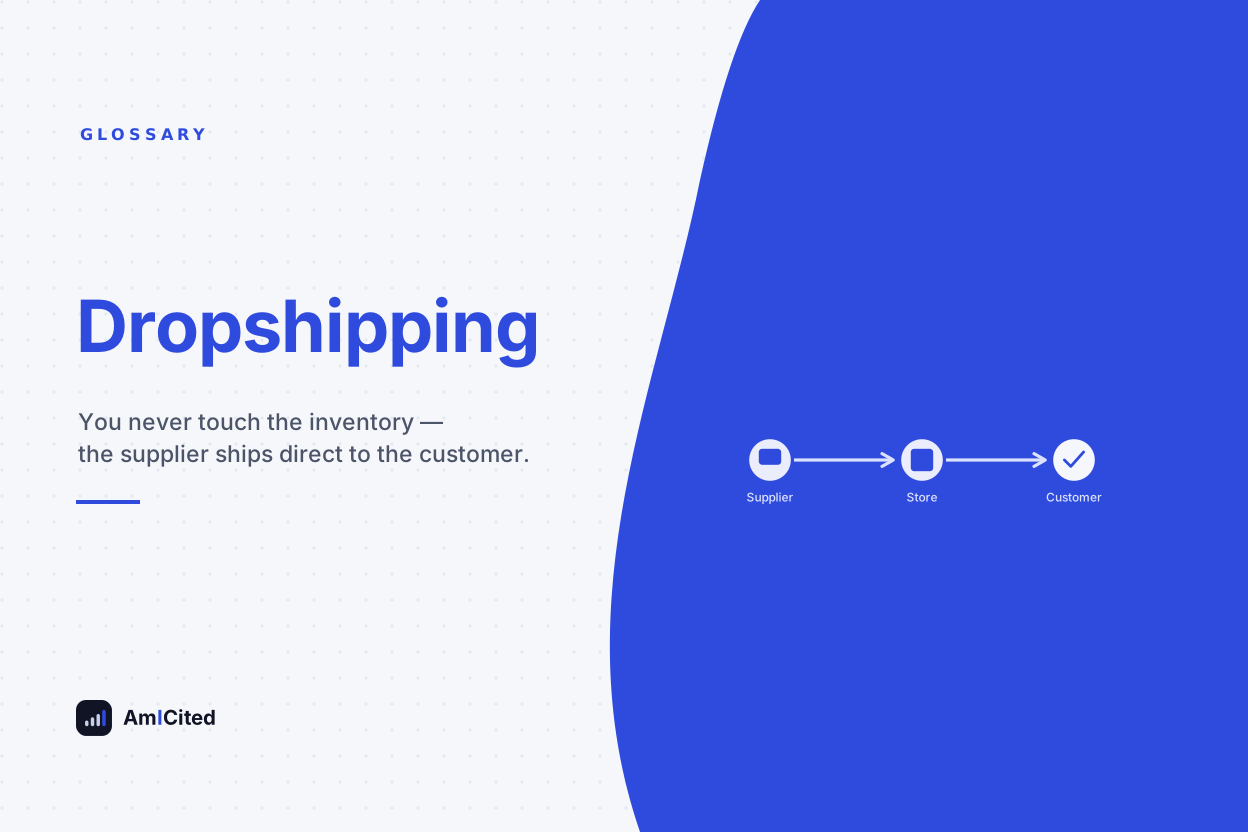
Learn what dropshipping is, how the fulfillment model works, its real margins and risks, and how to track profitability across dropshipping suppliers.
Cookie Consent
We use cookies to enhance your browsing experience and analyze our traffic. See our privacy policy.