


Bing Search Queries Report
Queries is Bing rank tracking for every search that brings visitors to this domain. Sort by impressions to find demand you rank badly for, and by CTR to find results people see but don’t click — both are cheaper wins than new content.
Bing Query Page Results
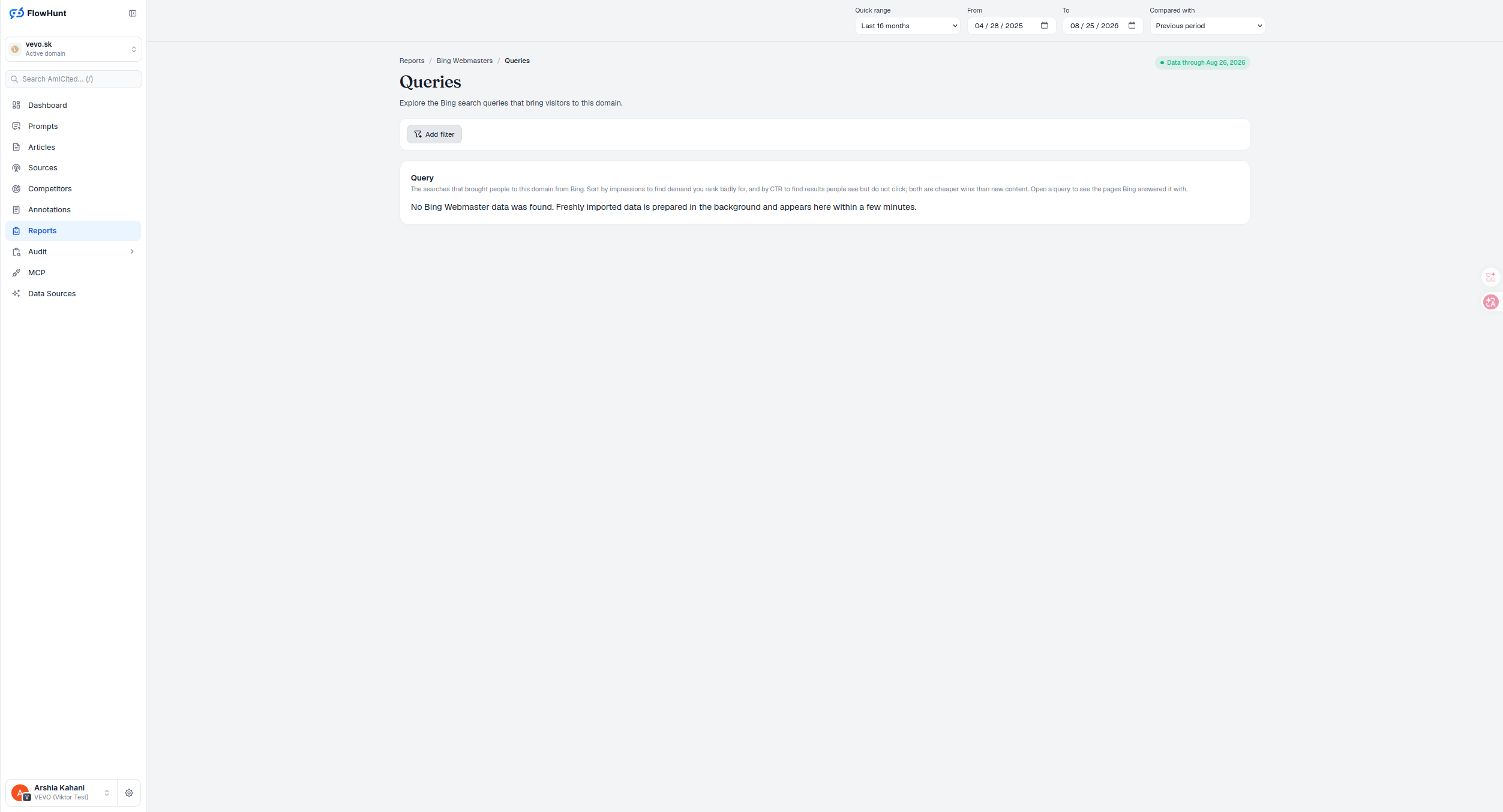
The Query card is the report’s core: every search that brought people to this domain from Bing, 50 rows at a time, sorted by clicks descending by default. Add filter narrows the list before you sort it, and opening any query shows the pages Bing answered it with — so a weak position on a high-impression query points straight at the page that needs the fix. Bing exposes no country or device dimension here, so those filters are intentionally absent.
- Query — the searches that brought people to this domain from Bing.
- Sort by impressions — find demand you rank badly for.
- Sort by CTR — find results people see but do not click; both are cheaper wins than new content.
- Open a query — see the pages Bing answered it with.
- Add filter — narrow the query list before you sort it, across query, page, impressions, clicks and position.
- Fresh imports sync in the background — a newly connected domain can read ‘No Bing Webmaster data was found’ for a few minutes while freshly imported data is prepared, not an error.
Bing Query Performance Data
Every row is a search query as Bing Webmaster Tools reports it. Add filter narrows the list to the segment you care about, and opening a query reveals the pages Bing served for it — the same relationship Google Search’s own Queries report exposes, just against Bing’s index instead.
- Add filter — narrow the query list beyond the default view.
- Open a query — drill from a search term into the pages Bing answered it with.
- No data yet reads as sync, not failure — a freshly imported domain shows a plain notice while the import finishes in the background.
Bing Query Sorting and Export
Default sort is clicks descending. Every column header can request a server sort — click the active descending column to reverse it, click a different one to switch and reset to the first page. Previous and Next step through 50 rows at a time; there’s no page-size control and no re-sorting across the whole match count at once, just the loaded page.
- Click any column header to sort — clicking the active descending column reverses it; clicking a different one switches the sort and resets to page one.
- Previous / Next, 50 rows at a time — no jump-to-page, just forward and back through the full match count.
- Export CSV grabs only what’s loaded — bing-webmasters-queries.csv contains the current 50 rows’ query, clicks, impressions, CTR and position — not the full match count, and no comparison columns.
- Comparison deltas use three units — click and impression changes are percent (null if the earlier value was zero), CTR moves in percentage points, and position moves in raw places with inverted coloring since a lower number is better.
- No prompt tracking here — unlike Google’s Queries report, a Bing query row can’t yet be added as a tracked Am I Cited prompt; the only drill-down is into Bing Pages.
sorts that find a cheap win before a single new page gets written
Sort by impressions for demand you rank badly for, by CTR for a result people see but don’t click — both cheaper than new content.
See Bing PagesBing Query Optimization Report
This Bing search queries report lists every query bringing visitors to this domain, sortable by impressions or CTR, with the pages Bing answered each one with one click away.
Ready to see what Bing searchers are actually typing?
Free check · 7-day trial · card required