


Bing Landing Page Performance
Pages compares Bing landing page performance and lets you drill into each page’s queries — so a page with impressions but no clicks and a page nobody has found yet get two very different fixes.
Bing Impressions and Clicks
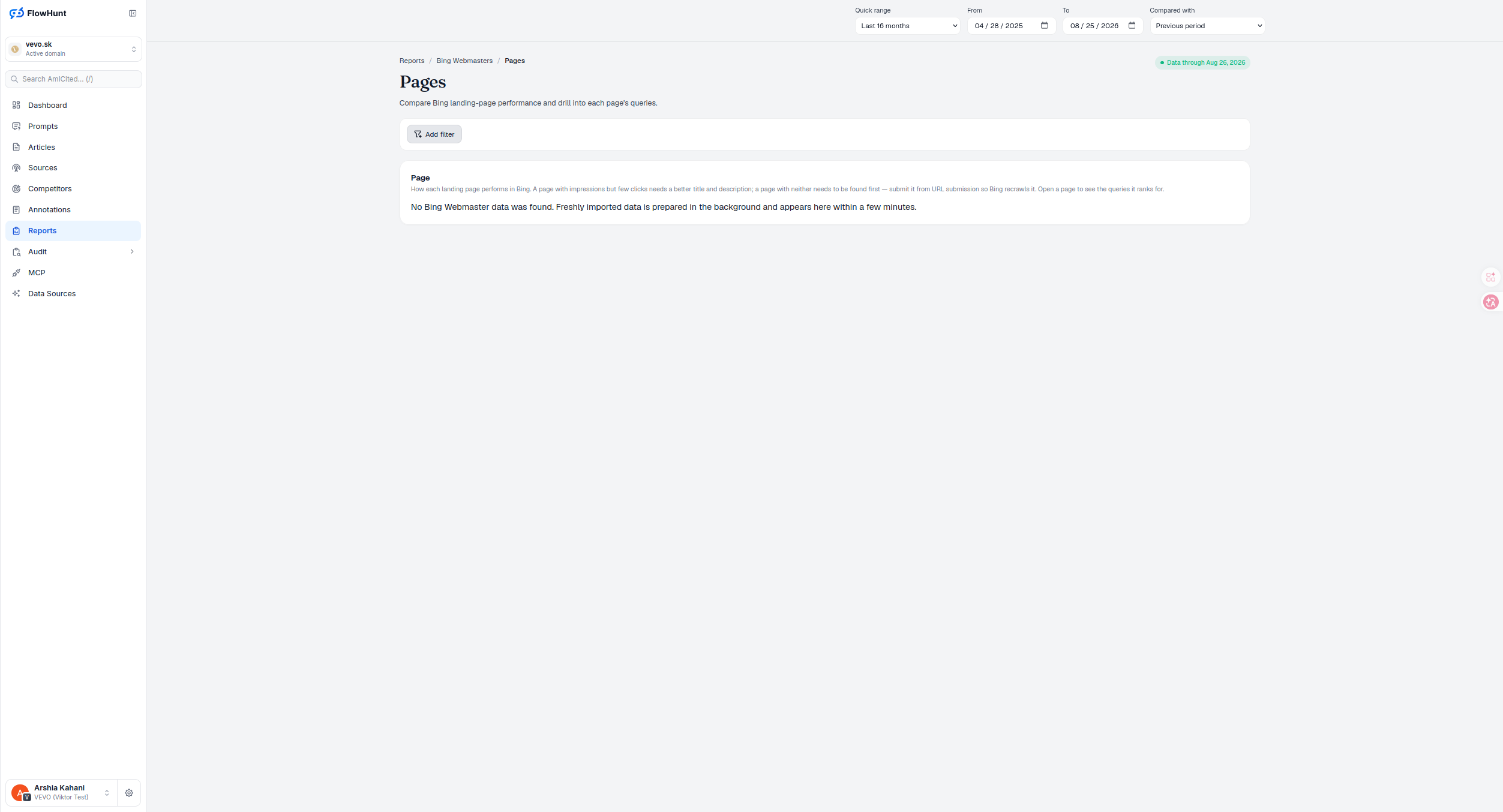
The Page card is the report’s core: how each landing page performs in Bing, ranked by clicks by default. A page with impressions but few clicks needs a better title and description, not new content; a weak average position with real impressions means Bing understands the page but doesn’t rank it competitively yet, which is a different fix again; a page with neither needs to be found first — submit it from URL submission so Bing recrawls it. Open a page to see the queries it ranks for.
- Page — clicks, impressions, CTR to two decimal places, and average position to one decimal place, sorted by clicks descending, 50 rows at a time.
- Impressions but few clicks — the fix is a better title and description, not new content.
- Meaningful impressions, weak average position — Bing understands the page but doesn’t consider it competitive yet, a different problem than a snippet issue.
- Neither impressions nor clicks — the page needs to be found first; submit it from URL submission so Bing recrawls it.
- See which pages rank on Bing — open one to see the queries it ranks for.
- Add filter — narrow the page list before you compare.
Bing Page Performance Metrics
Every row is a landing page as Bing Webmaster Tools reports it — page, clicks, impressions, CTR to two decimal places, average position to one decimal place. Page labels drop the repeated scheme and host only when the URL belongs to your own domain; a page on another host keeps its full address, so two different pages never look identical. Add filter narrows the comparison, and opening a page reveals the queries behind it — the same drill-down the Query report offers in reverse, so you can start from either the search term or the page and land on the same answer.
- Add filter — narrow the page list beyond the default view.
- Own-domain URLs shortened safely — the repeated scheme and host drop only for pages on your own domain; anything else keeps its full address.
- Open a page — drill from a landing page into the queries it ranks for.
- Compare against the period before — click and impression changes show as percentages, CTR change in percentage points, and average-position change in raw places, shown inverted since a smaller number is the win.
- Pair with URL submission — a page absent from this report entirely is a discovery problem, not a ranking one.
Bing Page Report Filters
Bing’s own page-level data doesn’t carry country or device dimensions, so those filters are absent here rather than shown and left non-functional. Sorting requests a fresh server page each time you click a header, and clicking the same descending column again switches it to ascending. Export current page writes exactly what’s loaded — page, clicks, impressions, CTR and average position for the current 50 rows — not comparison values and not pages you haven’t paged through yet.
- No country or device filters — Bing’s page-level model doesn’t report those dimensions, so the filter bar only offers what the data actually supports.
- Sorting requests the server, not the browser — a new sort is a new request; clicking an active descending column reverses it to ascending.
- Export is scoped to what’s loaded — bing-webmasters-pages.csv contains only the current page’s rows and current-period metrics, not comparison values or unseen pages.
- Scope chips make drill-downs explicit — arriving from a query or a directory shows a removable chip, so a narrow result is never mistaken for the whole site.
problems this report tells apart at a glance
A page Bing shows but nobody clicks needs a better title and description. A page Bing hasn’t shown at all needs to be found first.
See Bing DirectoriesBing Page Optimization Analysis
Bing landing-page performance side by side, with the queries behind each page one click away and a direct path to getting an unfound page recrawled.
Ready to see which pages Bing is actually serving?
Free check · 7-day trial · card required