


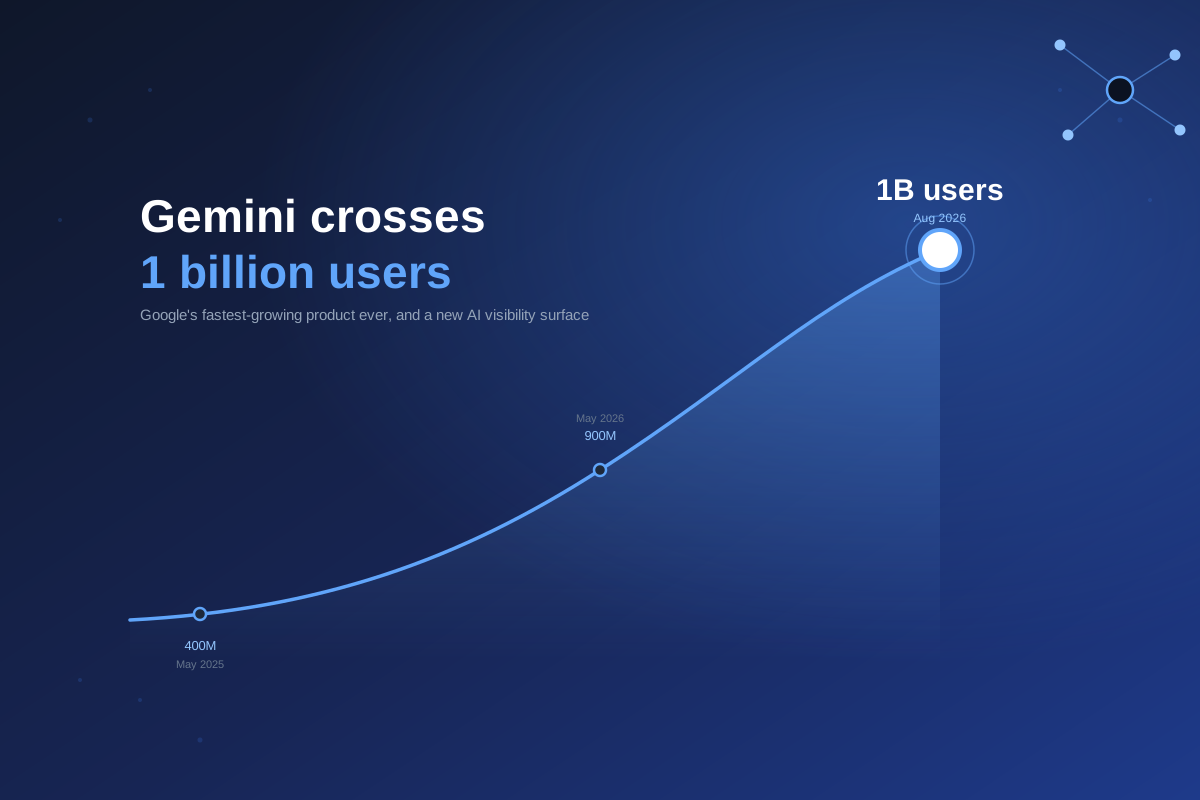
Gemini Hits 1 Billion Users: What Changes for AI Visibility
Gemini crossed 1 billion monthly active users in August 2026, Google's fastest-growing product ever. Here's what the growth and referral data mean for brand vis...
6 min read
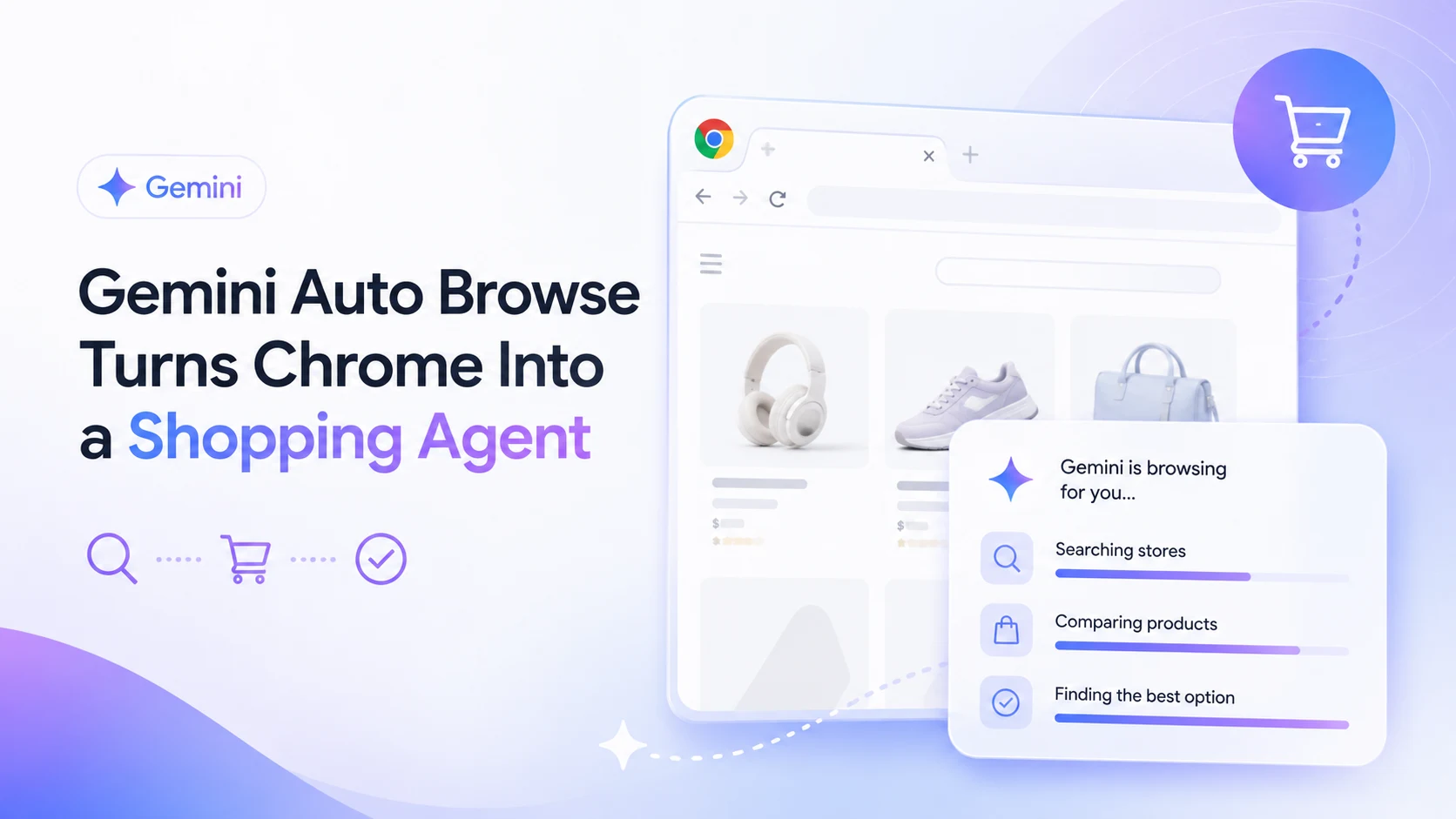
Google opened Gemini’s Auto Browse agent to all US Android Chrome users on August 18, 2026, turning the world’s most-used browser into an autonomous shopping assistant. Here’s what that means for AI visibility.
Google rolled Gemini’s Auto Browse out to every Android Chrome user in the US on August 18, 2026, following its earlier desktop launch. The feature turns Chrome from a tool people use to browse into a tool that browses for them: given a task in plain language, it scrolls, clicks, types, and moves between pages the way a person would, but without a person doing any of it.
That’s a meaningful expansion. Auto Browse launched on desktop as a subscriber feature; extending it to Android phones puts an agentic browsing tool in front of a mobile-first audience for the first time, and it does so inside the browser with the largest install base on earth.
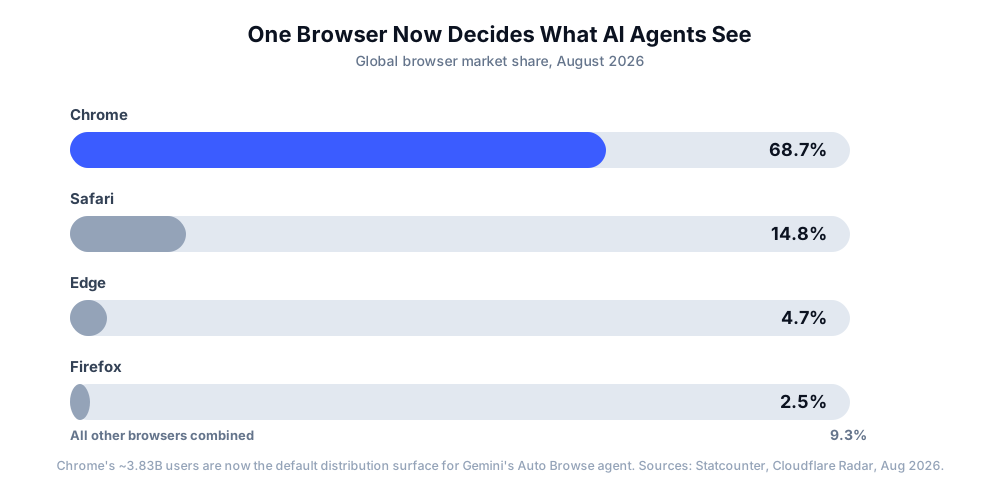
Chrome runs on an estimated 3.83 billion devices and holds close to 69% of global browser market share. Google isn’t trying to win a separate “AI browser” category the way some startups are; it’s embedding an agent into the browser that already sits between most of the internet and most of your visitors.

Track how AI chatbots mention your brand across ChatGPT, Perplexity, and other platforms.
Powered by Gemini 3, Auto Browse handles multi-step tasks that used to require a person clicking through several pages:
For Google AI Pro and AI Ultra subscribers in the US, this is now available on both desktop and Android. Google says the agent is designed to pause and ask for confirmation before anything sensitive, like a payment, actually completes, and the underlying models are trained to recognize prompt-injection attempts aimed at hijacking the agent mid-task.
Most of the AI visibility conversation over the past two years has centered on citations: does ChatGPT mention your brand, does Google’s AI Overview link to your page, does Perplexity treat you as a source. Auto Browse represents a different kind of exposure. It doesn’t just read your page and summarize it; it operates your page, the same way a person with a mouse and keyboard would.
That distinction matters because a citation and an action fail differently. If an AI Overview misreads your product page, you lose a mention. If an agent can’t parse your product page, it can’t complete the comparison it was asked to do at all, and it moves to a competitor’s site that it can parse. The bar isn’t “does the model understand my content,” it’s “can a script reliably operate my page.”
Get the latest insights on AI mentions, brand monitoring, and optimization strategies.
When Auto Browse is asked to compare products or complete a task across multiple sites, it’s evaluating the same underlying signals search crawlers and AI citation engines already look for, just applied in real time instead of at indexing time.
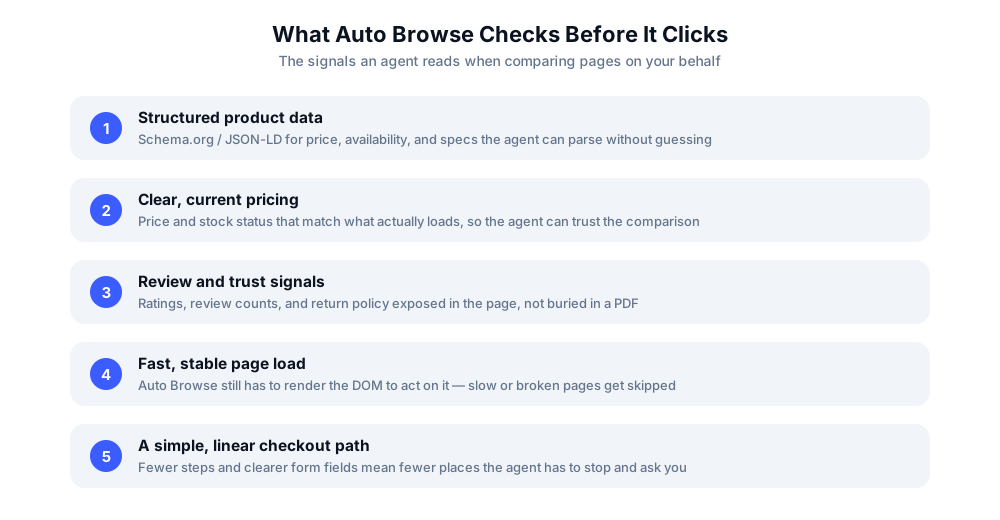
None of these five signals are new. What’s new is the immediacy: instead of shaping whether an AI model cites you in an answer generated hours or days after your page was indexed, they now shape whether an agent can complete a task on your page in the same session a user asked for it.
The practical response looks a lot like the AI-visibility fundamentals that already matter for citations, just with less room for ambiguity:
Auto Browse’s US Android rollout is a strong signal that agentic browsing is moving from early-access feature to default behavior, not a niche experiment. As Google, OpenAI, and others expand agent access to more subscribers and more regions, the brands that treated AI visibility as “get cited” rather than “get cited and get used” will have the more work to do.
Watching how AI agents interact with your pages, not just whether AI models mention your brand, is becoming as important as traditional citation tracking. The two are converging: the same structured, fast, unambiguous pages that earn citations in ChatGPT and Google AI Overviews are the ones an agent like Auto Browse can actually complete a task on.
Arshia is an AI Workflow Engineer at FlowHunt. With a background in computer science and a passion for AI, he specializes in creating efficient workflows that integrate AI tools into everyday tasks, enhancing productivity and creativity.

AmICited monitors how ChatGPT, Gemini, Perplexity, and Google AI Overviews cite and reference your brand, so you can see whether your pages are agent-ready before your competitors do.
Gemini crossed 1 billion monthly active users in August 2026, Google's fastest-growing product ever. Here's what the growth and referral data mean for brand vis...
Google AI Mode became the default search experience worldwide in 2026. See the zero-click, citation, and legal fallout data, and how to adapt your AI visibility...
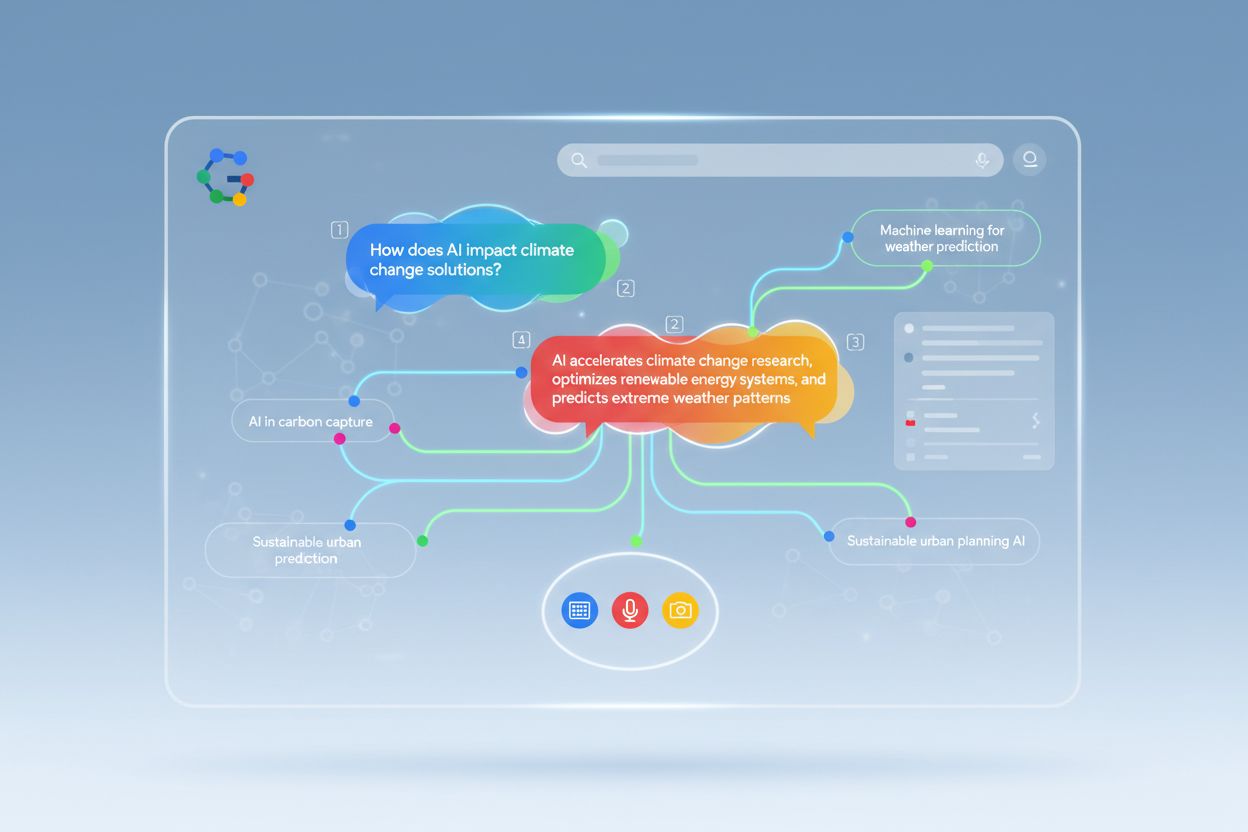
Discover how Google AI Mode is transforming search results, impacting website traffic, and what you need to do to maintain visibility. Learn optimization strate...
Cookie Consent
We use cookies to enhance your browsing experience and analyze our traffic. See our privacy policy.