


How to Implement LLMs.txt: A Technical Guide
Learn how to implement LLMs.txt on your website to help AI systems understand your content better.
10 min read

A step-by-step guide to writing, formatting, and deploying an LLMs.txt file: the spec, the syntax, generator tools, and the mistakes that make sites get it wrong.
LLMs.txt is a proposed web standard designed to give website owners a way to communicate directly with artificial intelligence systems about how their content should be used and interpreted. Introduced by Jeremy Howard of Answer.AI in September 2024, it functions similarly to robots.txt but is specifically tailored for AI applications rather than search engine crawlers. The file is written in Markdown format and placed at the root of a website’s domain, making it easily discoverable by AI systems that choose to respect it. The core problem LLMs.txt attempts to solve is the lack of standardized communication between content creators and AI platforms—website owners currently have no reliable way to specify how their content should be processed, cited, or prioritized, and no way to tell AI systems about that preference directly. This guide is the mechanics half of the story — what the file is and how to build one correctly. For the evidence on whether any of this actually changes what AI systems do, see our companion piece, The Truth About LLMs.txt: Overhyped or Essential?
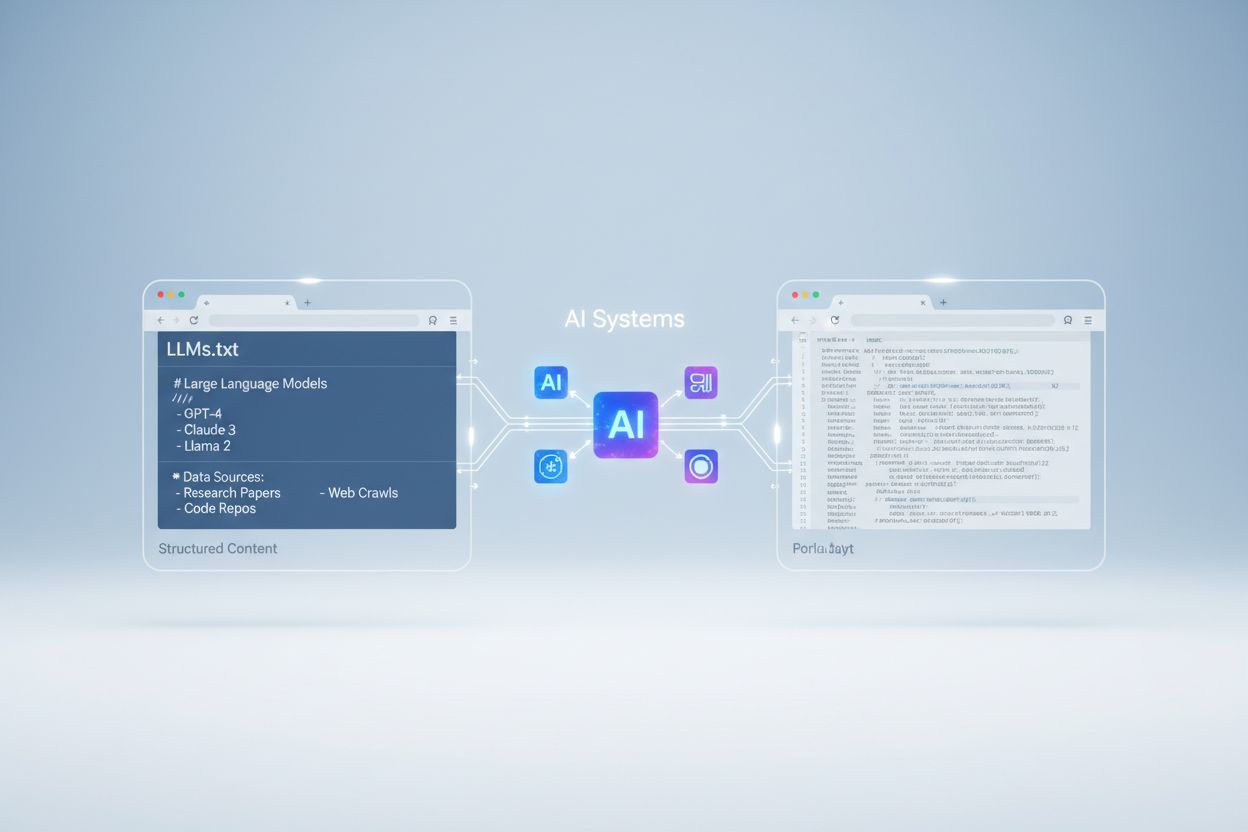
LLMs.txt is placed at the root directory of a website (e.g., example.com/llms.txt) and uses a structured Markdown format. The file typically includes an H1 title containing your site name, a blockquote summary of its purpose, and detailed sections organized with H2 headers that specify different content categories. Unlike robots.txt, which uses a simple text-based syntax with specific rules and directives, LLMs.txt leverages Markdown’s flexibility to allow more nuanced, human-readable descriptions. Individual pages are listed using the format [Title](URL): Description, keeping descriptions concise but informative — this is the atomic unit of the whole file, and getting it wrong (vague titles, missing descriptions, broken URLs) is the single most common implementation mistake.

Track how AI chatbots mention your brand across ChatGPT, Perplexity, and other platforms.
The three files are easy to confuse because they all live at your domain root and all talk to automated systems, but they solve different problems:
| File Type | Purpose | Audience | Format | Impact |
|---|---|---|---|---|
| LLMs.txt | Curate and describe your best pages | AI systems & LLMs | Markdown | Voluntary compliance |
| robots.txt | Control crawler access & indexing | Search engines | Text-based directives | Widely respected standard |
| XML Sitemaps | Prioritize content discovery | Search engines | XML structure | Improves indexing efficiency |
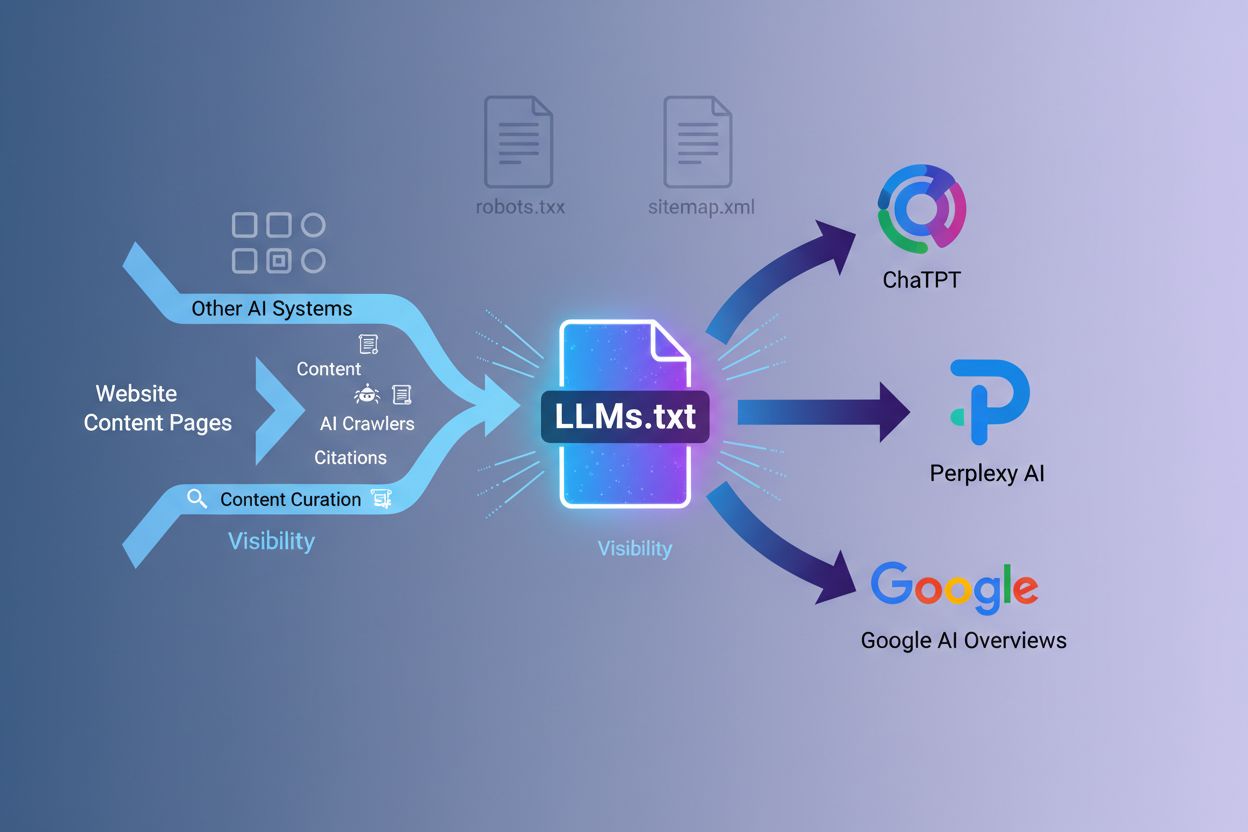
robots.txt tells crawlers where they can’t go. XML sitemaps tell search engines everything that exists. LLMs.txt does neither — it’s a hand-picked, annotated shortlist of the pages you’d want an AI system to read first if it only had time for a handful.
Building the file manually takes four steps:
[Title](URL): Description, one line per page.llms.txt (plural, not singular) and upload it to your domain root, so it’s reachable at yourdomain.com/llms.txt.Here’s a basic example structure:
# Company Name

> Brief description of what your company does and why AI systems should care about your content

## Documentation
[Getting Started](https://example.com/docs/getting-started): Step-by-step guide for new users
[API Reference](https://example.com/docs/api): Complete API documentation with examples
[Best Practices](https://example.com/docs/best-practices): Proven patterns for using our platform

## Blog
[Why We Built This](https://example.com/blog/why-we-built-this): The problem we solved and how
What to include: evergreen content, well-structured pages, and pieces that demonstrate genuine expertise. What to avoid: your homepage (usually not valuable in isolation), every URL on your site (quality over quantity), and pages that don’t make sense without surrounding context. You can optionally add a section listing URLs to skip if shorter context is needed, though most implementations don’t require this level of granularity.
Get the latest insights on AI mentions, brand monitoring, and optimization strategies.
Once you’ve built a standard llms.txt, you’ll run into its sibling format: llms-full.txt. Where llms.txt is a curated list of links with short descriptions, llms-full.txt inlines your entire documentation into one comprehensive file — sometimes 400,000+ words for large products. The tradeoff is simple: llms.txt asks an AI system to follow links and fetch pages as needed, while llms-full.txt hands over everything upfront so no follow-up requests are needed. Most sites only need llms.txt; llms-full.txt makes sense mainly for documentation-heavy products where you want zero-friction access to the complete corpus in a single fetch.
Creating an LLMs.txt file is straightforward and requires no technical expertise beyond basic file creation, and you don’t have to write it by hand. Several popular SEO tools now offer built-in LLMs.txt generators, including AIOSEO, Rank Math, Yoast, and Squirrly, making the process a few clicks for website owners already using these platforms. Mintlify auto-generates the file for any documentation site it hosts, which is part of why adoption spiked so sharply after that feature shipped in November 2024. For developers who prefer scripting the process, the llms_txt2ctx CLI tool provides a command-line alternative for generating and managing LLMs.txt files, useful if you want the file regenerated automatically whenever your docs change. Manual creation is still the right call for smaller sites where you want full control over which pages are described and how — a generator will happily include pages that don’t deserve to be there.
A handful of implementation errors show up repeatedly:
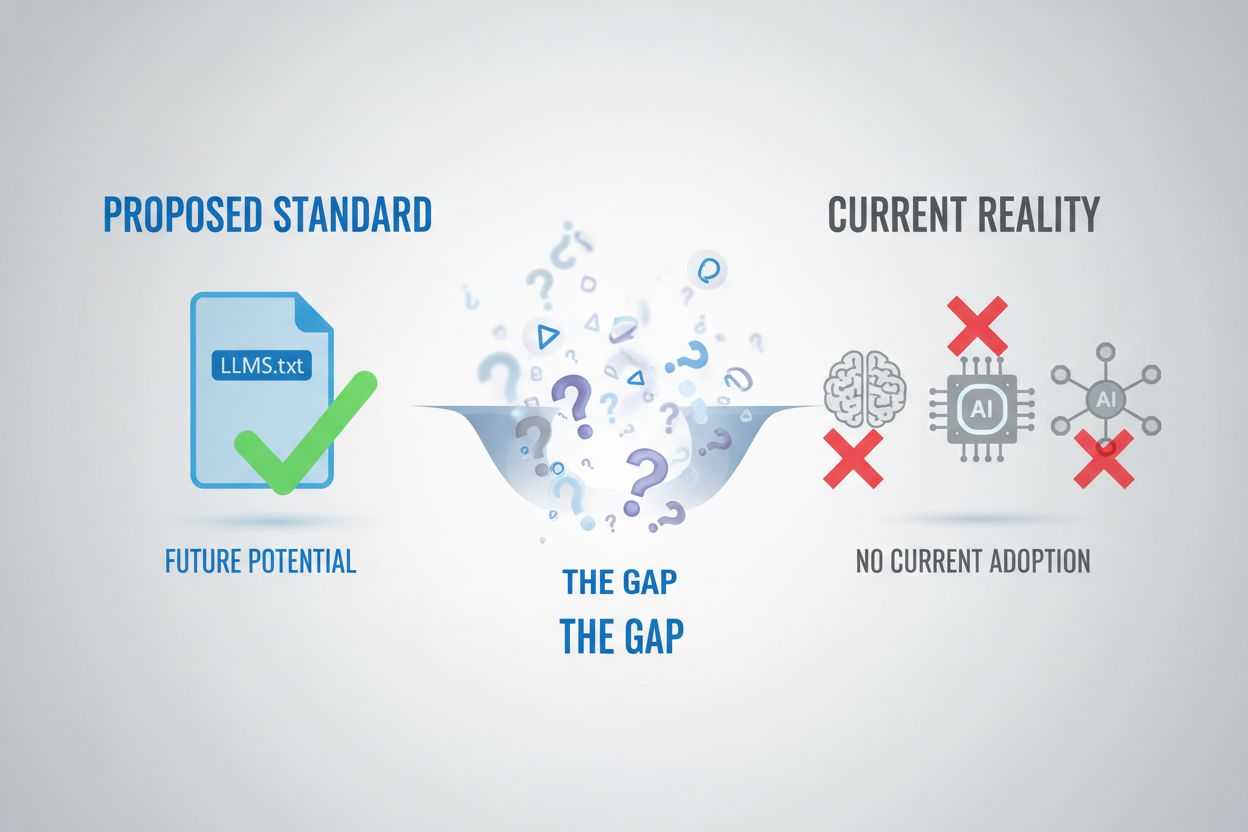
llms.txt, not llm.txt, and the wrong filename means the file simply won’t be foundThat’s a fair question, and not one this guide is trying to answer — it’s a separate discussion with its own evidence, adoption data, and skeptics’ case, and we’ve written it up in full as a dedicated essential practice debate: The Truth About LLMs.txt: Overhyped or Essential? The short version is that no major AI platform has confirmed using it, but implementation costs almost nothing, so most teams build it and move on rather than waiting for proof either way. What you can verify directly is whether your own file is correctly formatted and reachable — AmICited.com, our AI visibility monitoring platform, lets you track how AI systems actually cite and use your content across the web, which is the closest thing to real feedback on whether your llms.txt (and the rest of your content) is doing anything at all. That data point matters more than the file itself: no amount of llms.txt polish substitutes for quality content creation, and the monitoring is how you’d know the difference.
Yasha is a talented software developer specializing in Python, Java, and machine learning. Yasha writes technical articles on AI, prompt engineering, and chatbot development.

Track how AI systems cite and use your content across the web. Get real-time insights into your AI visibility and content attribution.
Learn how to implement LLMs.txt on your website to help AI systems understand your content better.
Learn what LLMs.txt files are, how they differ from robots.txt, and why they're essential for AI visibility and citations in ChatGPT, Perplexity, and Google AI ...

Use AmICited to fetch and validate your llms.txt file, which helps AI agents understand your website.
Cookie Consent
We use cookies to enhance your browsing experience and analyze our traffic. See our privacy policy.