


Perplexity Buy with Pro
Perplexity Buy with Pro is the integrated checkout for Pro subscribers. How AI shopping, one-click checkout and contextual memory work.
7 min read
A feature-specific guide to Perplexity’s Shop Like a Pro: how Buy with Pro one-click checkout and Snap-to-Shop visual search actually work, and how to optimize your store for both.
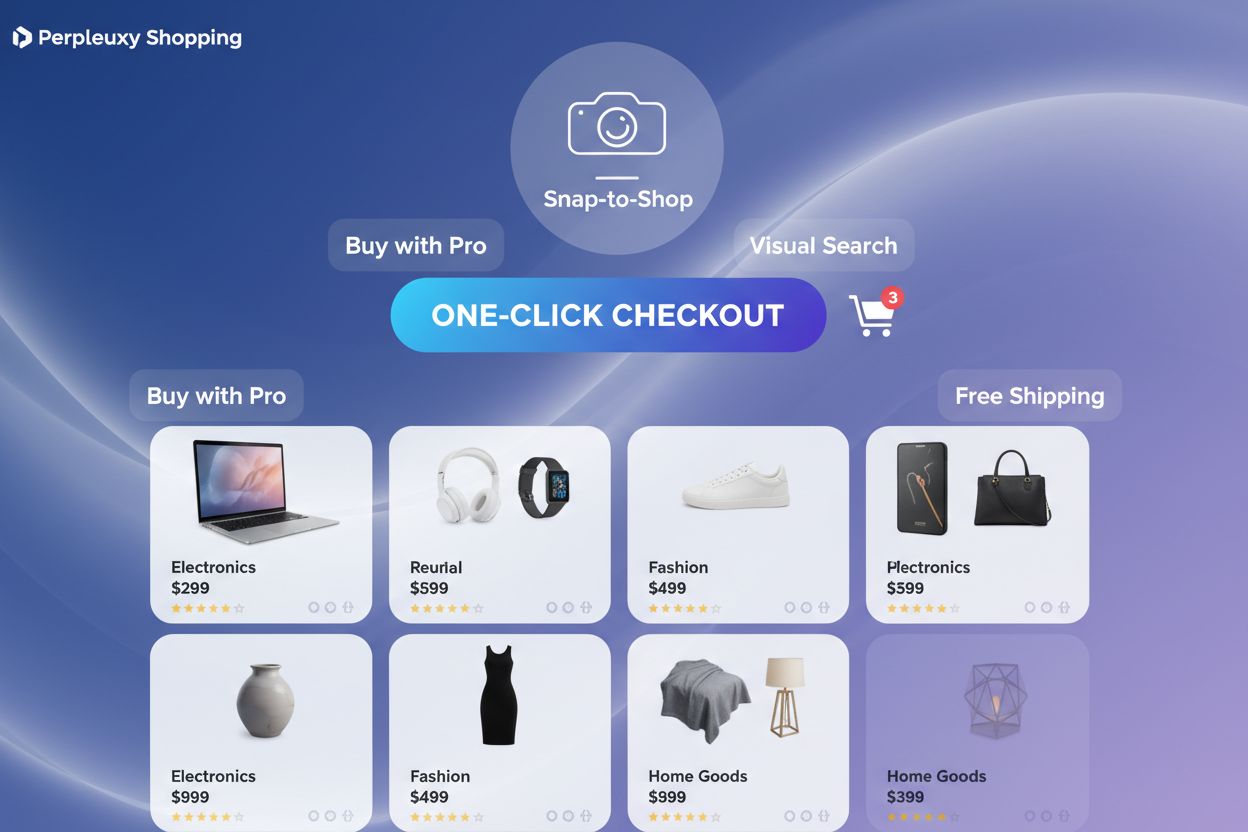
Shop Like a Pro is Perplexity’s premium shopping feature bundle, launched in November 2024 and available exclusively to Perplexity Pro subscribers. It layers three capabilities on top of the base Perplexity Shopping experience: Buy with Pro (one-click checkout), free shipping sponsored by Perplexity itself, and Snap-to-Shop (visual search from a photo). Together they let a Pro subscriber go from “I saw this on Perplexity” to “it’s on its way” without ever leaving the chat interface. This guide is deliberately narrow — it’s about the mechanics of these three Pro-exclusive features and how to optimize your store for them specifically. For the broader picture of merchant program setup, product data structuring, and store-wide AI shopping strategy, see our shopping optimization guide .
Buy with Pro is the checkout mechanism at the center of Shop Like a Pro. Pro subscribers save their shipping address and payment method once inside Perplexity; from that point forward, completing a purchase is a single click on the product card itself, with no redirect to the merchant’s website and no re-entry of billing details. For merchants, this means the traditional checkout funnel — cart page, shipping form, payment form, confirmation — collapses into one interaction that happens entirely within Perplexity’s interface. Understanding this is important because it changes what “optimization” even means for this feature: you’re not optimizing a checkout page you control, you’re optimizing the data feed and merchant settings that make your products eligible for Buy with Pro in the first place.

Track how AI chatbots mention your brand across ChatGPT, Perplexity, and other platforms.
Eligibility for Buy with Pro starts with your merchant integration being complete and current. If you’re on Shopify, use the native integration to sync your catalog rather than a manual feed — manual feeds drift out of date and Buy with Pro purchases fail silently when pricing or stock is wrong at the moment of checkout. Confirm that every SKU you want eligible has accurate, real-time pricing and inventory counts, since a one-click purchase against stale data is the fastest way to generate a refund request and a frustrated customer. Fill in shipping-related fields completely (dimensions, weight, origin) so Perplexity can calculate and honor the free shipping benefit without manual intervention. Finally, review your merchant dashboard regularly for any flagged data issues — incomplete fields are the most common reason products get quietly excluded from the Buy with Pro flow even when the rest of your catalog is otherwise strong.
Snap-to-Shop lets a customer photograph a product they like — on the street, in a magazine, on someone else’s home — and upload it to Perplexity to find similar items available for purchase. Under the hood, the system’s image recognition engine compares visual characteristics like color, shape, style, and material against your product photography to generate matches. Unlike text search, there’s no keyword to optimize; the entire signal is visual. That makes this feature uniquely dependent on the quality and consistency of your product images in a way that no other part of Perplexity Shopping is.
Get the latest insights on AI mentions, brand monitoring, and optimization strategies.
Because Snap-to-Shop matches on pixels, not text, image quality is the single highest-leverage lever you have for this feature. Use professional photography with sharp focus, accurate color reproduction, and proper exposure — blurry or poorly lit images simply won’t be recognized. Keep the product occupying 60-70% of the frame, clearly separated from the background, since a cluttered or busy shot confuses the matching algorithm. Provide multiple angles — front, back, side, and detail shots — so a customer’s photo, taken from an unpredictable angle, still has a good chance of matching one of yours. Use clean, simple backgrounds (white, light gray, or subtle neutral tones) across every shot, and maintain that same visual style consistently across every platform your product appears on, since inconsistent imagery across your website, Amazon listing, and Perplexity feed makes it harder for the algorithm to treat them as the same product. Write descriptive alt text on every image to give the AI an additional text signal alongside the visual one. Finally, test it yourself: photograph your own products the way a customer would and run them through Snap-to-Shop periodically to confirm they’re still being recognized correctly.
The free shipping benefit attached to Buy with Pro orders is sponsored by Perplexity, not funded out of your margin, which makes it one of the rare cases where a major cart-abandonment trigger is removed without any cost to the merchant. Shipping cost surprises at checkout are consistently one of the top reasons shoppers abandon a purchase, and Buy with Pro removes that objection before it can surface. The practical implication for merchants is that your product pricing should be presented as the true, final price wherever possible — since customers using Buy with Pro already know shipping is covered, any ambiguity about additional fees elsewhere in your listing undercuts the trust this feature is designed to build.
Even with one-click checkout and free shipping solving two major friction points, abandonment inside the Buy with Pro flow can still happen if the surrounding experience isn’t solid. Mobile responsiveness is non-negotiable — the majority of Perplexity Shopping sessions happen on mobile, and a product page that renders poorly on a phone undermines the one-click promise before the customer even reaches checkout. Page load speed matters just as much; a slow product page discourages the tap that triggers Buy with Pro in the first place. Keep inventory and pricing perfectly synced so a customer never taps “buy” on something that’s actually out of stock — nothing erodes trust in one-click purchasing faster than a failed transaction. And make sure your product data includes clear, complete information up front, since Buy with Pro shoppers are making a fast decision and won’t dig for details the way a browsing shopper might.
Merchants make a handful of preventable mistakes that limit their Perplexity Shop Like a Pro visibility and conversion. The most common ones:
Because Shop Like a Pro sits on top of the broader Perplexity Shopping experience, it’s worth measuring separately from your overall store performance. Track Buy with Pro checkout clicks and completion rate as their own funnel, distinct from general product impressions, so you can spot where one-click purchases are stalling. Monitor Snap-to-Shop match impressions — how often your products surface as a visual match — to gauge whether your photography investment is paying off. Conversion rate tracking specific to Buy with Pro purchases tells you whether the frictionless checkout is actually converting better than your standard flow, which it should be if your setup is clean. If you want the fuller picture of how these feature-specific numbers fit into your overall AI shopping visibility and ROI, our shopping optimization guide covers store-wide analytics in depth.
Viktor Zeman is a co-owner of QualityUnit. Even after 20 years of leading the company, he remains primarily a software engineer, specializing in AI, programmatic SEO, and backend development. He has contributed to numerous projects, including LiveAgent, PostAffiliatePro, FlowHunt, UrlsLab, and many others.

Track how your products surface in Buy with Pro checkout flows and Snap-to-Shop visual search results. Get real-time insights into your Perplexity Pro feature performance.
Perplexity Buy with Pro is the integrated checkout for Pro subscribers. How AI shopping, one-click checkout and contextual memory work.
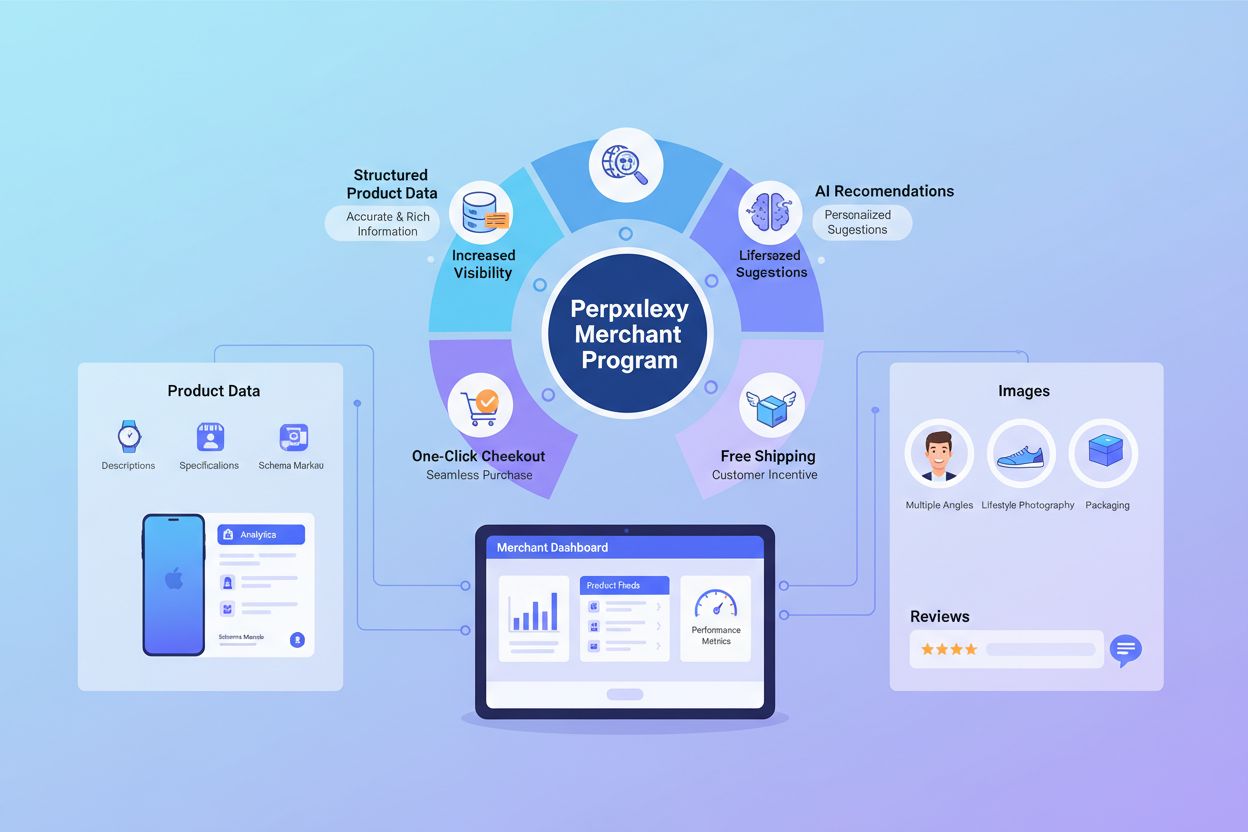
A complete guide to optimizing your ecommerce store for Perplexity Shopping: merchant program signup, product data structuring, reviews, conversational SEO, and...
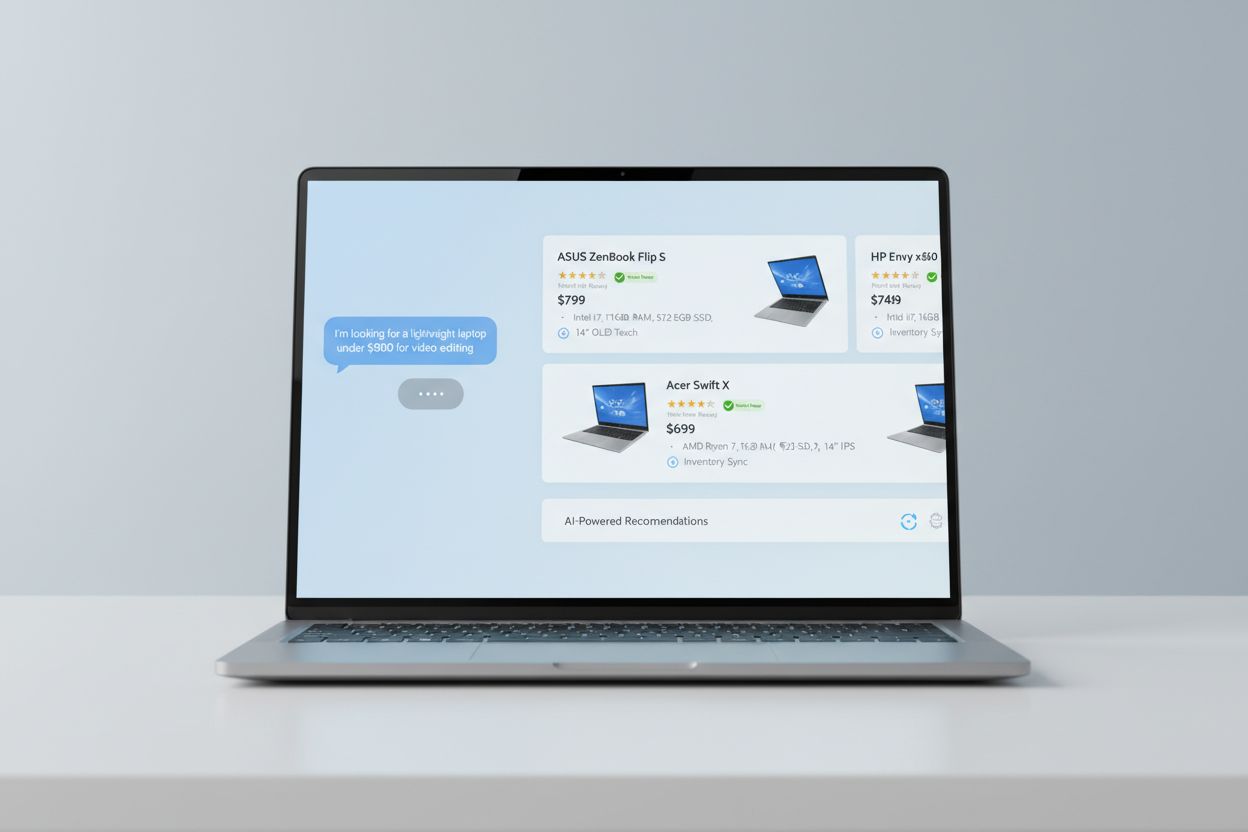
Learn about Shop Like a Pro, Perplexity's AI shopping assistant featuring verified products, detailed specifications, real-time price comparison, and integrated...
Cookie Consent
We use cookies to enhance your browsing experience and analyze our traffic. See our privacy policy.