Setting Up AI Traffic Tracking: Complete Technical Guide
A technical guide to tracking AI traffic beyond GA4: server-side log analysis, real-time monitoring platforms, API-based tracking, and building a unified dashboard.
AI traffic is invisible in standard analytics—and it’s costing you money. 52% of web traffic now comes from AI systems, yet no single tool captures all of it: GA4 misses bot crawling, log analysis misses conversion data, and third-party platforms miss content-level detail. AI platforms like ChatGPT, Perplexity, and Google’s AI Overviews influence millions of users daily, and companies are losing 30-34.5% of clicks where AI Overviews appear, with no visibility into why. AI platforms now appear in 40% of search queries, with some verticals seeing adoption rates as high as 90%, and 1.5 billion users see AI-generated answers monthly. Early adopters who implement AI traffic tracking now gain a critical competitive advantage—they’ll understand their audience while competitors remain in the dark. This guide assumes you already have a working GA4 setup; if you haven’t configured a custom channel group yet, start with our GA4 traffic tracking guide
and come back here to extend it with server logs, real-time platforms, and API-based tracking.
Understanding AI Traffic Sources and Data Quality
Understanding where your AI traffic originates is the foundation of effective tracking. Different AI platforms have distinct characteristics, referrer patterns, and data quality levels. Here’s what you need to know about the major sources:
Platform
Tracking Method
Data Quality
Priority Level
ChatGPT
User-Agent + Referrer
High
Critical
Perplexity
User-Agent + Referrer
High
Critical
Google Gemini
User-Agent + Referrer
Medium
High
AI Overviews
Server-side tracking
Medium
High
Claude
User-Agent + Referrer
High
High
Each platform sends traffic through different pathways, and some don’t include traditional referrer data at all. This is why a multi-layered tracking approach is essential—you can’t rely on a single method, including GA4 alone, to capture all AI traffic accurately.
Ready to Monitor Your AI Visibility?
Track how AI chatbots mention your brand across ChatGPT, Perplexity, and other platforms.
AI traffic tracking operates on a fundamentally different architecture than traditional web analytics. Standard JavaScript and cookie-based tracking fails for AI bots because they don’t execute JavaScript, don’t store cookies, and often mask their referrer information. A complete architecture layers four components on top of each other: a GA4 channel group for human referral traffic, server-side log analysis for bot crawling GA4 never sees, real-time third-party platforms for latency GA4 can’t match, and API-based integrations that tie all three data sources together into one reporting view. Real-time data visibility is critical because AI traffic patterns shift rapidly; delayed reporting means you’re always analyzing yesterday’s landscape. The rest of this guide covers each layer beyond the GA4 foundation.
GA4 as Your Foundation
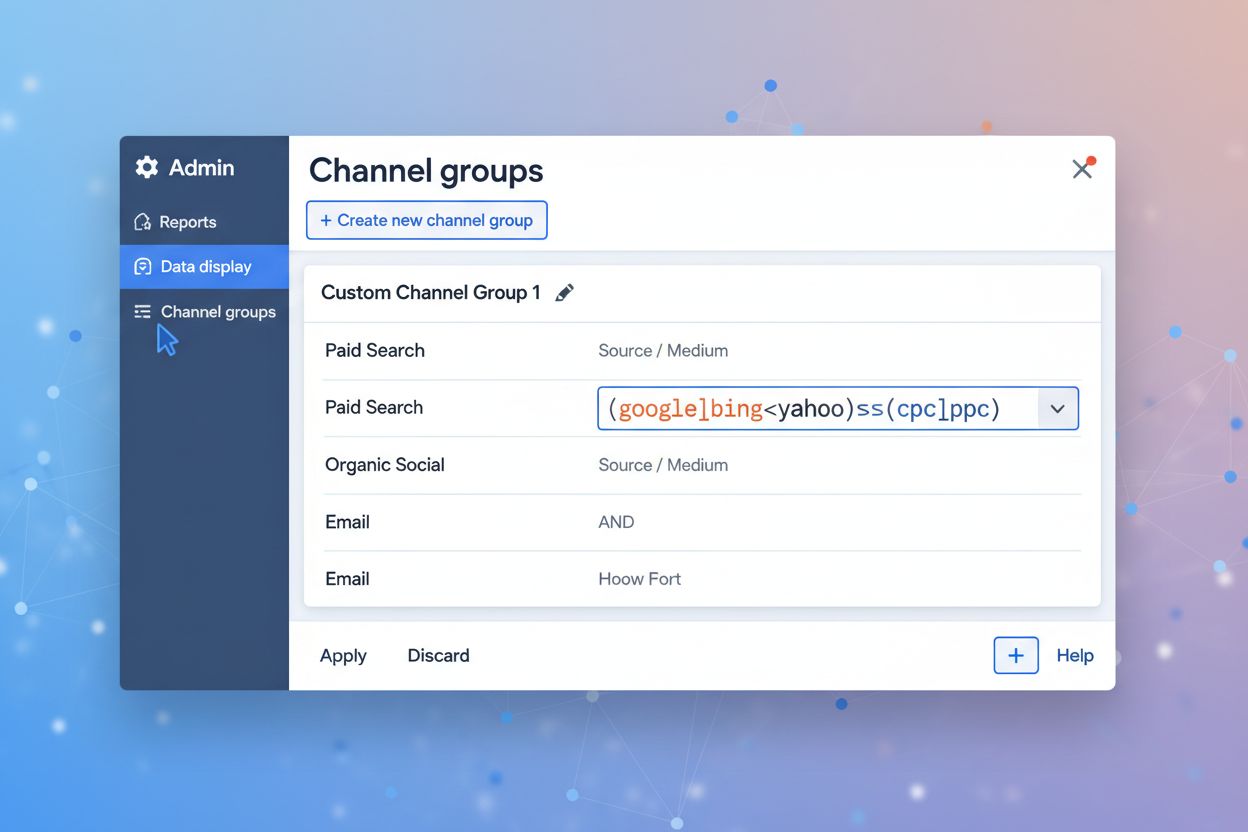
Before adding the layers below, GA4 needs to be correctly configured: create a custom channel group under Admin > Channel Groups using a regex pattern matched against session source/medium, and reorder it above “Referral” so AI traffic isn’t miscategorized. This establishes permanent tracking channels that persist across every standard GA4 report going forward. The full walkthrough—exact menus, the complete regex pattern, and how to verify it’s working—lives in our GA4 traffic tracking guide
; everything from here on assumes that piece is already in place.
Stay Updated on AI Visibility Trends
Get the latest insights on AI mentions, brand monitoring, and optimization strategies.
GA4 only sees traffic that executes JavaScript—which excludes most AI crawler activity entirely. Bots like GPTBot, ClaudeBot, and PerplexityBot access your content directly via server requests, often without ever rendering a page in a way GA4’s tag can detect. Server log analysis closes this gap by parsing your raw access logs for known AI user-agent strings, giving you visibility into which pages are being crawled for training or retrieval purposes, independent of whether a human ever clicks through. This matters because crawling volume and referral volume tell different stories: a page can be crawled heavily by GPTBot while sending almost no click-through traffic, or vice versa. By analyzing this breakdown of your server logs alongside your GA4 channel data, you can see both halves of the picture—how often AI systems access your content, and how often that access converts into a visit.
Real-Time Monitoring Platforms: Ahrefs, Serpstat, and Beyond
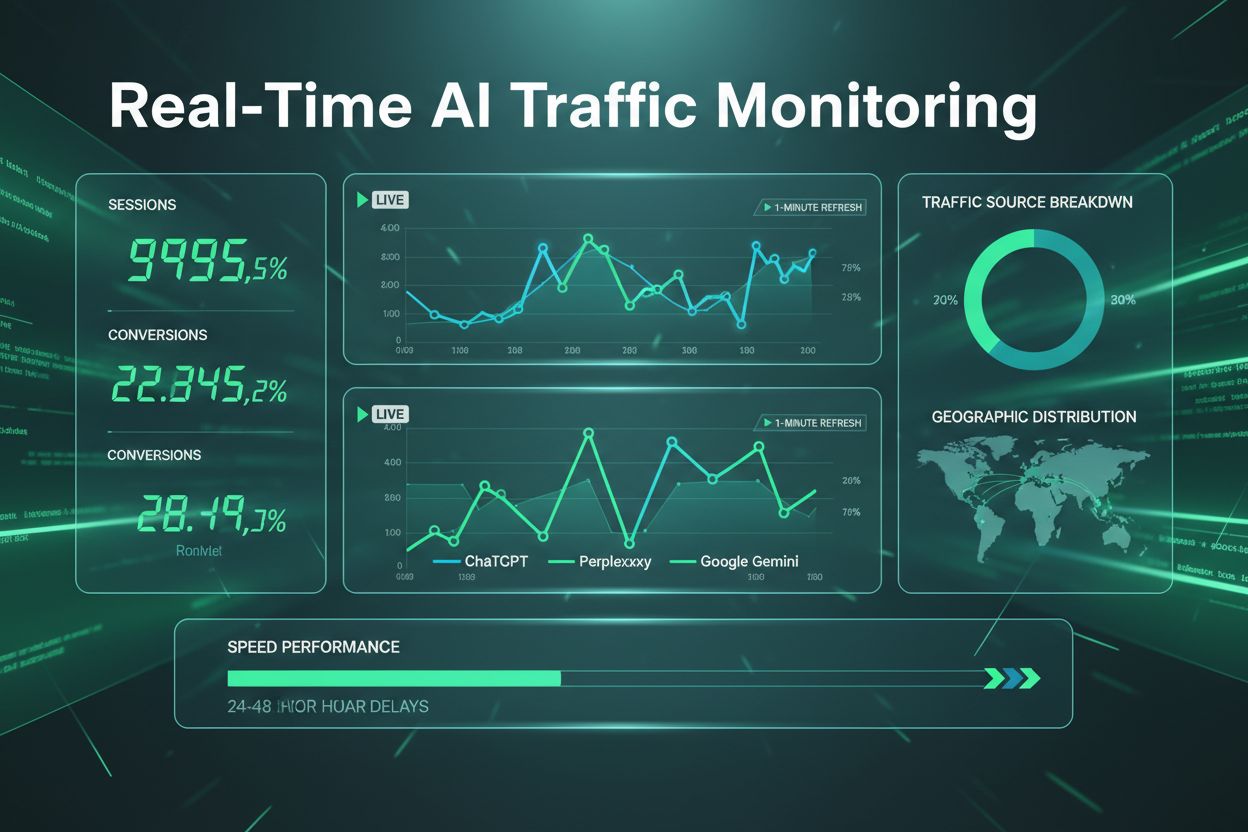
GA4’s 24-48 hour reporting delay is a real limitation for teams that need to react quickly. Ahrefs Web Analytics delivers AI traffic data with just one-minute latency, letting you monitor AI crawler activity as it happens rather than waiting days for reports to populate. Serpstat excels at identifying which keywords trigger AI Overviews and other AI-generated results, providing keyword-level attribution that GA4 cannot match. These platforms don’t replace GA4—they fill the latency and keyword-attribution gaps GA4 structurally can’t close, and are best run in parallel with your channel group rather than instead of it. When selecting tools, consider your budget, the level of real-time insight you need, and whether you require keyword-level or page-level attribution data.
API-Based and Programmatic Tracking
Standard analytics tags—GA4’s JavaScript snippet, Ahrefs’ beacon—only fire when a browser renders your page. API-based tracking works differently: it pulls data directly from server logs, CDN request records, or a monitoring platform’s own API, so it captures activity that never touches client-side tracking at all. This is how you stitch GA4’s referral data, your server log analysis, and a third-party platform’s real-time feed into a single pipeline instead of checking three dashboards separately. In practice this means scheduling a job that pulls each source’s data on a regular interval, normalizing the session source/medium and user-agent fields so they match across tools, and loading the result into a shared table or dashboard. It’s more engineering effort than any single tool’s UI, but it’s the only way to get one number instead of three conflicting ones.
Tracking AI Overview Traffic: The Attribution Gap
The most challenging tracking scenario you’ll encounter is AI Overview traffic, which appears in your analytics as standard Google organic search rather than a distinct source. Unlike ChatGPT or Perplexity traffic, which identify themselves through clear user-agent strings, Google’s AI Overviews blend seamlessly into organic traffic, making direct attribution nearly impossible within GA4 alone. Fragment tracking methods—using URL parameters to identify AI-sourced clicks—offer limited effectiveness since AI systems may strip or ignore these parameters. The most reliable approach combines keyword-based identification through SERP analysis tools like Ahrefs and Serpstat with traffic pattern analysis in GA4, essentially a form of direct traffic modeling: estimating AI Overview impact from correlated signals rather than a clean referrer. By monitoring which keywords trigger AI Overviews and correlating traffic spikes with SERP changes, you can estimate AI Overview impact even without perfect attribution.
Content Optimization by AI Platform
Understanding your AI traffic patterns is only valuable if you translate those insights into concrete content improvements, and different AI systems reward different things.
Content preferences by AI platform:
ChatGPT prefers: Well-structured content with clear hierarchies, keyword-focused subheadings, comprehensive explainers that answer questions thoroughly, and FAQ sections that address common queries
Perplexity prefers: Niche topics with specialized expertise, step-by-step guides and tutorials, structured information with clear formatting, and concise content that gets to the point quickly
Gemini prefers: Factual, data-driven content with cited sources, reference pages and comprehensive guides, and content from authoritative domains with established expertise
Content format optimization: Implement clear header hierarchies (H2, H3, H4) that help AI systems understand your content structure, add FAQ sections that directly answer user questions, use numbered lists and bullet points for procedural content, and ensure comprehensive coverage of topics rather than surface-level overviews. Strengthen your authority signals by updating statistics and data regularly, including expert commentary and original research, and building internal linking structures that establish topical authority.
Measuring Conversion Impact Across Your Stack
AI visitors demonstrate significantly higher purchase intent compared to traditional search traffic, making conversion tracking essential for understanding your true ROI—but only if you’re comparing conversions consistently across GA4, your log analysis, and any third-party platforms in your stack. By setting up conversion tracking specifically for AI sources in each tool, you can measure how visitors from AI Overviews, ChatGPT, and other AI platforms progress through your sales funnel, then reconcile the numbers before reporting a single figure. Compare your AI traffic conversion rates against organic search, paid ads, and other channels to identify which sources deliver the highest-value customers. Real-time conversion monitoring enables rapid optimization, allowing you to identify underperforming content and capitalize on high-performing pages before competitors do.
Common Implementation Challenges & Solutions
Attribution complexity presents one of the most significant challenges when tracking AI traffic, particularly with Google’s AI Overviews fragmenting user journeys across multiple touchpoints. Data quality inconsistencies often emerge when combining GA4 with other analytics platforms, leading to discrepancies in traffic volume and conversion attribution—this is exactly what API-based normalization is meant to solve. GA4’s delayed reporting can obscure real-time performance trends, making it difficult to respond quickly to traffic fluctuations, which is where real-time platforms earn their keep. Additionally, incomplete fragment tracking may cause you to miss valuable AI-sourced visitors who don’t complete full page loads, which server log analysis catches instead. The solution involves combining multiple tracking tools—GA4 for foundational data, server-side tracking for enhanced accuracy, and specialized AI traffic platforms like AmICited for AI-specific insights—creating a comprehensive view of your AI traffic ecosystem.
Building a Unified AI Traffic Dashboard
A centralized monitoring dashboard transforms raw data from GA4, your log analysis, and your real-time platforms into actionable insights by integrating everything with visualization tools like Looker Studio. Your dashboard should prominently display key metrics including AI platform volume trends, content performance rankings, geographic distribution of AI visitors, and conversion rates by AI source. Implement real-time alerts that notify your team of significant traffic spikes or anomalies, enabling immediate investigation and response. Include competitive analysis sections that track how frequently your content appears in AI citations compared to competitors, providing strategic context for your optimization efforts. Executive reporting frameworks should summarize AI traffic’s contribution to overall business goals, demonstrating clear ROI and justifying continued investment in AI traffic tracking now that it spans more than one tool.
Implementation Timeline & Quick Wins
Getting started with a full AI traffic tracking stack doesn’t require months of preparation—a strategic phased approach delivers quick wins while building toward comprehensive monitoring. Week 1 is your GA4 foundation, following the GA4 setup guide
, which takes approximately 15 minutes and immediately provides baseline visibility. Week 2 involves deploying server log analysis and one real-time platform to close the gaps GA4 structurally can’t cover, then conducting initial cross-tool analysis. Week 3-4 covers building the API-based pipeline that ties everything together and refining your dashboard for accuracy. These quick wins—immediate visibility into AI traffic volume, baseline performance metrics, and clear optimization targets—provide momentum for your team while laying the foundation for ongoing content optimization and sophisticated reporting.
Future-Proofing Your AI Traffic Strategy
The AI landscape continues evolving rapidly, with new platforms, features, and traffic sources emerging regularly, making flexible tracking architecture essential for long-term success. Your current tracking stack should accommodate future AI tools without requiring complete reconfiguration, allowing you to quickly integrate new sources as they gain market traction. Continuous monitoring and adaptation ensure your strategy remains effective as AI platforms change their citation mechanisms, ranking algorithms, and user behavior patterns. By building a sustainable, scalable approach to AI traffic tracking now—one that spans GA4, server logs, real-time platforms, and API-based integration rather than relying on any single tool—you establish a competitive advantage that compounds over time.
Frequently asked questions
Most organizations see measurable AI traffic within 24-48 hours of proper GA4 setup. However, meaningful patterns and trends typically emerge within 7-14 days as you accumulate sufficient data across your full tracking stack. Real-time monitoring tools like Ahrefs can show AI activity within minutes.
Yes—GA4 with a working AI channel group is the foundation everything else layers on top of. If you haven't set that up yet, follow our dedicated GA4 setup guide first; this guide assumes that baseline exists and focuses on what to add beyond it.
GA4 provides high accuracy for direct AI referrals from ChatGPT, Perplexity, and Claude (95%+ accuracy) once configured correctly. However, AI Overview traffic attribution remains incomplete since it appears as standard Google organic traffic, and server-side bot crawling is invisible to GA4 entirely. Combining GA4 with server logs and specialized tools closes both gaps.
AI referral traffic consists of human visitors who click through from AI platforms to your website. AI bot crawling is when AI systems access your content without sending visitors—this traffic is invisible in standard analytics and only shows up in server logs. Both are important but require different tracking approaches.
Complete attribution for AI Overview traffic remains challenging since it appears as Google organic traffic. However, combining keyword-level SERP analysis with traffic pattern monitoring provides reasonable estimates. Specialized tools like Ahrefs and Serpstat offer the best available visibility.
Ahrefs Web Analytics provides real-time data (1-minute latency), Serpstat identifies AI Overview keywords, server log analysis catches bot crawling GA4 misses, and specialized platforms like AmICited offer comprehensive AI brand monitoring. The best approach combines GA4 with 2-3 complementary tools for complete visibility.
AI-referred visitors typically show higher intent and better conversion rates than standard organic traffic because they've already been vetted by AI systems. However, conversion rates vary by industry and content type, so tracking AI conversions separately across your tools is essential for accurate ROI measurement.
Standard analytics tags (GA4, Ahrefs) rely on JavaScript executing in a visitor's browser, which many AI bots never trigger. API-based tracking pulls data directly from server logs, CDN records, or third-party platform APIs, capturing activity that never touches client-side tracking at all.
Viktor Zeman is a co-owner of QualityUnit. Even after 20 years of leading the company, he remains primarily a software engineer, specializing in AI, programmatic SEO, and backend development. He has contributed to numerous projects, including LiveAgent, PostAffiliatePro, FlowHunt, UrlsLab, and many others.
Viktor Zeman
CEO, AI Engineer
Start Tracking Your Full AI Traffic Stack
Get real-time visibility into how AI platforms drive traffic to your website, beyond what any single tool can capture. AmICited monitors all major AI sources automatically, so you don't have to.
Can I See AI Traffic in Google Analytics? Complete Guide to Tracking AI Crawlers
Learn how to track and monitor AI traffic from ChatGPT, Perplexity, Gemini and other AI platforms in Google Analytics 4. Discover 4 proven methods to identify A...
How do you track AI traffic in Google Analytics? Standard reports show almost nothing
Community discussion on tracking AI traffic in Google Analytics 4. Real techniques from analysts and marketers for identifying and measuring traffic from ChatGP...
A step-by-step GA4 setup guide for AI referral traffic: manual checks, saved reports, custom channel groups, and the exact regex patterns to configure them.
7 min read
Cookie Consent We use cookies to enhance your browsing experience and analyze our traffic. See our privacy policy.