


How to Find Prompts That Trigger AI Brand Mentions
Find the prompts that trigger AI brand mentions, map them to the buyer journey and prioritize what to monitor.
15 min read
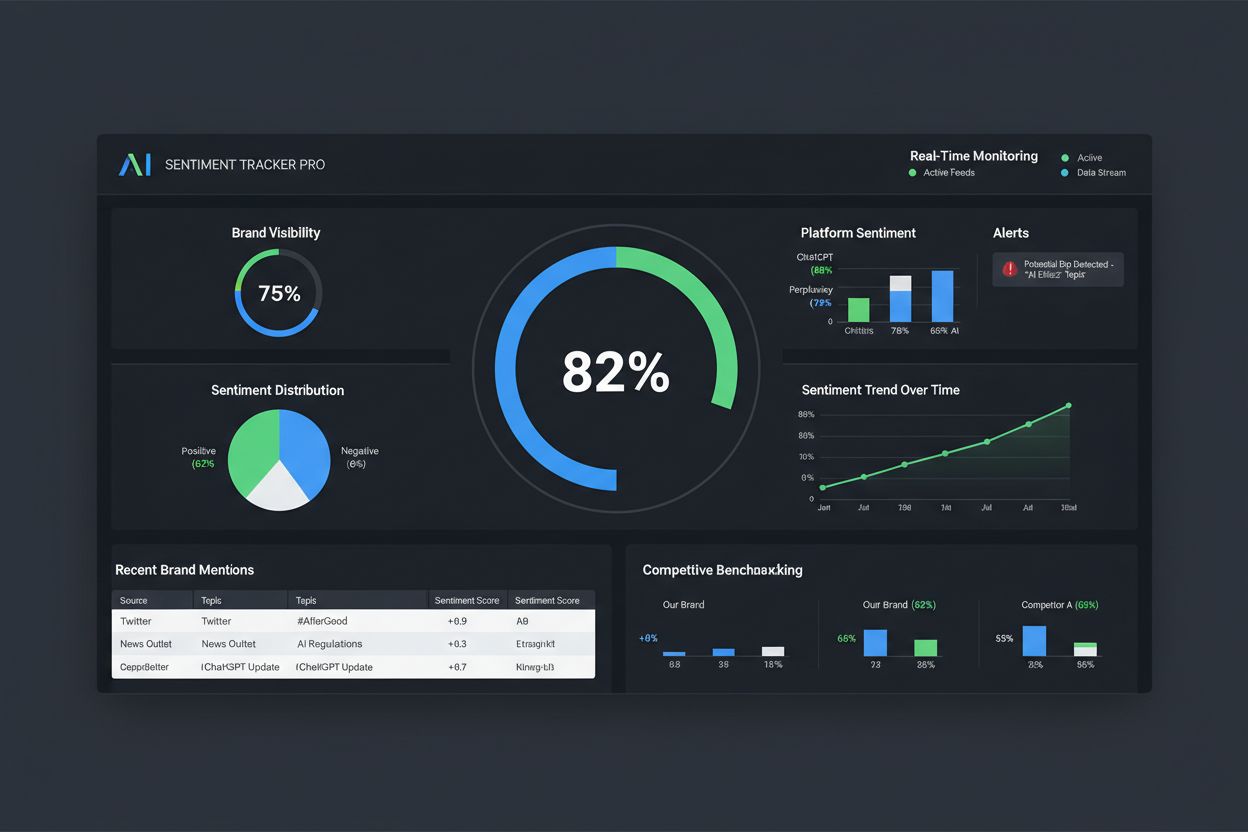
A practitioner’s playbook for tracking AI brand sentiment: what to query, how often, how to categorize and log results, and how to build a repeatable workflow.
You already know what AI brand sentiment is and why it’s worth watching. This guide skips that explanation and gets straight to the process: the exact steps for setting up an ongoing tracking workflow, what to query, how often to run it, how to categorize what comes back, and how to turn a folder of screenshots into a trend you can actually act on.
Everything downstream depends on asking the right questions consistently. Build a set of 20-40 prompts across four categories:
Comparison and category prompts matter as much as branded ones, because how those mentions get framed when you’re not explicitly named is often where the real sentiment signal lives — it tells you whether AI associates your category with your brand at all. Keep a locked, versioned copy of this prompt list. Adding new prompts over time is fine; editing the wording of existing ones breaks your ability to compare results across periods.
Pick two or three platforms where your buyers actually research — for most B2B and B2C brands that’s ChatGPT and Perplexity, with Google AI Overviews added for categories with high commercial search intent. Resist the urge to cover every AI platform on day one; a workflow you can sustain on three platforms beats a comprehensive one you abandon after two weeks.
Match cadence to how fast each prompt type moves:
| Prompt type | Recommended cadence | Why |
|---|---|---|
| Branded | Weekly | Most sensitive to recent news, PR, and reviews |
| Comparison | Weekly | Competitive framing shifts as competitors publish content |
| Category | Monthly | Moves slowly; tied to broader training data updates |
| Problem-solution | Monthly | Same — slower-moving, less event-driven |
Increase frequency temporarily around a launch, a PR push, or a competitor’s campaign so you can attribute any sentiment shift to a specific cause rather than guessing at it after the fact.
Don’t split cadence by platform in addition to prompt type in your first month — that’s two variables changing at once, and it makes it much harder to tell whether a shift in results came from the platform, the prompt, or an actual change in how AI describes you. Fix cadence per prompt type first, keep it consistent across all platforms, and only introduce platform-specific cadences later if you find a clear reason to (for example, a platform that updates its index far more frequently than the others).

Track how AI chatbots mention your brand across ChatGPT, Perplexity, and other platforms.
Run each prompt fresh in a new conversation (not a continued thread, which biases the answer with prior context) and capture the complete response, not just the sentence mentioning your brand. Context around the mention — what else is being compared, what qualifiers are used — is often what determines whether a mention helps or hurts you. Save the platform, the exact prompt text, the date, and the full response text together; a screenshot plus a plain-text copy in a shared log is enough, no special tooling required.
A few execution details make results more comparable run to run. Use a logged-out or fresh session where possible, since personalization and conversation history can change what a model surfaces. Run the same prompt set within a tight time window (same day, ideally same few hours) so you’re not comparing Monday’s answer on one platform to Friday’s answer on another. And note the model version if the platform exposes one — a response captured right after a model update isn’t strictly comparable to one from the week before, and that distinction matters when you’re trying to explain a sudden swing in your log.
For each response where your brand appears, log:
Resist collapsing this to a single positive/negative/neutral tag with no context — “AI mentioned us neutrally” and “AI recommended a competitor instead and didn’t mention us at all” are both worth logging, and they require completely different responses. Log competitor mentions in the same run, too, using competitive comparison as your reference point for whether your framing is ahead, even, or behind.
A minimal log row looks like this:
| Date | Platform | Prompt | Mentioned? | Sentiment | Framing | Quote |
|---|---|---|---|---|---|---|
| 2026-02-03 | ChatGPT | “Best tools for [category]” | Yes | Neutral | Listed 4th of 5, no qualifier | “…also offers a solution in this space…” |
| 2026-02-03 | Perplexity | “[Brand] vs [Competitor]” | Yes | Positive | Led with strength, competitor listed as alternative | “…is generally considered the stronger option for…” |
Seven columns is enough to start. Resist the temptation to add ten more fields before you’ve run the process for even a month — an over-engineered template is one of the more common reasons a tracking effort quietly stops after week two.
Get the latest insights on AI mentions, brand monitoring, and optimization strategies.
A tracking process only produces value if it survives past the first month. That means assigning clear ownership: someone specific runs the queries on schedule, someone specific reviews the log weekly, and there’s a documented escalation path for what happens when a negative pattern emerges (who gets notified, what content or PR response gets triggered). Put the schedule on a calendar with recurring reminders rather than relying on someone remembering to do it. If the workflow depends on one person’s memory, it will lapse within a quarter.
A workable ownership split for a small team: marketing runs the weekly query batch and does the initial categorization (30-45 minutes for a 20-30 prompt set once you’ve done it a few times); a second person spot-checks a sample of the categorizations monthly to catch drift in how sentiment labels are being applied; and whoever owns content or PR gets looped in whenever the monthly rollup shows three or more consecutive negative-leaning periods on the same prompt or platform. Writing this down, even in a single shared document, is what turns “someone should really track this” into a process that survives past the person who set it up.
A single logged response is an anecdote. Turn the log into a trend by rolling entries up weekly or monthly into a count of positive, neutral, and negative mentions per platform and per prompt type. Watch the ratio, not the raw numbers — five negative mentions out of ten total is a very different signal than five negative mentions out of two hundred. Four to six consecutive periods moving the same direction is the threshold where a pattern becomes worth acting on rather than dismissing as noise. This is also where you’ll notice how AI describes your brand shifting well before it shows up in any other channel you’re already monitoring.
Changing prompt wording mid-tracking. Even small rewording changes the answer distribution enough to make before/after comparisons meaningless. Lock the list.
Only logging positive results. Teams under pressure to show progress sometimes unconsciously skip logging negative mentions. Log everything, including the responses that are inconvenient.
Ignoring the neutral bucket. Brand sentiment tracking that only counts positive vs. negative misses the far more common case: your brand mentioned with no real endorsement either way, which is a missed opportunity rather than a crisis, but still worth knowing about.
Tracking your brand without a competitor baseline. A +20 sentiment score means nothing on its own. Log your top two or three competitors on the same prompts so you know whether +20 is strong or weak for your category — otherwise visibility with poor sentiment can look identical to healthy visibility on paper.
A spreadsheet-based version of this workflow is the right way to validate the process: run it on 20-30 prompts for a month and confirm the categories and cadence actually surface useful signal before investing further. Once you’re covering multiple platforms, dozens of prompts, and want historical trend charts without a person manually re-running everything every week, that’s the point to look at dedicated tooling. Monitoring tools built specifically for this run the same query-and-log loop automatically and add the aggregation on top — see our guide to choosing an AI sentiment tracking tool for how to evaluate whether that switch is worth it for your team.
If your tracking surfaces a negative pattern, the next step is fixing it, not just logging it — see our Improving negative AI sentiment guide for the content and PR playbook that follows this monitoring one.
Viktor Zeman is a co-owner of QualityUnit. Even after 20 years of leading the company, he remains primarily a software engineer, specializing in AI, programmatic SEO, and backend development. He has contributed to numerous projects, including LiveAgent, PostAffiliatePro, FlowHunt, UrlsLab, and many others.

Everything in this guide—the query set, the cadence, the categorization, the trend logging—is what Am I Cited runs for you automatically across ChatGPT, Perplexity, and Google AI Overviews.
Find the prompts that trigger AI brand mentions, map them to the buyer journey and prioritize what to monitor.

How to choose between manual prompt-testing, a dedicated AI sentiment platform, or building your own pipeline—what to evaluate, the tradeoffs, and how to build ...

Community discussion on prompt tracking strategies for AI visibility. Real experiences from marketers and SEO professionals on monitoring how ChatGPT, Perplexit...
Cookie Consent
We use cookies to enhance your browsing experience and analyze our traffic. See our privacy policy.