


- Google Shopping ads are product ads with a photo, title, price and store name, shown on Search, the Shopping tab, Images and other Google surfaces.
- They are built from a product feed in Merchant Center, not keywords, and run as Standard Shopping or Performance Max campaigns.
- They are judged on ROAS (conversion value ÷ ad spend), but set targets from margin, shipping and returns, not revenue alone.
- Google’s Shopping Graph, fed by Merchant Center data, also supplies products in AI Mode and AI Overviews, so clean feed data counts twice.
Where AmICited fits
AmICited connects Google Ads for spend, clicks, conversions and impression share by campaign. Its Shopping report shows which products and sellers AI answers put on product cards for the prompts you track.
See Google Ads reporting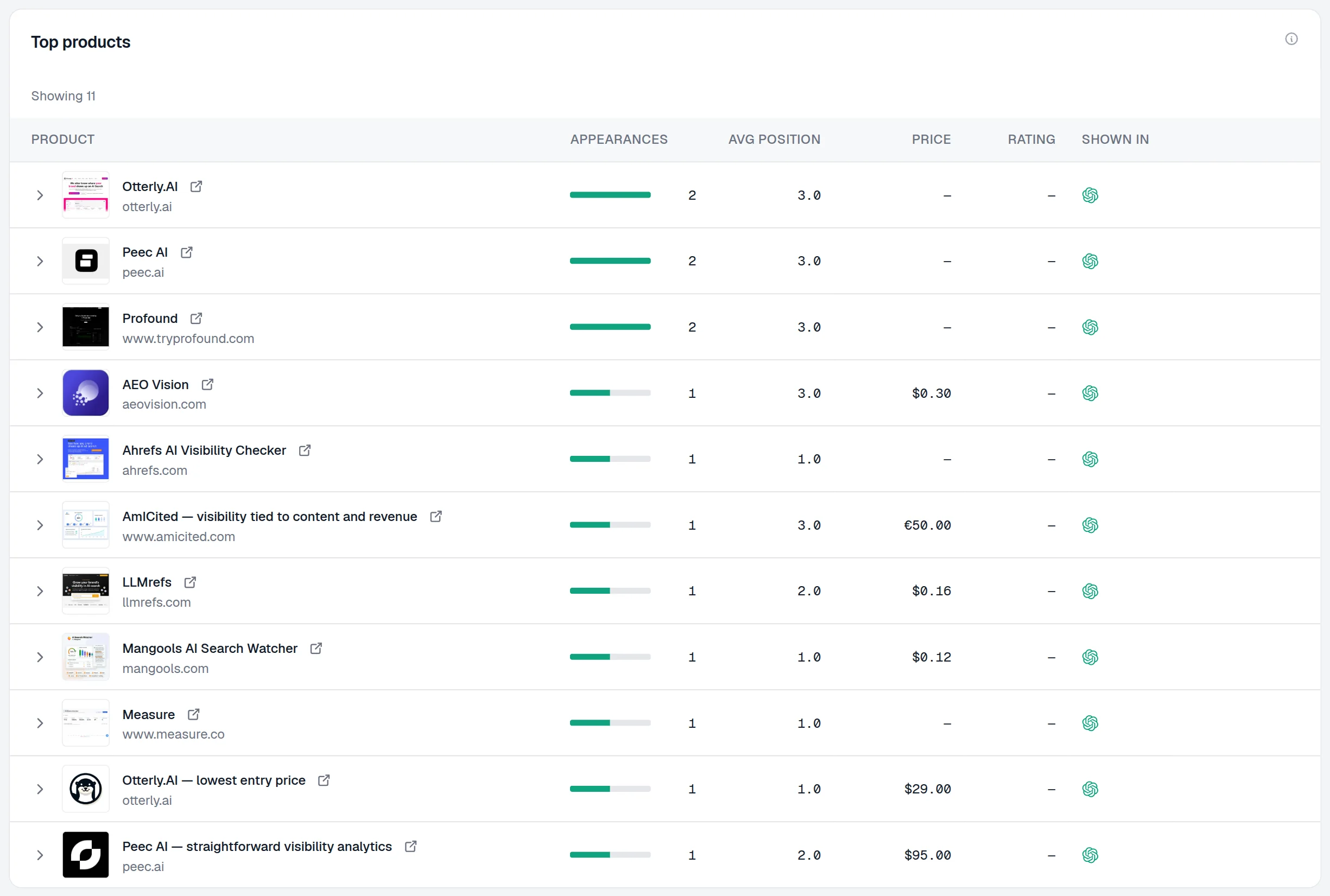
What Are Google Shopping Ads?
Google Shopping ads are product ads that show a photo, product title, price, store name and often ratings or shipping info. They appear at the top or side of Google Search results, on the Shopping tab, in Google Images and across other Google surfaces. When someone searches “women’s trail running shoes”, the row of product cards with prices above the text results is usually Shopping ads.
Shopping ads are built from product data, not keywords. Retailers upload a product feed to Google Merchant Center, link it to Google Ads, and run either a Standard Shopping campaign or a Performance Max campaign. Google then matches products to searches based on the feed: titles, descriptions, categories and identifiers like GTIN. Older guides call them Product Listing Ads (PLAs).
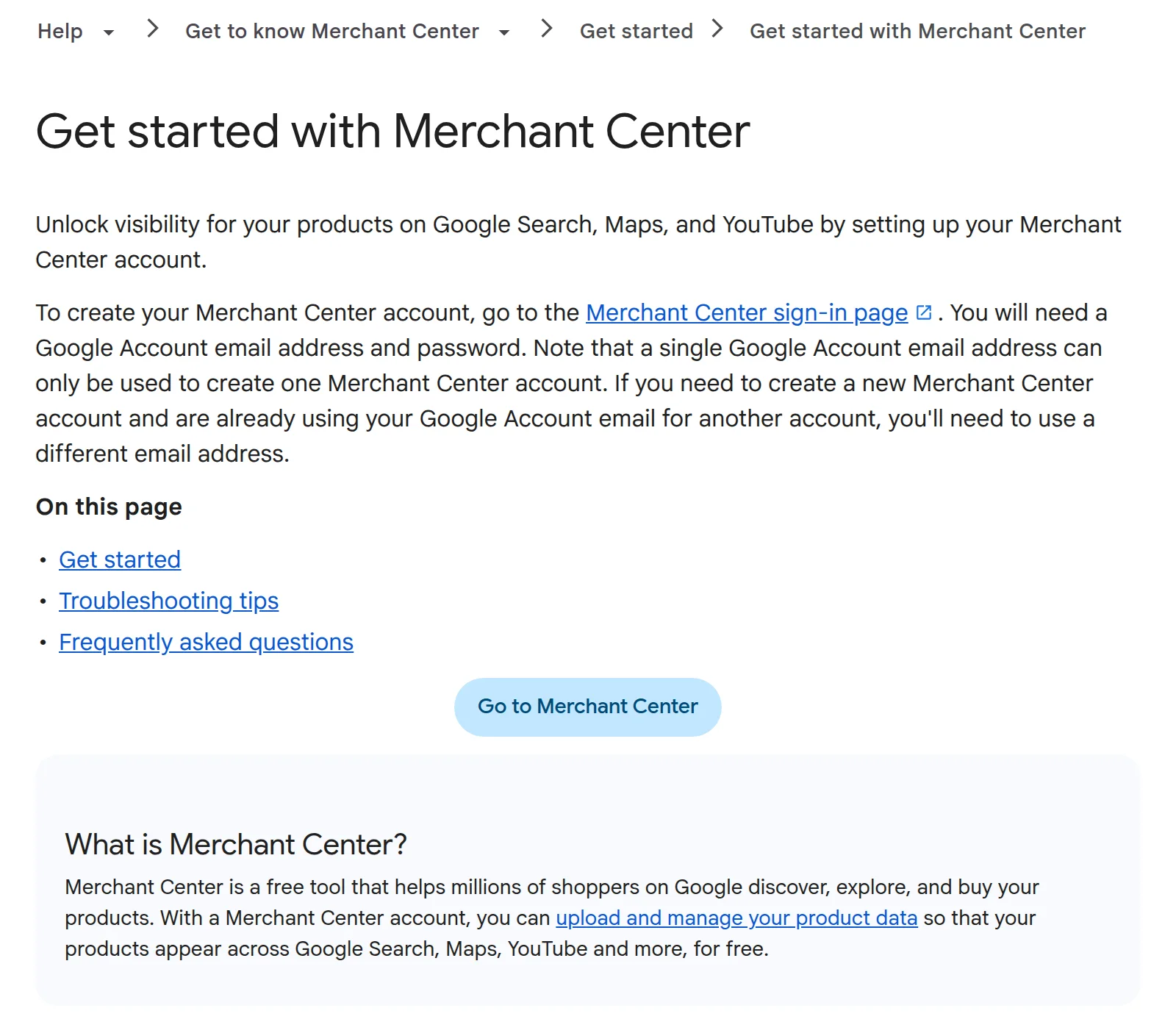
How Google Shopping Ads Work
- Build a product feed. Each product needs required attributes such as
id,title,description,link,image_link,price,availability,brandand a GTIN where one exists. - Submit to Merchant Center. Google reviews products against its policies and data requirements. Disapproved products cannot show.
- Create a campaign. In Google Ads, choose Standard Shopping or Performance Max, set a budget and bid strategy (manual CPC, target ROAS, maximize conversion value).
- Organize products. Split products into product groups or listing groups by brand, category, margin or custom labels so you can bid differently.
- Google matches and auctions. For each search, Google picks relevant products from all advertisers and runs an auction. Your bid and the relevance of your product data decide whether and where your product appears.
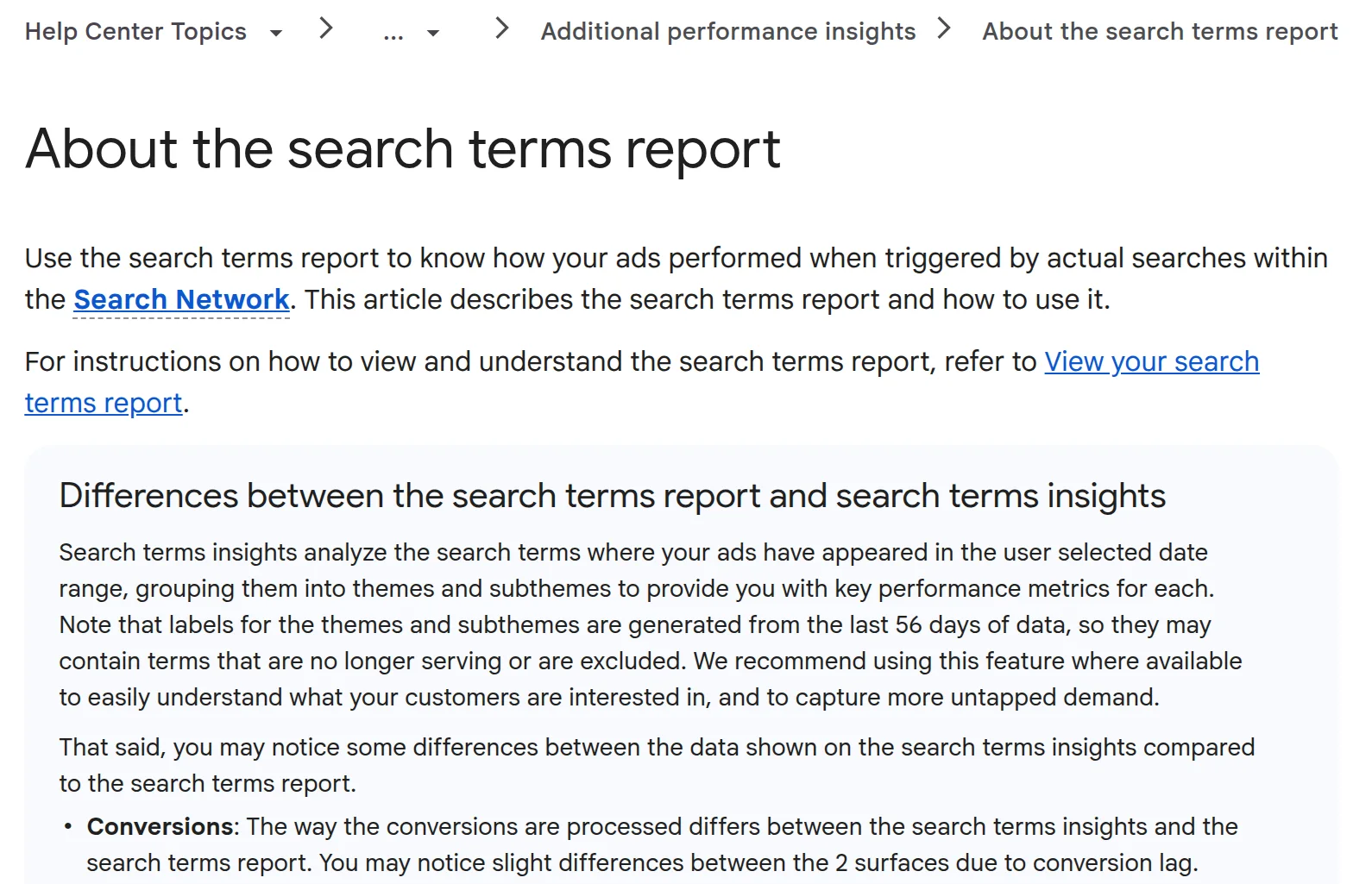
- Refine. In Standard Shopping, add negative keywords from the search terms report. Fix feed issues and improve titles.
Shopping campaigns are judged on return on ad spend:
ROAS = Conversion value ÷ Ad spend
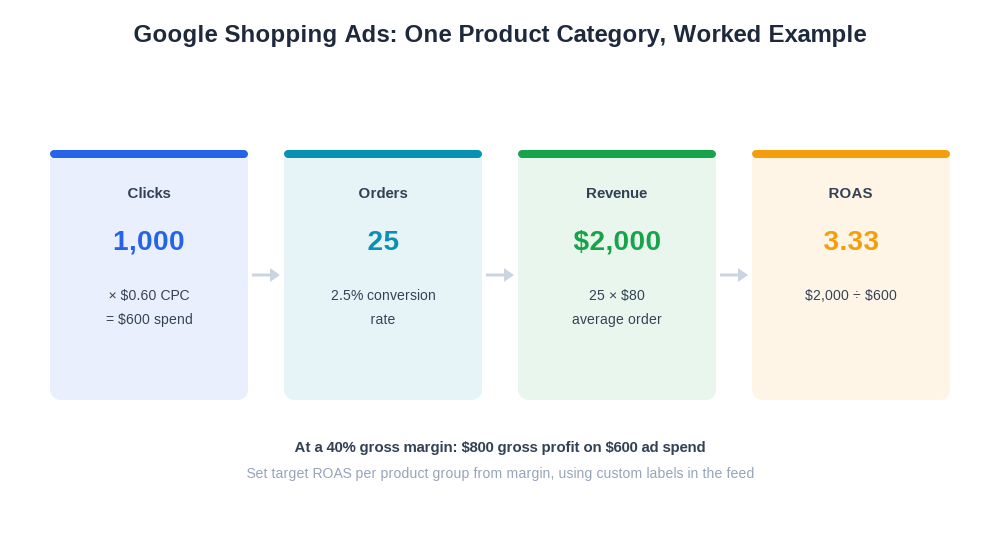
Worked example for one product category:
- Clicks: 1,000 at an average CPC of $0.60 = $600 spend
- Conversion rate: 2.5%, so 25 orders
- Average order value: $80, so $2,000 revenue
- ROAS: 2,000 ÷ 600 = 3.33
If your gross margin is 40%, those orders bring $800 in gross profit on $600 ad spend: profitable, but not by much once shipping and returns come out. That is why many retailers set target ROAS per product group based on margin, using custom labels in the feed.
Google Shopping Ads vs Search Ads vs Performance Max
| Standard Shopping | Search text ads | Performance Max | |
|---|---|---|---|
| Ad format | Product image, price, store | Headlines and descriptions | Shopping plus text, image and video |
| Targeting | Product data from feed | Keywords you choose | Feed, assets and audience signals |
| Where it shows | Search, Shopping tab, Images | Search results | Search, Shopping, YouTube, Display, Gmail, Discover, Maps |
| Search terms visibility | Full report | Full report | Partial; reporting has expanded over time |
| Negative keywords | Yes | Yes | More limited than Standard Shopping |
| Control | High | High | Low; Google automates bids and placements |
| Best for | Retailers who want control over products and queries | Services, lead gen, brand terms | Retailers with good conversion data and a broad catalog |
Google Shopping Ads and AI Search
Google’s AI experiences increasingly show products. AI Mode and AI Overviews can include product suggestions drawn from Google’s Shopping Graph, which is fed by Merchant Center data, and Google has been placing Shopping ads in and around these AI answers. That makes clean, complete product data important twice: for paid Shopping and for being picked up in AI shopping answers. Outside Google, AI assistants like ChatGPT and Perplexity Shopping build product answers from feeds, reviews and web pages, which is why a strong product feed for AI matters too.

Stay Updated on AI Visibility Trends
Get the latest insights on AI mentions, brand monitoring, and optimization strategies.
Best Practices for Google Shopping Ads
- Write product titles with the words shoppers search for: brand, product type, key attributes like size, color or material.
- Submit correct GTINs wherever they exist; they help Google match your products.
- Use high-quality images on a clean background with no promotional text overlays.
- Use custom labels in the feed to group products by margin, bestseller status or season, and bid by group.
- Review the search terms report and add negatives for irrelevant queries in Standard Shopping.
- Fix Merchant Center errors and warnings quickly; disapproved products earn nothing.
- Keep price and availability in sync with your site to avoid mismatches and suspensions.
Common Google Shopping Ads Mistakes
The most common mistake is treating the feed as a one-time export. Titles copied straight from the store, missing GTINs and vague product types make Google match products to the wrong searches. The feed is your targeting, so it needs the same care as keywords in a search campaign. Another is putting every product into one product group with one bid. Bestsellers and low-margin items then compete for the same budget.
Retailers also move everything into Performance Max without enough conversion data, then cannot see which searches they are paying for. Others ignore Merchant Center warnings until the account is suspended for price mismatches or policy issues. Finally, many judge Shopping on revenue ROAS without accounting for margin, shipping and returns, which can make unprofitable products look like winners.