


- With FBA, Amazon stores your stock and handles picking, packing, shipping, customer service and returns. You keep the inventory, the price and the listing.
- FBA listings are generally Prime eligible, which helps conversion, but you pay a fulfillment fee per unit plus monthly storage fees.
- FBM (fulfilled by merchant) and third-party logistics are the alternatives when the fees or storage limits do not fit your products.
Where AmICited fits
Shoppers now ask ChatGPT, Perplexity and Google AI Mode which product to buy before they open Amazon. AmICited’s Shopping report shows which products and sellers appear on AI product cards for the prompts you track, with their position, price and rating.
See AI visibility tracking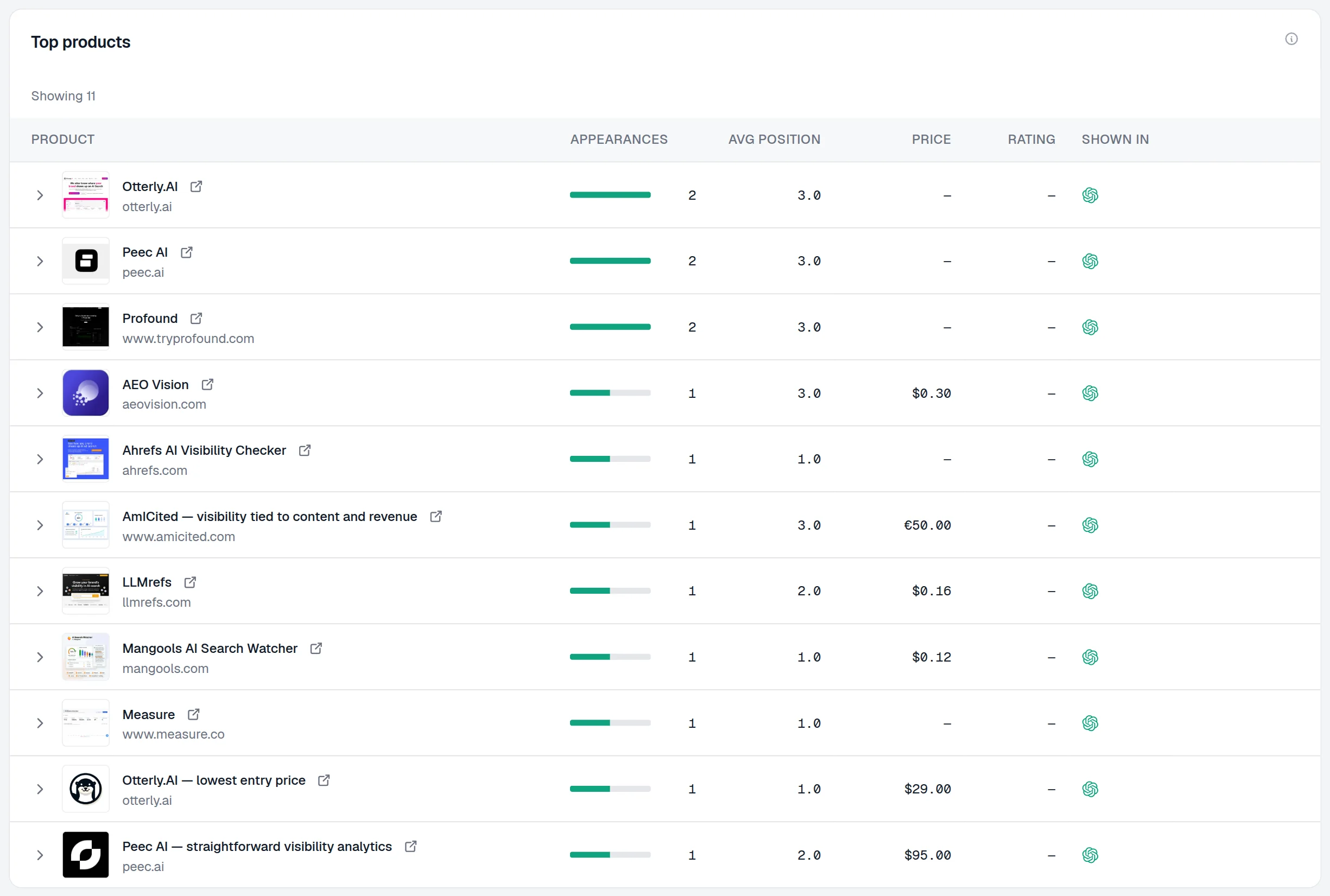
What Is Amazon FBA?
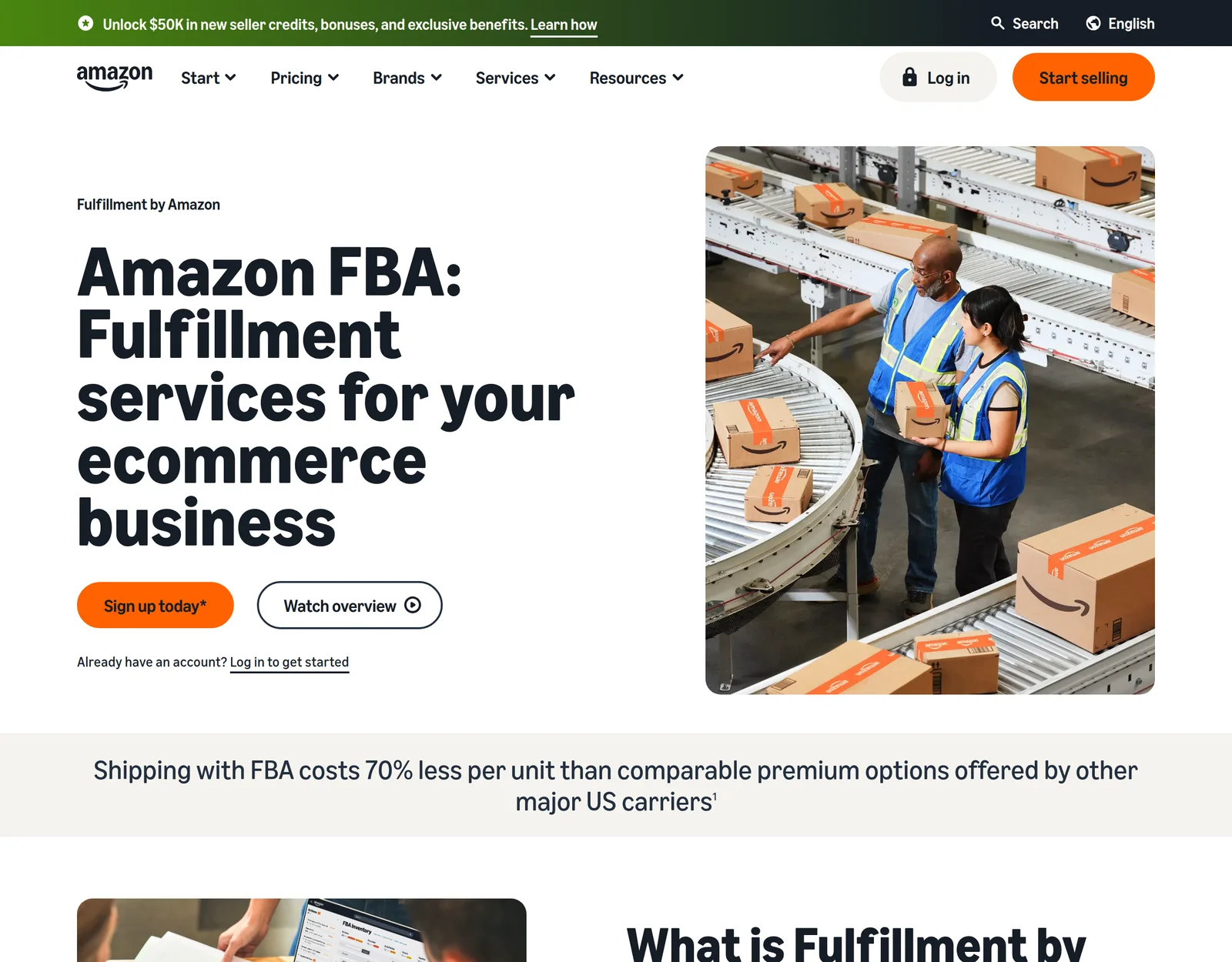
Amazon FBA (Fulfillment by Amazon) is a service in which you send your products to Amazon’s warehouses and Amazon handles everything after the sale: storage, picking, packing, shipping, customer service and returns. You still own the inventory, set the price and manage the listing; Amazon runs the logistics.
FBA is used by millions of third-party sellers, from private label brands to resellers and wholesalers. You manage it in Amazon Seller Central, where you create shipments, print labels and track stock in each fulfillment center. The main draw is the Prime badge: FBA listings are generally Prime eligible, which helps conversion and often helps with winning the Buy Box. Amazon’s own overview of the program is on its Fulfillment by Amazon page.
How Amazon FBA Works
- List the product. Create or match a listing in Seller Central. Every product needs an ASIN, and you set it to “Fulfilled by Amazon”.
- Prepare and label. Products need Amazon barcodes (FNSKU labels) or eligible manufacturer barcodes, plus any required prep such as poly bagging.
- Create an inbound shipment. Seller Central tells you which fulfillment centers to send to, depending on your placement option.
- Amazon receives and stores the stock. Units become available for sale once checked in.
- A customer orders. Amazon picks, packs and ships, usually with Prime delivery speeds.
- Amazon handles service and returns. Customer questions, refunds and return shipments go through Amazon.
The fees you’ll see most often are:
- Referral fee: a percentage of the sale price, set by category. Many categories are around 15%.
- FBA fulfillment fee: a per-unit fee based on the product’s size tier and shipping weight.
- Monthly storage fee: charged per cubic foot of space your stock uses, higher from October to December.
- Other fees that may apply: inbound placement, aged inventory surcharges, low-inventory-level fees and returns processing for some categories.
Amazon changes these fees regularly, so the numbers below are illustrative only.
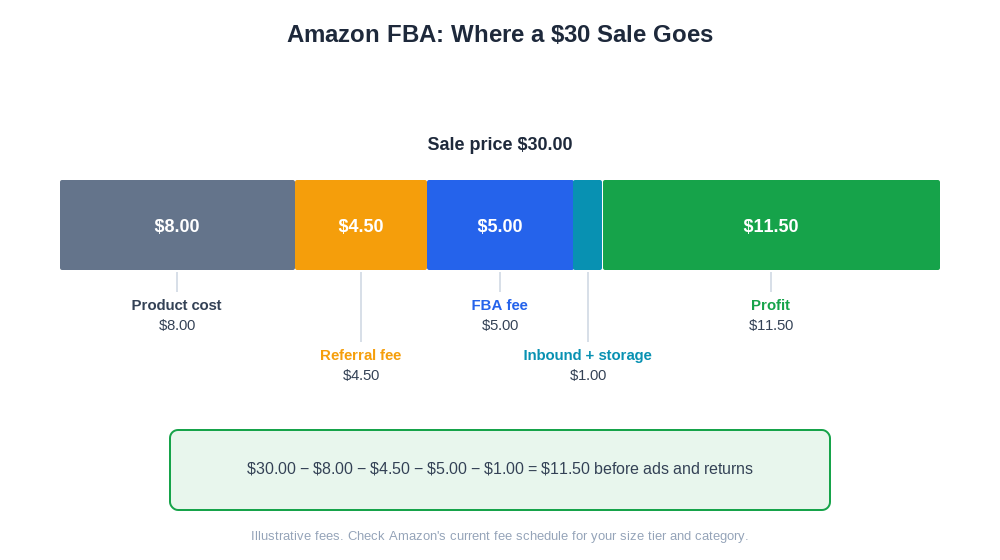
FBA profit per unit = Sale price − Product cost − Referral fee − FBA fee − Inbound and storage cost
Say you sell a product for $30. It costs you $8 to make, the referral fee is 15% ($4.50), the FBA fulfillment fee is $5.00, and inbound shipping plus storage works out to $1.00 per unit. Profit per unit is $30 − $8 − $4.50 − $5.00 − $1.00 = $11.50, before advertising, returns and your selling plan fee. If you then spend $3 per unit on ads, profit falls to $8.50. This is where ACoS and margin need to be read together.
Amazon also limits how much you can send. FBA capacity limits cap the volume of inventory you can store and ship in by storage type, and Amazon sets them partly based on how well you manage inventory, which it scores through the Inventory Performance Index (IPI) in Seller Central. Sellers with a lot of slow-moving stock tend to get tighter limits. In practice that means FBA rewards sending smaller, more frequent shipments of products that sell, and punishes over-stocking.
Amazon FBA vs FBM vs 3PL
| Amazon FBA | FBM (fulfilled by merchant) | Third-party logistics (3PL) | |
|---|---|---|---|
| Who stores and ships | Amazon | You or your partner | A logistics company you hire |
| Prime eligibility | Usually yes | Only via Seller Fulfilled Prime | Only if they meet Amazon’s Prime rules |
| Customer service and returns | Amazon | You | You, sometimes with 3PL help |
| Main costs | Fulfillment and storage fees | Your own staff, space and shipping | 3PL fees per order and per pallet |
| Control over packaging | Low | Full | Medium to high |
| Best for | Small, fast-moving products | Large, slow or custom items | Multichannel brands |
Many sellers mix them: FBA for best sellers, FBM for oversized or slow items, and a 3PL for their own site and other marketplaces.
Amazon FBA and AI Search
AI shopping assistants change where the buying decision starts. Amazon’s own assistant, Rufus, answers shopper questions from listing content and reviews, and ChatGPT, Perplexity and Google AI Mode answer “what’s the best X” questions using reviews, publisher articles and community threads. FBA gives your product fast delivery and the Prime badge, which matter once a shopper reaches the listing, but it doesn’t decide whether an AI answer names your product in the first place.
Clear titles, complete attributes and honest reviews help on both fronts. If you sell beyond Amazon, it’s worth tracking whether AI answers mention your brand at all, using AI visibility tracking on the prompts your buyers ask.

Stay Updated on AI Visibility Trends
Get the latest insights on AI mentions, brand monitoring, and optimization strategies.
Best Practices for Amazon FBA
- Calculate profit per product before sending stock, including referral, fulfillment, storage and ad costs.
- Watch packaging dimensions. A slightly smaller box can move a product into a cheaper size tier.
- Send the right quantity. Too little triggers stockouts and low-inventory fees; too much builds storage and aged inventory charges.
- Plan for Q4. Storage fees rise and inbound capacity tightens from October, so ship holiday stock early.
- Remove slow movers. Create removal or liquidation orders before aged inventory surcharges apply.
- Check reimbursements. Lost or damaged units in Amazon’s warehouses can be reimbursed, but you often have to find and claim them.
Common Amazon FBA Mistakes
The biggest mistake is assuming FBA fees are small relative to price. For cheap, heavy or bulky products, fulfillment and storage can wipe out the margin entirely, so a product that looks profitable at the sale price loses money per unit. Another is sending too much inventory at launch, which ties up cash and turns into storage fees and eventually dead stock.
Sellers also skip prep and labeling rules, which leads to rejected shipments or extra prep fees. And many never audit their inventory reports, missing lost units, wrong dimensions that put items in a higher fee tier, and returns that were never put back into sellable stock.