



Checkout Funnel
Learn what a checkout funnel is, its typical stages, how to analyze drop-off, and proven strategies to reduce checkout abandonment.
5 min read
GA4 ecommerce tracking is the implementation of Google Analytics 4’s ecommerce event schema — events like view_item, add_to_cart, and purchase — to measure shopper behavior and revenue across an online store. It replaced Universal Analytics’ ecommerce tracking model with an event-based structure that requires deliberate setup through a tag manager or platform integration. When implemented correctly, it gives a business visibility into the full purchase funnel, from product views through completed transactions.
GA4 ecommerce tracking is the implementation of Google Analytics 4's ecommerce event schema — events like view_item, add_to_cart, and purchase — to measure shopper behavior and revenue across an online store. It replaced Universal Analytics' ecommerce tracking model with an event-based structure that requires deliberate setup through a tag manager or platform integration. When implemented correctly, it gives a business visibility into the full purchase funnel, from product views through completed transactions.
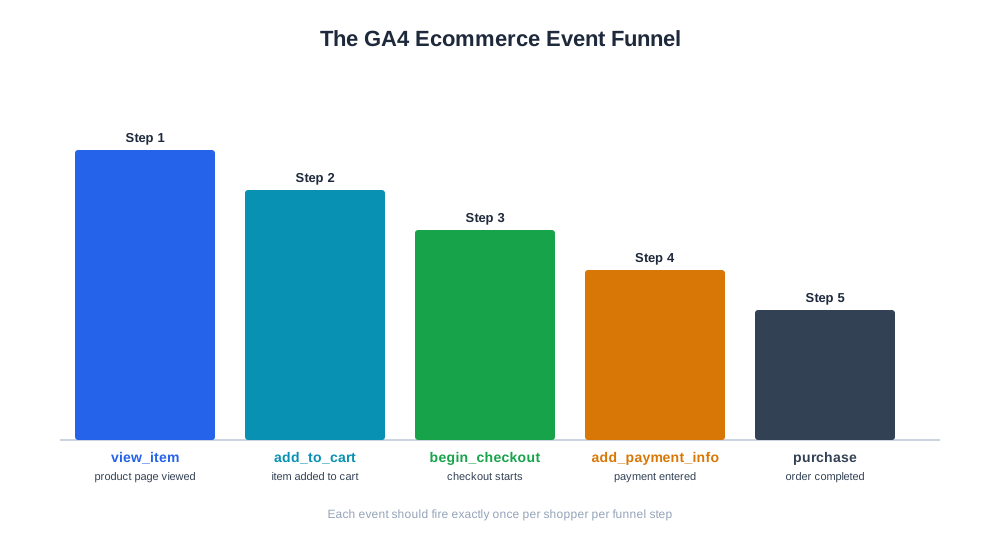
GA4 ecommerce tracking refers to implementing Google Analytics 4’s ecommerce event schema on a website or app so that shopper behavior — product views, cart activity, checkout progress, and completed purchases — can be measured and reported inside GA4. GA4 replaced Universal Analytics with a fundamentally different, event-based data model, meaning ecommerce tracking isn’t just a settings toggle but a specific implementation task: a defined set of named events (like view_item and purchase) each carrying specific parameters (item IDs, prices, quantities, currency) has to be fired at the right moments in the shopping flow. Done correctly, GA4 ecommerce tracking gives a business a full funnel view — how many visitors viewed a product, how many added it to cart, how many began checkout, and how many completed a purchase — broken down by product, category, or traffic source.
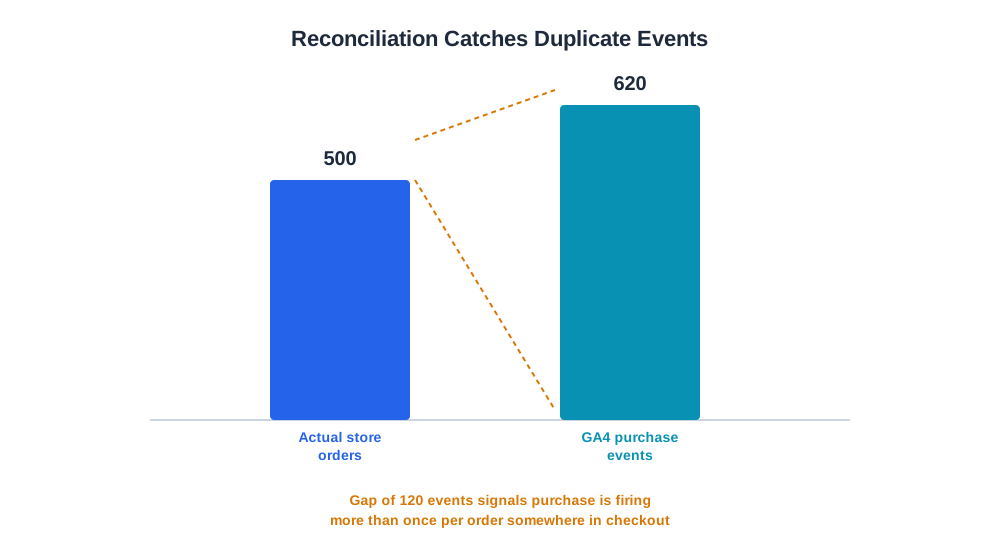
GA4’s ecommerce model centers on a sequence of standardized events fired as a shopper moves through a purchase funnel. view_item fires when a shopper views a product detail page, capturing which product and at what price. add_to_cart fires when an item is added to cart. begin_checkout fires when checkout starts, add_payment_info when payment details are entered, and purchase fires once when an order is completed, carrying the full order value, item list, and transaction ID. Each event needs to pass structured parameters matching GA4’s schema exactly — a purchase event missing a transaction ID, for instance, makes it impossible for GA4 to deduplicate the event if it accidentally fires twice, leading to inflated revenue reporting. Implementation typically happens one of two ways: through a platform-native integration (Shopify and similar platforms offer built-in GA4 connections that fire these events automatically) or through manual implementation using Google Tag Manager’s data layer, where a developer pushes structured ecommerce data to the data layer at each funnel step and Tag Manager triggers the corresponding GA4 event. A simplified example: a store processing 500 orders in a day should see roughly 500 purchase events in GA4 for that day (accounting for a small, expected gap due to tracking blockers) — if GA4 reports 620 purchase events for the same day, that’s a signal the event is firing more than once per order somewhere in the checkout flow.

Track how AI chatbots mention your brand across ChatGPT, Perplexity, and other platforms.
Without properly configured ecommerce tracking, a business can see traffic and pageviews but has no visibility into where shoppers drop off in the purchase funnel or which products and channels actually drive revenue. This blindness makes it difficult to diagnose problems (a high add-to-cart rate but low purchase completion suggests a checkout friction issue, not a product-appeal issue) and impossible to attribute revenue accurately to specific marketing channels or campaigns. Because GA4 is also the data source many advertising platforms use for conversion-based bid optimization, inaccurate ecommerce tracking doesn’t just distort reporting — it can actively mislead ad platforms into optimizing toward the wrong signal, spending budget based on inflated or incomplete purchase data.
| Event | Fires when | Key parameters |
|---|---|---|
view_item | Shopper views a product detail page | item_id, item_name, price |
add_to_cart | Item added to cart | item_id, quantity, value |
begin_checkout | Checkout flow starts | items array, value |
add_payment_info | Payment details entered | payment_type, value |
purchase | Order completed | transaction_id, value, currency, items array |
refund | Order or item refunded | transaction_id, value |
Get the latest insights on AI mentions, brand monitoring, and optimization strategies.
As advertising and AI-driven marketing tools increasingly rely on conversion data to make automated decisions — bidding, budget allocation, audience targeting — the accuracy of the underlying GA4 ecommerce data becomes a foundational input rather than just a reporting nicety. A store whose GA4 purchase events don’t match actual order volume is, in effect, feeding bad data into every downstream tool that consumes it, including AI-assisted ad optimization. This is why reconciling GA4-reported revenue against actual store order data matters as a standing check, not a one-time setup task. AmICited’s eshop_get_reconciliation tool addresses this directly, comparing a store’s actual recorded orders against GA4 purchase events to surface gaps — missing events, duplicate events, or value mismatches — that would otherwise sit undetected inside GA4’s own reporting, since GA4 has no independent way of knowing its own event data is wrong.
The most common and consequential mistake is a duplicate-firing purchase event, usually caused by the event triggering again when a customer refreshes an order confirmation page or navigates back to it — the fix is guarding the event with the transaction ID so GA4’s deduplication logic can catch repeat fires, or explicitly checking that the event only fires once per session per order. Another frequent issue is a mismatch between GA4-reported currency and the store’s actual transaction currency, which silently distorts revenue figures for any store selling in multiple currencies unless currency is passed explicitly with every event. A third common mistake is incomplete migration from Universal Analytics’ Enhanced Ecommerce implementation, where old event names or parameter structures are left in place and simply don’t map to GA4’s schema, resulting in events that appear to fire successfully in the data layer but never actually populate GA4 reports. Finally, many stores set up ecommerce tracking once at launch and never revisit it, missing that platform updates, checkout redesigns, or new payment steps can silently break event firing — a definitive sign is GA4 purchase counts and store order counts starting to diverge after a site change, which should be treated as a tracking bug to investigate immediately rather than a reporting anomaly to ignore.
Start tracking how AI chatbots mention your brand across ChatGPT, Perplexity, and other platforms. Get actionable insights to improve your AI presence.
Learn what a checkout funnel is, its typical stages, how to analyze drop-off, and proven strategies to reduce checkout abandonment.
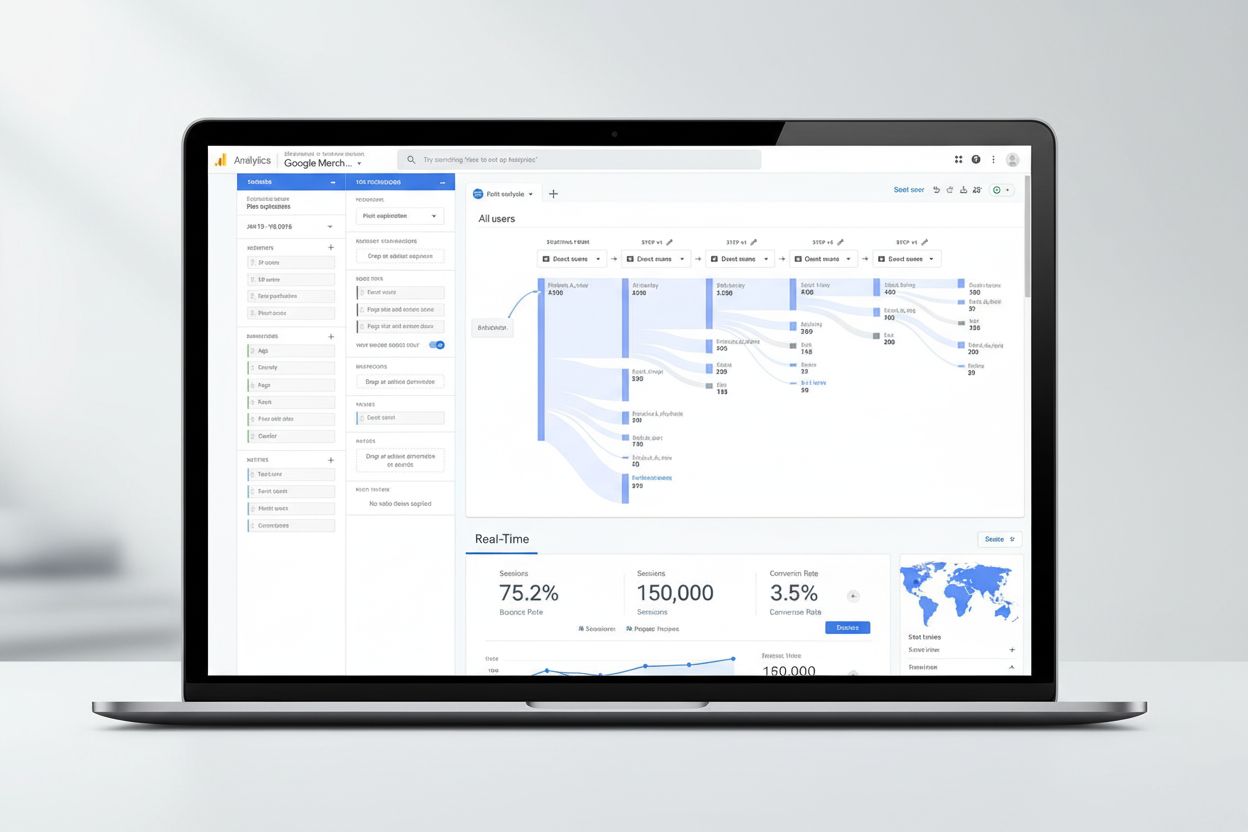
Google Analytics is Google's free web analytics platform tracking website traffic, user behavior, and conversions. Learn how it works, key metrics, GA4 features...
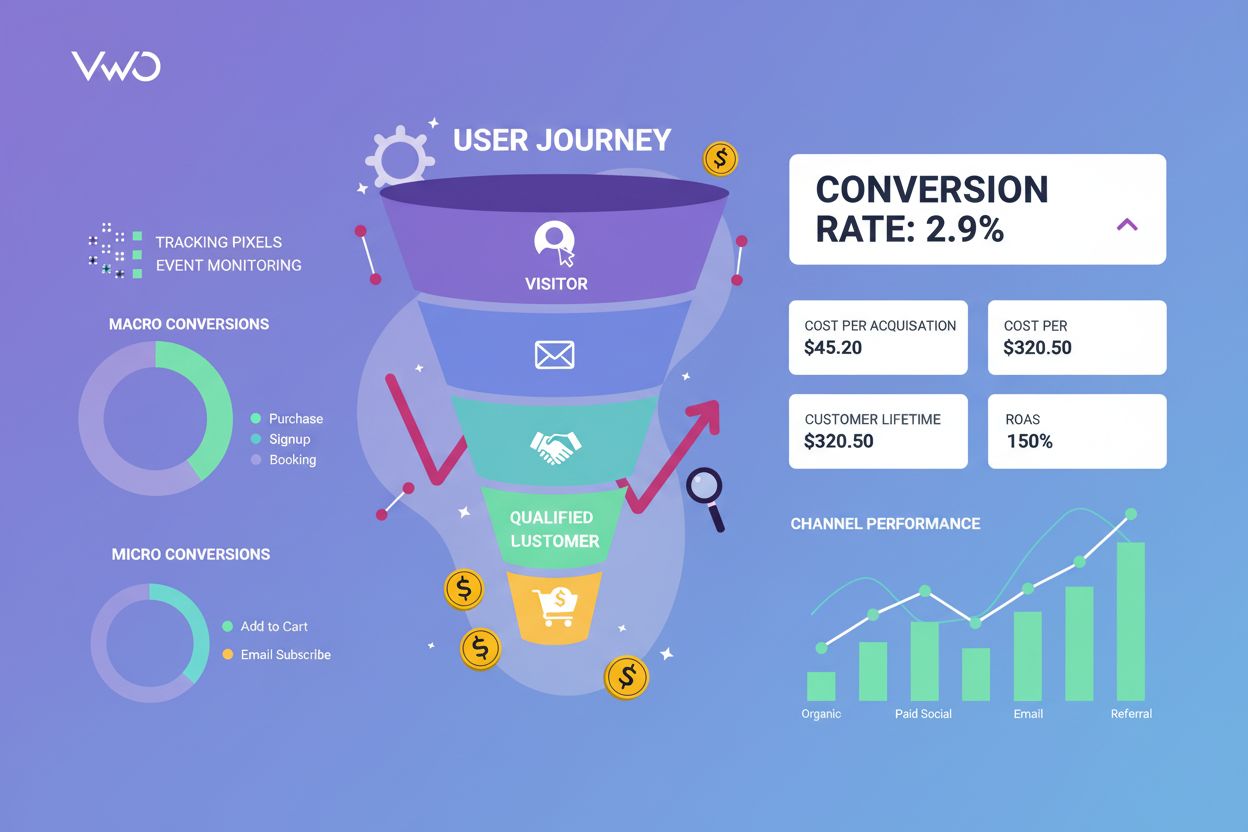
Conversion tracking monitors user actions toward business goals. Learn how to measure conversions, track metrics, and optimize marketing ROI with comprehensive ...
Cookie Consent
We use cookies to enhance your browsing experience and analyze our traffic. See our privacy policy.